


Z-Image AI Creation Gallery
Explore stunning creations made with our turbo generator. Click any visual to view the prompt and recreate similar results.
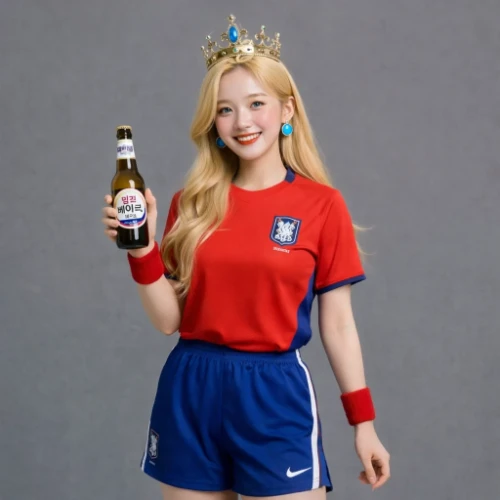
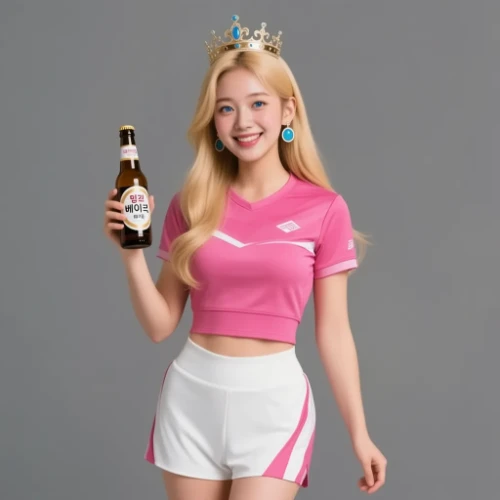
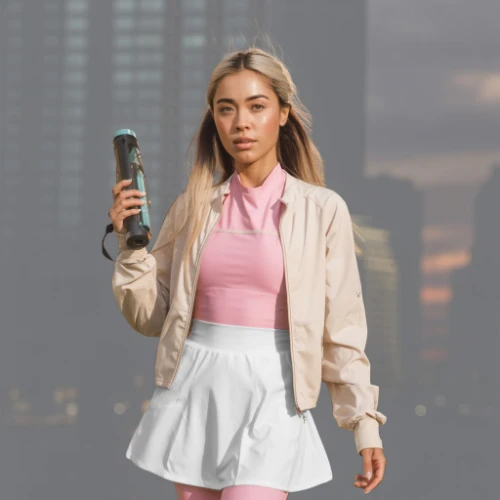
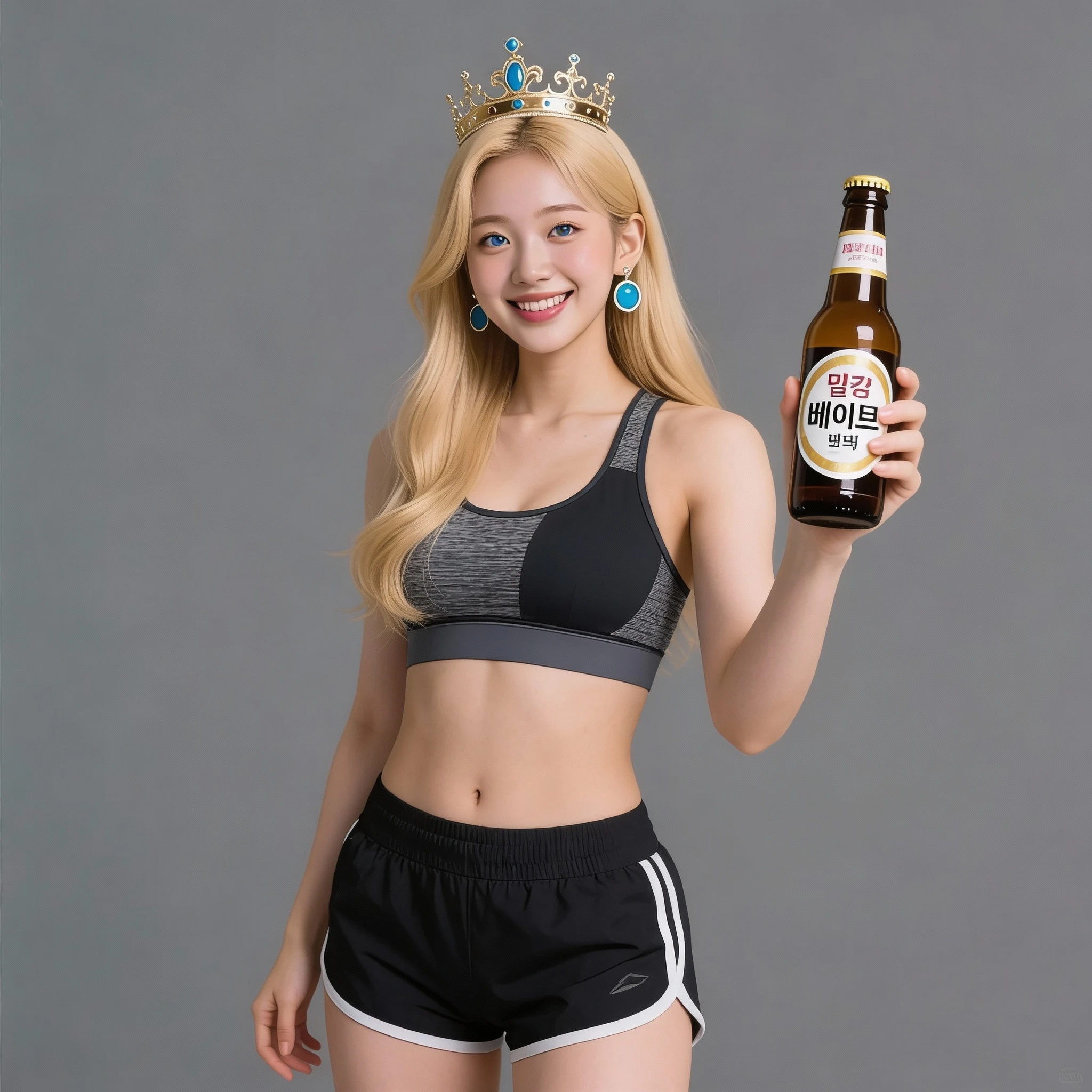
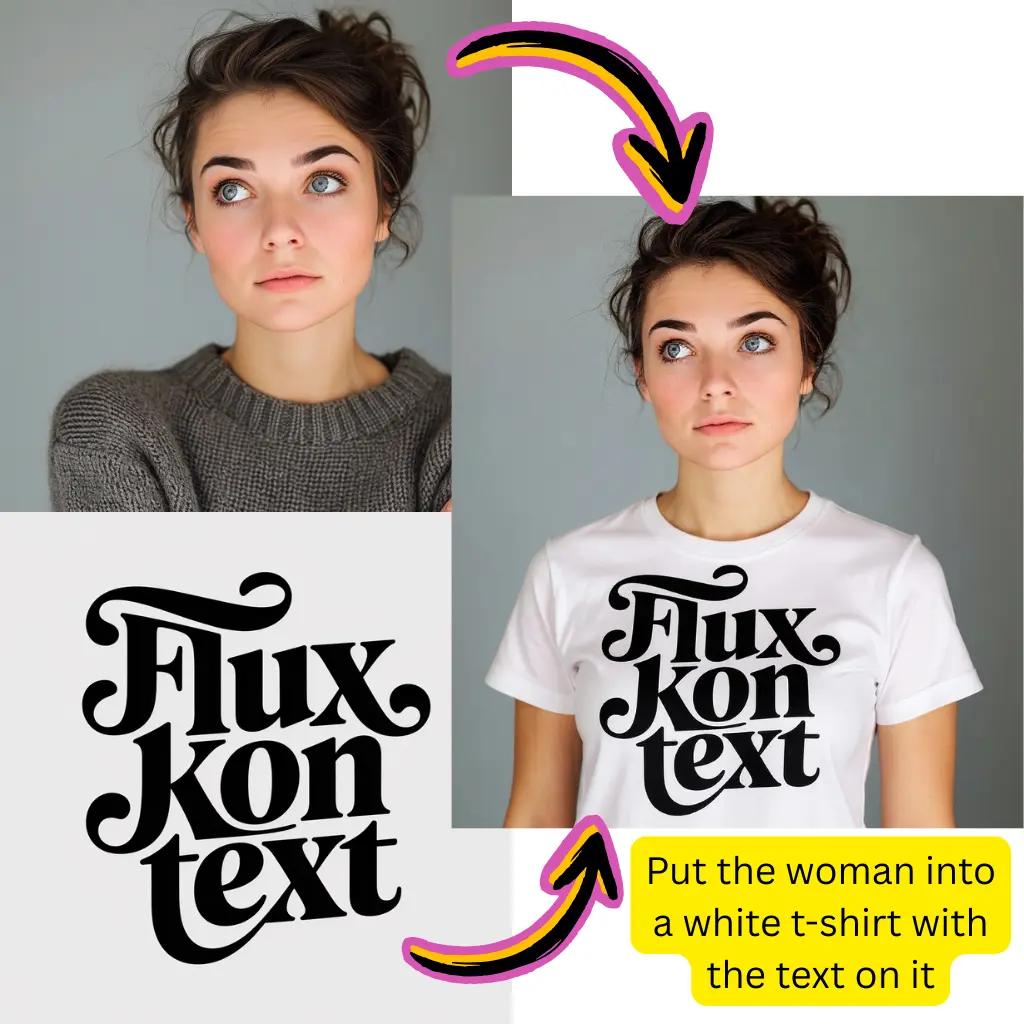
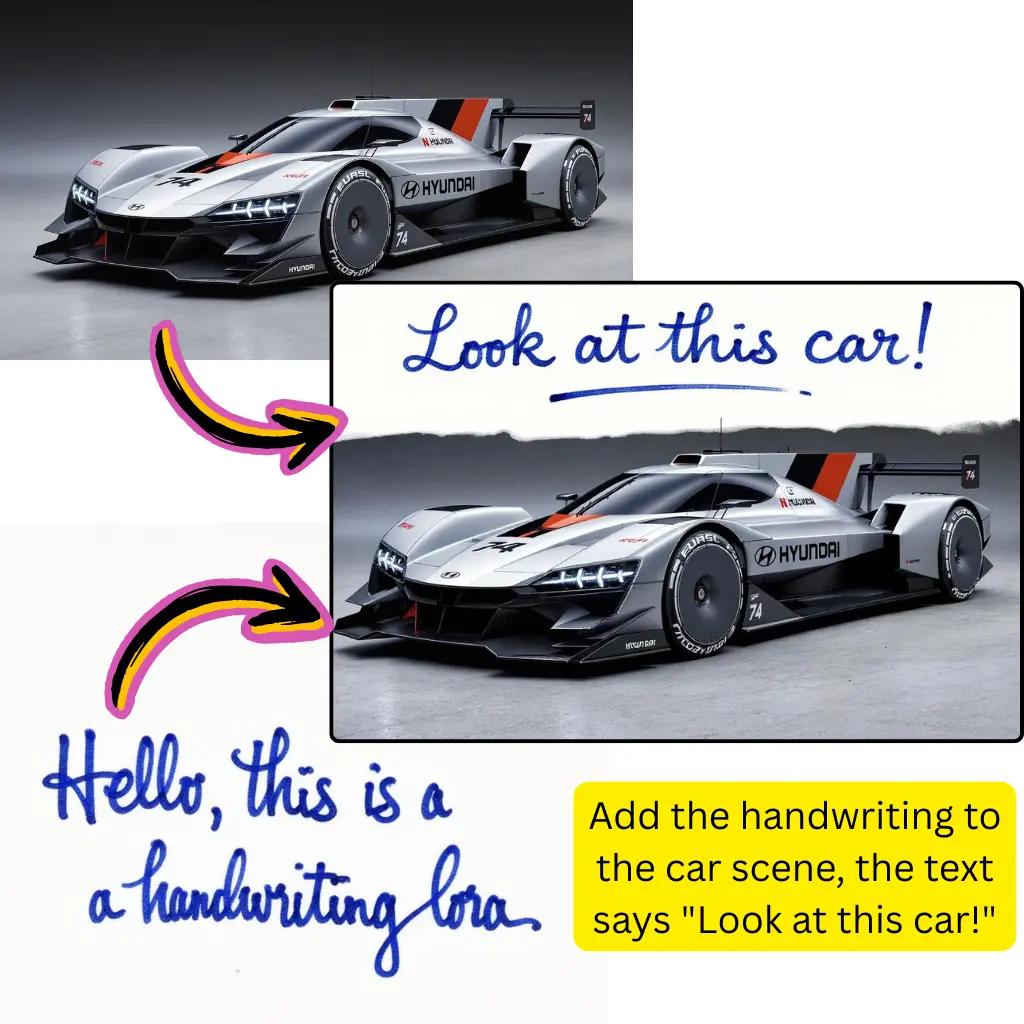
Comparison of Tiramisu AI Image to Image Models
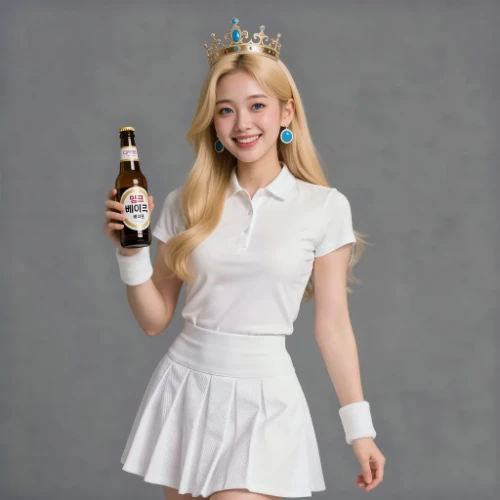
Original Image
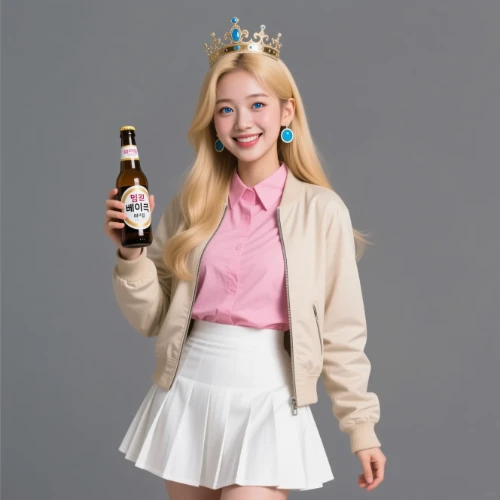
Change the clothes to sports
Generated Results
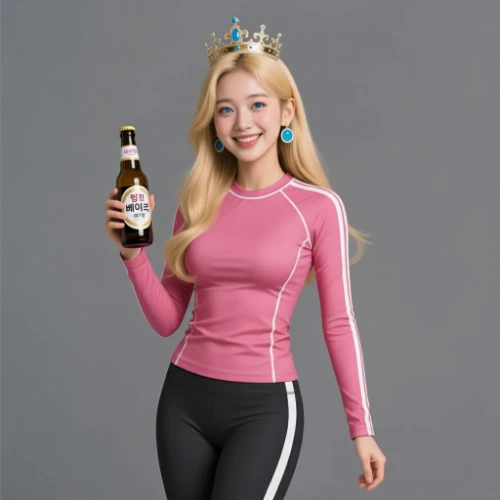
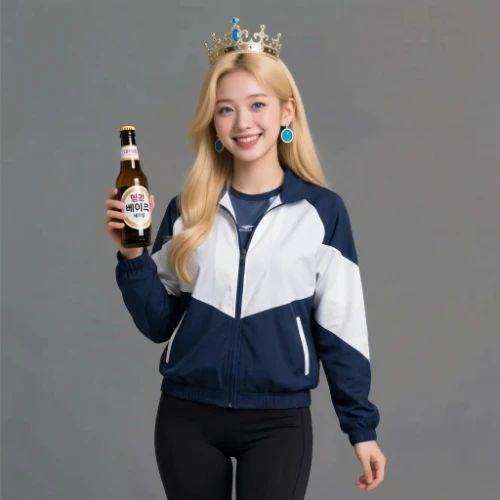
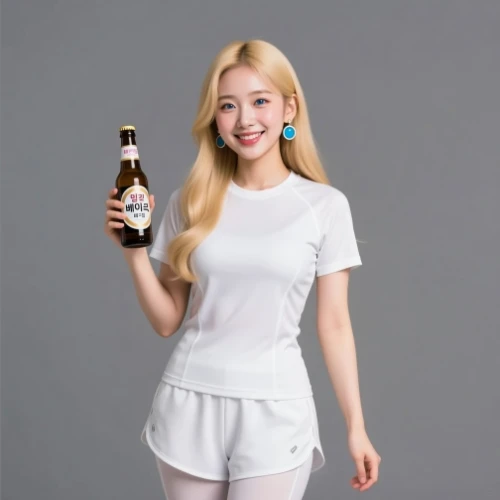


Meet Z-Image AI Turbo: The Fast Generator
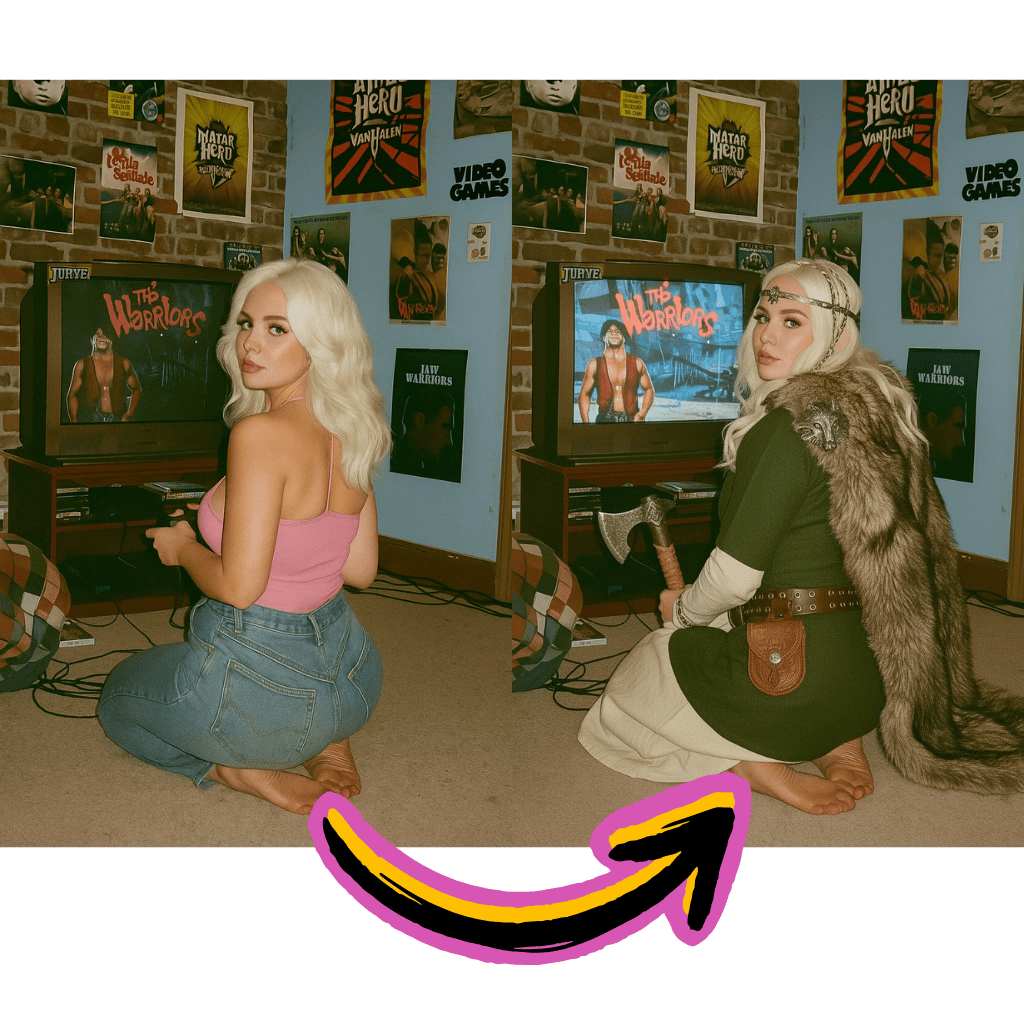
Blazing Speed
Generate high-quality visuals in seconds. The turbo architecture optimizes every step of the creation process.
LoRA Compatible
Fine-tune outputs with custom LoRA models. Achieve specific styles or adapt to unique creative requirements.
Prompt Precision
Advanced understanding of text descriptions. Get exactly what you envision with natural language prompts.
Benefits of Z-Image AI Turbo Generator
Access professional-grade generation tools with exceptional speed and flexibility.
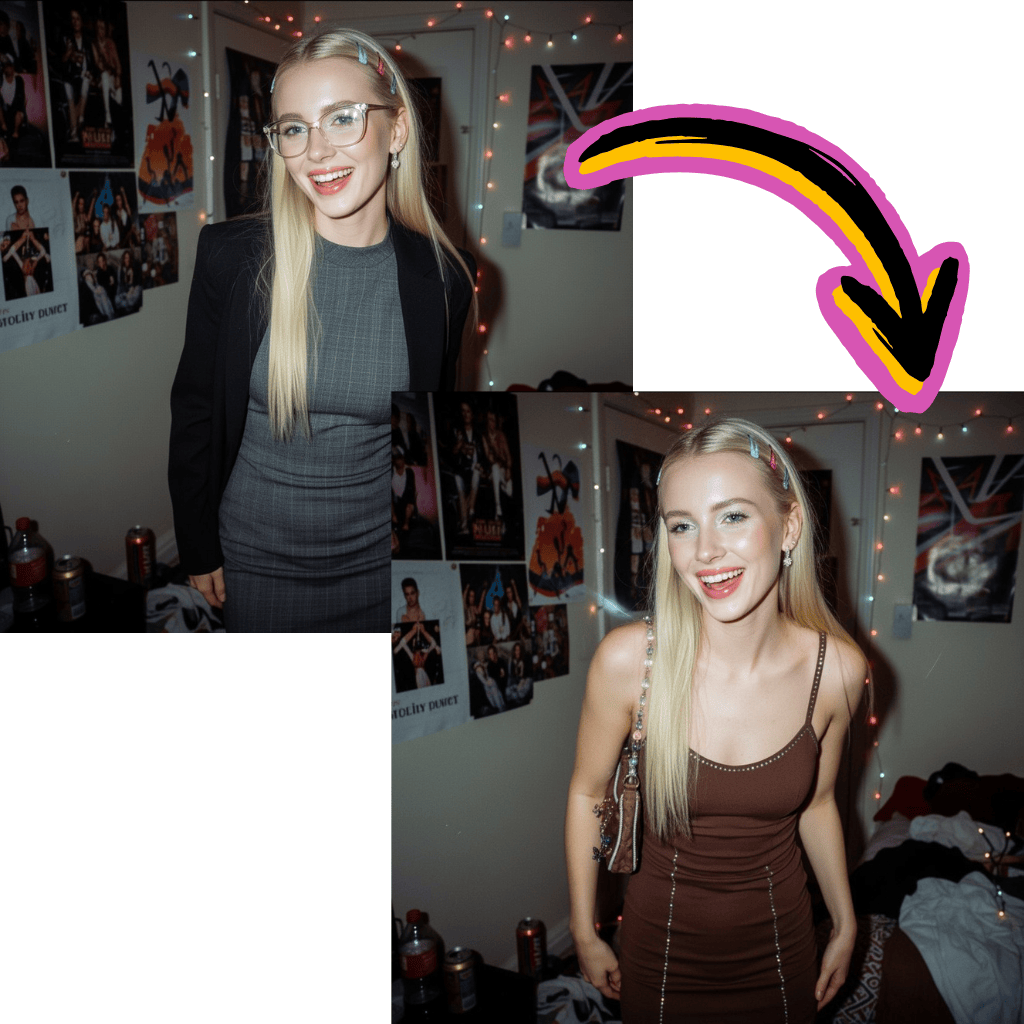
Free to Start
Begin creating without payment. No signup walls or hidden fees to explore the turbo generator.
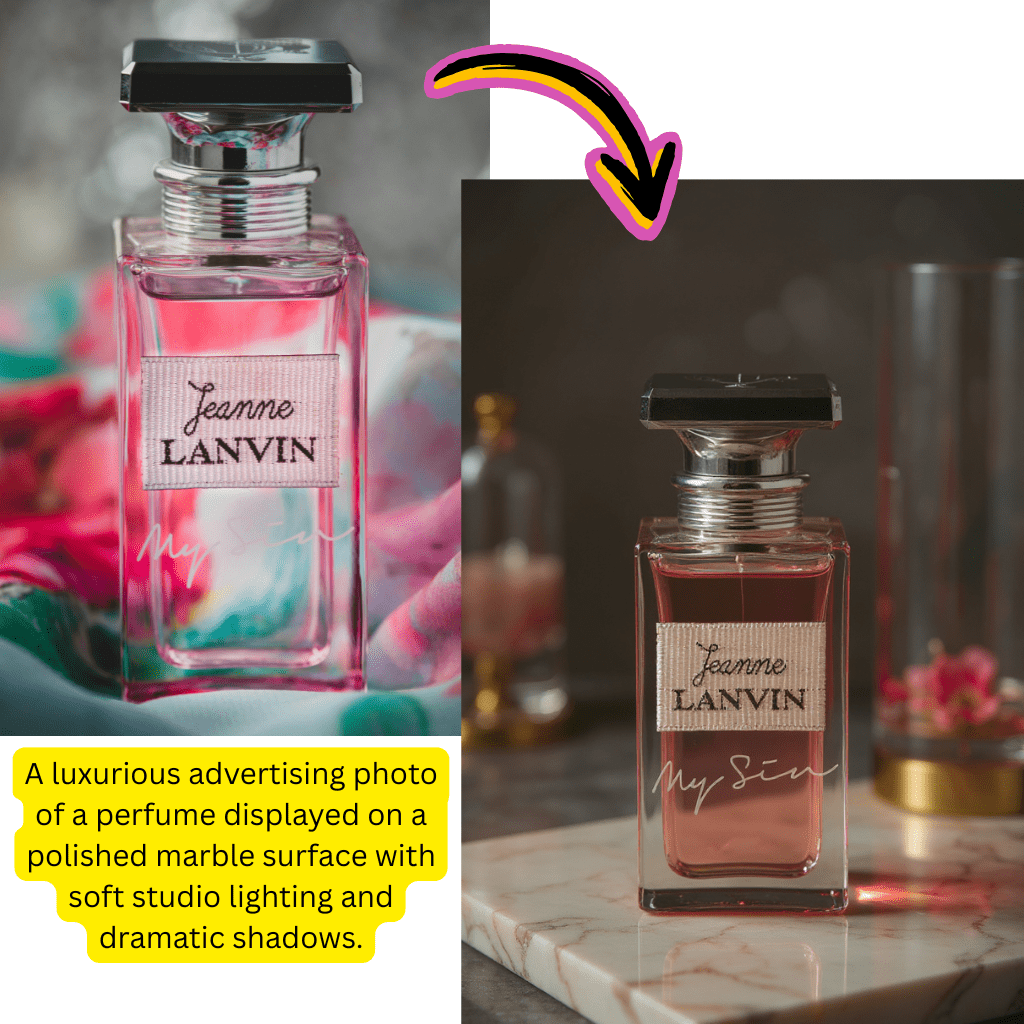
Alibaba Technology
Built on cutting-edge research. Benefit from enterprise-grade infrastructure and model optimization.
ComfyUI Ready
Integrate seamlessly with ComfyUI workflows. Download base models and customize your pipeline.
Multi-Format Output
Export in various resolutions and formats. Perfect for social media, print, or professional projects.
Simple Steps for Z-Image AI Generation
Create professional visuals with our intuitive workflow.
Enter Your Prompt
Describe what you want to create in natural language.
Adjust Settings
Choose aspect ratio, quality level, and optional LoRA models.
Generate Instantly
Click generate and watch the turbo model create your vision.
Download Result
Save your creation in your preferred format and resolution.
Complete Z-Image AI Turbo Capabilities
Explore the full suite of tools available with this powerful generator.
Text to Visual
Convert text prompts into stunning creations. Describe your vision and watch it materialize instantly.
Visual to Visual
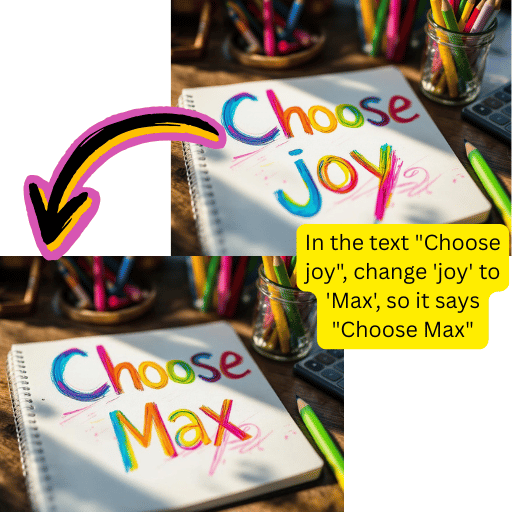
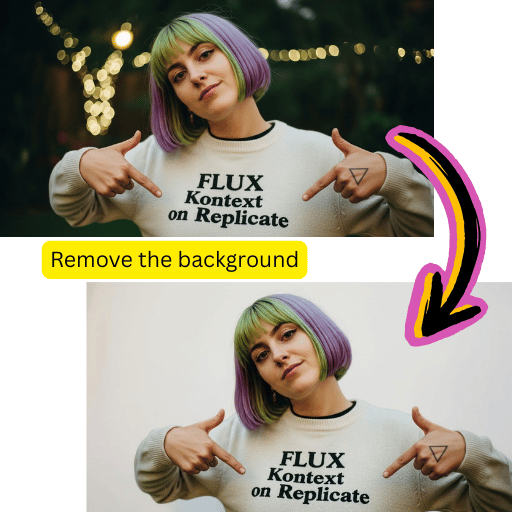
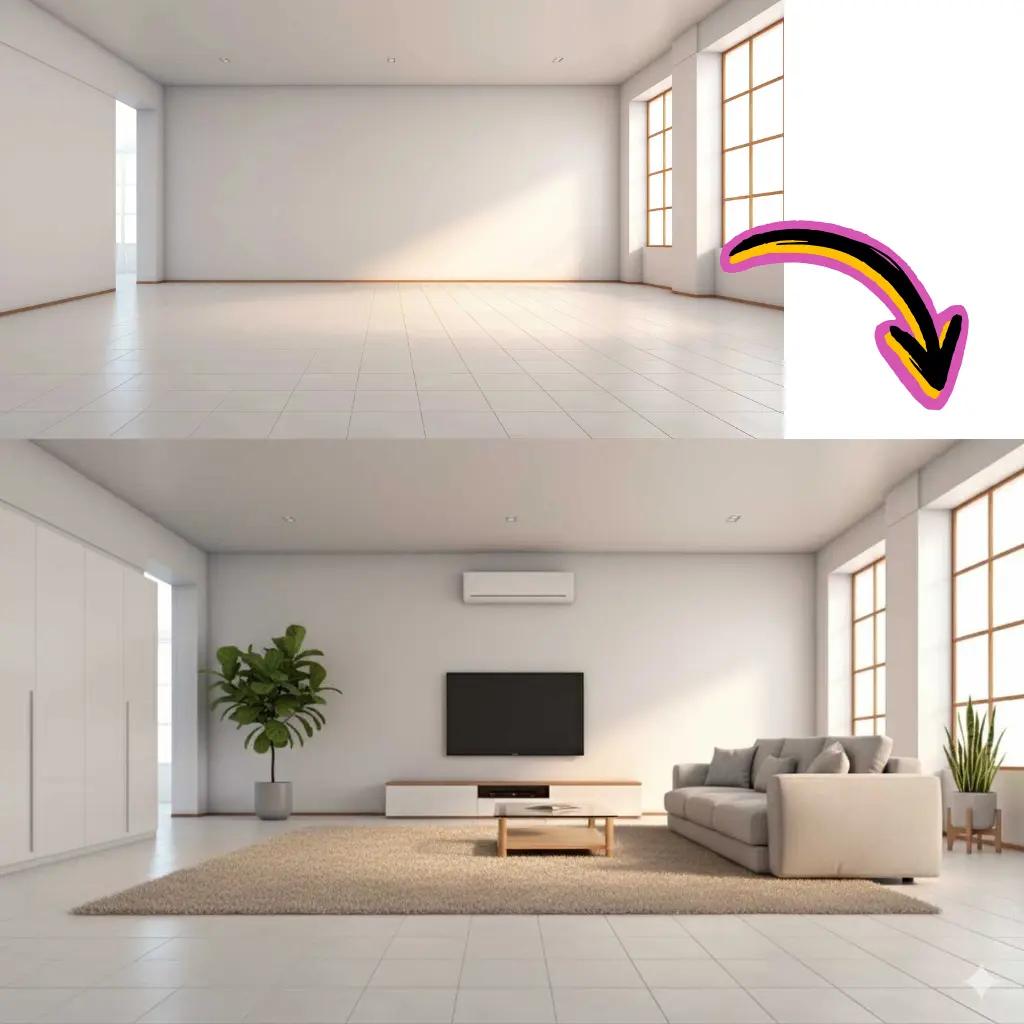
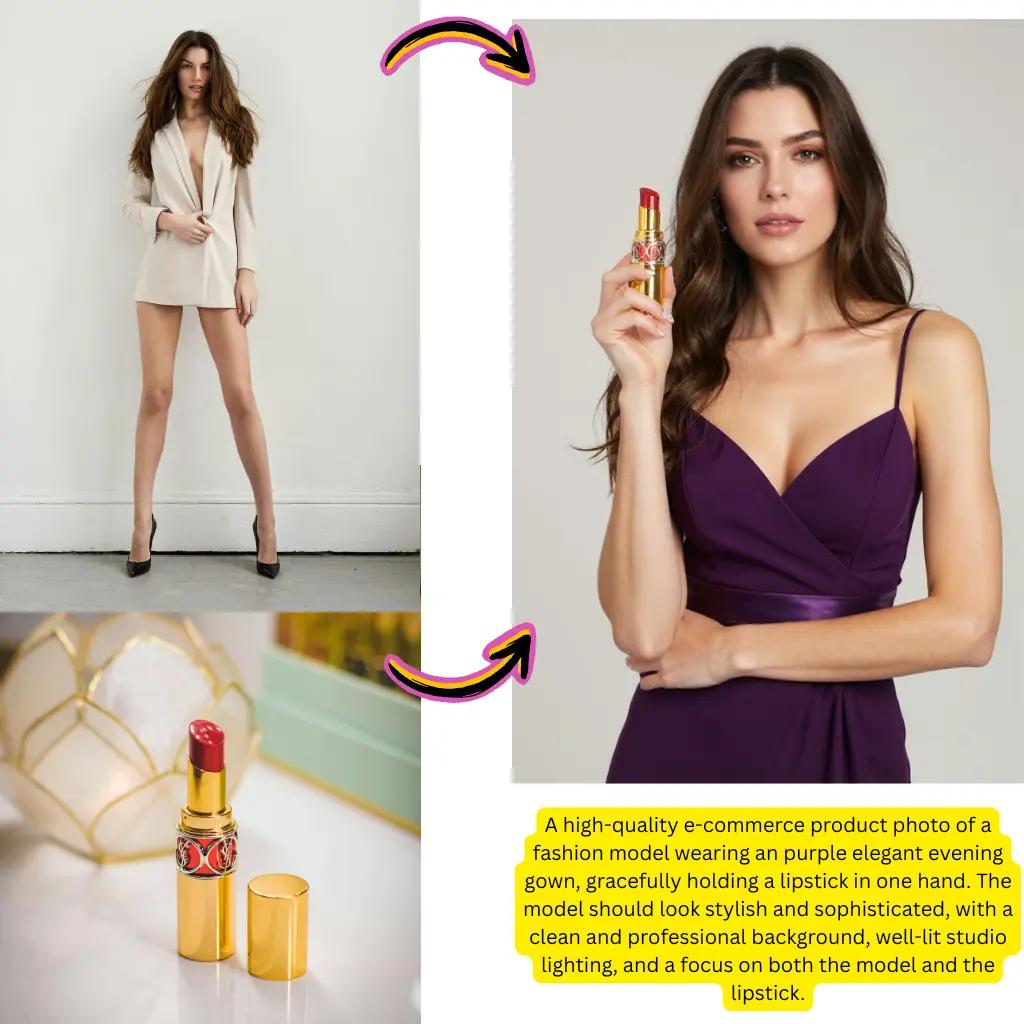
Transform existing pictures with the turbo model. Apply new styles while preserving composition.
LoRA Integration
Load custom LoRA weights for specialized outputs. Train or download models for unique aesthetics.
Workflow Support
Build complex pipelines with ComfyUI compatibility. Chain operations for advanced results.
Batch Processing
Generate multiple variations simultaneously. Perfect for exploring creative directions quickly.
Quality Presets
Choose between speed and detail. Optimize settings for your specific use case.
Z-Image AI Trusted by Creators Worldwide
Join a growing community of visual content creators.
Active Users
500K+
Creators using our tools daily
Creations Made
20M+
Visuals generated successfully
Average Speed
<5s
Turbo generation time
Tiramisu AI Pricing
Choose the perfect plan for your AI creation needs.
Lite
20% OffOnly $0.25/day
36,000 credits upfront =
- •Up to 7,200+ AI images
- •Up to 850+ AI videos
- •Average 20 AI images or 3 AI videos per day
All-in-one multi-model support
What's Included
- Text to Image
- Image to Image
- Text to Video
- Image to Video
- 10+ Basic AI Models
- Up to 1080p Resolution
- Basic Filters & Styles
- Standard Speed
- 12 Months Validity
- ✓Save $24/year
- ✓≈ Free 2.4 months
- ✓All credits upfront
$95.76 billed yearly
Pro
Only $0.38/day
90,000 credits upfront =
- •Up to 18,000+ AI images
- •Up to 2,142+ AI videos
- •50 AI images or 6 AI videos per day
All-in-one advanced AI suite
What's Included
- Text to Image
- Image to Image
- Text to Video
- Image to Video
- 20+ Advanced AI Models
- Up to 4K Resolution
- Priority Queue (2x faster)
- Advanced Filters Library
- Commercial License
- No Watermark
- Priority Support
- 12 Months Validity
- ✓Save $95.91/year
- ✓≈ Free 4.8 months
- ✓All credits upfront
$143.76 billed yearly
Max
50% OffOnly $1.1/day
360,000 credits upfront =
- •Up to 72,000+ AI images
- •Up to 8,571+ AI videos
- •200 AI images or 24 AI videos per day
Enterprise-grade AI creation platform
What's Included
- All Generation Types
- All AI Models + Beta Access
- Up to 8K Resolution
- Ultra Priority (5x faster)
- Batch Generation (50 images)
- Advanced Video Models
- Custom AI Training
- Dedicated Manager
- Full Commercial Rights
- 24/7 Premium Support
- 12 Months Validity
- ✓Save $419.76/year
- ✓≈ Free 6 months
- ✓All credits upfront
$419.76 billed yearly
Frequently Asked Questions About Z-Image AI
Everything you need to know about using our turbo generator.
What is Z-Image AI and how does it work?
This is a text to visual generator developed by Alibaba that uses advanced deep learning to convert text prompts into high-quality visuals. The turbo variant is optimized for speed, delivering results in seconds rather than minutes. It analyzes your text description, understands the semantic meaning, and generates corresponding visuals through a diffusion-based architecture.
How fast is Z-Image AI Turbo compared to other models?
The turbo variant typically generates visuals in 3-5 seconds, which is significantly faster than standard diffusion models that may take 15-30 seconds. This speed optimization comes from architectural improvements and efficient inference techniques developed by Alibaba's research team, making it ideal for rapid iteration and real-time creative workflows.
Can I use Z-Image AI for visual to visual editing?
Yes, beyond text to visual generation, you can upload existing pictures and transform them using text prompts. This allows you to change styles, modify elements, or apply artistic effects while preserving the original composition. The model understands both your input visual and text instructions to produce coherent transformations.
What makes the Z-Image AI model unique?
Several factors distinguish this model: exceptional generation speed without quality loss, strong prompt understanding for accurate results, support for various aspect ratios and resolutions, compatibility with LoRA fine-tuning, and seamless ComfyUI integration. The balance of speed and quality makes it particularly valuable for production workflows.
Is Z-Image AI generator free to use?
You can start generating visuals for free with complimentary credits. This allows you to explore all features and evaluate the quality before committing. Premium tiers offer additional credits, priority processing, higher resolution outputs, and advanced features for professional users with heavier usage needs.
How do I write effective prompts for Z-Image AI?
Start with a clear subject description, then add style, mood, and technical details. For example: 'A serene Japanese garden at sunset, soft golden light, cherry blossoms falling, photorealistic style, detailed foliage.' Be specific about what you want but avoid overly complex prompts. The model responds well to natural language and artistic terminology.
Does Z-Image AI support LoRA models?
Yes, LoRA (Low-Rank Adaptation) models are fully supported. You can use pre-trained LoRA weights to achieve specific styles, character consistencies, or artistic effects. This is particularly useful for maintaining brand consistency, creating character-focused content, or replicating specific artistic styles across multiple generations.
How to integrate Z-Image AI with ComfyUI?
The base model and turbo variant are available for download in formats compatible with ComfyUI. You can build custom workflows, chain multiple operations, add conditioning, use controlnets, and integrate with other nodes. Our documentation provides workflow examples and GGUF model files for local deployment.
Can I create custom workflows with Z-Image AI?
Absolutely. For advanced users, the model integrates with popular workflow tools like ComfyUI. You can create multi-step pipelines combining generation, upscaling, inpainting, and post-processing. This flexibility makes it suitable for complex production pipelines where you need precise control over every step.
What sizes and formats does Z-Image AI support?
The generator supports multiple aspect ratios including 1:1, 16:9, 9:16, 4:3, and 3:4. Output resolutions range from 512px to 2048px depending on your subscription tier. Exports are available in JPG, PNG, and WebP formats. The model handles various sizes efficiently thanks to its flexible architecture.
How does Z-Image AI Turbo achieve faster generation?
The turbo variant uses several optimization techniques: reduced diffusion steps with maintained quality, optimized neural network architecture, efficient attention mechanisms, and streamlined inference pipelines. These improvements allow the model to produce comparable quality to standard versions in a fraction of the time.
What are the best use cases for Z-Image AI generator?
Popular applications include social media content creation, marketing visuals, concept art, product mockups, illustration drafts, game assets, and creative exploration. The speed makes it excellent for brainstorming sessions where you need to iterate quickly. Professional creators use it for client presentations and rapid prototyping.
How does Z-Image AI compare to Stable Diffusion?
Both are powerful diffusion-based models, but they have different strengths. The turbo variant prioritizes speed and ease of use, while Stable Diffusion offers extensive community resources and customization options. Many creators use both depending on project requirements. Our platform provides accessible cloud-based generation without local setup requirements.
Can I use Z-Image AI outputs commercially?
Yes, creations generated on our platform can be used for commercial purposes including marketing, products, publications, and client work. You retain rights to your outputs. Review our terms of service for specific details about commercial licensing and attribution requirements for different subscription tiers.
What is the Z-Image AI base model download?
For users who prefer local generation, base model weights are available for download in standard formats including safetensors and GGUF. These can be used with ComfyUI, Automatic1111, or other compatible interfaces. Local deployment gives you unlimited generation without per-use costs, though it requires appropriate hardware.
Does Z-Image AI work on mobile devices?
Our web interface is fully responsive and works on smartphones and tablets. All processing happens in the cloud, so you don't need powerful hardware. Simply visit the site, enter your prompt, and generate visuals from any device with internet access. Results can be downloaded directly to your device's gallery.
How does Z-Image AI handle different artistic styles?
The model is trained on diverse visual data and understands various artistic styles including photorealistic, anime, oil painting, watercolor, digital art, 3D rendering, and more. Specify your desired style in the prompt, or use LoRA models for more consistent style application. Experimenting with style keywords often yields interesting results.
Is there a Z-Image AI Reddit community?
Yes, active communities discuss techniques, share creations, and exchange prompts on Reddit and other platforms. These communities are valuable resources for learning advanced prompting techniques, discovering new LoRA models, troubleshooting issues, and getting inspired by what others create. Search for related subreddits to join the conversation.
Ready to Create with Z-Image AI?
Start generating stunning visuals today. No credit card required.