


Grok Imagine AI Prompts Gallery
Explore creative visuals made with our generator. Click any result to view prompts and recreate similar effects.
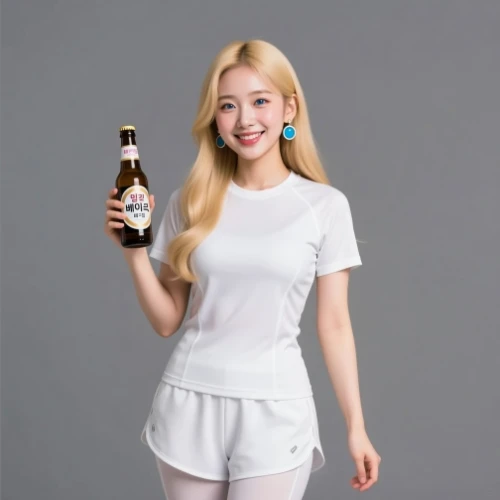
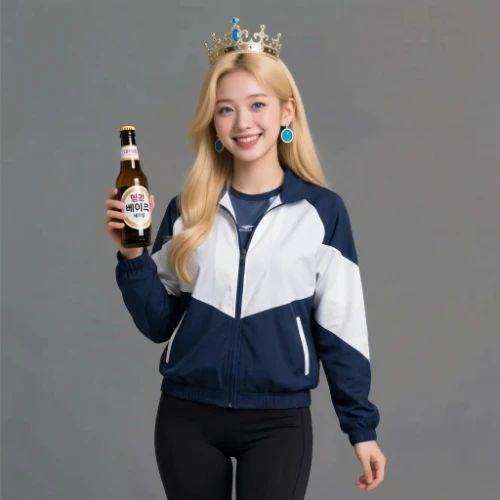
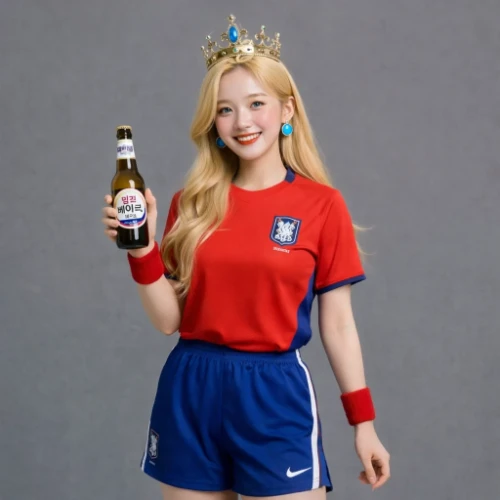
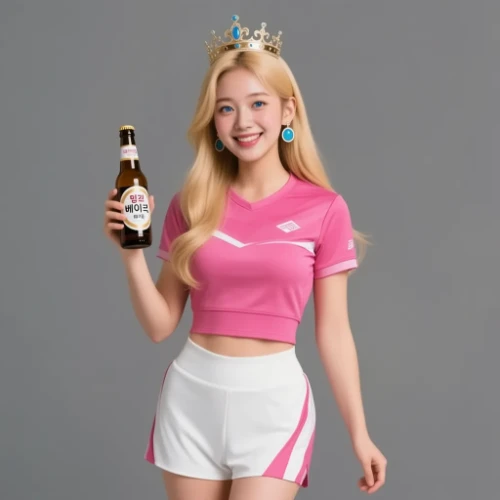
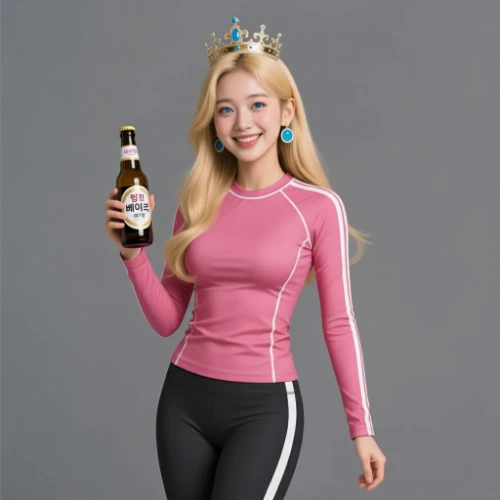
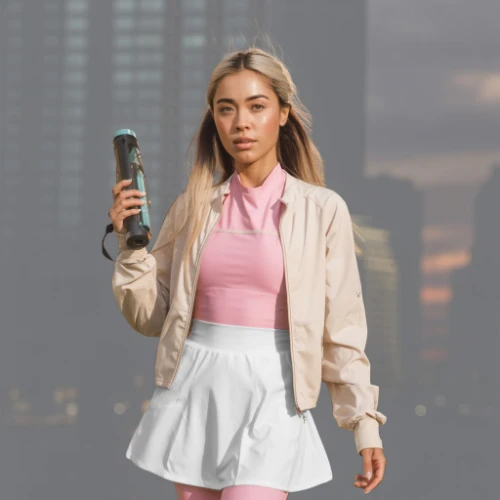
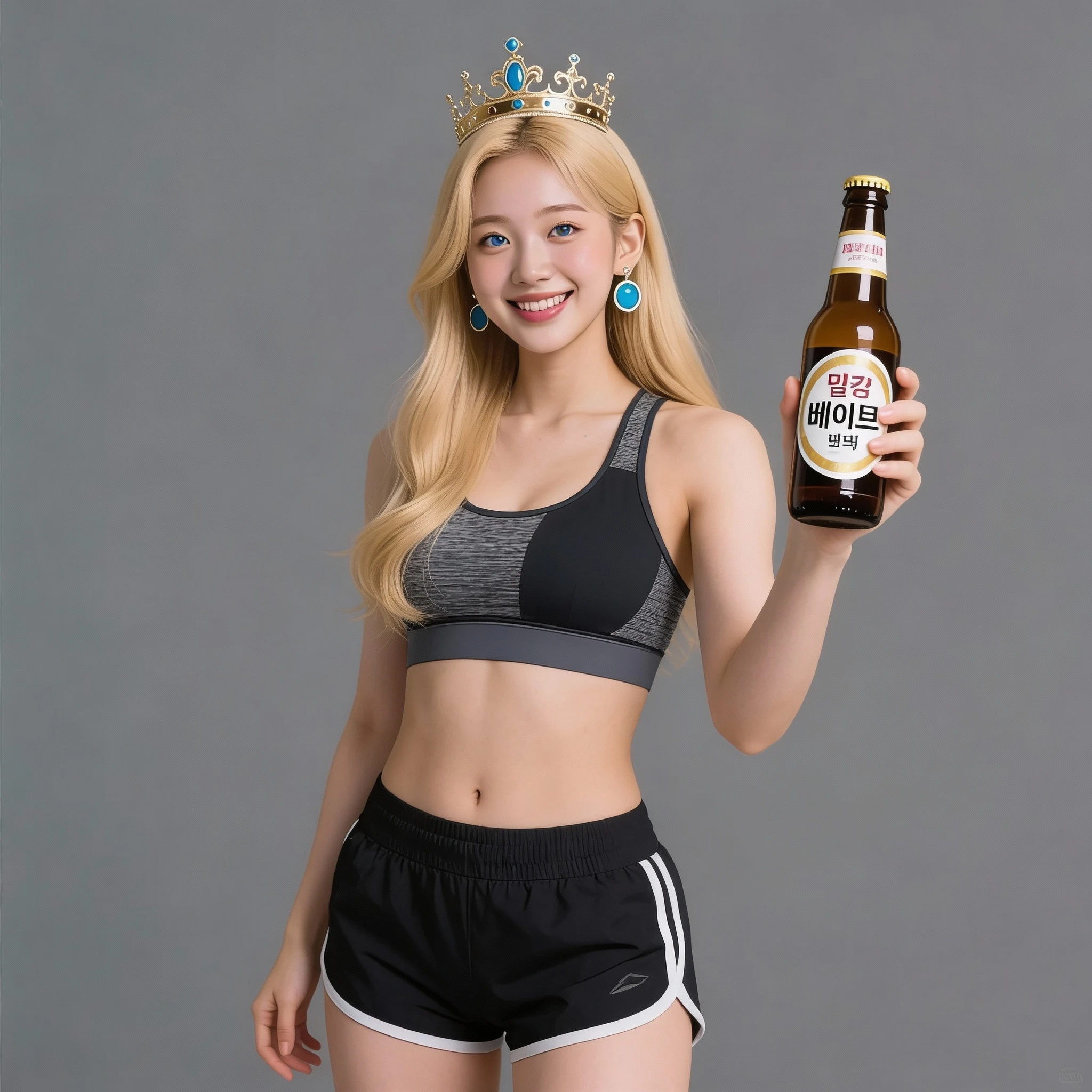
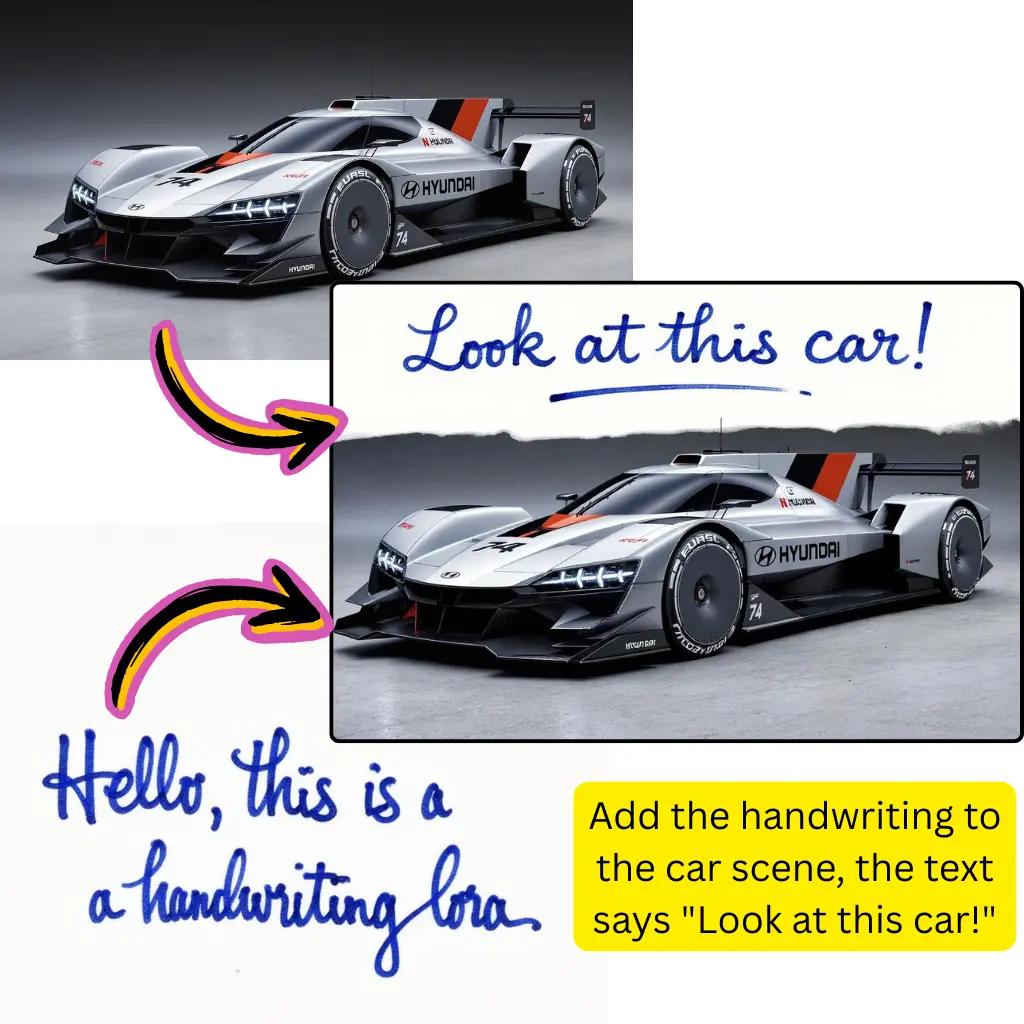
Comparison of Tiramisu AI Image to Image Models
Original Image
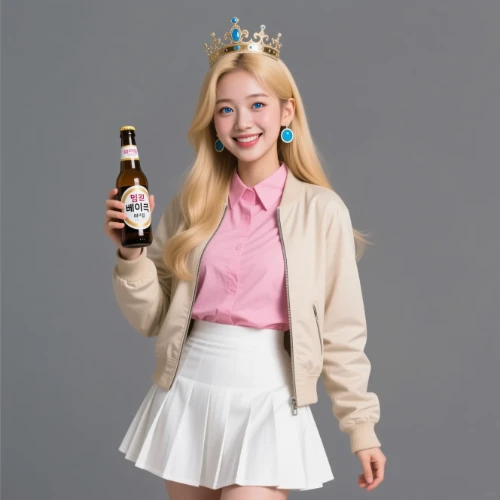
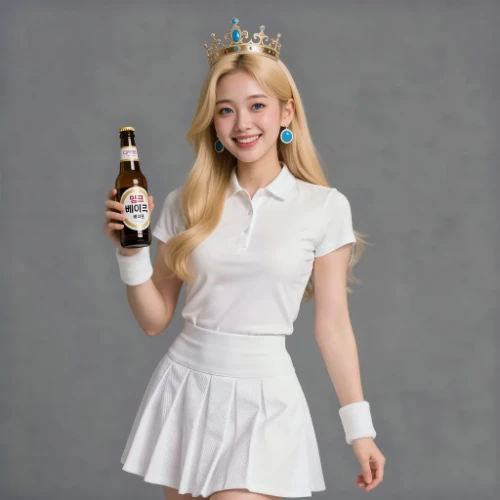
Change the clothes to sports
Generated Results


Create Visuals with Grok Imagine AI
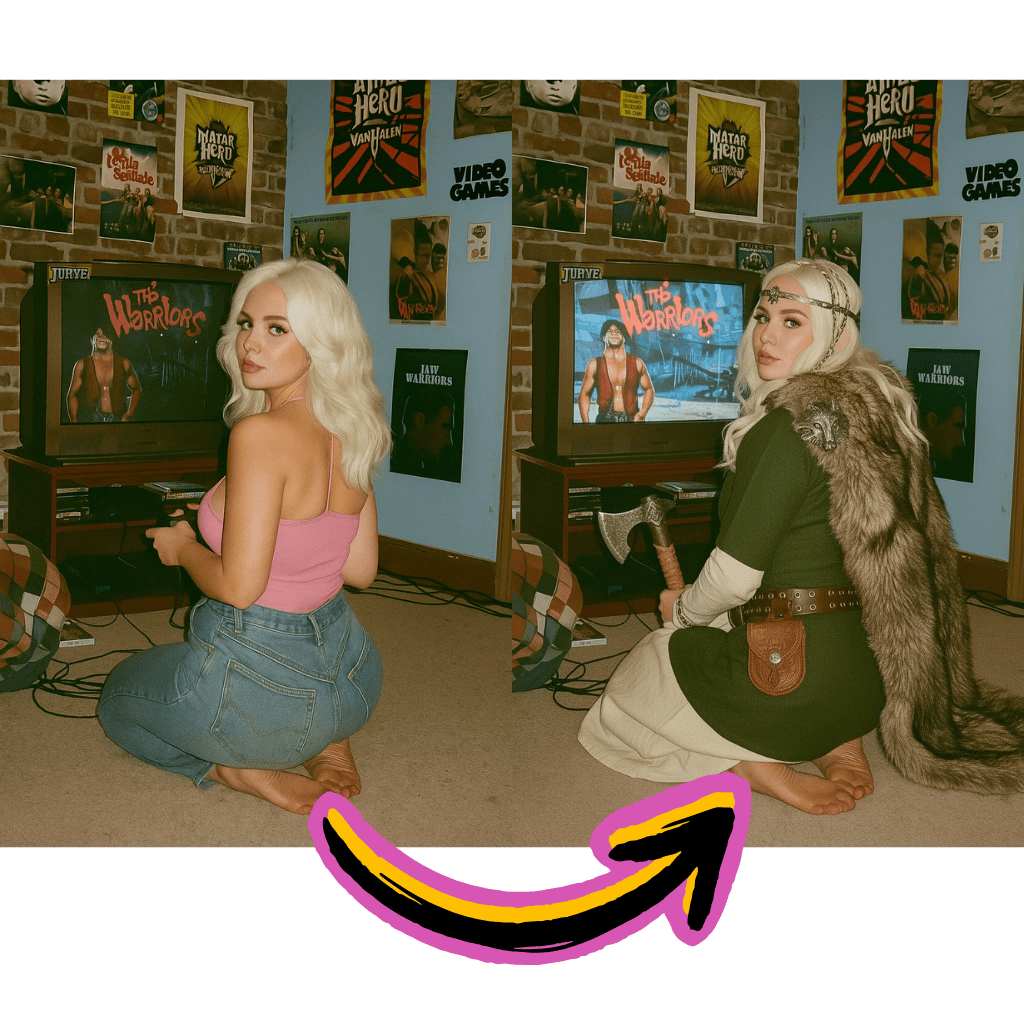
Natural Language Control
Describe your vision in plain words. The system interprets prompts with remarkable accuracy.
xAI Technology
Built on cutting-edge research from Elon Musk's artificial intelligence company.
Versatile Creation
From photorealistic renders to artistic styles, explore unlimited creative directions.
Benefits of Grok Imagine AI Generator
Access xAI's creative capabilities directly in your browser without complex setup.
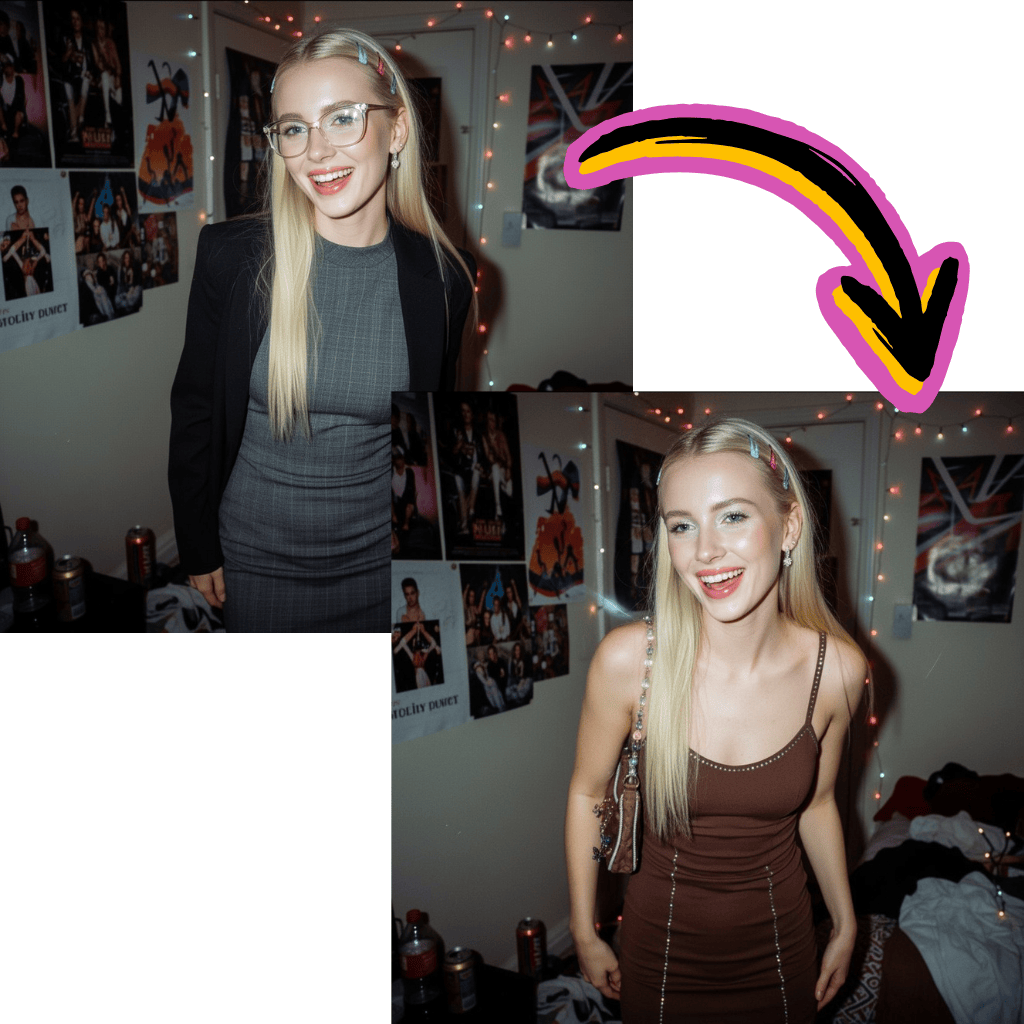
Free to Start
Begin generating without payment. No signup walls or hidden costs to explore features.
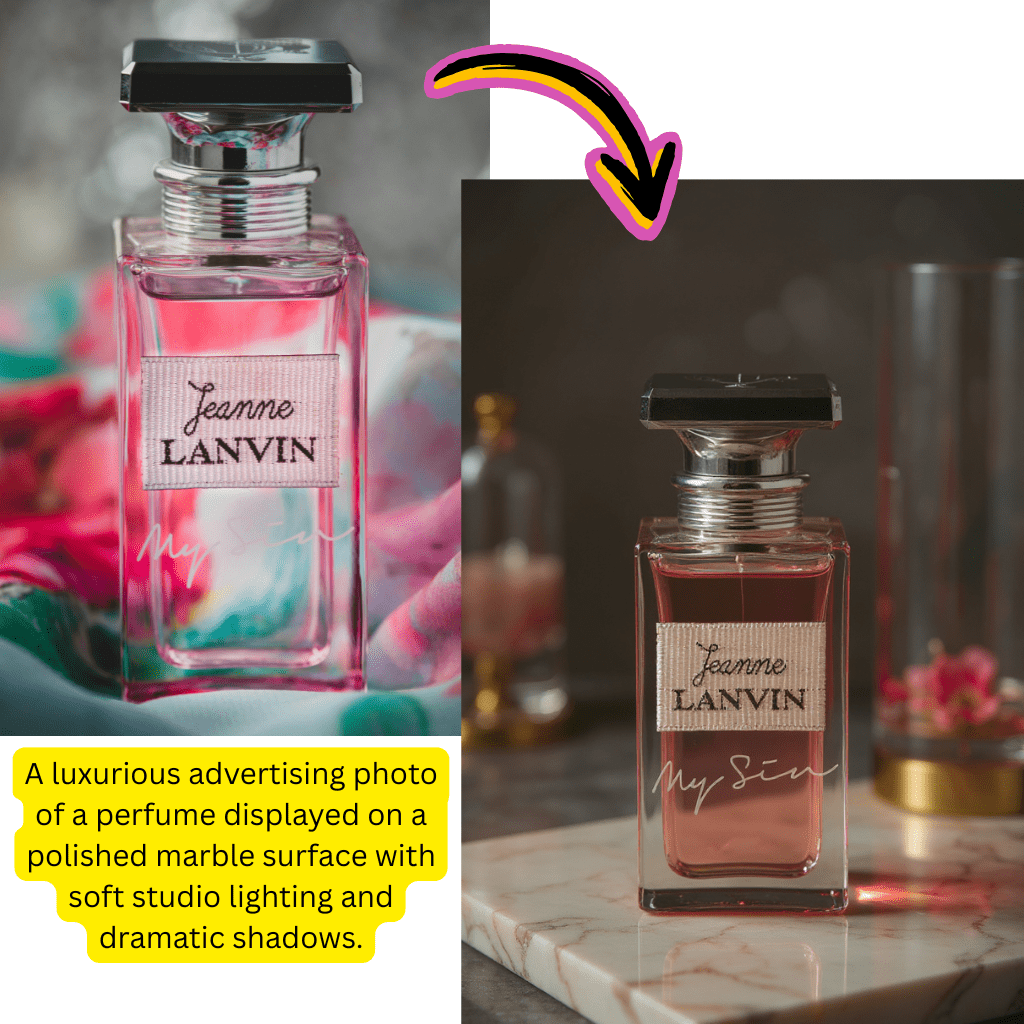
xAI Innovation
Leverage advanced models from one of the leading artificial intelligence labs.
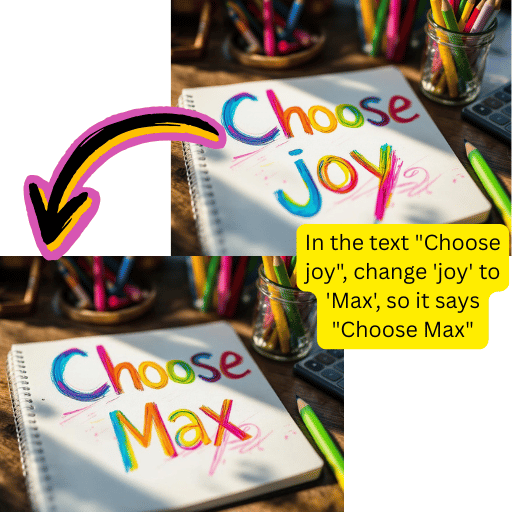
Dual Mode Support
Switch between text to picture creation and picture to picture transformation seamlessly.
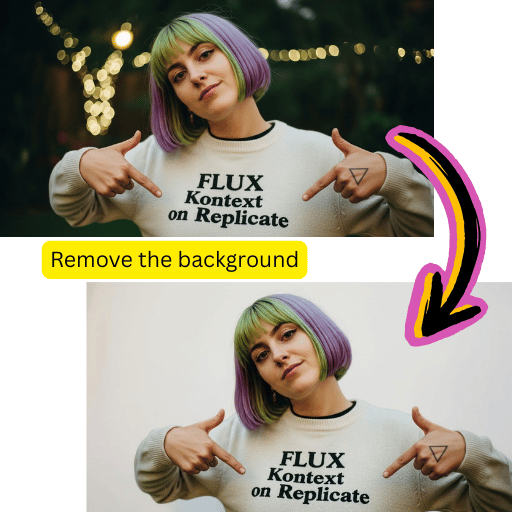
Quick Results
Get polished outputs within seconds. Optimized for fast creative workflows.
Simple Steps for Grok Imagine AI
Create professional visuals with our intuitive workflow.
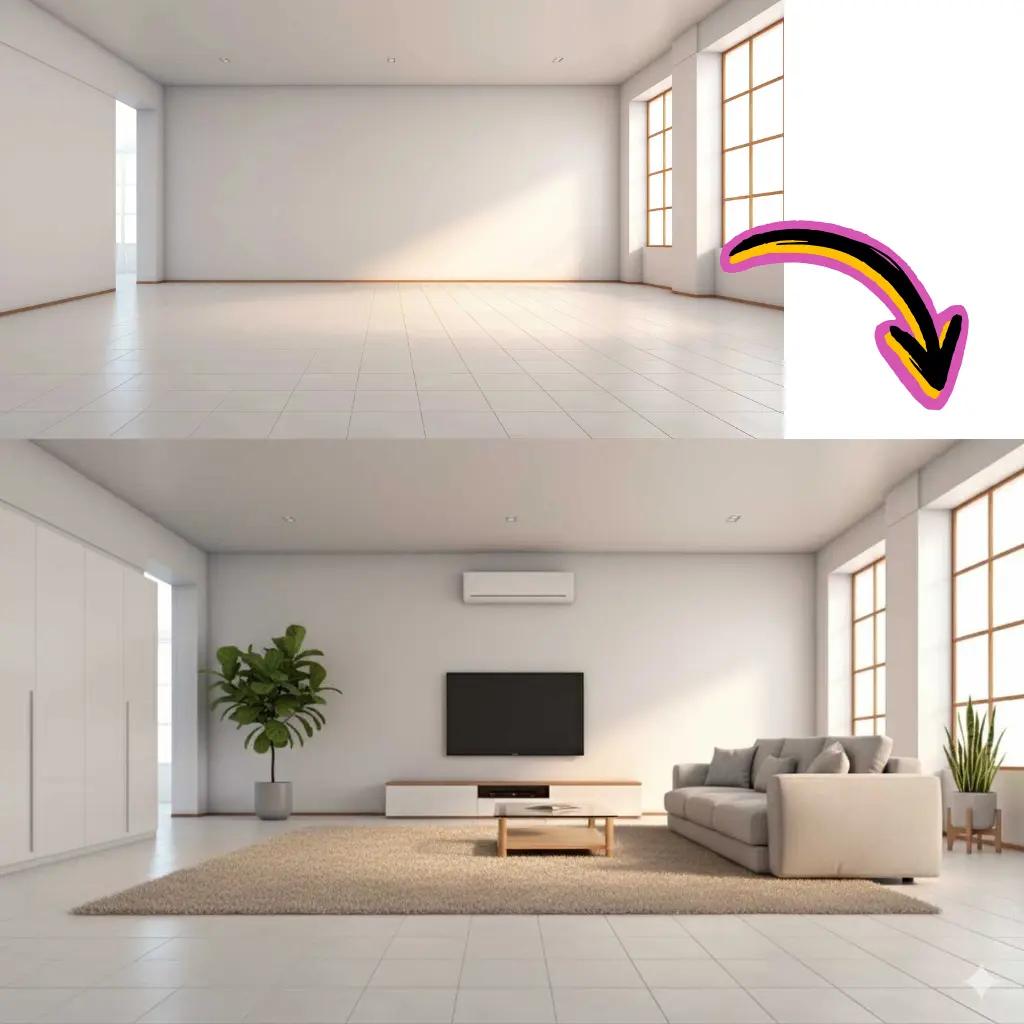
Enter Your Prompt
Describe what you want to create in natural language.

Choose Mode
Select text to picture or upload a photo for editing.
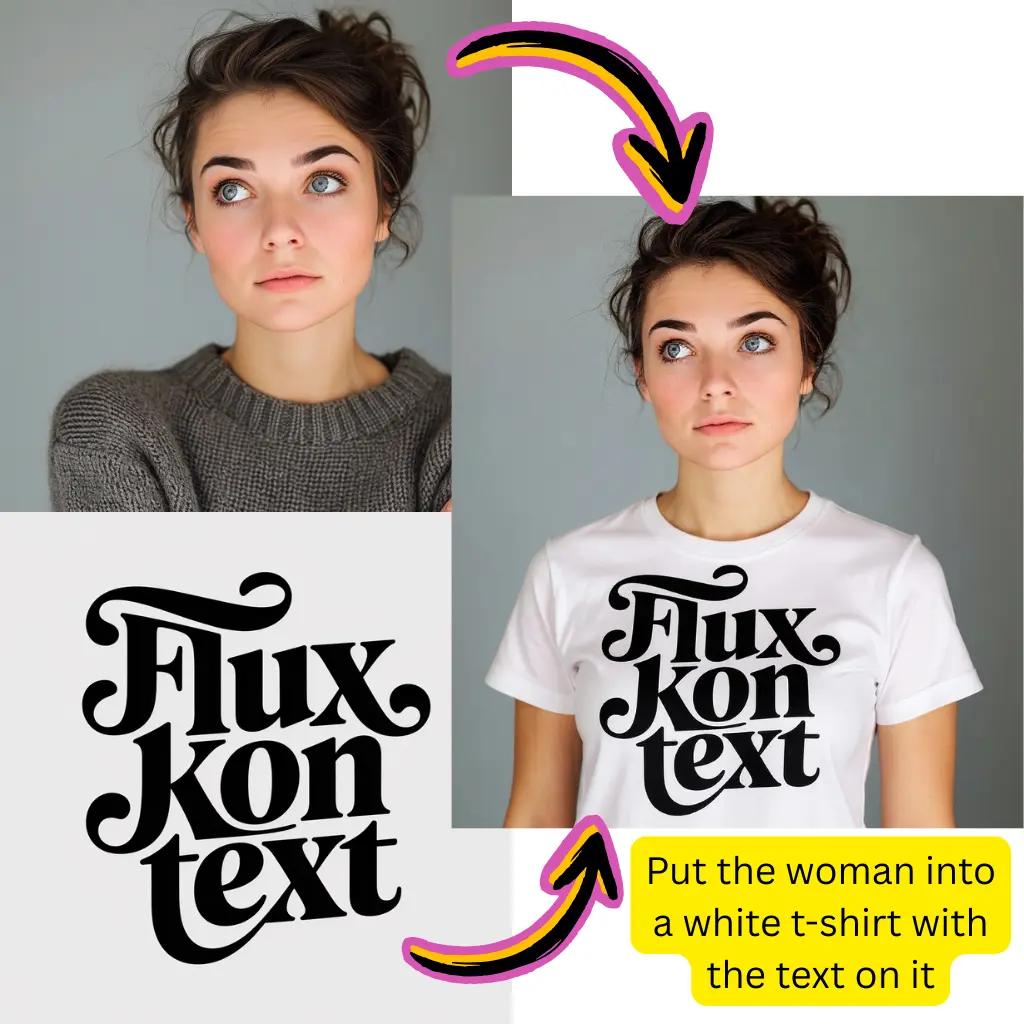
Generate
Click generate and let xAI's engine process your request.
Download
Save your creation in your preferred format.
Core Grok Imagine AI Capabilities
Explore the full suite of creative tools available on our platform.
Text to Picture
Describe any scene or concept. Watch your words transform into visual reality.
Picture Editing
Upload existing photos and modify them with text instructions. Change styles or swap elements.
Style Exploration
Apply anime, oil painting, cyberpunk, or photorealistic aesthetics to any creation.
Aspect Ratios
Generate in square, portrait, or landscape formats. Perfect for social media or print.
Prompt Refinement
Iterate on results by adjusting descriptions. Fine-tune outputs to match your vision.
High Resolution
Export crisp, detailed visuals suitable for professional projects and publications.
Grok Imagine AI Trusted by Creators
Join a growing community of visual content creators worldwide.
Active Users
500K+
Creators using our tools daily
Visuals Created
15M+
Pictures generated successfully
Models Available
10+
Premium options to choose from
Tiramisu AI Pricing
Choose the perfect plan for your AI creation needs.
Lite
20% OffOnly $0.25/day
36,000 credits upfront =
- •Up to 7,200+ AI images
- •Up to 850+ AI videos
- •Average 20 AI images or 3 AI videos per day
All-in-one multi-model support
What's Included
- Text to Image
- Image to Image
- Text to Video
- Image to Video
- 10+ Basic AI Models
- Up to 1080p Resolution
- Basic Filters & Styles
- Standard Speed
- 12 Months Validity
- ✓Save $24/year
- ✓≈ Free 2.4 months
- ✓All credits upfront
$95.76 billed yearly
Pro
Only $0.38/day
90,000 credits upfront =
- •Up to 18,000+ AI images
- •Up to 2,142+ AI videos
- •50 AI images or 6 AI videos per day
All-in-one advanced AI suite
What's Included
- Text to Image
- Image to Image
- Text to Video
- Image to Video
- 20+ Advanced AI Models
- Up to 4K Resolution
- Priority Queue (2x faster)
- Advanced Filters Library
- Commercial License
- No Watermark
- Priority Support
- 12 Months Validity
- ✓Save $95.91/year
- ✓≈ Free 4.8 months
- ✓All credits upfront
$143.76 billed yearly
Max
50% OffOnly $1.1/day
360,000 credits upfront =
- •Up to 72,000+ AI images
- •Up to 8,571+ AI videos
- •200 AI images or 24 AI videos per day
Enterprise-grade AI creation platform
What's Included
- All Generation Types
- All AI Models + Beta Access
- Up to 8K Resolution
- Ultra Priority (5x faster)
- Batch Generation (50 images)
- Advanced Video Models
- Custom AI Training
- Dedicated Manager
- Full Commercial Rights
- 24/7 Premium Support
- 12 Months Validity
- ✓Save $419.76/year
- ✓≈ Free 6 months
- ✓All credits upfront
$419.76 billed yearly
Frequently Asked Questions About Grok Imagine AI
Everything you need to know about using our generator and editing tools.
What is Grok Imagine AI and how does it work?
This is a visual creation tool developed by xAI, the artificial intelligence company founded by Elon Musk. It uses advanced neural networks to convert text descriptions into high-quality pictures. Simply type what you want to see, and the system generates corresponding visuals. The technology understands context, style references, and compositional instructions to produce accurate results.
Is Grok Imagine AI free to use?
Yes, you can start creating visuals without any payment. Our platform offers complimentary credits to explore all features including text to picture generation and photo editing. Premium tiers unlock additional processing power, priority queues, and higher resolution outputs for users with professional needs.
How does Grok Imagine AI compare to other generators?
xAI's technology stands out for its prompt understanding and creative interpretation. While tools like Stable Diffusion, DALL-E, and Midjourney each have strengths, this option excels at nuanced requests and maintains consistency across generations. Our platform also integrates multiple models including Nano Banana Pro, Flux, and Gemini for maximum flexibility.
Can Grok Imagine AI edit existing pictures?
Absolutely. Beyond generating from scratch, you can upload photos and transform them using text instructions. Change backgrounds, swap clothing, adjust lighting, apply artistic styles, or modify specific elements while preserving the original composition. This makes it valuable for photo enhancement and creative editing workflows.
What prompts work best with Grok Imagine AI?
Clear, descriptive prompts yield the best results. Start with your main subject, add style references, and include mood or lighting details. For example: 'A serene mountain lake at sunrise, photorealistic, golden light reflecting on still water.' Experiment with artistic terms like 'oil painting style' or 'anime aesthetic' for creative variations.
Does Grok Imagine AI support video creation?
While this tool focuses on static visuals, our platform includes separate video generation capabilities. You can create pictures here and then animate them using our video tools. This workflow lets you produce dynamic content from still creations, perfect for social media and presentations.
What is the connection between Grok Imagine AI and xAI?
xAI is the artificial intelligence research company that developed this visual generation technology. Known for the Grok chatbot integrated with X (formerly Twitter), the company applies similar advanced reasoning to creative tasks. The 'imagine' capability represents their entry into visual content creation.
How fast is Grok Imagine AI processing?
Most generations complete within 10-30 seconds depending on complexity and current demand. Our infrastructure optimizes queue management for minimal wait times. The system balances speed with quality, ensuring you receive polished results without excessive delays.
Can I use Grok Imagine AI outputs commercially?
Yes, creations generated on our platform are yours to use for marketing materials, product listings, social media content, publications, or client projects. You retain rights to your outputs. Review our terms for specific licensing details regarding commercial applications.
What file formats does Grok Imagine AI support?
For uploads, we accept JPG, PNG, WebP, and most common formats. Outputs can be downloaded as JPG for smaller files, PNG for transparency support, or WebP for web optimization. The platform handles format conversions automatically based on your preferences.
Is there content moderation on Grok Imagine AI?
The platform maintains community guidelines while supporting broad creative expression. Most artistic, commercial, and experimental projects are fully supported. Certain restricted categories exist to ensure responsible use, but the system accommodates diverse creative needs.
How does Grok Imagine AI handle different styles?
The model understands various artistic directions including photorealistic, anime, watercolor, digital art, 3D rendering, oil painting, and more. Specify your desired aesthetic in the prompt, or explore style presets for consistent results. Combining style keywords often produces interesting hybrid effects.
Can Grok Imagine AI maintain consistency across multiple pictures?
For projects requiring visual coherence, use consistent prompt elements and style descriptors across generations. While each output is unique, maintaining similar language helps achieve thematic unity. Advanced users leverage seed values for more predictable variations.
What makes Grok Imagine AI unique compared to Gemini or ChatGPT?
Each platform has distinct strengths. Google's Gemini excels at multimodal understanding, ChatGPT's DALL-E focuses on accessibility, while xAI's approach emphasizes creative interpretation and prompt fidelity. Our platform integrates multiple technologies, letting you choose the best tool for each specific task.
Does Grok Imagine AI work on mobile devices?
Yes, our web interface is fully responsive. Access the generator from smartphones, tablets, or desktop browsers. All processing happens in the cloud, so you don't need powerful hardware. Simply visit the site, enter your prompt, and create from any internet-connected device.
How do I get better results with Grok Imagine AI?
Start with clear subjects and gradually add details. Use specific rather than vague terms—'golden retriever puppy' instead of 'cute dog.' Include style references, lighting conditions, and camera angles when relevant. Review generated outputs and refine prompts based on what works best for your vision.
Is Grok Imagine AI related to the Grok chatbot on X?
Both products come from xAI. The chatbot handles conversational AI tasks on the X platform, while the visual generation focuses on picture creation. They share underlying research and development efforts, representing different applications of xAI's artificial intelligence technology.
Can Grok Imagine AI remove or change backgrounds?
Yes, upload your photo and describe the desired modification. Request 'remove background,' 'replace background with beach scene,' or similar instructions. The system intelligently separates subjects from surroundings and applies your changes while maintaining natural-looking results.
What resolution does Grok Imagine AI produce?
Standard outputs are optimized for web and social media use. Premium tiers unlock higher resolution exports suitable for printing and professional projects. The system balances quality with processing efficiency, delivering crisp details at whatever size your project requires.
How does Grok Imagine AI compare to Reddit's popular generators?
Communities on Reddit discuss various tools including Stable Diffusion, Midjourney, and others. xAI's offering provides a user-friendly browser-based experience without local installation requirements. You get cloud processing power, regular updates, and access to multiple models through our unified interface.
Ready to Create with Grok Imagine AI?
Start generating stunning visuals today. No credit card required.