


AI Photo Generator Prompt Inspiration
Explore stunning portraits and photography created with our AI photo generator. Click any image to copy the prompt.
What Is an AI Photo Generator?
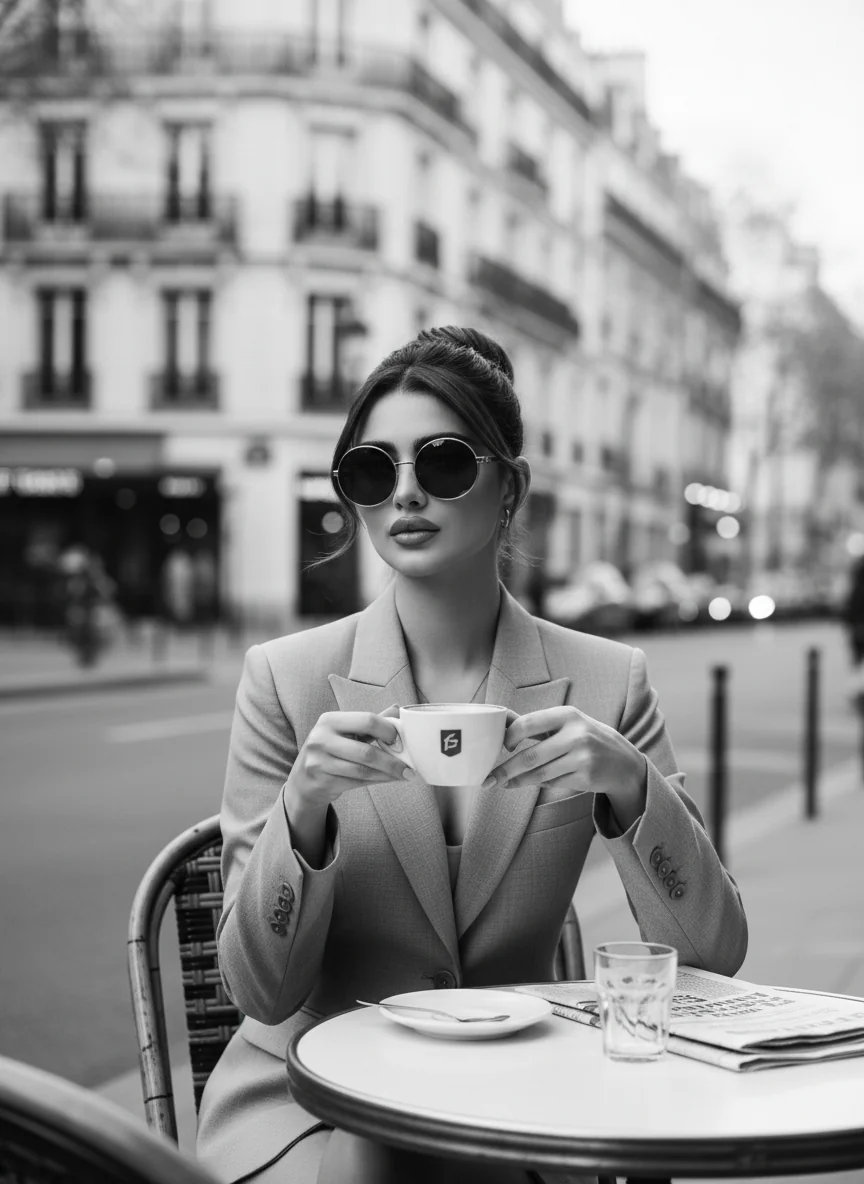
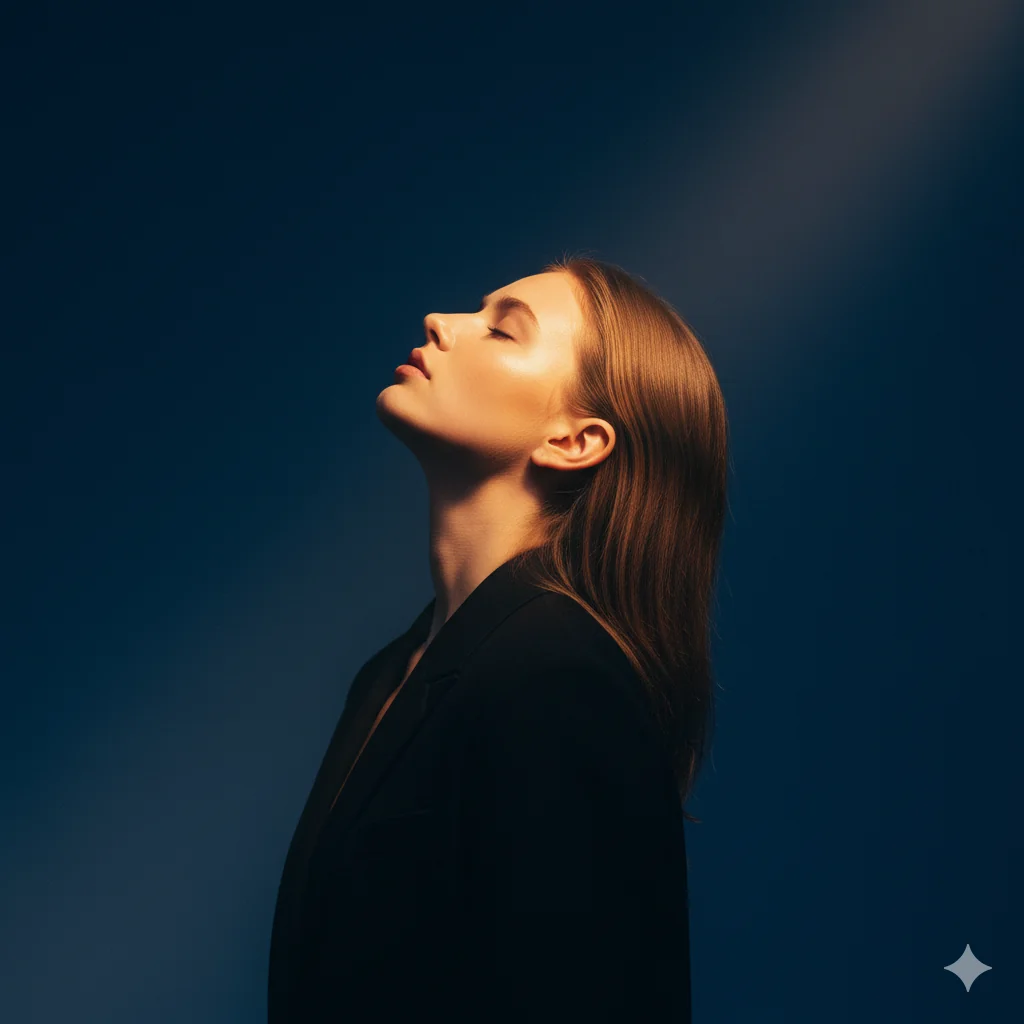
Text to Photo Creation
Type a prompt to photo description and watch it become a polished visual in seconds.
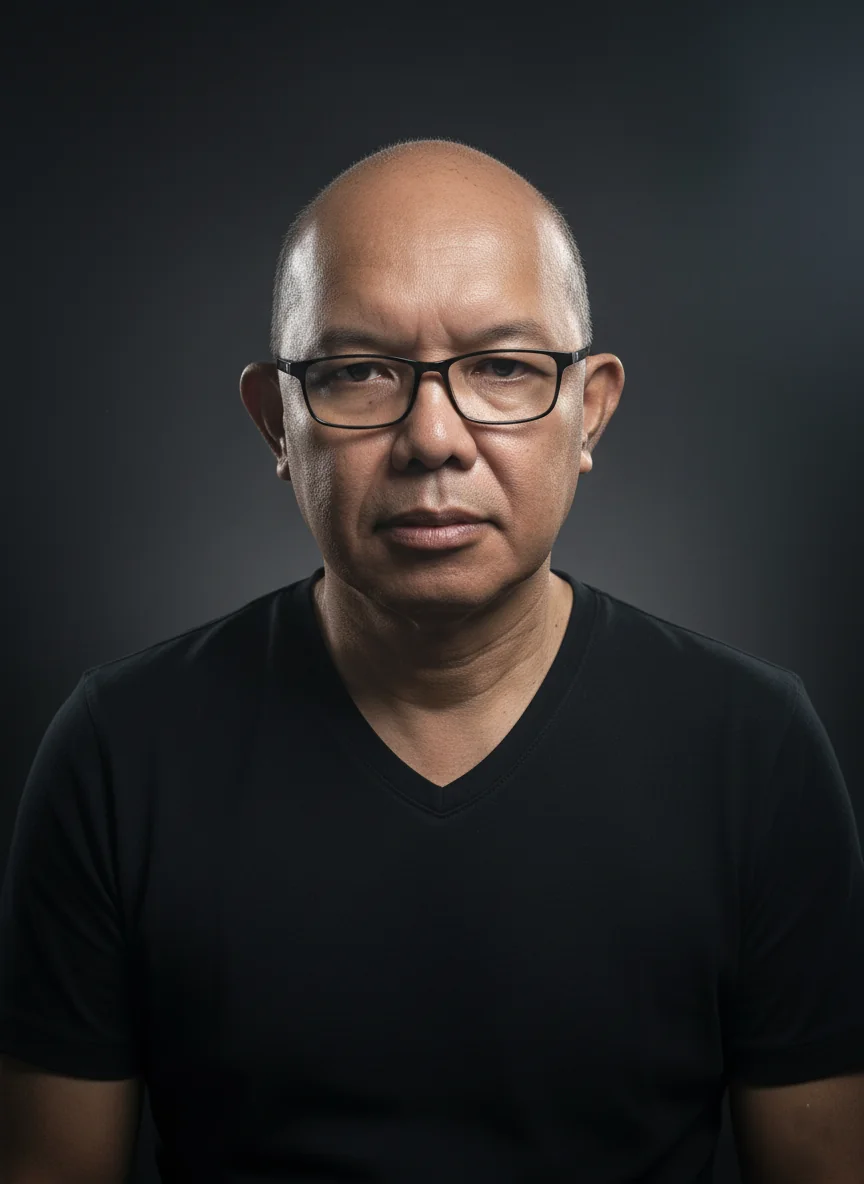
Photo to Photo AI Transformation
Upload a reference image and let the photo to photo AI restyle, enhance, or completely reimagine it.
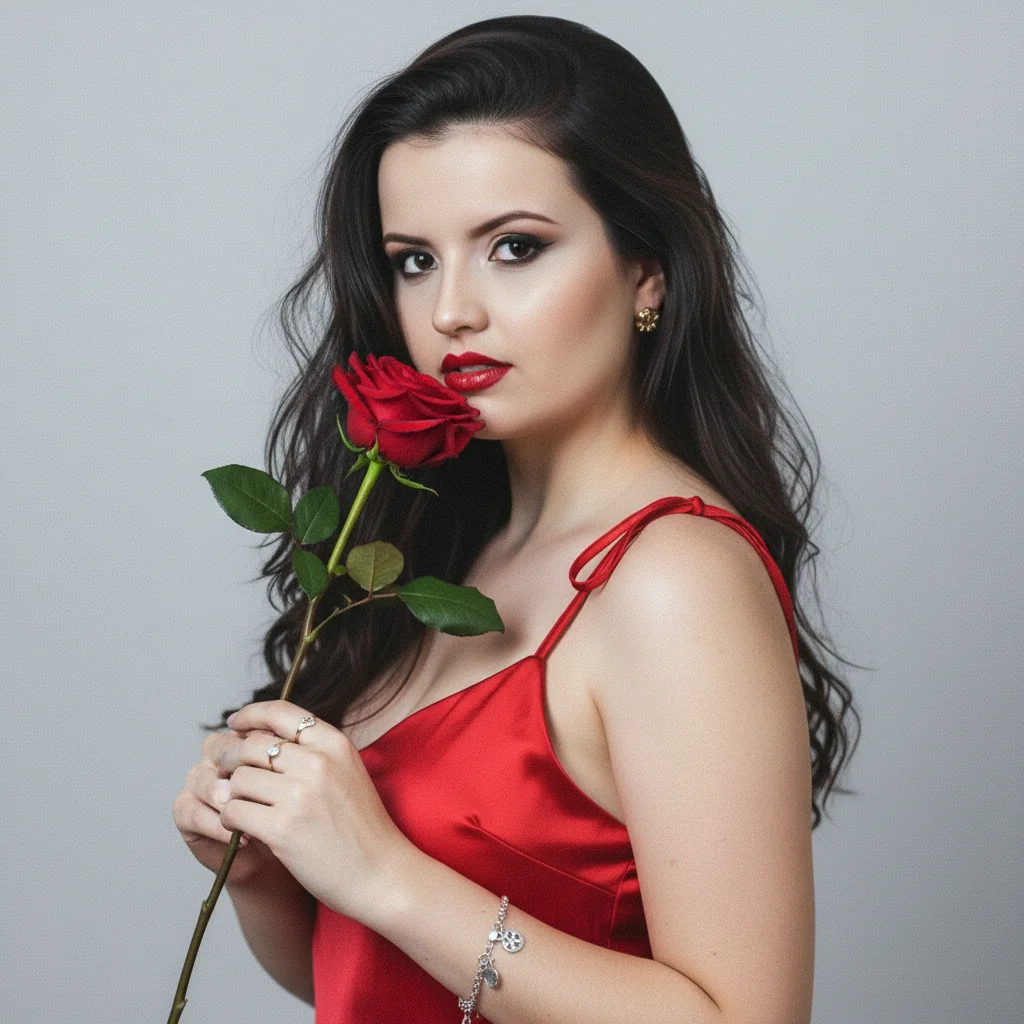
Built-in AI Photo Editor
Refine your results with the integrated AI photo editor for touch-ups, background swaps, and style adjustments.
Why Choose This AI Photo Generator?
Skip expensive photoshoots and complex editing software. This AI photo creator puts professional image creation at your fingertips — from prompt to photo in seconds.
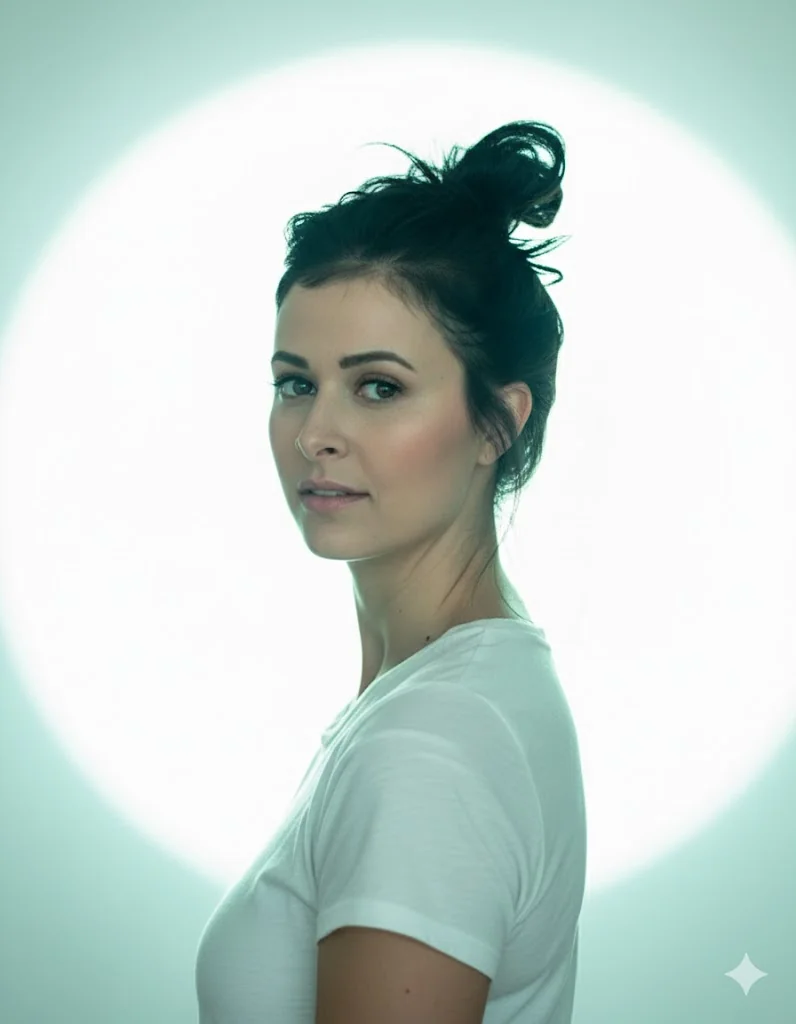
Zero Technical Skills Required
Our AI photo maker lets anyone create polished visuals without learning complex software or owning equipment.
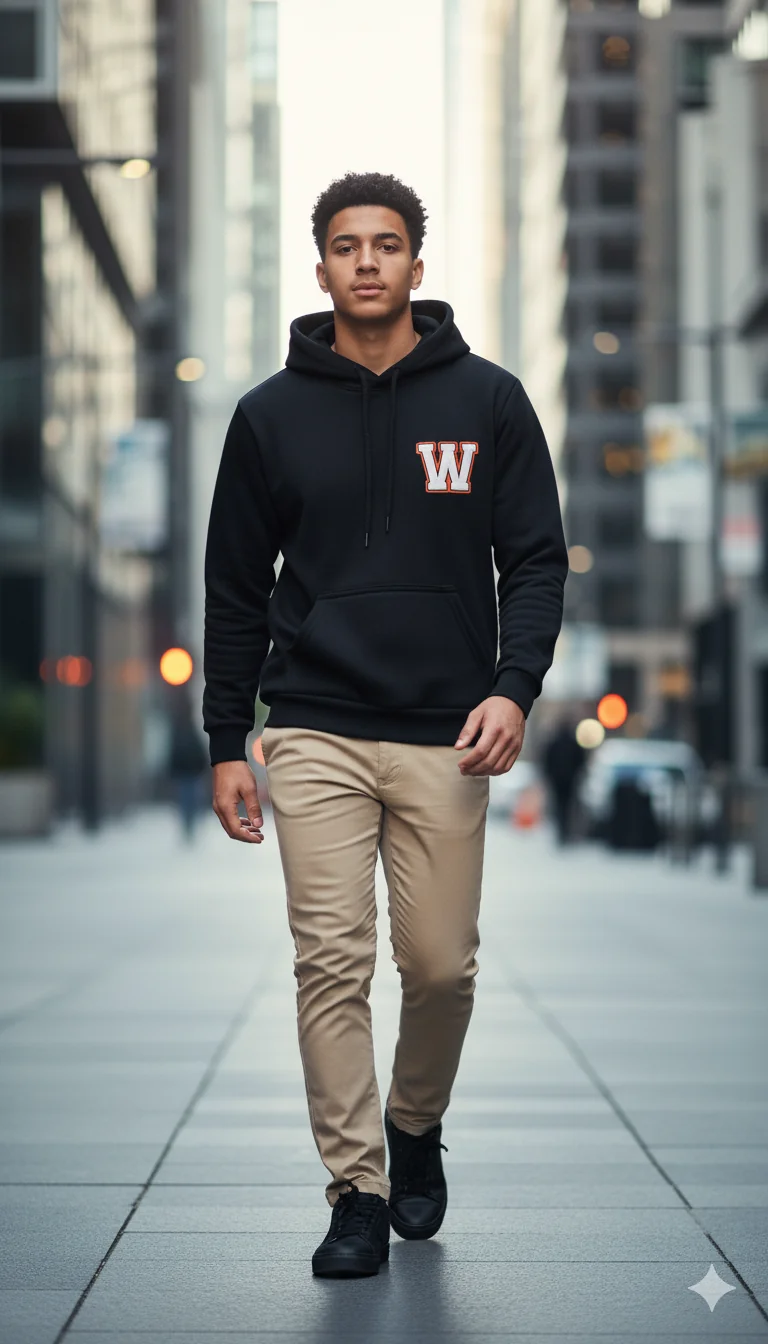
Save Time and Money
Go from text to photo in seconds — produce what would take hours with traditional methods.
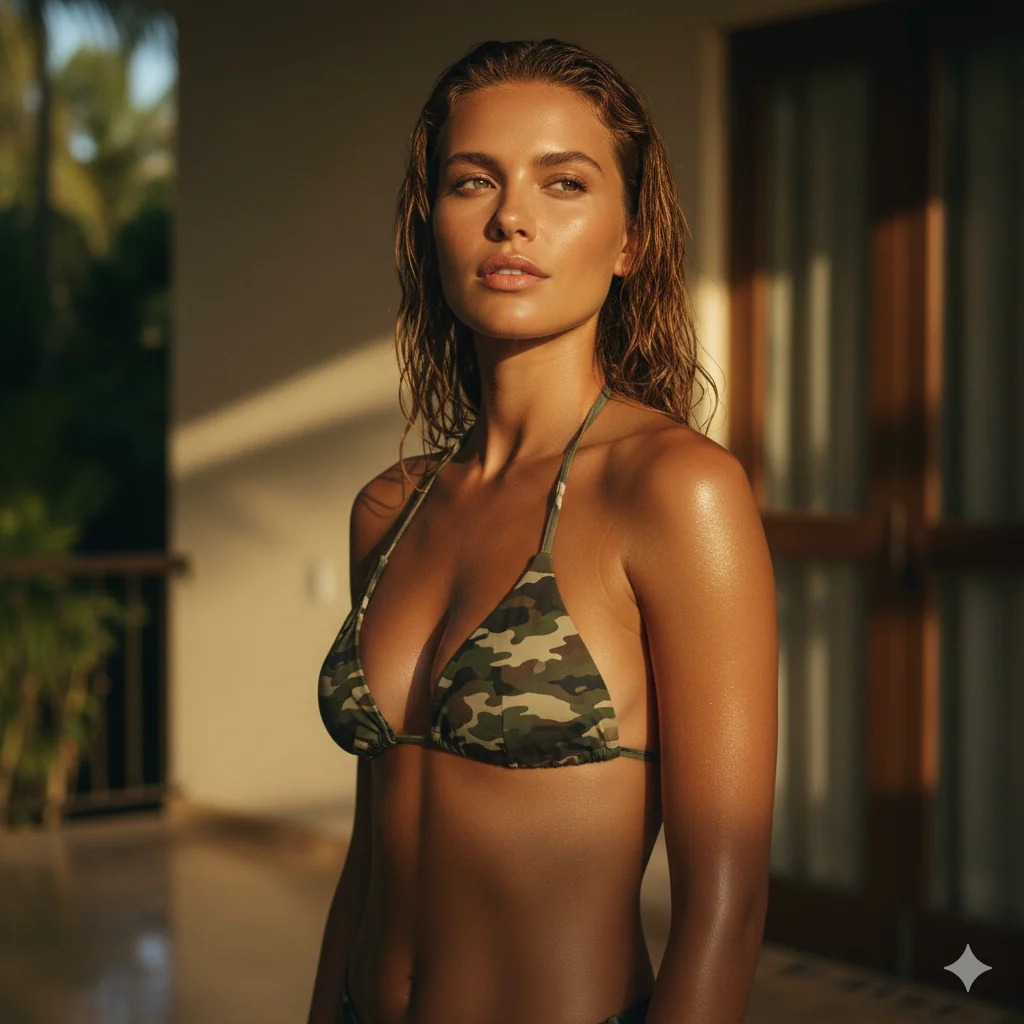
Unlimited Creative Freedom
Use photo to photo AI to restyle existing images, or write a prompt to photo to create something entirely new.
How to Use This AI Photo Generator
This AI photo maker turns your ideas into professional visuals in four simple steps.
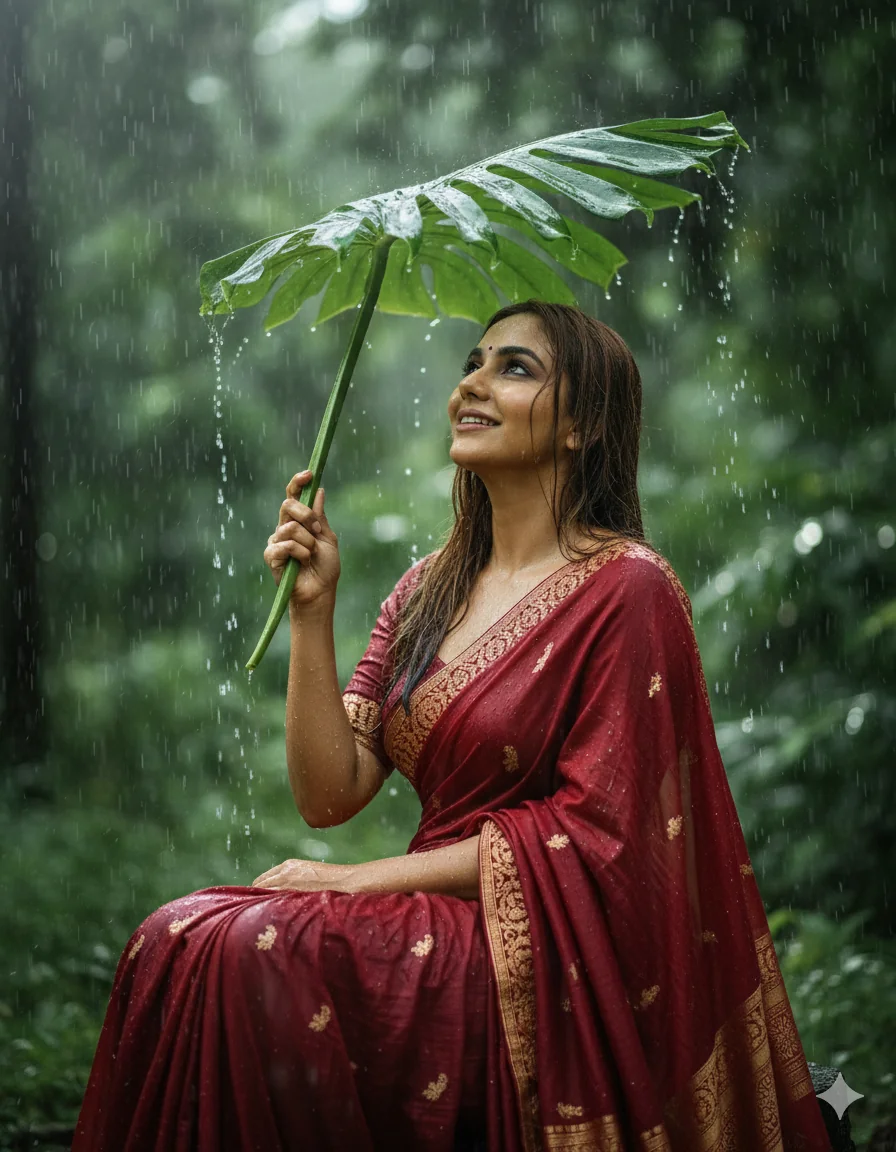
Step 1: Describe Your Vision
Write a detailed text to photo prompt explaining the scene, subject, and style you want.
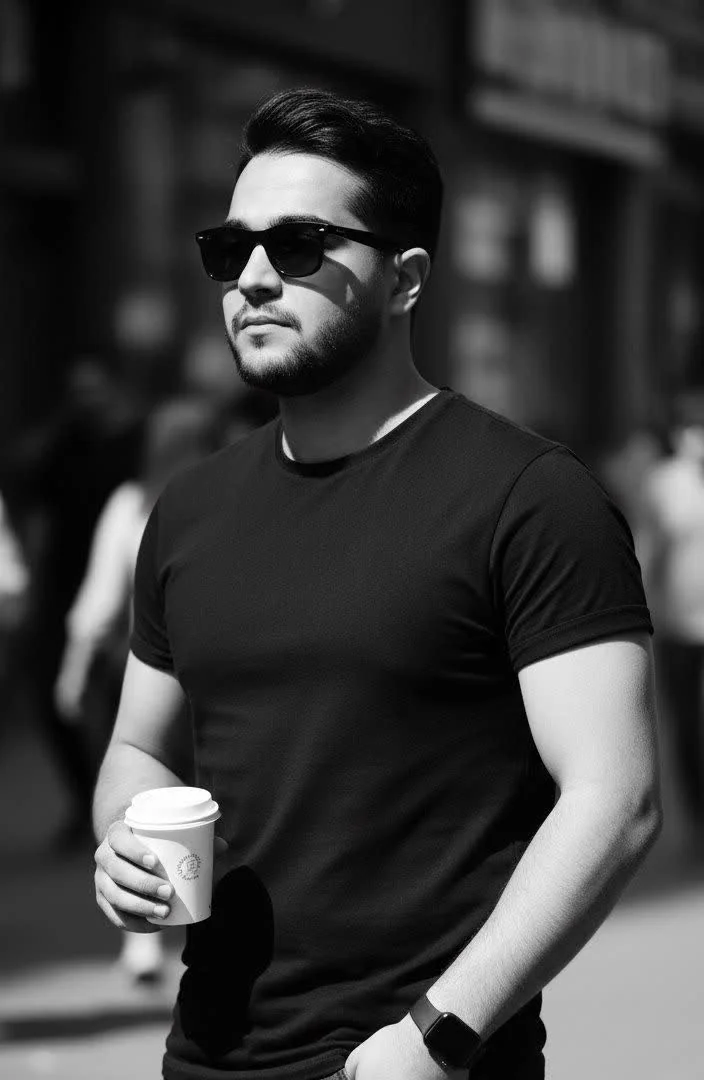
Step 2: Choose a Model
Pick from multiple AI engines optimized for portraits, art, or realism.
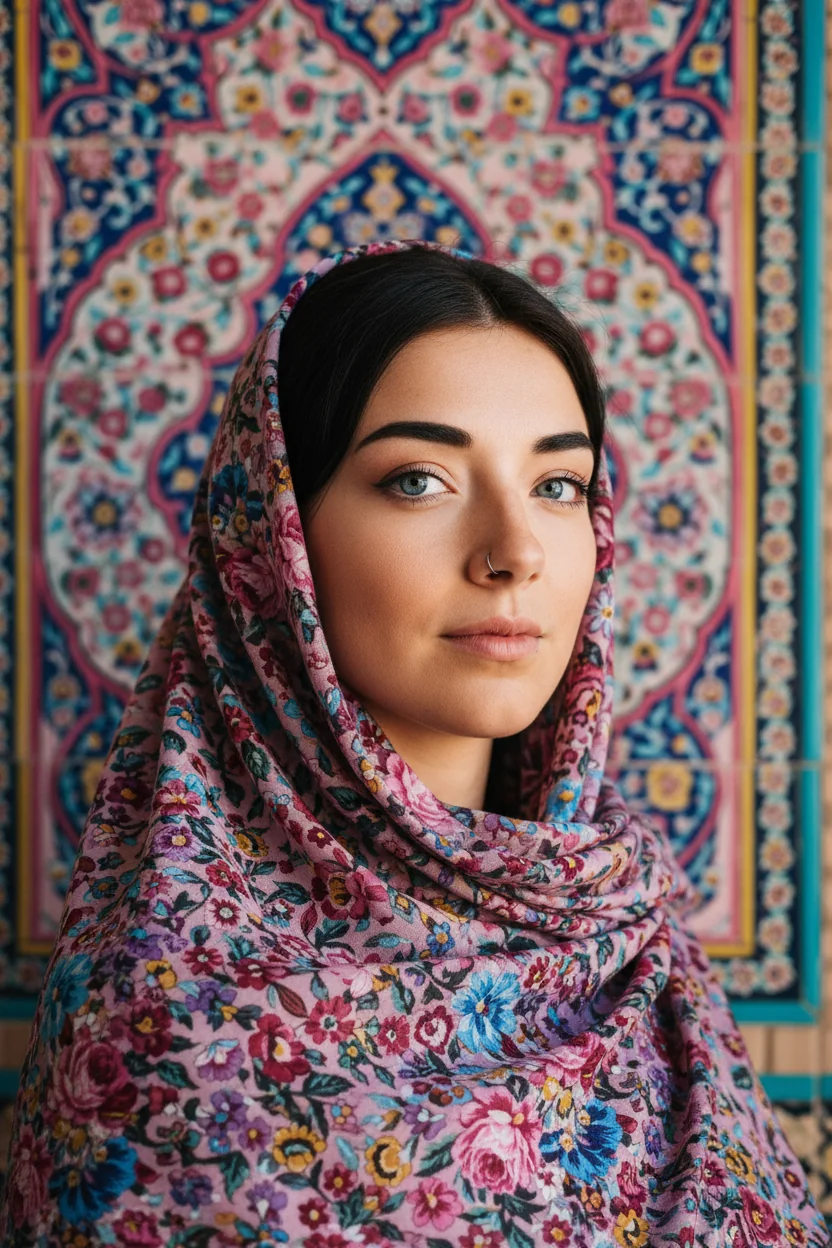
Step 3: Customize Settings
Select aspect ratio, artistic style, and quality preferences to fine-tune your prompt to photo output.
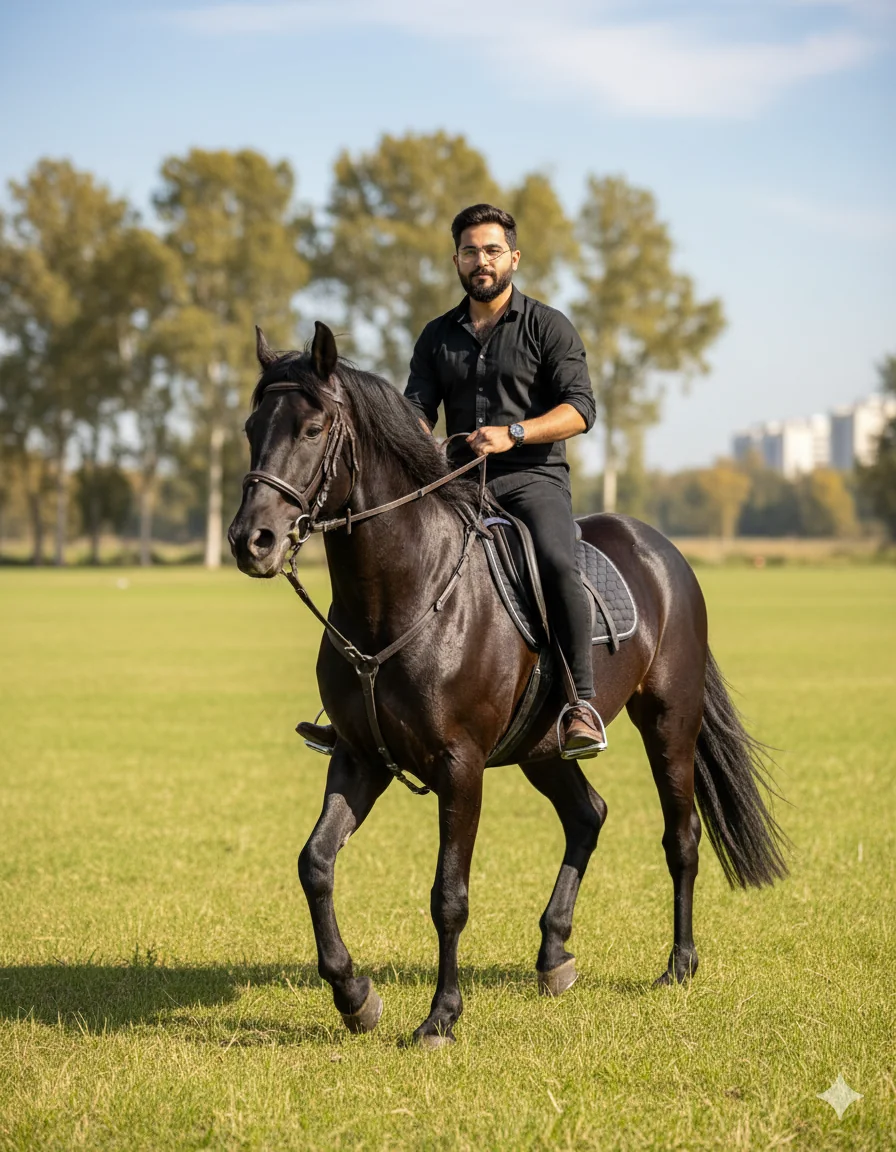
Step 4: Generate and Download
Click create, preview your results, and save your favorites instantly.
Key Features of Our AI Photo Generator
Everything an AI photo creator needs for professional image creation, all in one place.
Multiple AI Models
Choose from various engines optimized for portraits, art, and more.
Text to Photo Engine
Describe any scene in words and get a matching visual in seconds.
Photo to Photo AI Mode
Upload a reference and transform it into a completely new style or scene.
Integrated AI Photo Editor
Refine outputs with built-in editing tools for touch-ups and adjustments.
Lightning-Fast Results
Optimized infrastructure delivers your creations in seconds.
Private and Secure
Your prompts and outputs stay confidential on our encrypted servers.
Tiramisu AI Pricing
Choose the perfect plan for your AI creation needs.
Lite
20% OffOnly $0.25/day
36,000 credits upfront =
- •Up to 7,200+ AI images
- •Up to 850+ AI videos
- •Average 20 AI images or 3 AI videos per day
All-in-one multi-model support
What's Included
- Text to Image
- Image to Image
- Text to Video
- Image to Video
- 10+ Basic AI Models
- Up to 1080p Resolution
- Basic Filters & Styles
- Standard Speed
- 12 Months Validity
- ✓Save $24/year
- ✓≈ Free 2.4 months
- ✓All credits upfront
$95.76 billed yearly
Pro
Only $0.38/day
90,000 credits upfront =
- •Up to 18,000+ AI images
- •Up to 2,142+ AI videos
- •50 AI images or 6 AI videos per day
All-in-one advanced AI suite
What's Included
- Text to Image
- Image to Image
- Text to Video
- Image to Video
- 20+ Advanced AI Models
- Up to 4K Resolution
- Priority Queue (2x faster)
- Advanced Filters Library
- Commercial License
- No Watermark
- Priority Support
- 12 Months Validity
- ✓Save $95.91/year
- ✓≈ Free 4.8 months
- ✓All credits upfront
$143.76 billed yearly
Max
50% OffOnly $1.1/day
360,000 credits upfront =
- •Up to 72,000+ AI images
- •Up to 8,571+ AI videos
- •200 AI images or 24 AI videos per day
Enterprise-grade AI creation platform
What's Included
- All Generation Types
- All AI Models + Beta Access
- Up to 8K Resolution
- Ultra Priority (5x faster)
- Batch Generation (50 images)
- Advanced Video Models
- Custom AI Training
- Dedicated Manager
- Full Commercial Rights
- 24/7 Premium Support
- 12 Months Validity
- ✓Save $419.76/year
- ✓≈ Free 6 months
- ✓All credits upfront
$419.76 billed yearly
AI Photo Generator: Frequently Asked Questions
Get answers to common questions about AI-powered image creation.
What types of visuals can this AI photo generator create?
You can create portraits, headshots, product shots, landscapes, abstract art, illustrations, and virtually any scene you describe. The tool handles realistic photography, digital art, anime styles, oil painting effects, and many other aesthetics.
Is this AI photo generator free to use?
Yes, we offer a free tier that lets you create images daily without payment. Premium plans unlock higher resolution, faster processing, and additional features for power users who need more volume.
How does AI photo generator work?
The technology uses neural networks trained on millions of examples to understand relationships between text and visuals. When you enter a prompt, the model interprets your words and constructs a matching picture pixel by pixel, applying learned patterns for lighting, composition, and style.
What is AI photo creator vs. AI photo editor?
An AI photo creator generates entirely new images from scratch based on your text descriptions. An AI photo editor, on the other hand, modifies existing images — adjusting colors, removing backgrounds, or enhancing details. Our platform combines both capabilities so you can create and refine in one workflow.
How does text to photo work with this AI photo generator?
Text to photo is the core feature: you write a natural-language description of the image you want, and the AI interprets it to produce a matching visual. The more specific your prompt — including details about lighting, style, and composition — the more accurate the result.
What is photo to photo AI and when should I use it?
Photo to photo AI lets you upload an existing image as a reference and transform it into a new style, scene, or aesthetic. Use it when you want to restyle a selfie, change backgrounds, apply artistic filters, or create variations of an existing shot without starting from scratch.
How do I get the best results from prompt to photo?
For the best prompt to photo results, be specific about subject, setting, lighting, and mood. Include style references like 'cinematic lighting' or 'watercolor style'. Mention camera details for realism, such as 'shot on 85mm lens with shallow depth of field'. Experiment and iterate to refine your outputs.
What makes a good AI photo maker for social media?
A good AI photo maker for social media should offer quick generation, multiple aspect ratios (square for Instagram, vertical for Stories, landscape for Twitter), and style presets that match trending aesthetics. Our tool provides all of these plus batch creation for content calendars.
Can I use this AI photo generator as AI photo editor too?
Yes. Beyond generating new images, our AI photo editor features let you upload existing photos and apply transformations — from style transfers and background removal to color correction and detail enhancement. It works as both a creator and editor in one tool.
How long does the AI photo generator take to produce results?
Most creations complete within 10-30 seconds depending on the complexity and selected model. High-resolution outputs or detailed scenes may take slightly longer, but you will see progress updates throughout.
Can I use AI-generated photos for commercial projects?
Absolutely. All outputs you create are yours to use for personal, commercial, or marketing purposes. This includes social media content, advertisements, merchandise, and client work.
How does this AI photo generator compare to Gemini or Grok?
While Gemini and Grok offer impressive capabilities, our platform focuses specifically on image creation with specialized models, more style options, and a streamlined interface. We also combine AI photo creator and AI photo editor features in one place, which most general-purpose tools don't offer.
What makes the best AI photo generator for beginners?
Look for intuitive prompting, helpful style presets, and quick results. Our AI photo maker provides all three, plus example prompts and templates to help newcomers get professional-looking outputs on their first try.
Can I turn a photo into AI art with the photo to photo AI feature?
Yes, the photo to photo AI feature lets you upload any reference picture and transform it with AI. Use this for style transfers, enhancements, background changes, or creative reinterpretations of existing visuals.
Is there an online AI photo generator that works on mobile?
Our platform works directly in your browser on phones, tablets, and computers. No app download required — just visit the site, enter your prompt, and start creating from any device.
Can this AI photo creator generate videos or animated content?
While our primary focus is still image creation, we also offer AI video generation tools. You can turn your generated stills into motion content using our companion video features for a complete creative workflow.
What resolution and quality can I expect from this AI photo maker?
Standard outputs are suitable for web and social media. Premium tiers offer up to 4K resolution for print-quality results. All outputs maintain sharp details, proper lighting, and professional composition regardless of tier.
How is prompt to photo different from text to photo?
They refer to the same core concept — converting written descriptions into visuals. 'Text to photo' emphasizes the input format, while 'prompt to photo' highlights the creative prompting process. Both use the same underlying AI technology in our tool.
Start Creating with AI Photo Generator Today
Join millions of creators using this AI photo maker to produce professional visuals without cameras, studios, or design degrees. Your next masterpiece is just a prompt to photo away.