


AI Image Generator
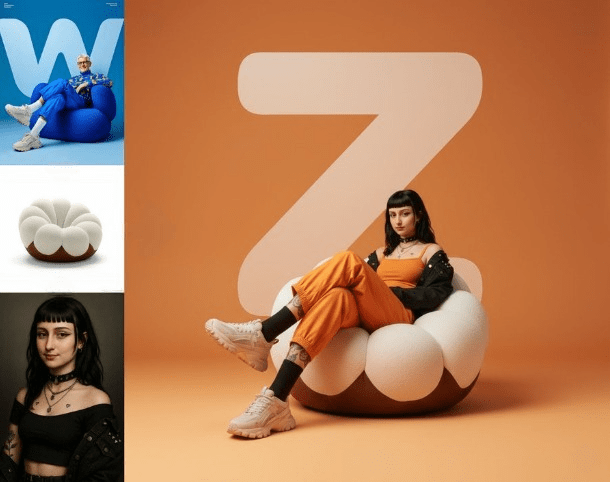
AI Image Tools
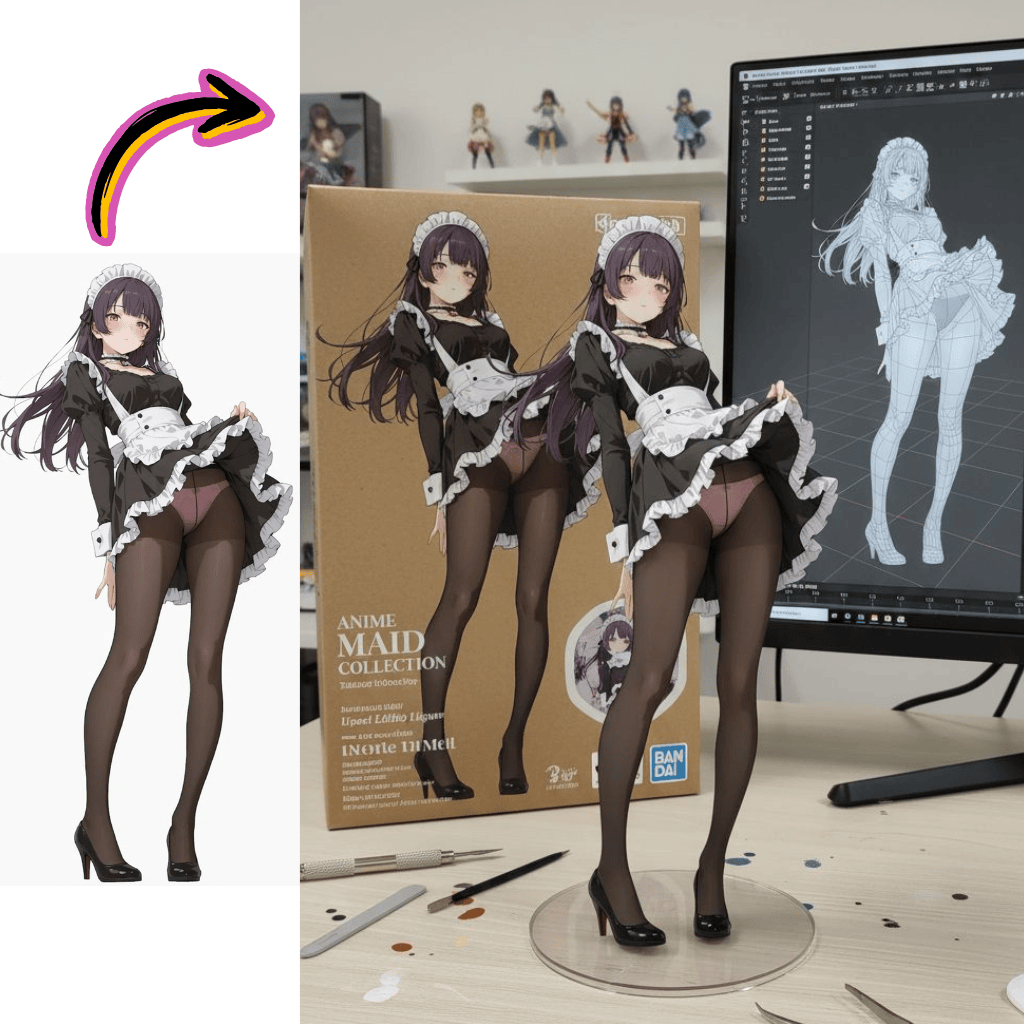
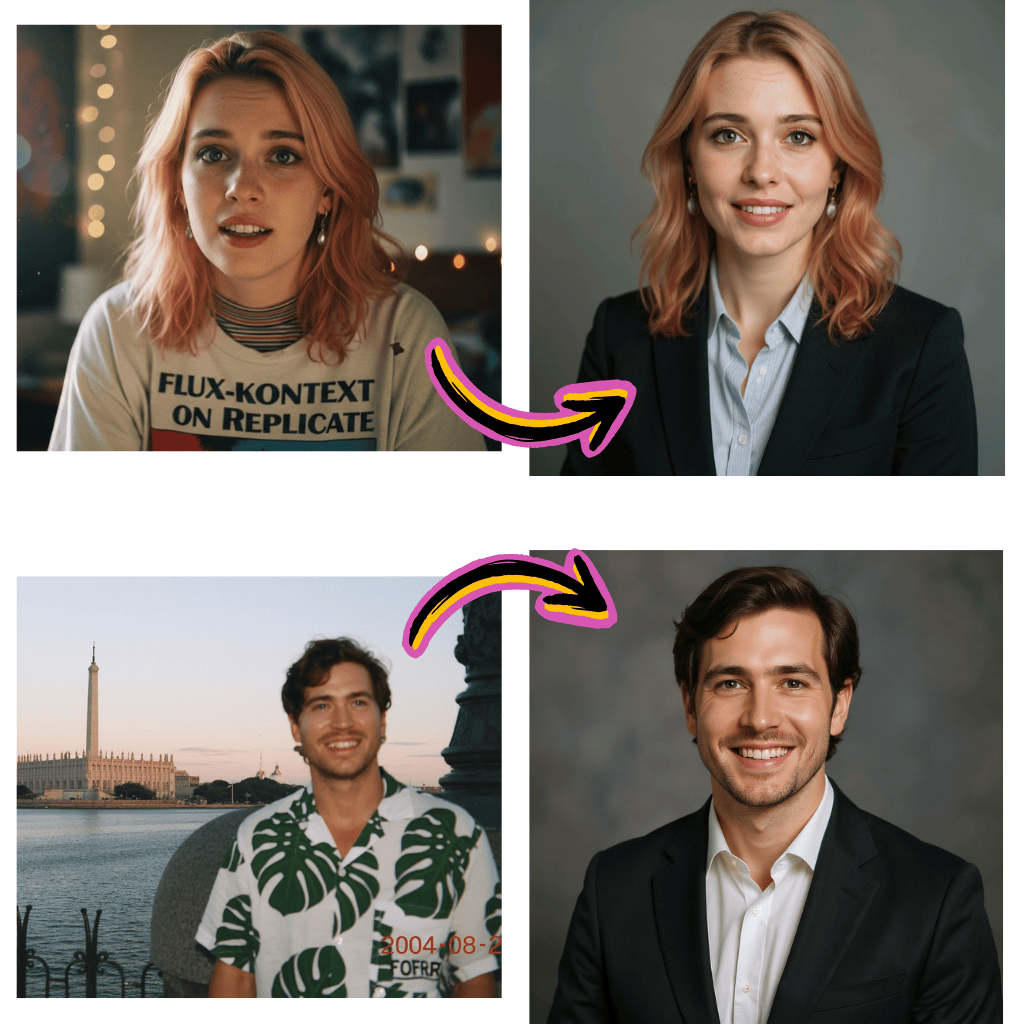
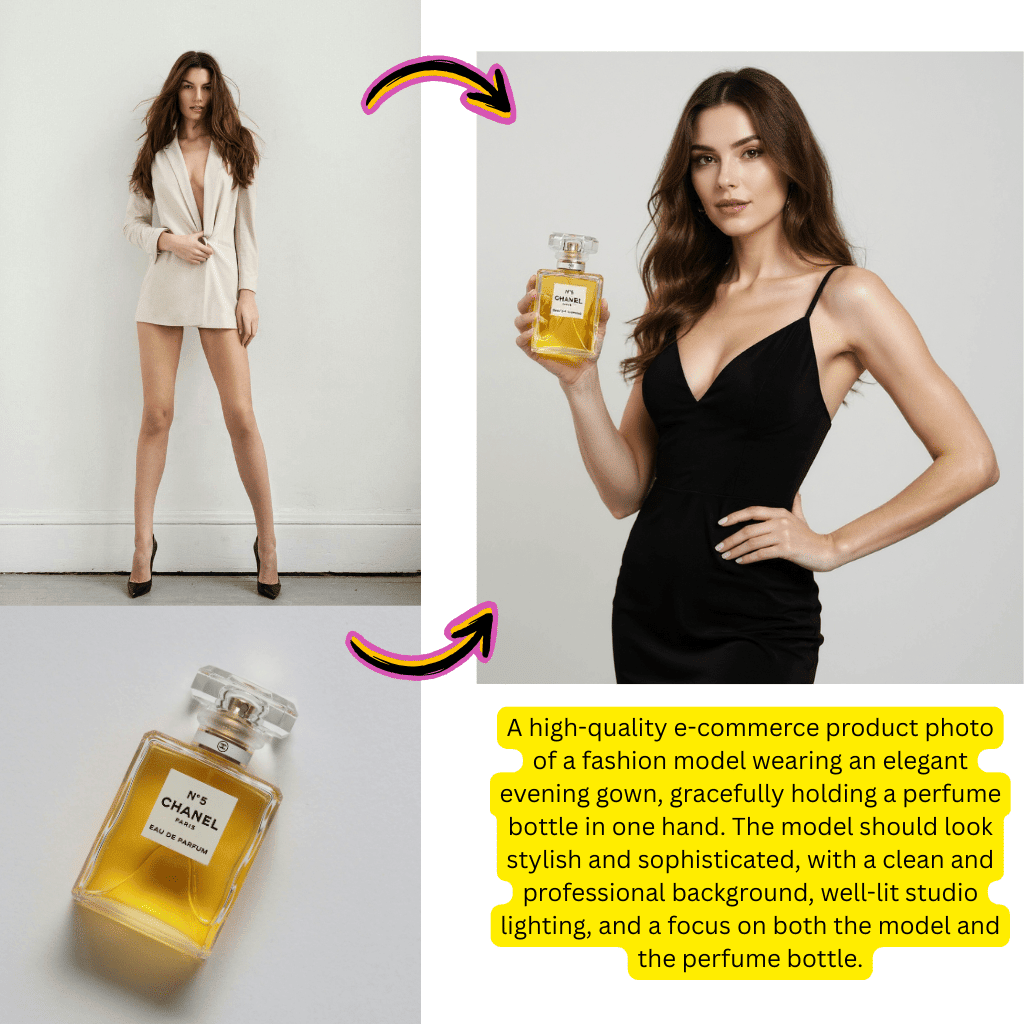
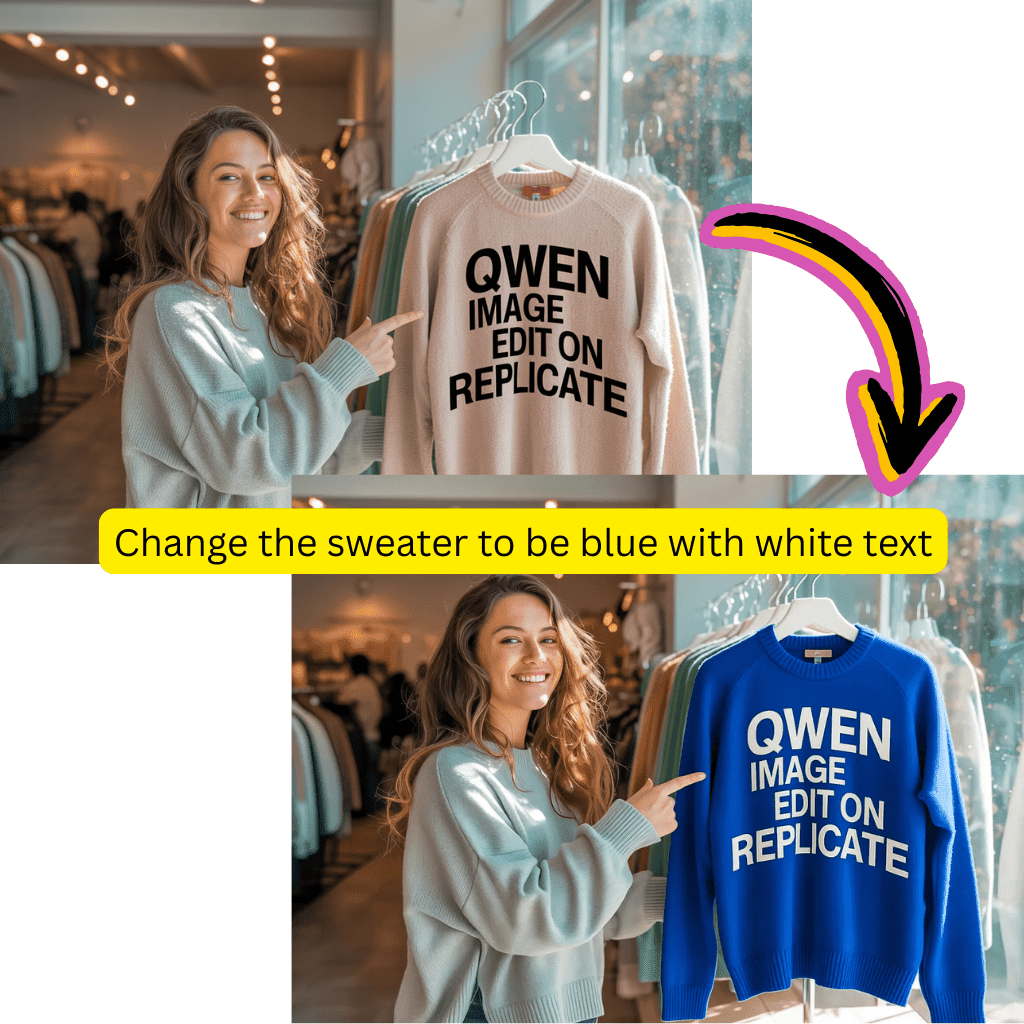

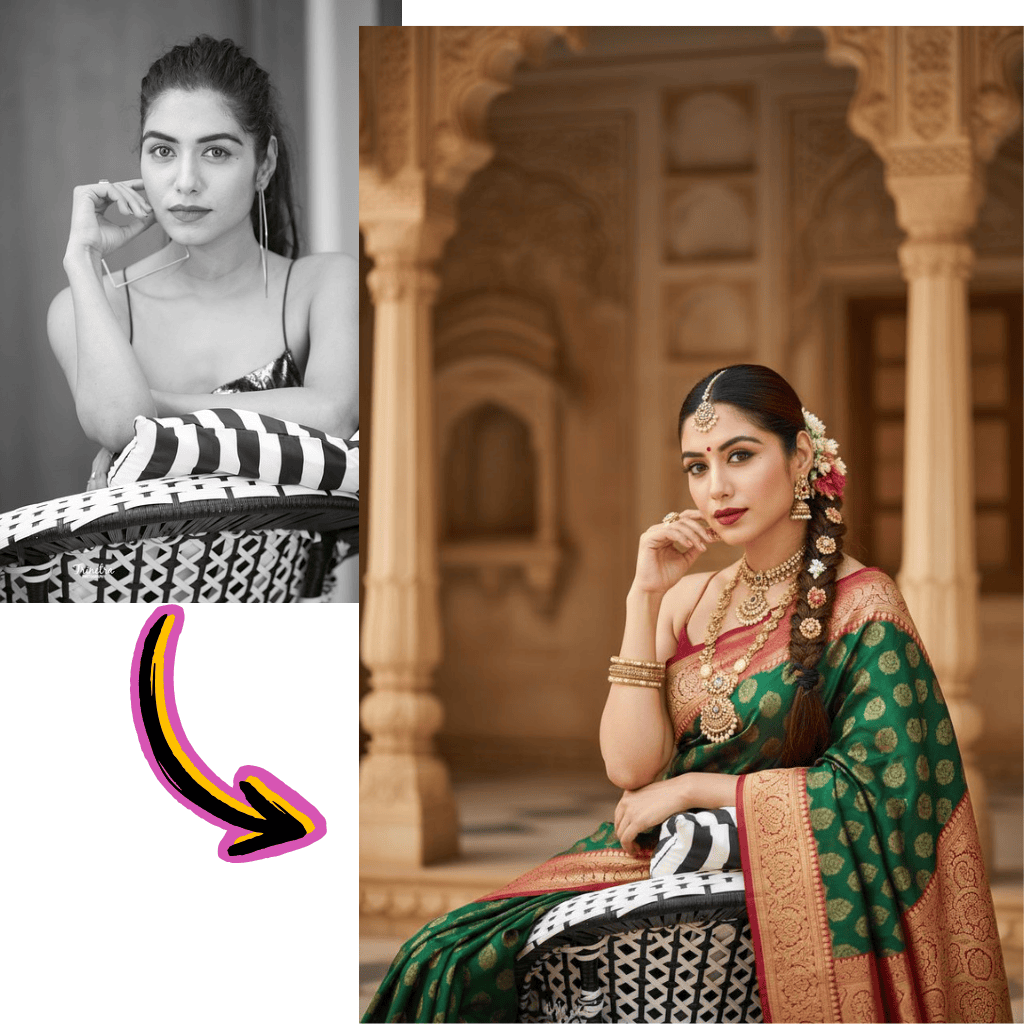
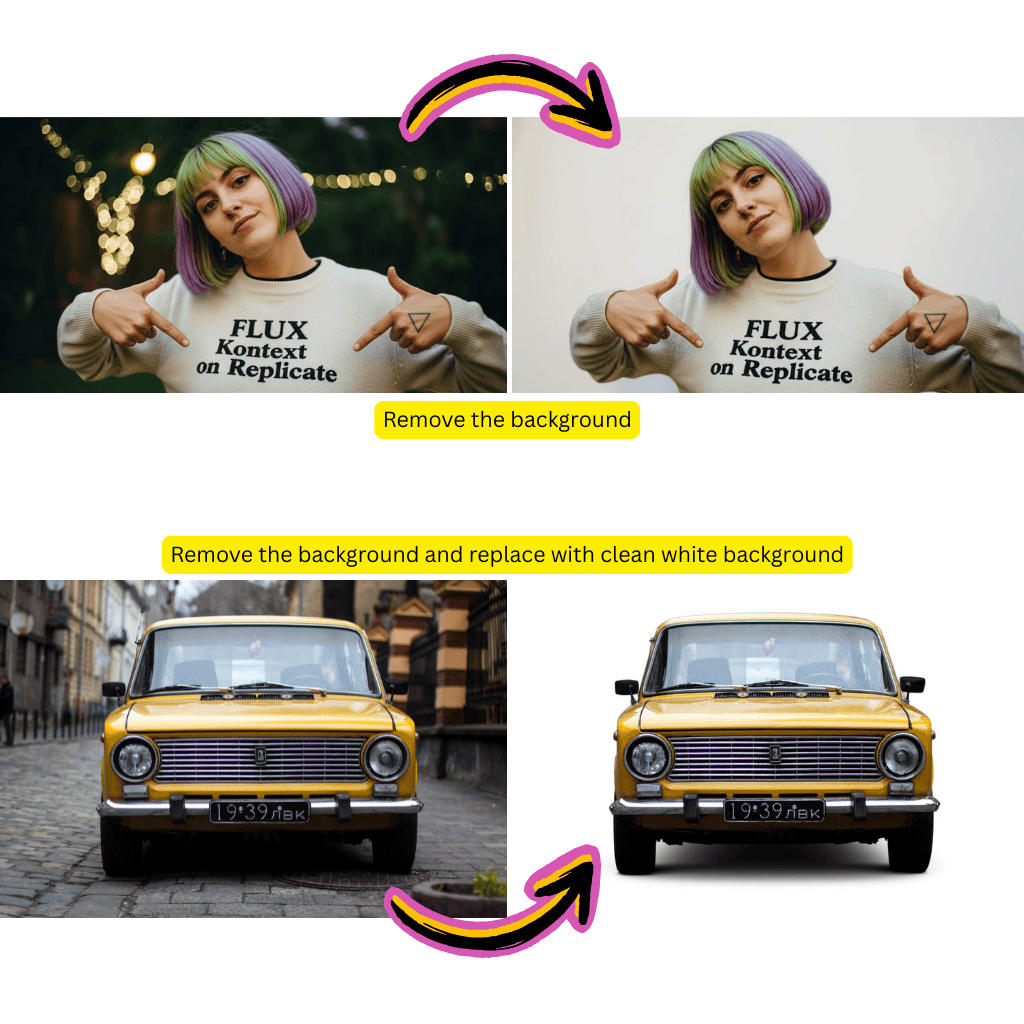
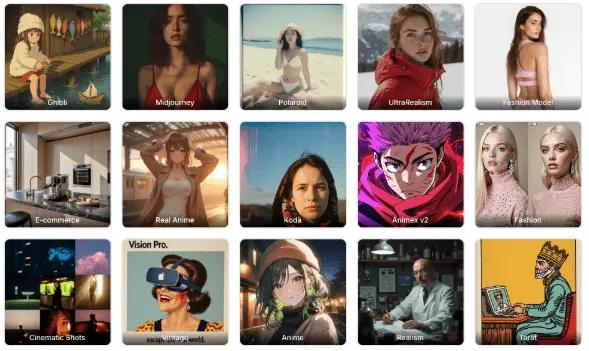
AI Image Models


AI Image Generator Inspiration Gallery
Browse stunning creations from our community. Click any visual to view the prompt and recreate similar results with our free tools.
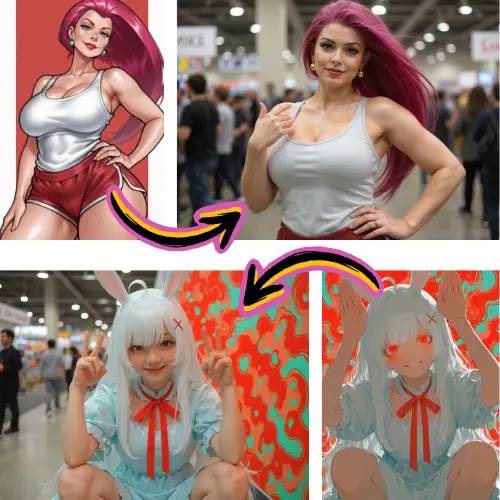
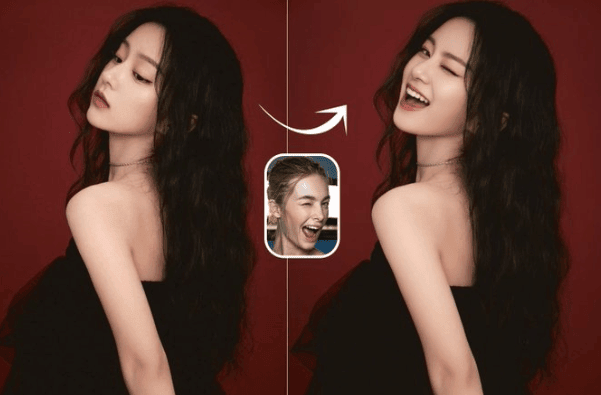
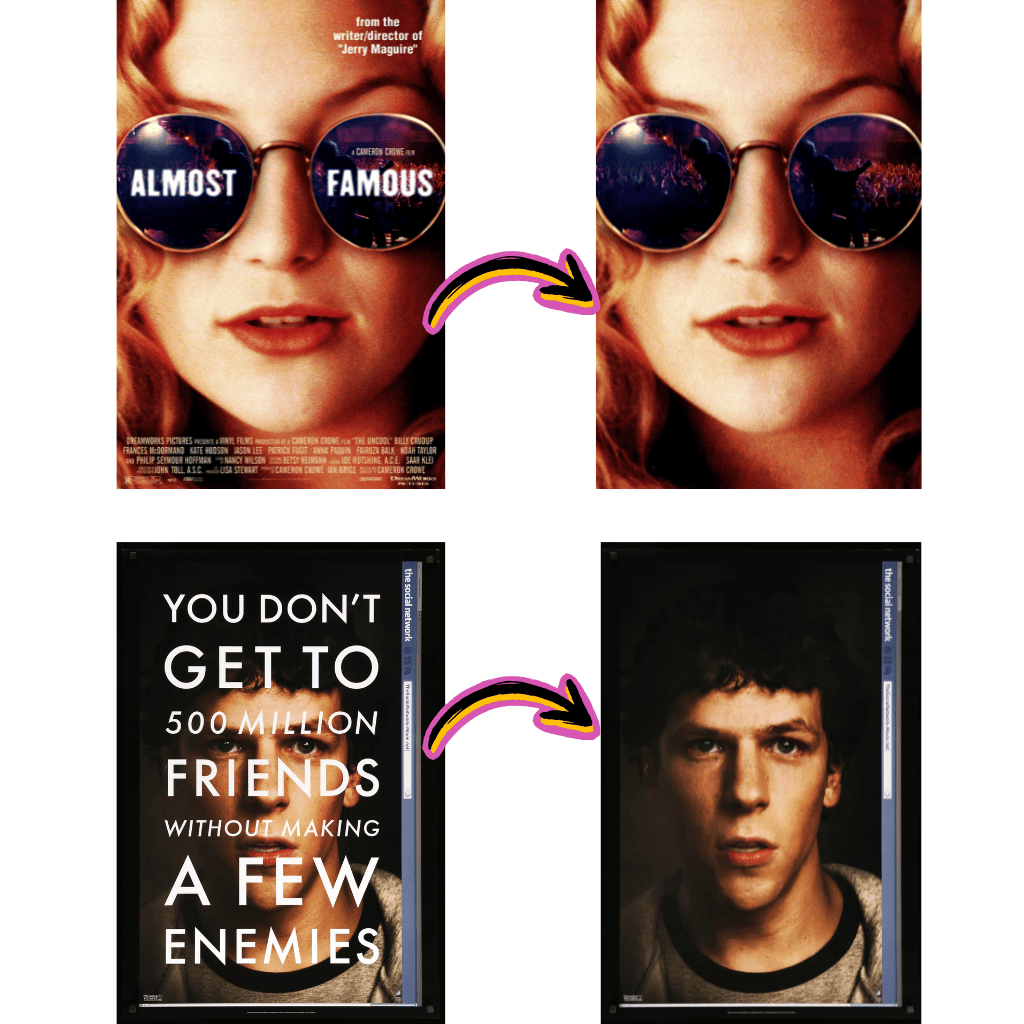
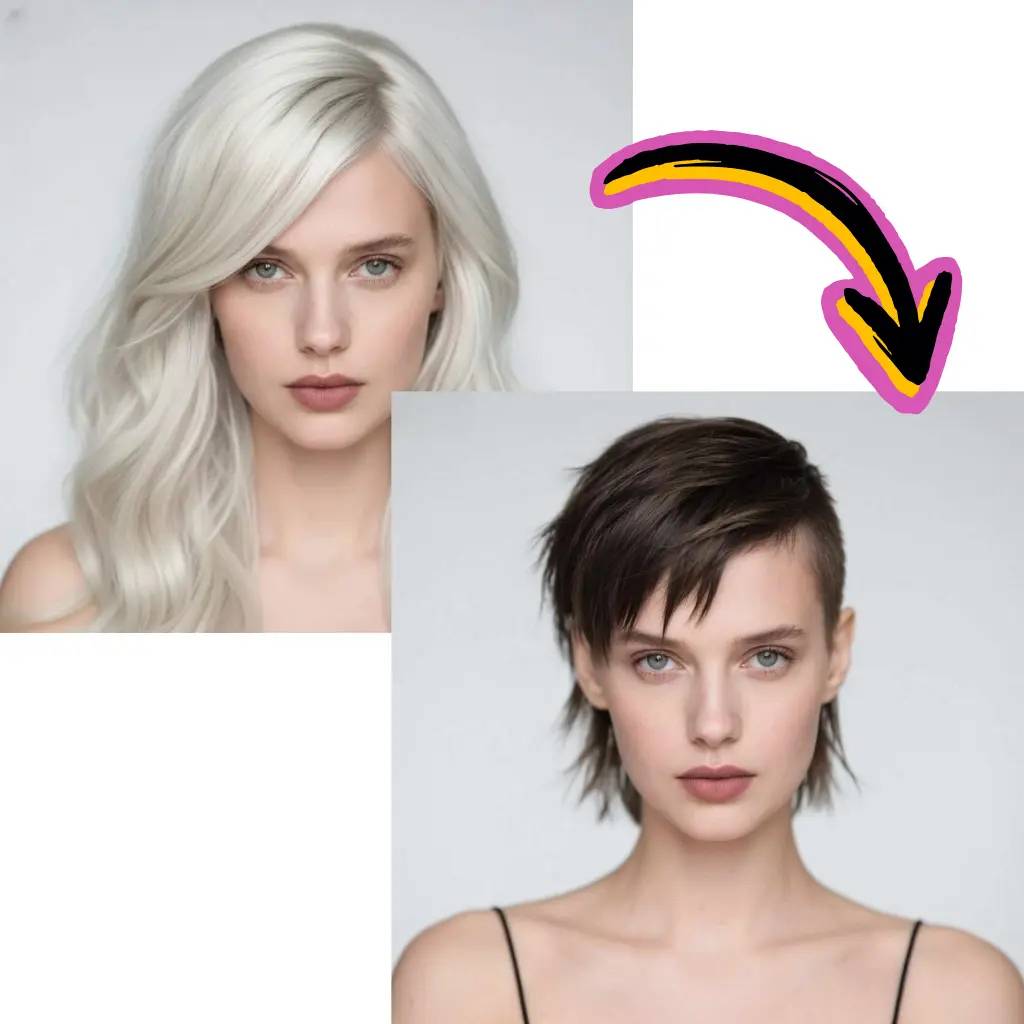
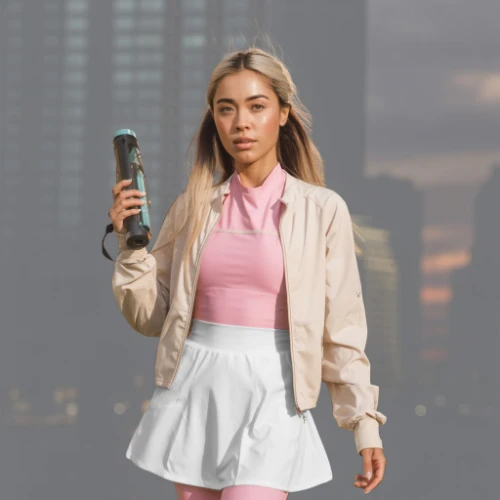
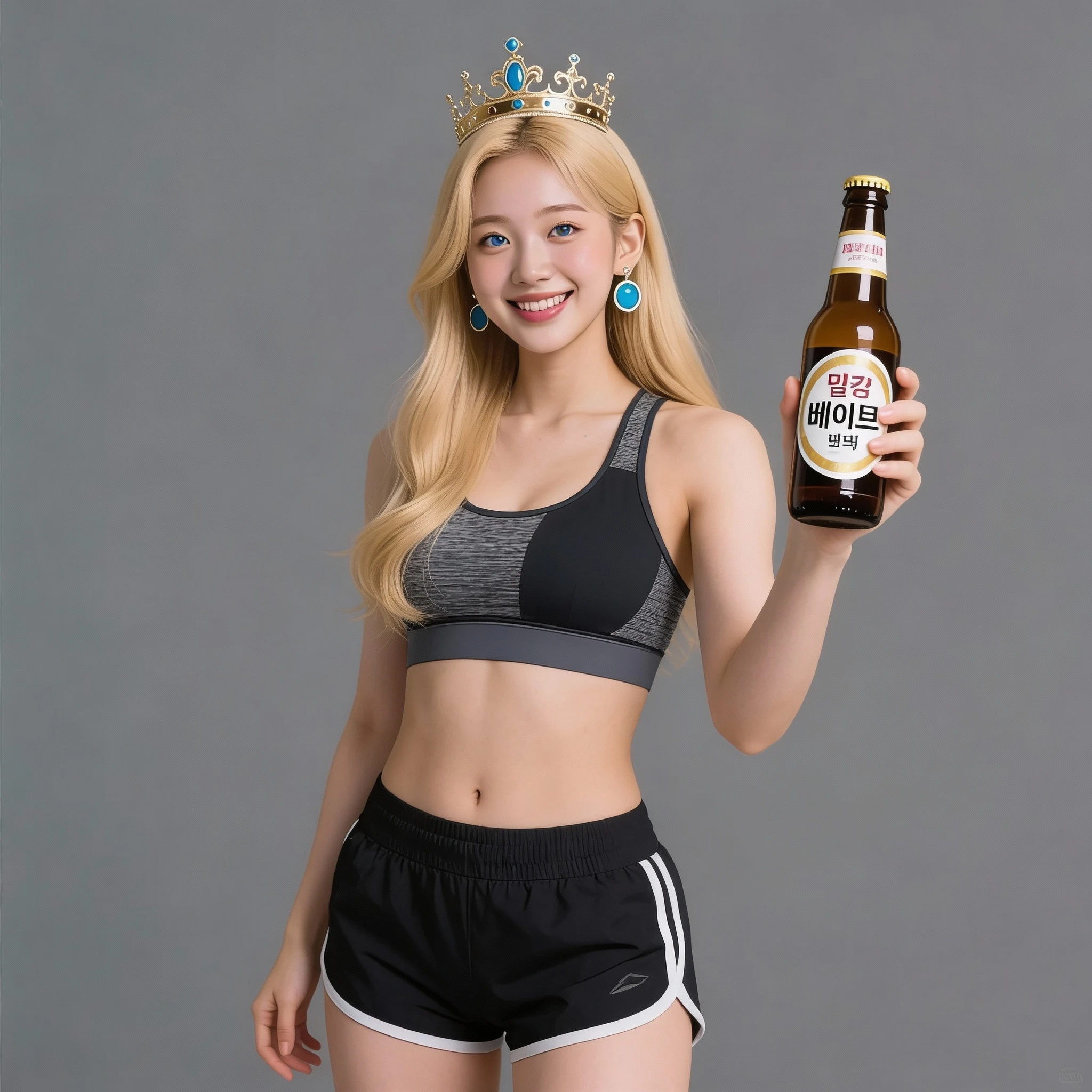
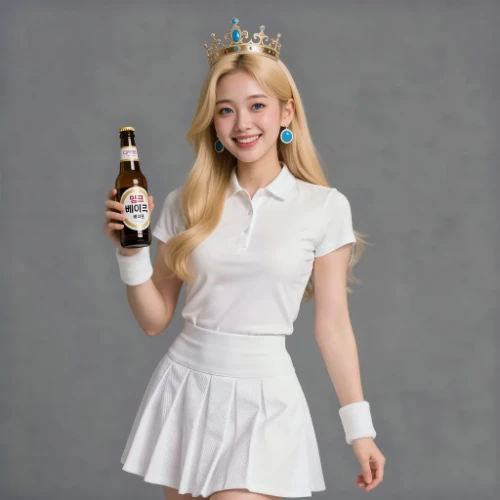
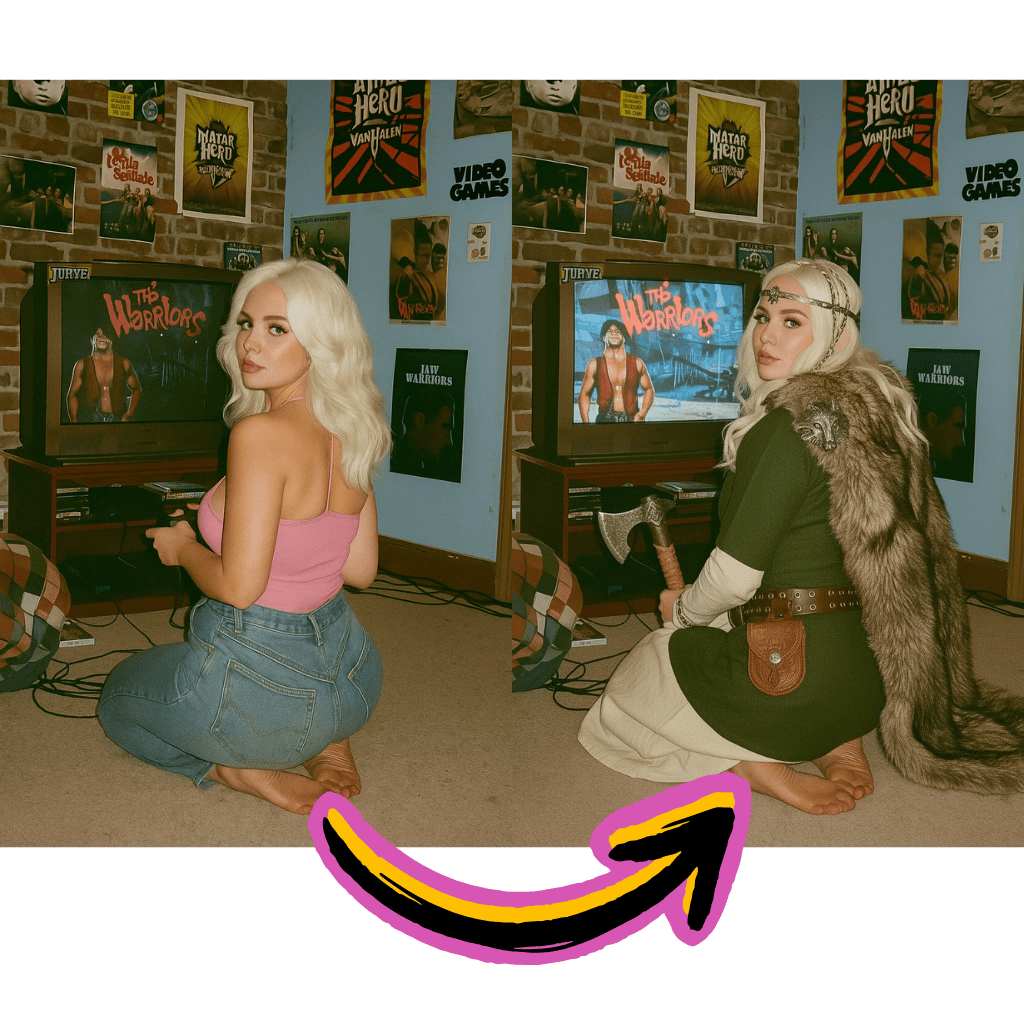
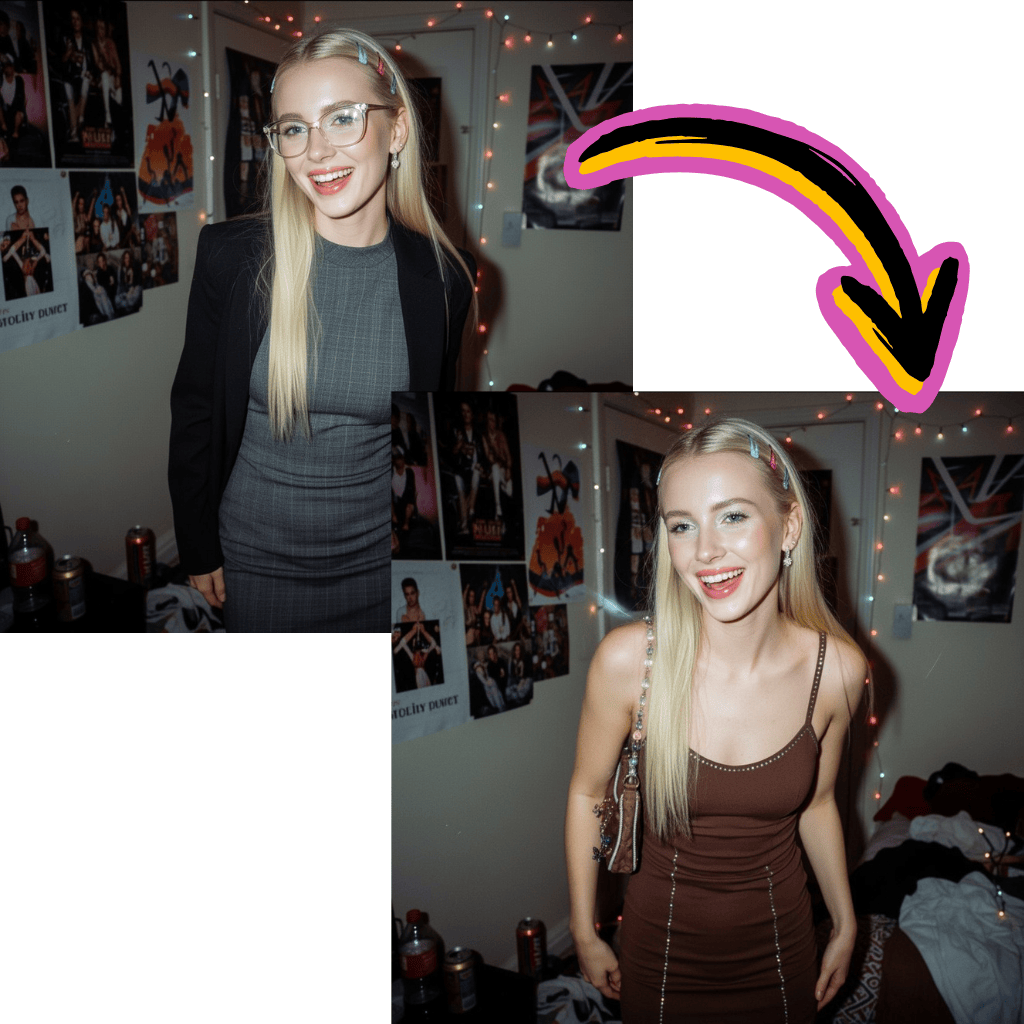
AI Image Generator: Image to Image Comparison
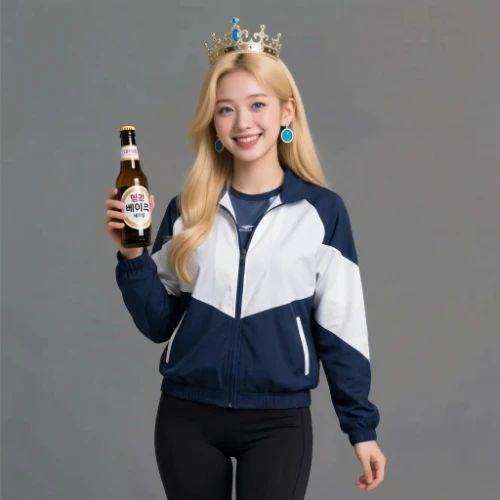
See how different AI models transform the same source image. Compare results to find the best AI image generator for your creative needs.
Original Image
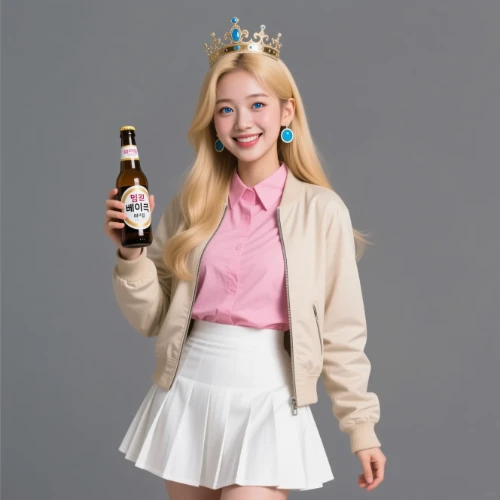
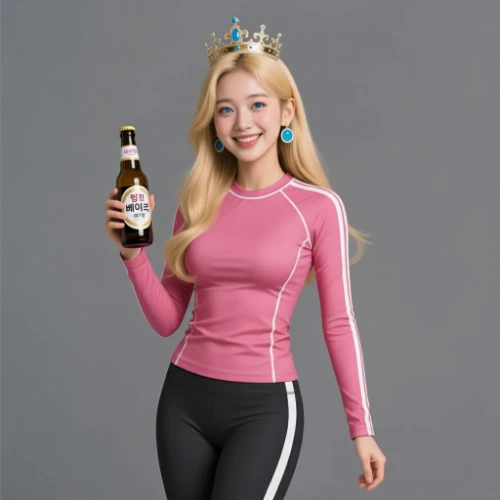
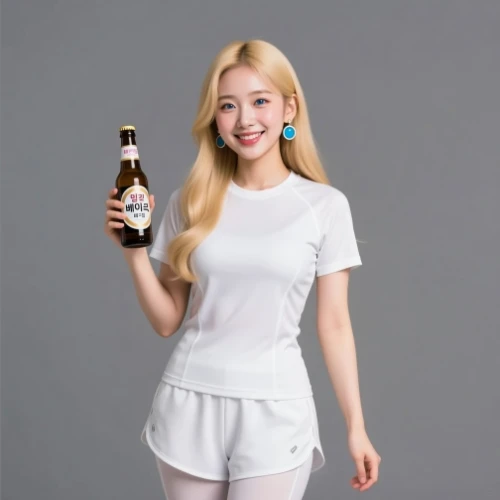
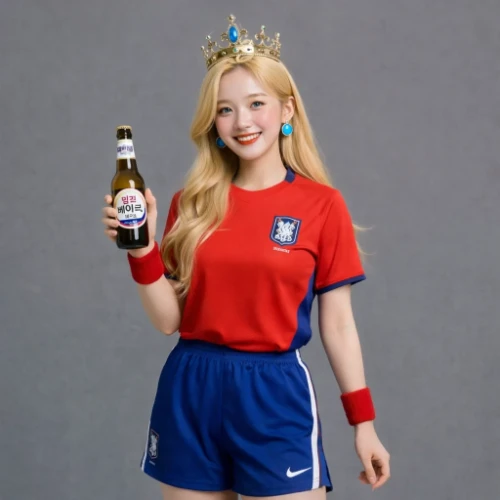
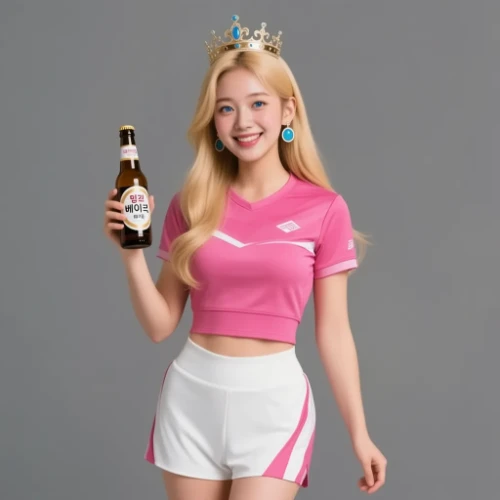
Change the clothes to sports
Generated Results
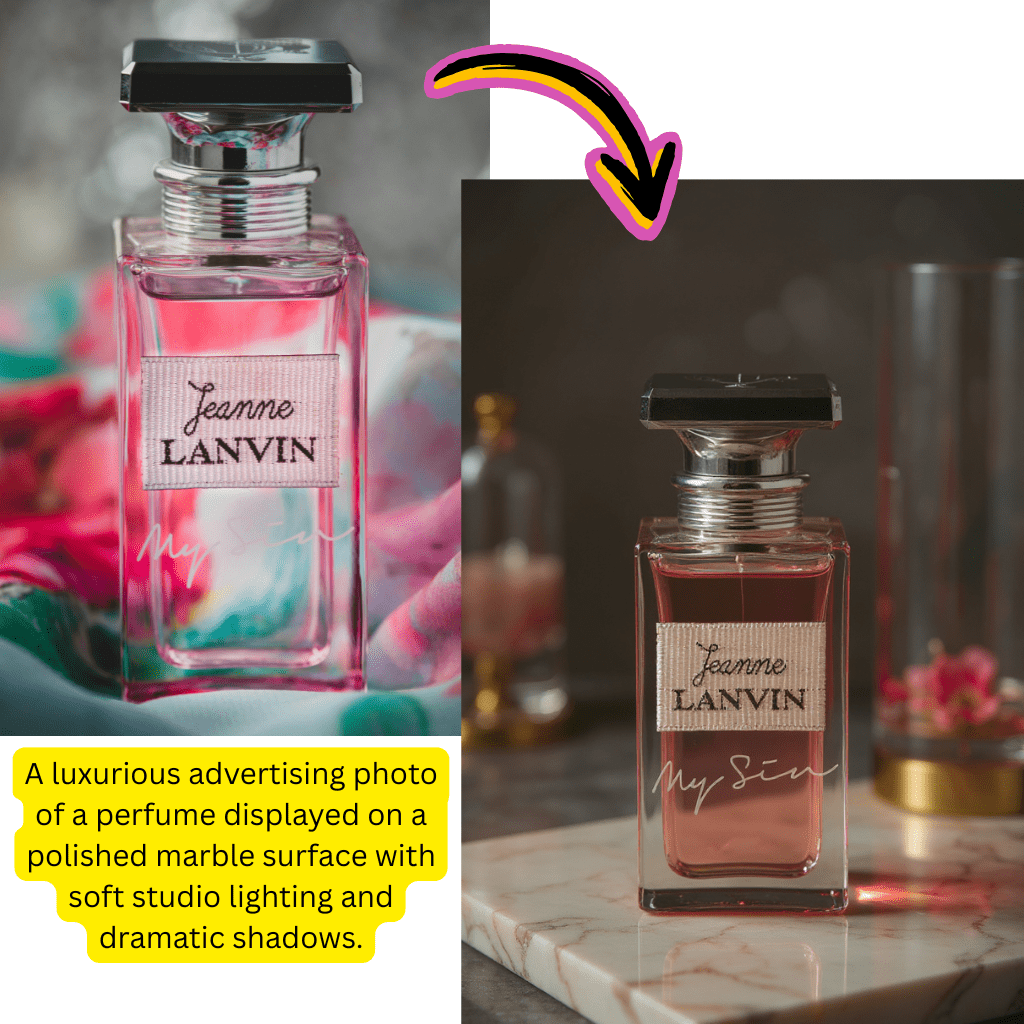
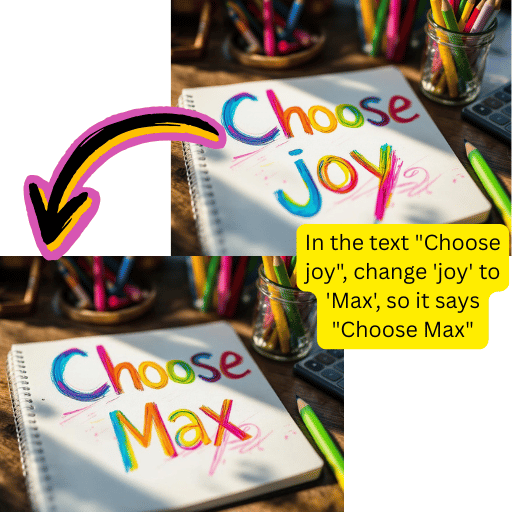
AI Image Generator: Text to Image Comparison
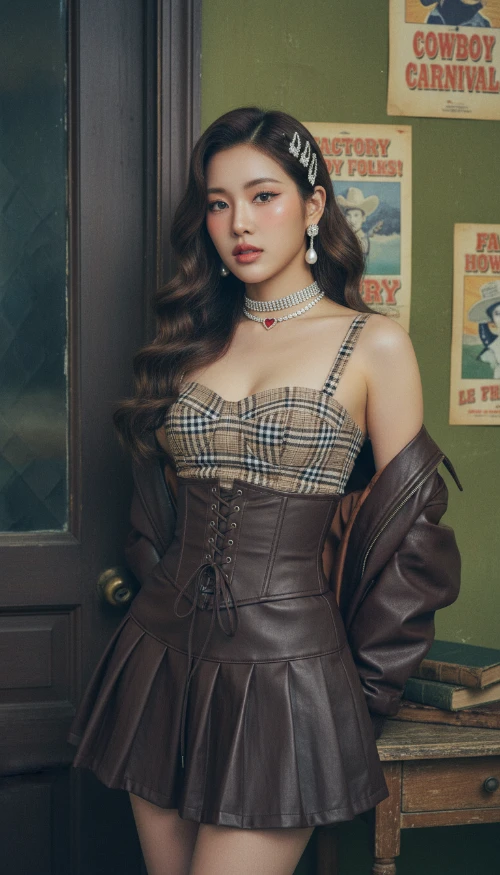
Compare how various AI models interpret the same text prompt. Discover which AI image generator best matches your creative vision.
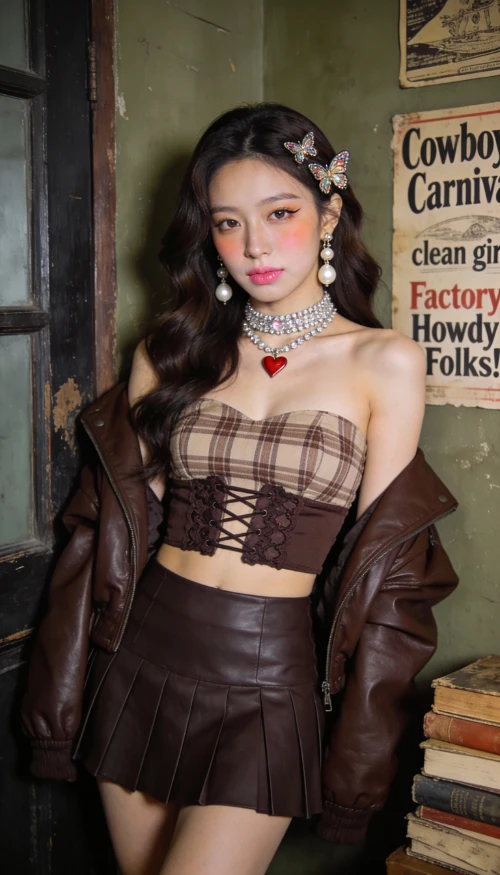
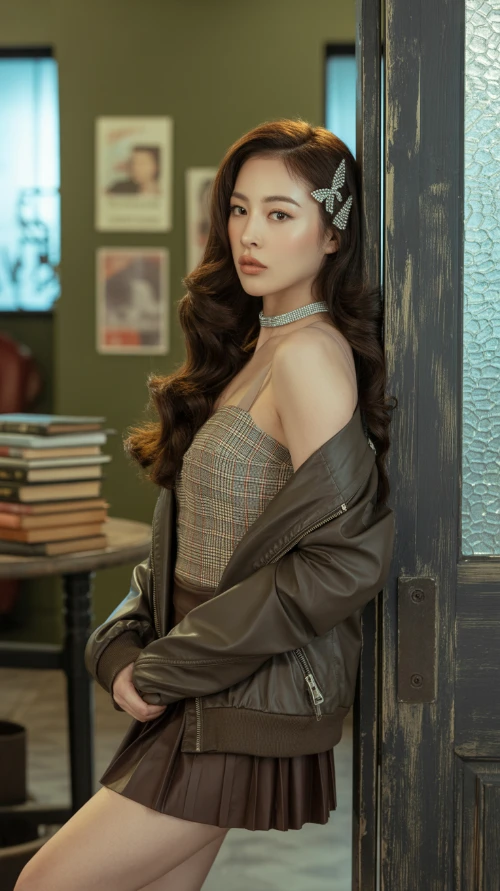
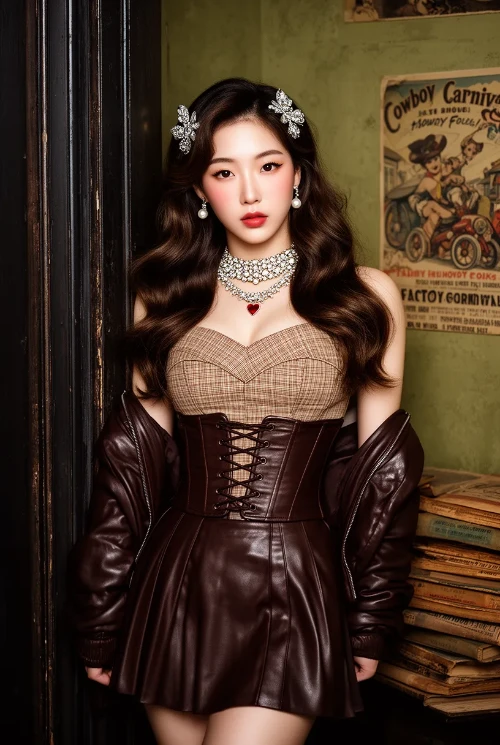
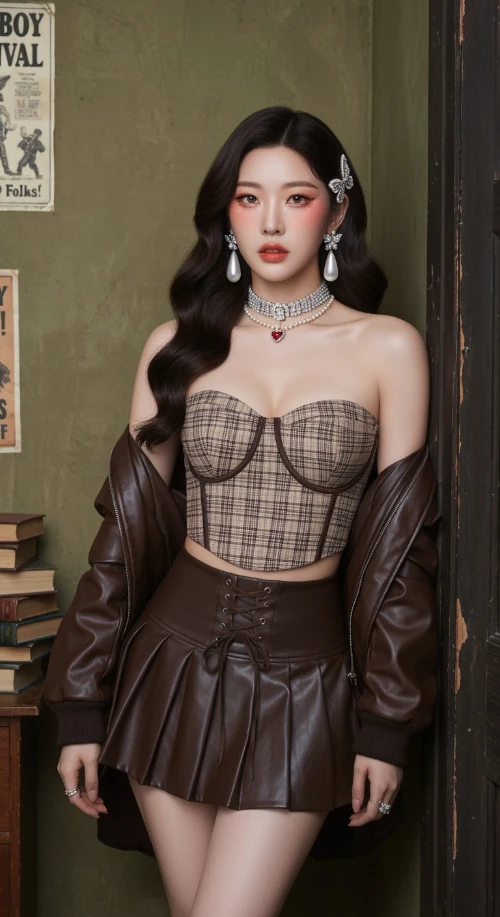
Prompt
Vintage Western Pin-up with K-pop Model Aesthetic. Hyper-realistic editorial portrait photography. Subject: A striking, slender young Korean woman in her mid-20s. Long, dark brown Hollywood waves. Soft 'clean girl' makeup with peachy blush, subtle cat-eye, and nude-pink lips. Sultry, confident gaze directly at the viewer. Attire: Brown/beige plaid bustier crop top with a dark brown lace-up waist cincher. Matching dark brown pleated faux-leather mini skirt. Rich chocolate brown leather bomber jacket draped off the shoulders. Heavy rhinestone choker necklaces with a small red heart pendant. Large pearl drop earrings. Jeweled butterfly hair clips. Setting & Pose: Indoors, in a vintage American backroom. Leaning against a worn dark wooden door frame. Background: textured olive-green wall with faded vintage posters ('Cowboy Carnival', 'Factory Howdy Folks!'). A stack of aged books to the side. Medium full shot, cropped at upper thighs. Hands not visible, focus on face and torso. Photography Style: Ultra-detailed photo-realism, cinematic soft lighting, subtle analog film grain. Soft, cool, high-key lighting with minimal shadows. Shallow depth of field (bokeh). Shot on a professional camera (Sony A1/Canon R5) with an 85mm f/1.4 portrait lens at f/2.2. 8K resolution, hyper-detailed skin and fabric textures.
Generated Results
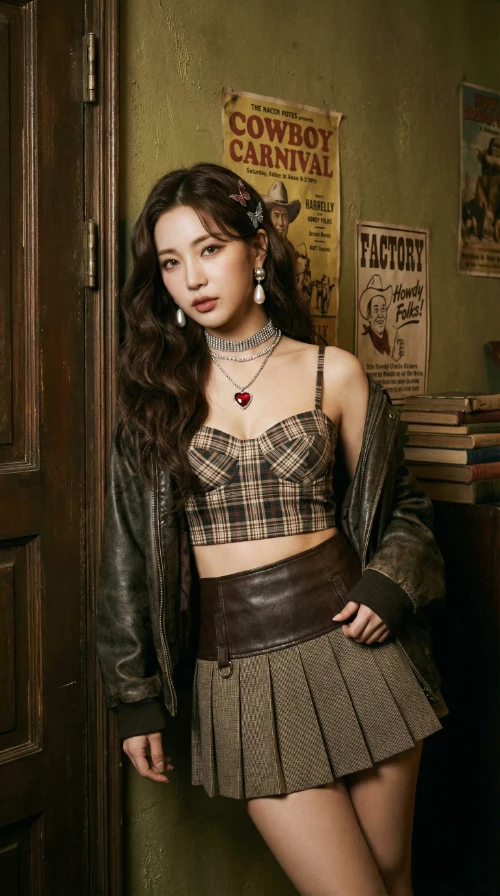
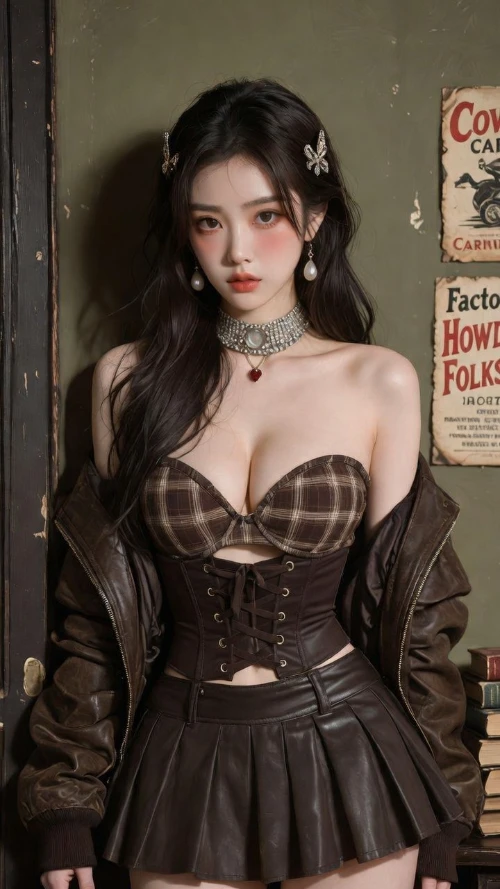
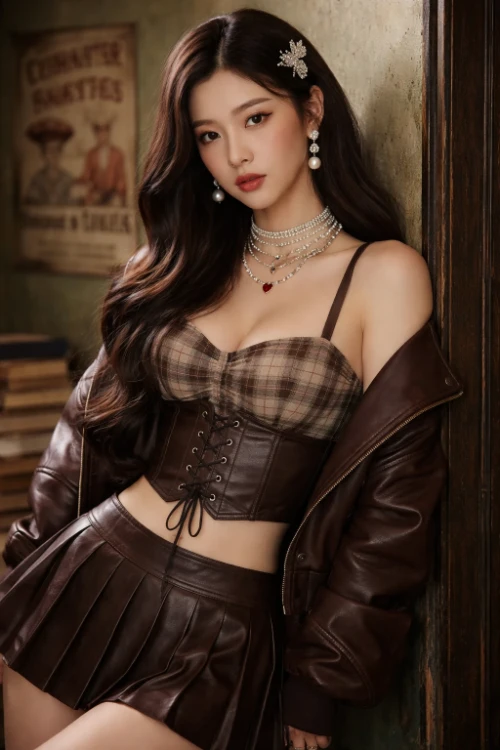
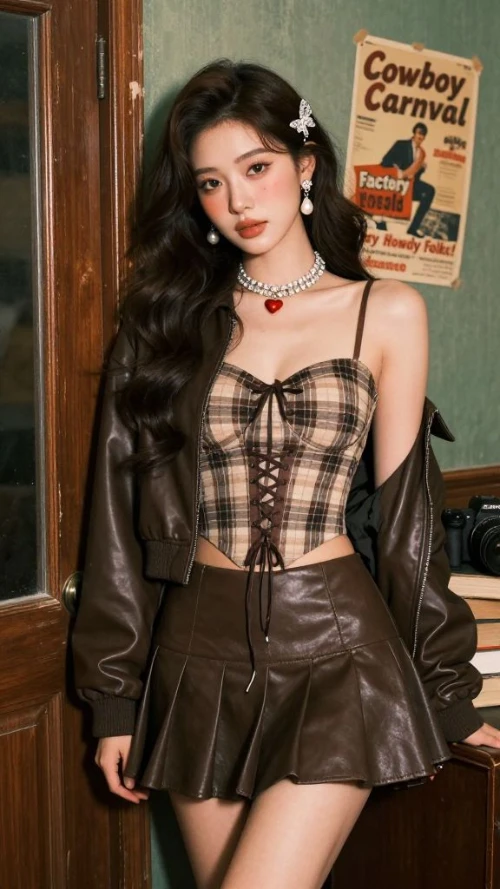
Create Professional Visuals with AI Image Generator
Text to Image Creation
Describe your vision and watch it come to life with photorealistic detail.
Image to Image Transformation
Upload photos and transform them. Change styles, swap elements, or apply new looks.
Multiple Premium Models
Access Nano Banana, Flux, GPT, Gemini, Ideogram, and Grok in one place.
Benefits of This AI Image Generator
Access professional-grade AI image generator tools without installations or subscriptions.
Free to Start
Begin creating without payment. No signup walls or hidden costs.
Premium AI Models
Work with Nano Banana Pro, Flux Kontext, GPT, and Google Gemini.
Complete Toolkit
Text to image, photo editing, background removal, upscaling in one platform.
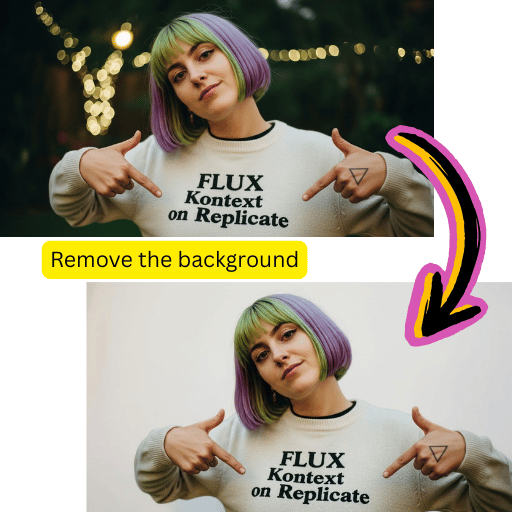
Fast Processing
Get polished results within seconds for rapid content workflows.
Simple Steps to Use AI Image Generator
Create stunning visuals with our intuitive workflow.
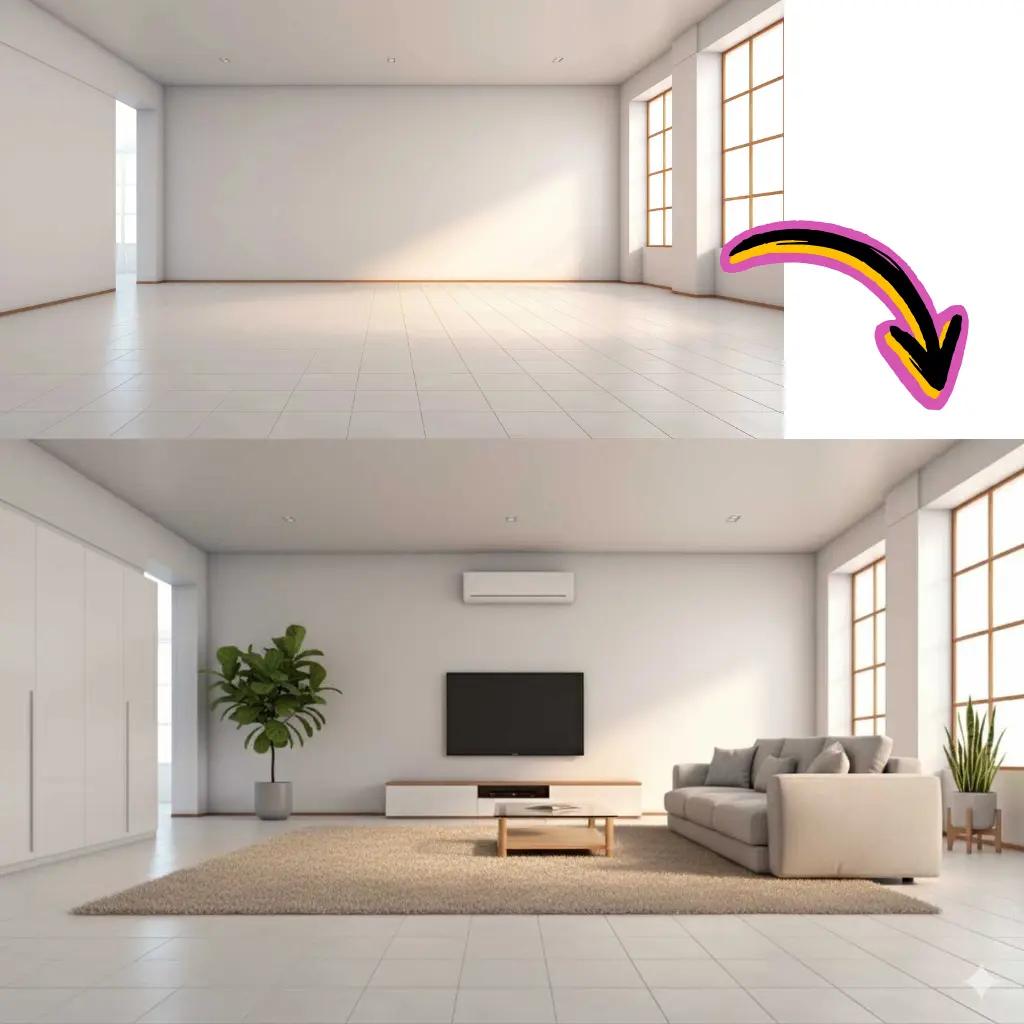
Choose Method
Select text to image or upload a photo for transformation.
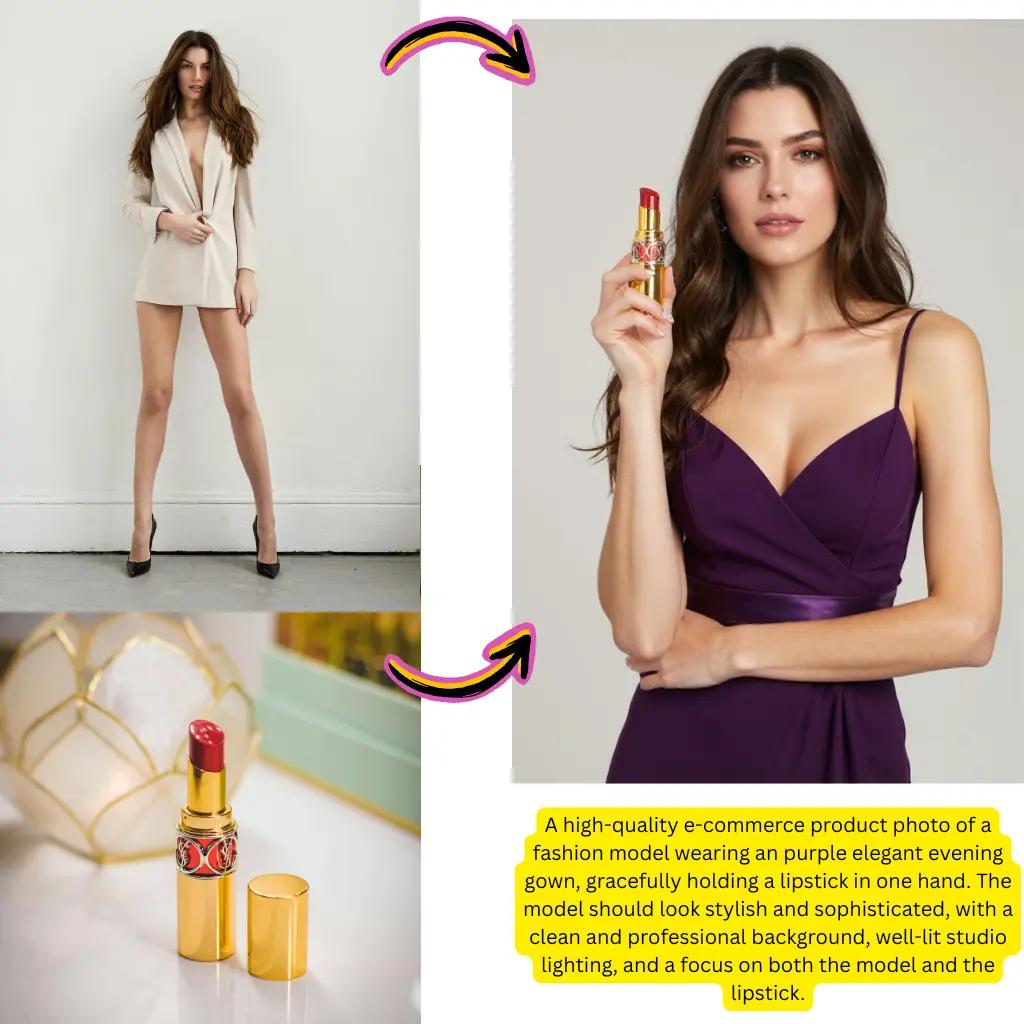
Enter Prompt
Describe what you want to create or how to modify your photo.
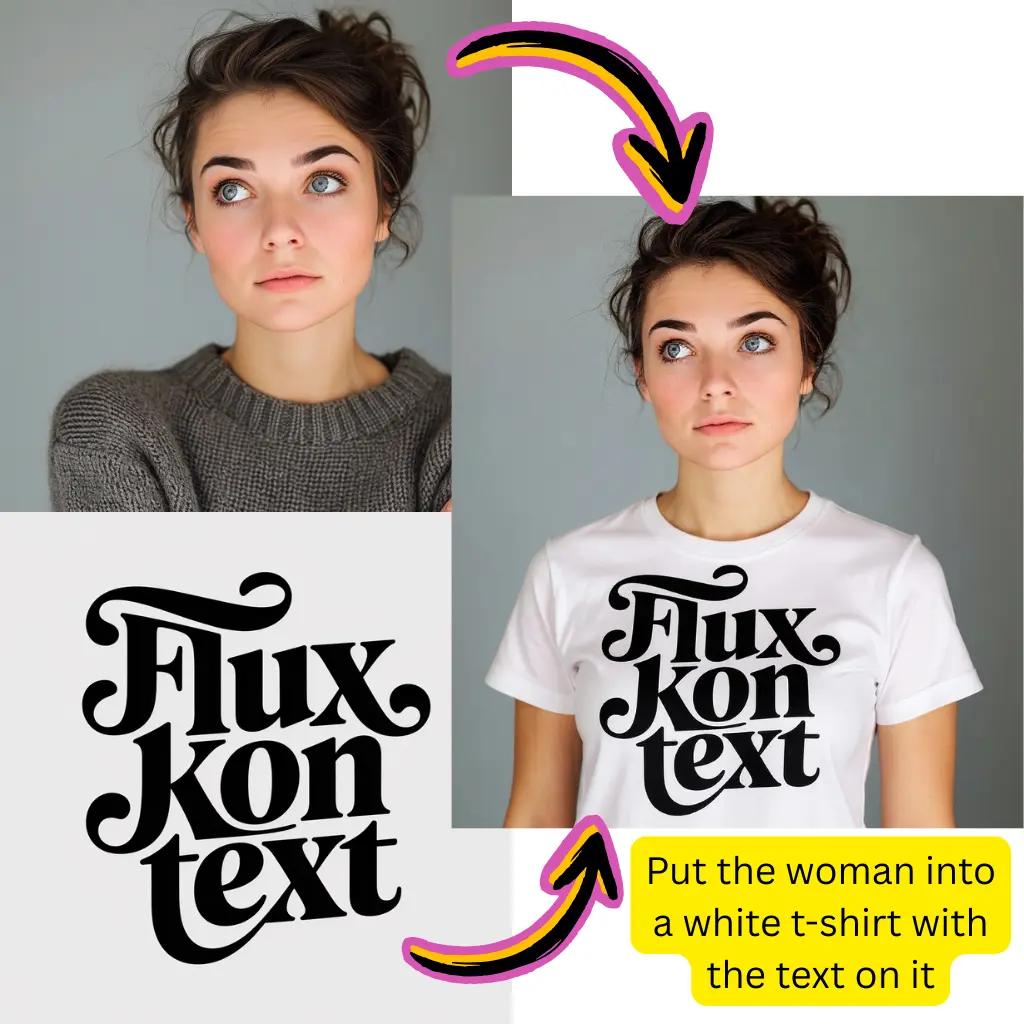
Select Model
Choose Nano Banana, Flux, GPT, Gemini, or others.
Download
Save your creation instantly in your preferred format.
Comprehensive AI Image Generator Capabilities
Explore the full suite of creation tools on our platform.
Text to Image
Generate visuals from descriptions. Type anything and watch it materialize.
Image to Image
Transform existing photos. Apply styles, modify elements, create variations.
Style Transfer
Apply anime, oil painting, cyberpunk, or watercolor aesthetics.
Background Removal
Extract subjects precisely. Replace backgrounds or export transparent files.
HD Upscaling
Enhance resolution and clarity without losing fine details.
Smart Inpainting
Fill missing areas or erase unwanted objects seamlessly.
AI Image Generator Trusted Worldwide
Join a growing community of visual creators.
Active Users
1M+
Creators using our tools daily
Creations Made
50M+
Visuals generated successfully
Available Models
10+
Premium options to choose from
AI Image Generator Frequently Asked Questions
Everything you need to know about creating visuals on our platform.
What is an AI Image Generator?
An AI image generator uses artificial intelligence to create visuals from text descriptions (text to image) or transform existing photos (image to image). Our platform provides access to multiple cutting-edge models including Nano Banana Pro, Flux Kontext, GPT, Gemini, and Grok that deliver photorealistic results, artistic illustrations, and creative transformations.
Is this AI Image Generator free to use?
Yes, getting started is completely free with no signup required. You receive complimentary credits to explore all features including text to image generation, photo editing, and image to image transformation. Premium tiers unlock additional processing power, priority queues, and higher resolution outputs for professional workflows.
Which models does this AI Image Generator offer?
Our platform integrates multiple cutting-edge options: Nano Banana Pro for realistic edits with character consistency, Flux Kontext for creative styling and photorealism, GPT Image 1.5 from OpenAI, Gemini from Google, Ideogram for text rendering, Grok Imagine from xAI, and Seedream for cohesive styles. Each has unique strengths for different creative needs.
What is the difference between text to image and image to image in AI Image Generator?
Text to image generates completely new visuals from your written descriptions—describe anything and watch it materialize. Image to image takes an existing photo and transforms it based on your prompts while preserving the original composition. Both methods are available on our platform with all supported models.
How does Nano Banana Pro work in this AI Image Generator?
Nano Banana Pro is our flagship model optimized for realistic transformations with ultra-high character consistency. It excels at maintaining natural textures, accurate lighting, and photographic quality. Users choose Nano Banana when they need authentic-looking results rather than overly stylized outputs. The latest generation offers enhanced quality and faster processing.
Can I use Gemini and Google AI in this Image Generator?
Absolutely. Our platform integrates Google's Gemini technology for intelligent modifications and context-aware enhancements. Gemini-powered features deliver nuanced results that understand your creative intent. Combined with other Google AI capabilities, you get sophisticated visual creation without switching between services.
How does Flux Kontext perform in this AI Image Generator?
Flux Kontext specializes in photorealism and creative control. It interprets prompts with strong artistic sensibility, making it ideal for converting photographs into illustrations, applying unique visual aesthetics, or exploring experimental creative directions. The model offers excellent balance between prompt adherence and creative interpretation.
Is there a free AI photo editor included?
Yes, our platform includes comprehensive photo editing capabilities. You can use the free AI photo editor for background removal, object removal, style transfer, color correction, and enhancement. All editing features work seamlessly with our generation tools, creating a complete visual creation toolkit.
Can this AI Image Generator create videos?
Our platform includes image to video capabilities. After generating or uploading a static visual, you can animate it using our video generation tools powered by models like Sora, Kling AI, and Veo. This enables dynamic content creation for social media, presentations, and marketing materials.
What file formats does this AI Image Generator support?
We accept JPG, PNG, WebP, AVIF, and most common formats for uploads. For output, download as JPG for smaller files or PNG for transparency support. The built-in converter handles AVIF to JPG, PNG to WebP, and other format conversions seamlessly. All outputs are optimized for both web and print use.
How fast is this AI Image Generator?
Most generations complete within 10-30 seconds depending on complexity and selected model. Our infrastructure optimizes queue management so you spend less time waiting. Premium users receive priority processing for even faster turnaround. Real-time progress indicators keep you informed throughout the process.
Is this AI Image Generator unrestricted?
We support broad creative expression while maintaining community guidelines. The platform accommodates artistic, commercial, and experimental projects. Our models like Nano Banana offer flexibility for diverse creative needs. Certain restricted categories exist to ensure responsible use, but most professional and creative use cases are fully supported.
Can I use AI Image Generator results commercially?
Outputs created on our platform are yours to use. Whether for marketing materials, product listings, social media content, or client projects, you retain rights to your creations. This applies to both text to image generations and image to image transformations. Check our terms for specific licensing details.
How does this compare to Google's AI Image Generator?
While Google offers Gemini and other creative technologies, our platform aggregates multiple specialized models in one unified interface. You get Gemini capabilities alongside Nano Banana, Flux, GPT, Grok, and others—providing flexibility to choose the right tool for each task without switching between different services.
What is the best AI Image Generator model for text rendering?
Ideogram and Qwen excel at rendering text within visuals. If you need legible text, logos, or typography in your creations, these models produce cleaner results than general-purpose options. GPT Image 1.5 also handles text rendering well. Select based on your specific visual style requirements.
Can I remove backgrounds with this AI Image Generator?
Yes, background removal is a core feature. Upload your photo and use our dedicated removal tool or write a prompt like 'remove background' or 'transparent background'. The system uses advanced segmentation to precisely extract subjects. Download PNG files with transparency or composite onto new backgrounds instantly.
Does this AI Image Generator work on mobile?
Our platform is fully responsive and works on smartphones and tablets. Access all features through your mobile browser without installing apps. The interface adapts to touch controls while maintaining full functionality. Create on the go with the same powerful models available on desktop.
How do I write better prompts for AI Image Generator?
Be specific about subject, style, lighting, and mood. Include details like 'photorealistic portrait, soft natural lighting, shallow depth of field' rather than vague descriptions. Browse our inspiration gallery to see effective prompts. Each model responds differently, so experiment to find what works best for your vision.
Can I upscale low-resolution photos with this AI Image Generator?
Our HD upscaling feature enhances resolution while preserving fine details. Whether you have old photographs, compressed web graphics, or small thumbnails, the upscaler reconstructs clarity and sharpness. Results are suitable for print or high-definition display without introducing artifacts.
What makes Grok Imagine unique in this AI Image Generator?
Grok Imagine from xAI brings a distinct approach to visual creation. It excels at understanding nuanced prompts and generating creative interpretations. The model offers unique stylistic capabilities that complement our other options, giving you more creative flexibility.
Do I need technical skills to use this AI Image Generator?
Not at all. The interface is designed for everyone from beginners to professionals. Simply describe what you want in plain language, and let the models handle technical complexity. Advanced users can fine-tune parameters, but great results require no specialized knowledge. Start creating immediately without tutorials.
Can I process multiple files with this AI Image Generator?
Batch processing allows you to transform several photos with consistent settings. This is especially useful for product photography, content creation at scale, or applying uniform styling across collections. Upload multiple files and apply the same prompt to all simultaneously for efficient workflows.
How does Higgsfield AI integrate with this Image Generator?
Higgsfield AI capabilities enhance our video generation features. When converting static visuals to motion content, Higgsfield technology helps create natural, fluid animations. This integration expands creative possibilities beyond static outputs into dynamic media content.
What is Whisk AI in relation to this Image Generator?
Whisk AI from Google enables unique visual remixing capabilities. Upload reference visuals and combine elements creatively using Whisk-powered features. This technology complements our text-based generation with visual to visual creative workflows for more experimental projects.
Ready to Create with AI Image Generator?
Start creating stunning visuals today. No credit card required.