


Flux Schnell LoRA AI Image Generator Gallery
Explore creative works made with custom LoRA styles. Click any visual to see the prompt and recreate similar results.
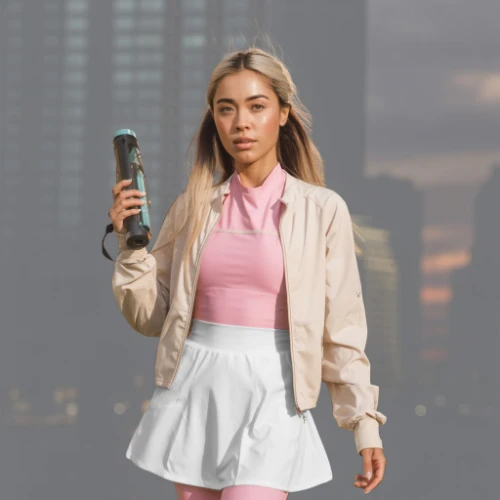
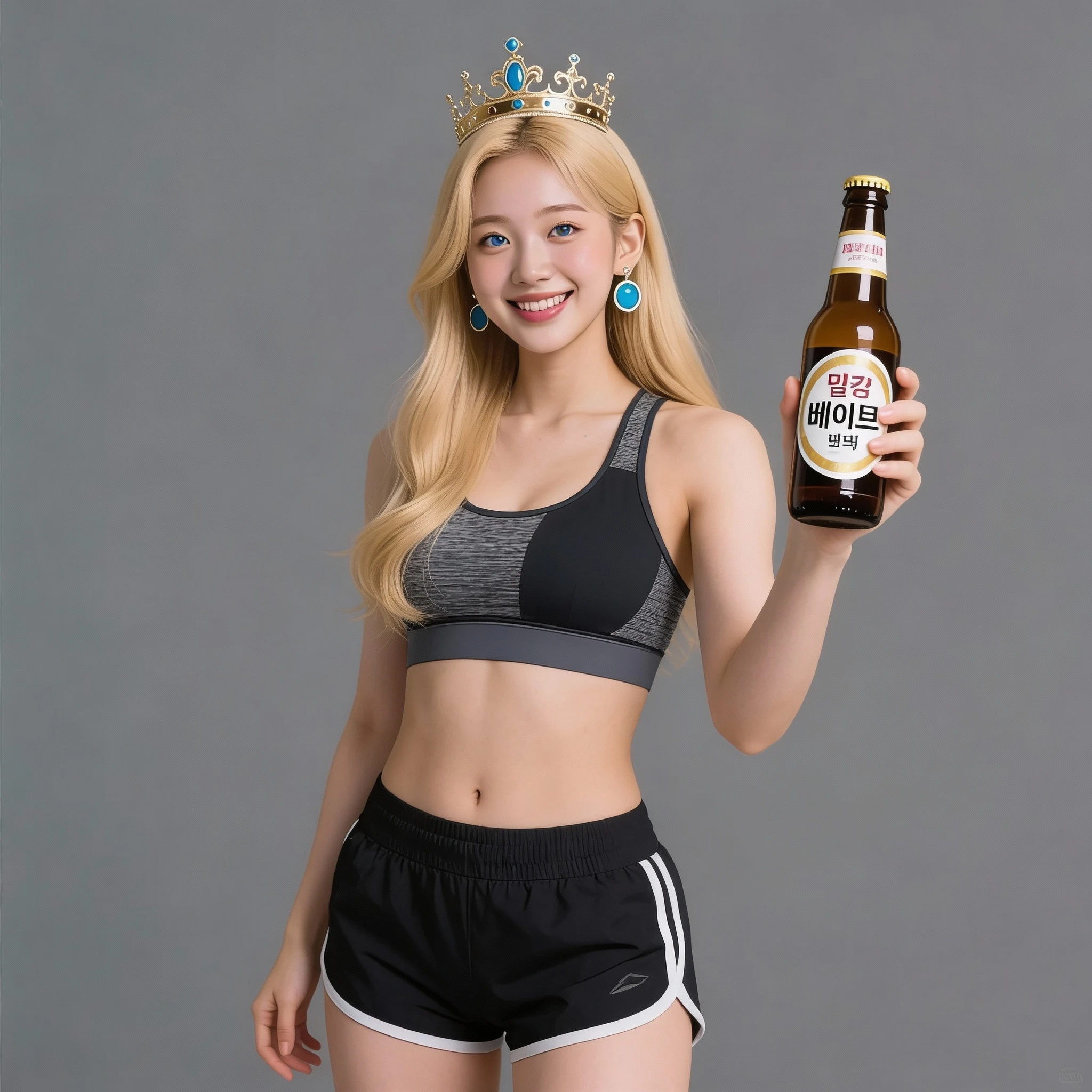
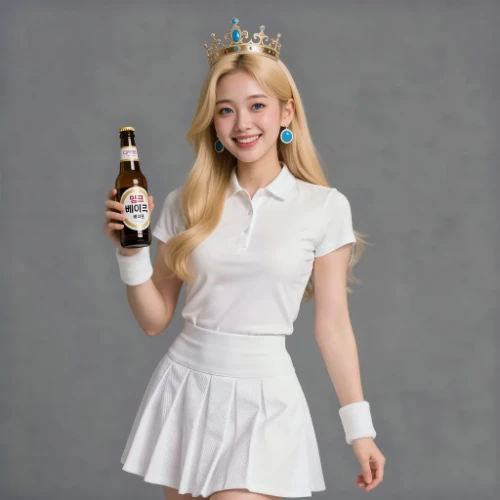
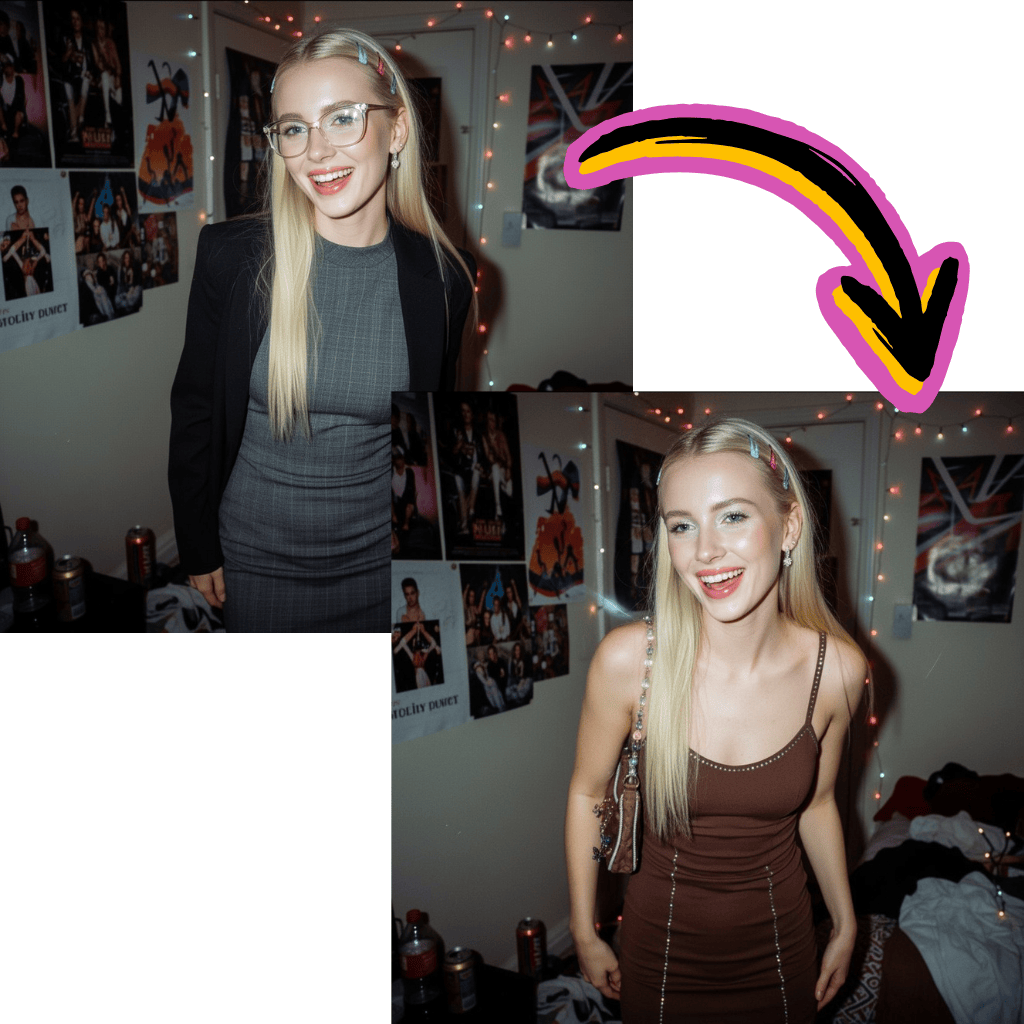
Comparison of Tiramisu AI Image to Image Models
Original Image
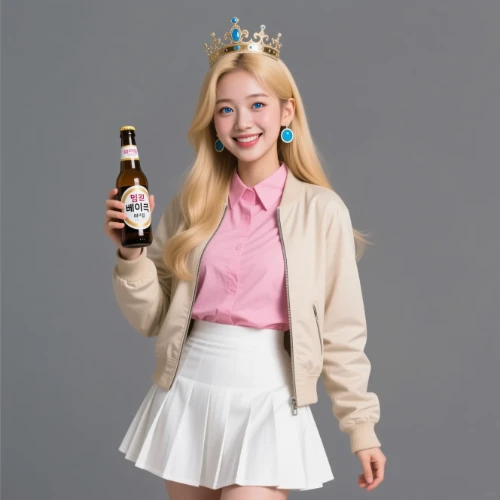
Change the clothes to sports
Generated Results
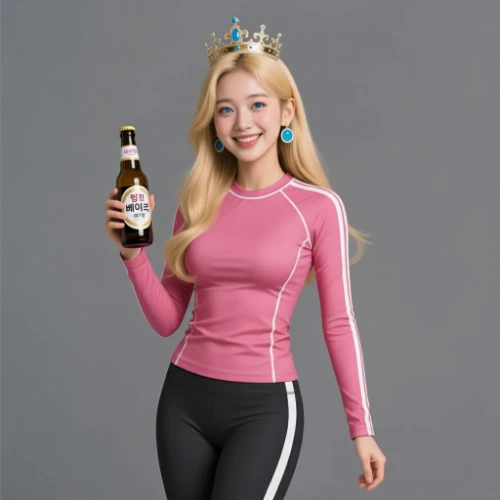
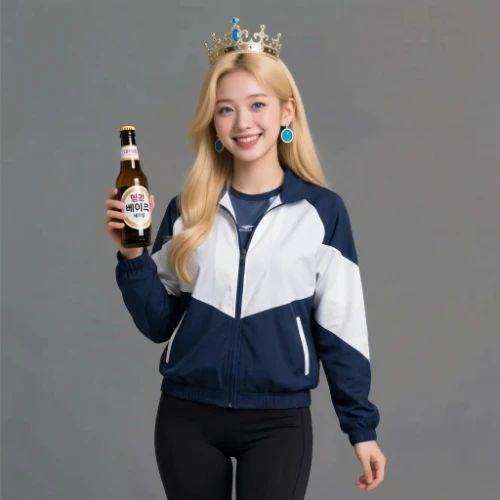


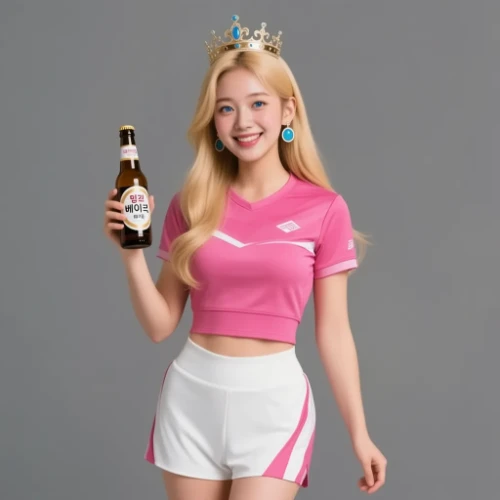
Alternatives to Flux Schnell LoRA Generator


Create Custom Art with Flux Schnell LoRA AI Image Generator
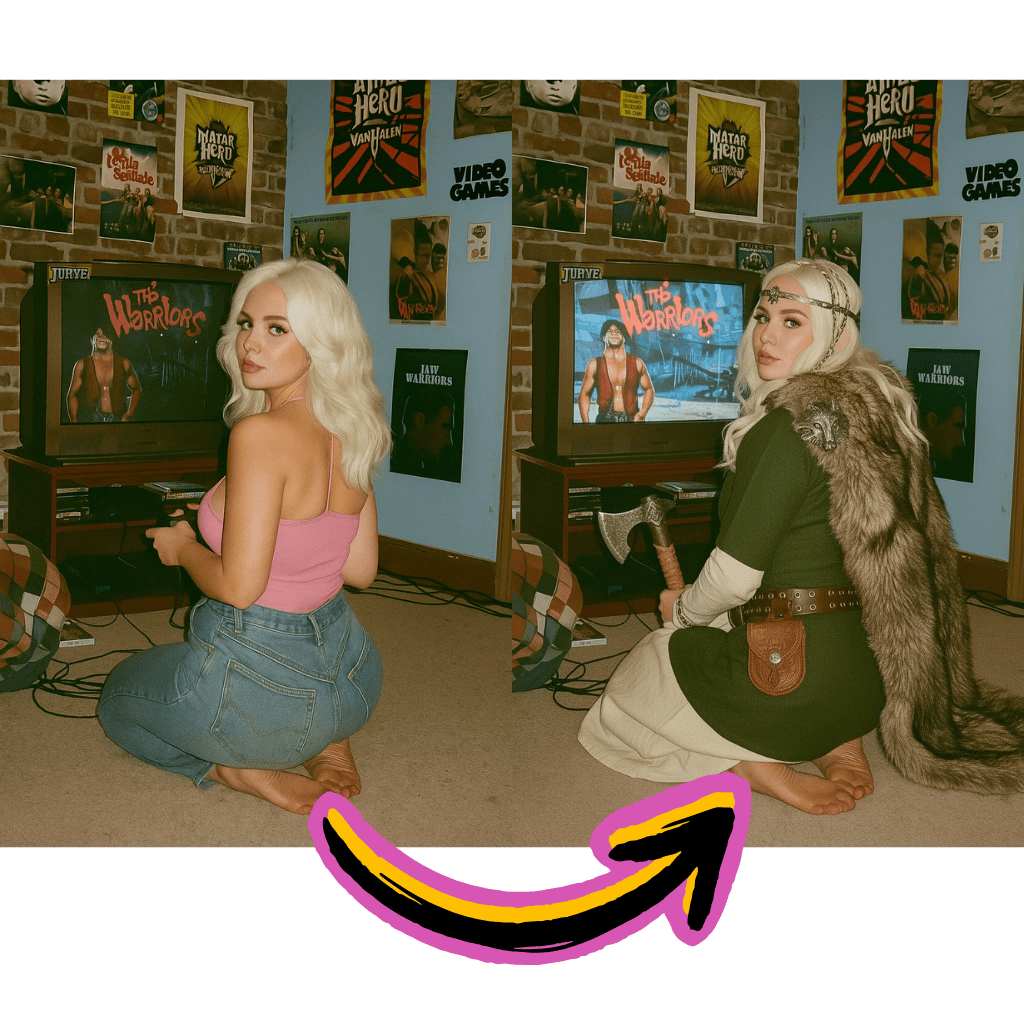
LoRA Style Training
Fine-tune on custom subjects, characters, or aesthetics using FluxGym and OneTrainer workflows.
Rapid Generation
Schnell architecture delivers results in seconds. Perfect for iterating on creative concepts quickly.
Civitai Integration
Access thousands of community-trained LoRA models. Apply anime, realistic, or artistic styles instantly.
Benefits of Flux Schnell LoRA AI Image Generator
Unlock personalized creativity without complex local setups or expensive hardware.
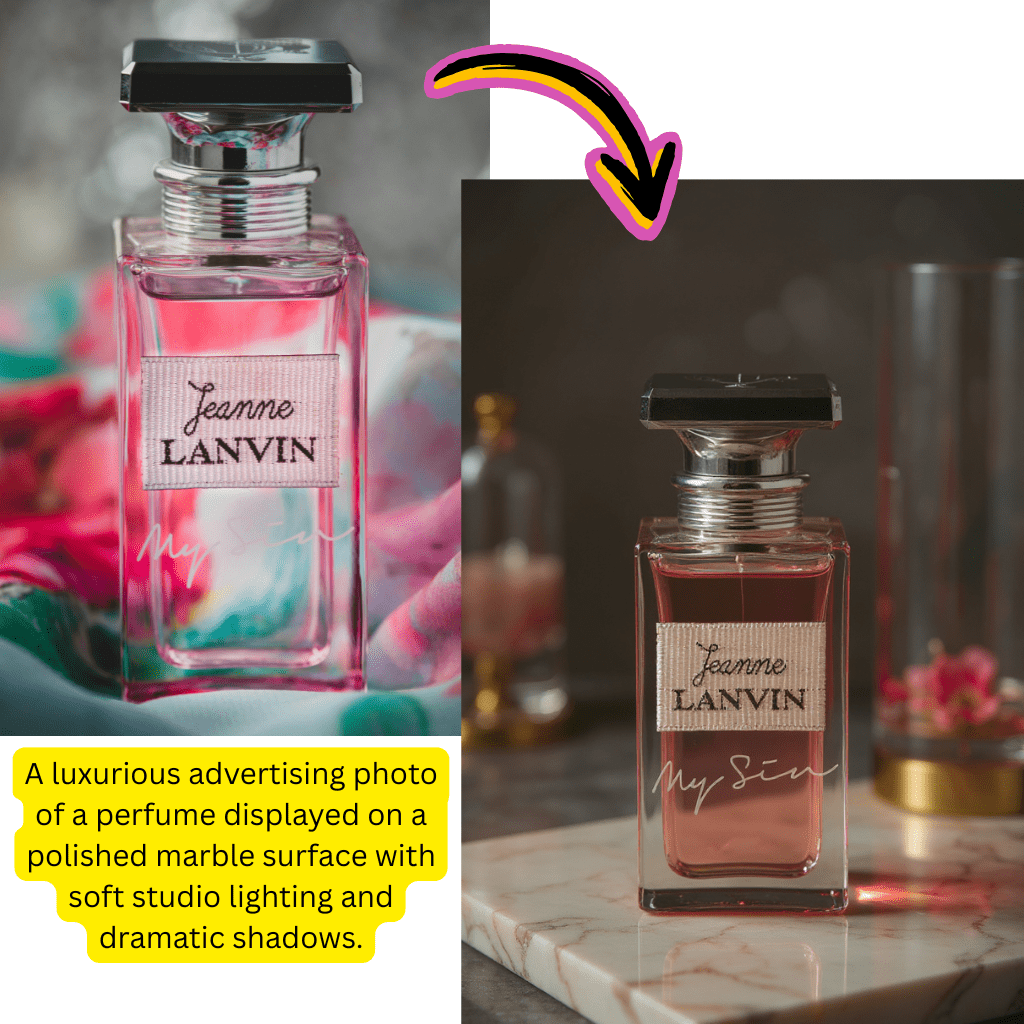
Free to Start
Begin creating with custom LoRA styles at no cost. No signup required to explore features.
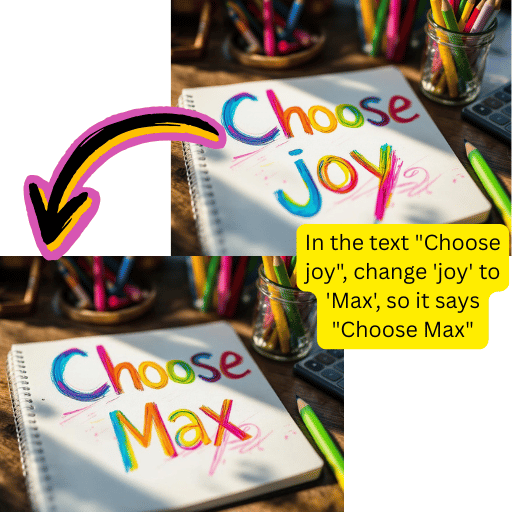
ComfyUI Compatible
Works with standard ComfyUI Flux workflows. Import your node graphs and LoRA checkpoints directly.
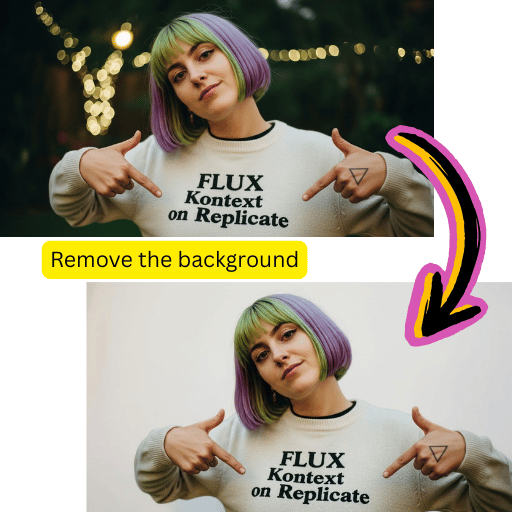
Hugging Face Models
Load checkpoints from Hugging Face repositories. Access the latest community-trained weights.
Consistent Characters
Train on specific subjects for reliable reproduction. Ideal for OCs, mascots, and brand assets.
Using Flux Schnell LoRA AI Image Generator in 4 Steps
Start creating custom-styled visuals in minutes.
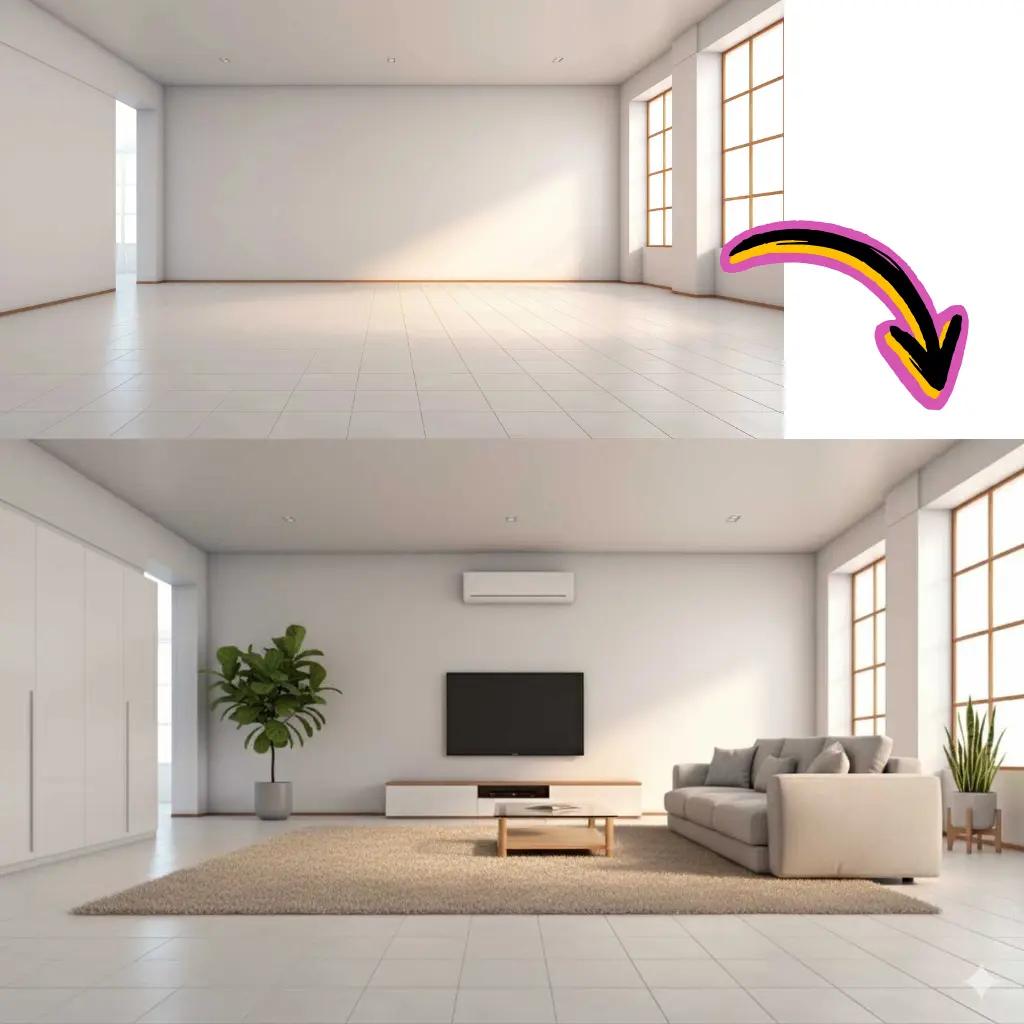
Select Your LoRA
Choose from Civitai models or upload your own trained checkpoint.
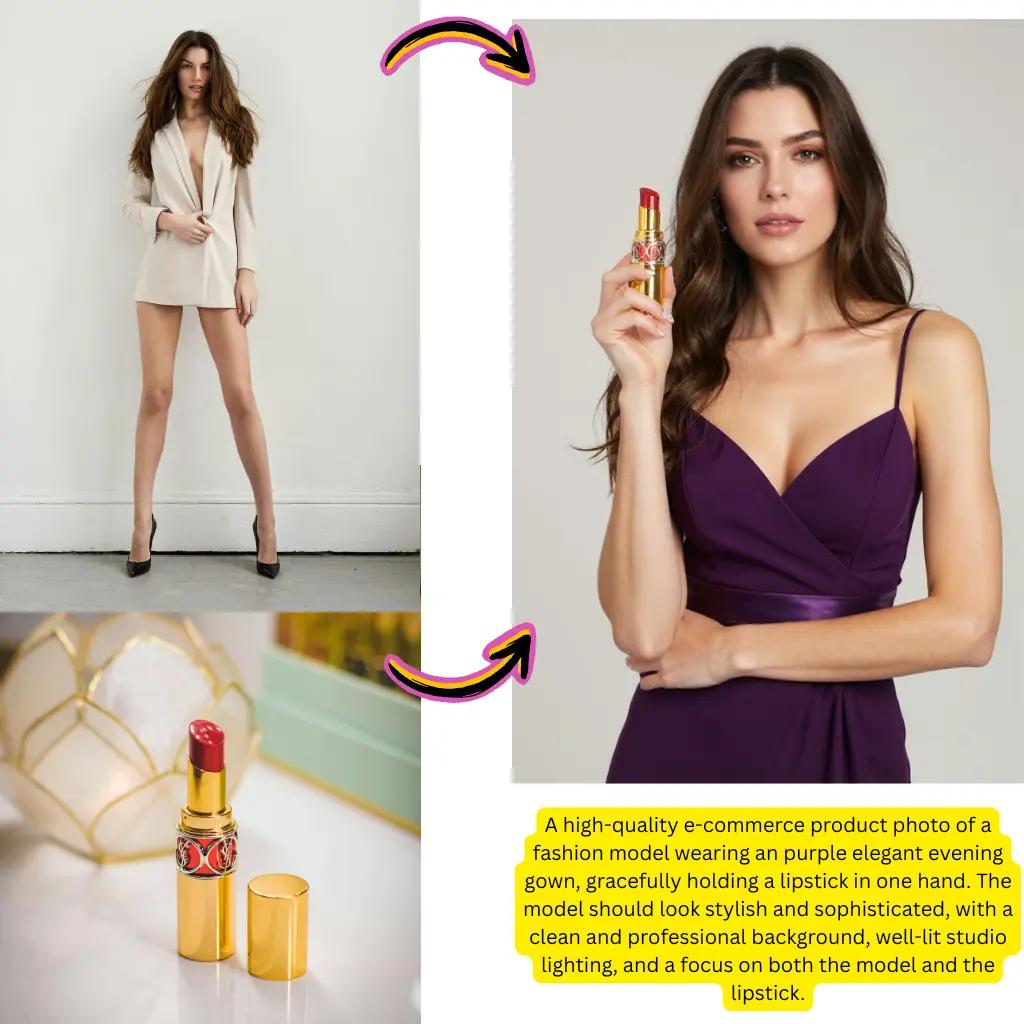
Write Your Prompt
Describe the scene, subject, and style you want to create.
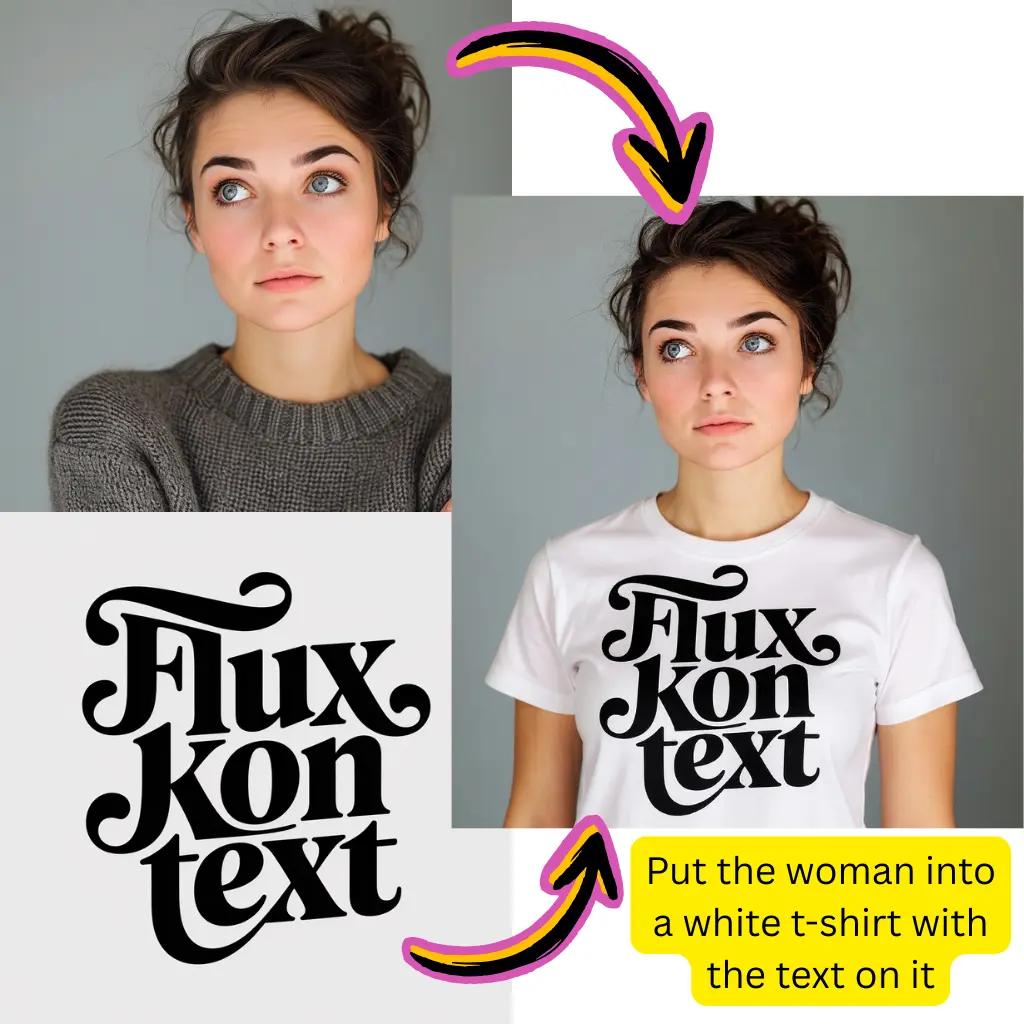
Adjust Settings
Configure LoRA weight, resolution, and sampling parameters.
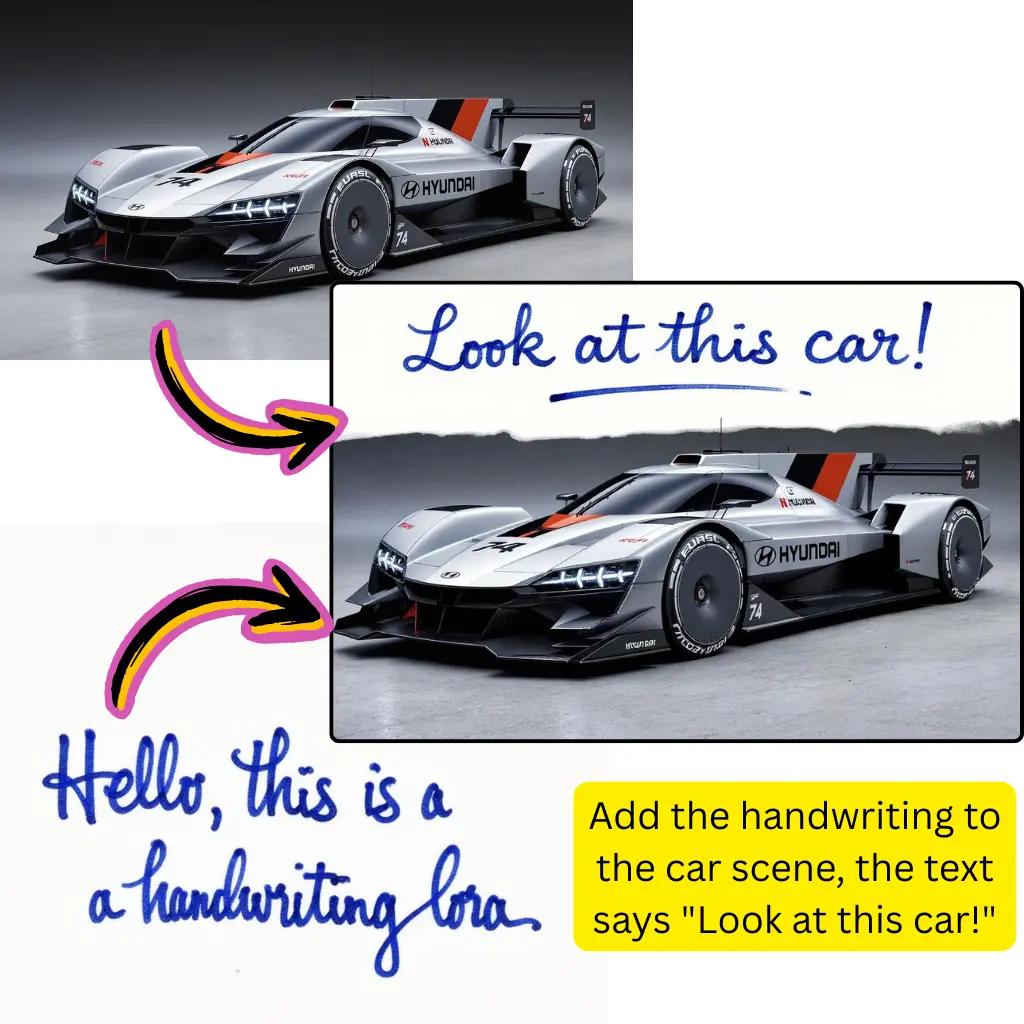
Download Result
Save your creation in PNG or JPG format.
Flux Schnell LoRA AI Image Generator Capabilities
Explore the full toolkit for custom style creation and deployment.
LoRA Training Support
Compatible with Dreambooth, FluxGym, and OneTrainer for custom model fine-tuning.
SDXL Compatibility
Use alongside Stable Diffusion XL workflows. Mix and match checkpoints for unique results.
Flux Klein Option
Switch to Flux 2 Klein 9B for different stylistic outputs and performance trade-offs.
Replicate Deployment
Run Replicate Flux Schnell API calls for automated pipelines and batch processing.
N8N Automation
Integrate with n8n workflows for scheduled creation and content pipelines.
Prompt Optimization
Natural language prompts work out of the box. Detailed descriptions yield better outputs.
Flux Schnell LoRA AI Image Generator User Stats
Join creators worldwide using custom LoRA styles.
Active Creators
500K+
Artists using LoRA workflows daily
Creations Made
20M+
Visuals produced with custom styles
LoRA Models
5000+
Community checkpoints available
Tiramisu AI Pricing
Choose the perfect plan for your AI creation needs.
Lite
20% OffOnly $0.25/day
36,000 credits upfront =
- •Up to 7,200+ AI images
- •Up to 850+ AI videos
- •Average 20 AI images or 3 AI videos per day
All-in-one multi-model support
What's Included
- Text to Image
- Image to Image
- Text to Video
- Image to Video
- 10+ Basic AI Models
- Up to 1080p Resolution
- Basic Filters & Styles
- Standard Speed
- 12 Months Validity
- ✓Save $24/year
- ✓≈ Free 2.4 months
- ✓All credits upfront
$95.76 billed yearly
Pro
Only $0.38/day
90,000 credits upfront =
- •Up to 18,000+ AI images
- •Up to 2,142+ AI videos
- •50 AI images or 6 AI videos per day
All-in-one advanced AI suite
What's Included
- Text to Image
- Image to Image
- Text to Video
- Image to Video
- 20+ Advanced AI Models
- Up to 4K Resolution
- Priority Queue (2x faster)
- Advanced Filters Library
- Commercial License
- No Watermark
- Priority Support
- 12 Months Validity
- ✓Save $95.91/year
- ✓≈ Free 4.8 months
- ✓All credits upfront
$143.76 billed yearly
Max
50% OffOnly $1.1/day
360,000 credits upfront =
- •Up to 72,000+ AI images
- •Up to 8,571+ AI videos
- •200 AI images or 24 AI videos per day
Enterprise-grade AI creation platform
What's Included
- All Generation Types
- All AI Models + Beta Access
- Up to 8K Resolution
- Ultra Priority (5x faster)
- Batch Generation (50 images)
- Advanced Video Models
- Custom AI Training
- Dedicated Manager
- Full Commercial Rights
- 24/7 Premium Support
- 12 Months Validity
- ✓Save $419.76/year
- ✓≈ Free 6 months
- ✓All credits upfront
$419.76 billed yearly
Flux Schnell LoRA AI Image Generator FAQ
Common questions about LoRA training, ComfyUI workflows, and Flux model usage.
What is Flux Schnell LoRA AI Image Generator?
Flux Schnell LoRA AI Image Generator combines Black Forest Labs' fast Schnell architecture with Low-Rank Adaptation (LoRA) fine-tuning. This allows you to apply custom-trained styles—characters, aesthetics, or subjects—to the base model. Unlike standard Flux Dev or Flux Pro, the Schnell variant prioritizes speed, delivering results in seconds while maintaining quality suitable for creative iteration and production workflows.
How do I train a LoRA for Flux Schnell LoRA AI Image Generator?
Training requires a dataset of 10-50 reference pictures of your subject. Popular tools include FluxGym for browser-based training, OneTrainer for local setups, and Dreambooth scripts for advanced customization. After training, export your LoRA checkpoint and upload it to platforms like Civitai or Hugging Face. The trained weights can then be loaded in ComfyUI or through our online interface for immediate use.
Can I use Civitai LoRAs with Flux Schnell LoRA AI Image Generator?
Yes. Civitai hosts thousands of community-trained LoRA models compatible with Flux architecture. Browse by category—anime, realistic, artistic, or character-focused—and download checkpoints directly. Our platform supports loading these .safetensors files, or you can reference them by URL. Popular styles include pony diffusion aesthetics, photorealistic portraits, and stylized illustration looks.
What's the difference between Flux Schnell and Flux Dev in LoRA AI Image Generator?
Flux Schnell optimizes for speed with fewer inference steps, making it ideal for rapid prototyping and high-volume creation. Flux Dev offers higher fidelity at the cost of longer processing. For LoRA workflows, Schnell provides faster iteration when testing prompts or style combinations, while Dev may yield more refined final outputs. Both support the same LoRA checkpoint format.
How does ComfyUI work with Flux Schnell LoRA AI Image Generator?
ComfyUI provides a node-based interface for constructing Flux pipelines. Load the Schnell checkpoint, add a LoRA loader node, connect your prompt conditioning, and configure sampling settings. Our platform supports ComfyUI workflow imports, allowing you to run your custom node graphs in the cloud without local GPU requirements. This bridges desktop flexibility with online accessibility.
Is Flux Schnell LoRA AI Image Generator free to use online?
Getting started costs nothing. New users receive complimentary credits to explore LoRA styles and test the Schnell model. Premium tiers unlock additional processing capacity, priority queue access, and higher resolution outputs. Compared to running ComfyUI locally with expensive GPU hardware, our cloud solution eliminates upfront costs while providing equivalent capabilities.
What is LoRA in Flux Schnell LoRA AI Image Generator context?
LoRA (Low-Rank Adaptation) is a fine-tuning technique that adds small trainable layers to a frozen base model. Instead of retraining the entire Flux checkpoint, LoRA modifies only a fraction of parameters—typically 1-10MB versus the full 20GB+ model. This enables efficient style transfer, character learning, and aesthetic customization without massive compute requirements.
Can Flux Schnell LoRA AI Image Generator create consistent characters?
Absolutely. Train a LoRA on 15-30 pictures of your character from various angles and expressions. The fine-tuned weights learn identifying features—face structure, clothing, accessories—enabling consistent reproduction across different poses and scenarios. This workflow is popular for original characters, mascots, virtual influencers, and sequential art projects.
How does Flux Schnell LoRA AI Image Generator compare to Stable Diffusion?
Flux models from Black Forest Labs represent a newer architecture with improved prompt adherence and visual coherence compared to SD 1.5 or SDXL. LoRA training follows similar principles but uses Flux-specific formats. Many creators now prefer Flux Schnell for its speed and quality balance, though SDXL remains popular for its extensive ecosystem of existing LoRAs and community resources.
What resolution does Flux Schnell LoRA AI Image Generator support?
Native output supports common aspect ratios from 512x512 to 1024x1024 and beyond. Schnell handles non-square dimensions well, making it suitable for social media formats, wallpapers, and print materials. For higher resolutions, combine with upscaling tools or use tiled generation techniques available in advanced ComfyUI workflows.
Can I use Flux Schnell LoRA AI Image Generator with Replicate API?
Replicate hosts Flux Schnell models accessible via API calls. This enables integration with automated workflows, batch processing systems, and custom applications. Combine with LoRA weights hosted on Hugging Face or your own storage for programmatic style application. Our platform provides similar API access for those preferring managed infrastructure.
What is Flux Klein and how does it relate to LoRA AI Image Generator?
Flux 2 Klein 9B is a smaller variant in the Flux family, offering different performance characteristics. It supports the same LoRA format, allowing checkpoints trained for Schnell to work with Klein. Some creators prefer Klein for specific stylistic outputs or when optimizing for faster inference on limited hardware.
How do I optimize prompts for Flux Schnell LoRA AI Image Generator?
Flux models respond well to natural language descriptions. Include subject details, setting, lighting, mood, and style references. When using trained LoRAs, incorporate trigger words specified during training. Negative prompts help exclude unwanted elements. Start with detailed descriptions and refine based on outputs—Schnell's speed allows rapid iteration.
Can Flux Schnell LoRA AI Image Generator work with n8n automation?
Yes. Our API integrates with n8n workflow automation for scheduled creation, batch processing, and content pipelines. Trigger prompts based on events, process multiple requests in sequence, and route outputs to storage or publishing platforms automatically. This suits content creators needing consistent production without manual intervention.
What makes Flux Schnell LoRA AI Image Generator different from Midjourney?
Midjourney offers a polished, opinionated aesthetic with limited customization. Flux Schnell with LoRA provides complete stylistic control—train on any subject or aesthetic you choose. While Midjourney excels at general-purpose beauty, Flux LoRA workflows enable unique, personalized styles that match specific brand identities or creative visions unavailable elsewhere.
How do I share my trained LoRA for Flux Schnell LoRA AI Image Generator?
Export your LoRA checkpoint in .safetensors format and upload to Civitai, Hugging Face, or your preferred hosting. Include sample outputs, trigger words, recommended settings, and training details. The community benefits from shared models, and popular LoRAs gain recognition. Our platform also supports direct checkpoint uploads for personal use.
Is Flux Schnell LoRA AI Image Generator good for anime art?
Excellent. Many Civitai LoRAs target anime and illustration styles specifically. Train on your favorite aesthetic or use existing community models for popular looks. Flux handles clean linework, vibrant colors, and stylized proportions well. Combine multiple LoRAs at different weights to blend influences and create unique hybrid styles.
What hardware do I need for Flux Schnell LoRA AI Image Generator locally?
Running ComfyUI with Flux Schnell locally requires a GPU with 12GB+ VRAM for comfortable operation—RTX 3080, 4070, or better. LoRA training needs more capacity, typically 16-24GB. Our online platform eliminates these requirements entirely, providing cloud GPU access so you can create without hardware investment.
Create with Custom LoRA Styles Today
Start generating personalized artwork now. No hardware required.