


Qwen Image Edit Creation Gallery
Explore stunning transformations made with our editor. Click any visual to view the prompt and recreate similar results.
Comparison of Tiramisu AI Image to Image Models
Original Image

Change the clothes to sports
Generated Results

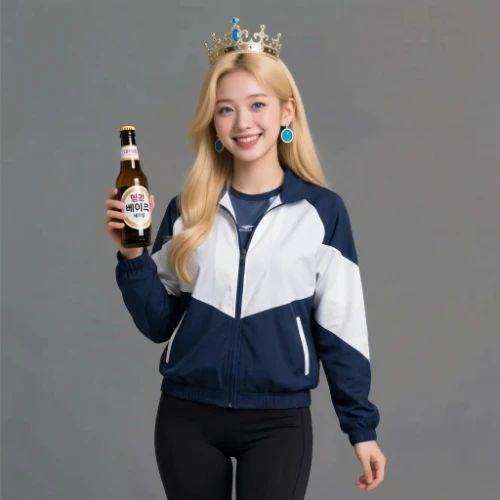


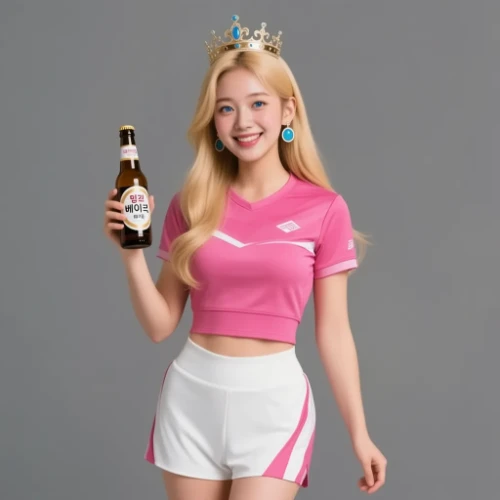
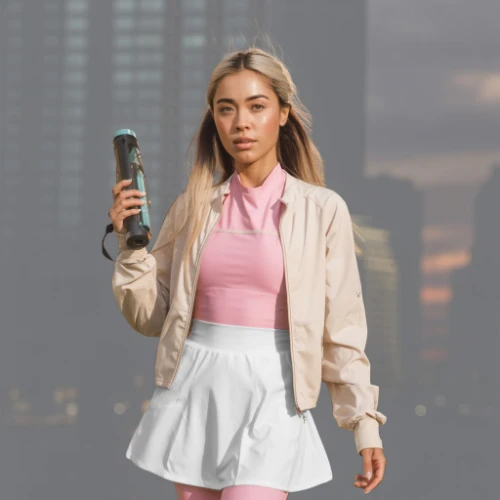
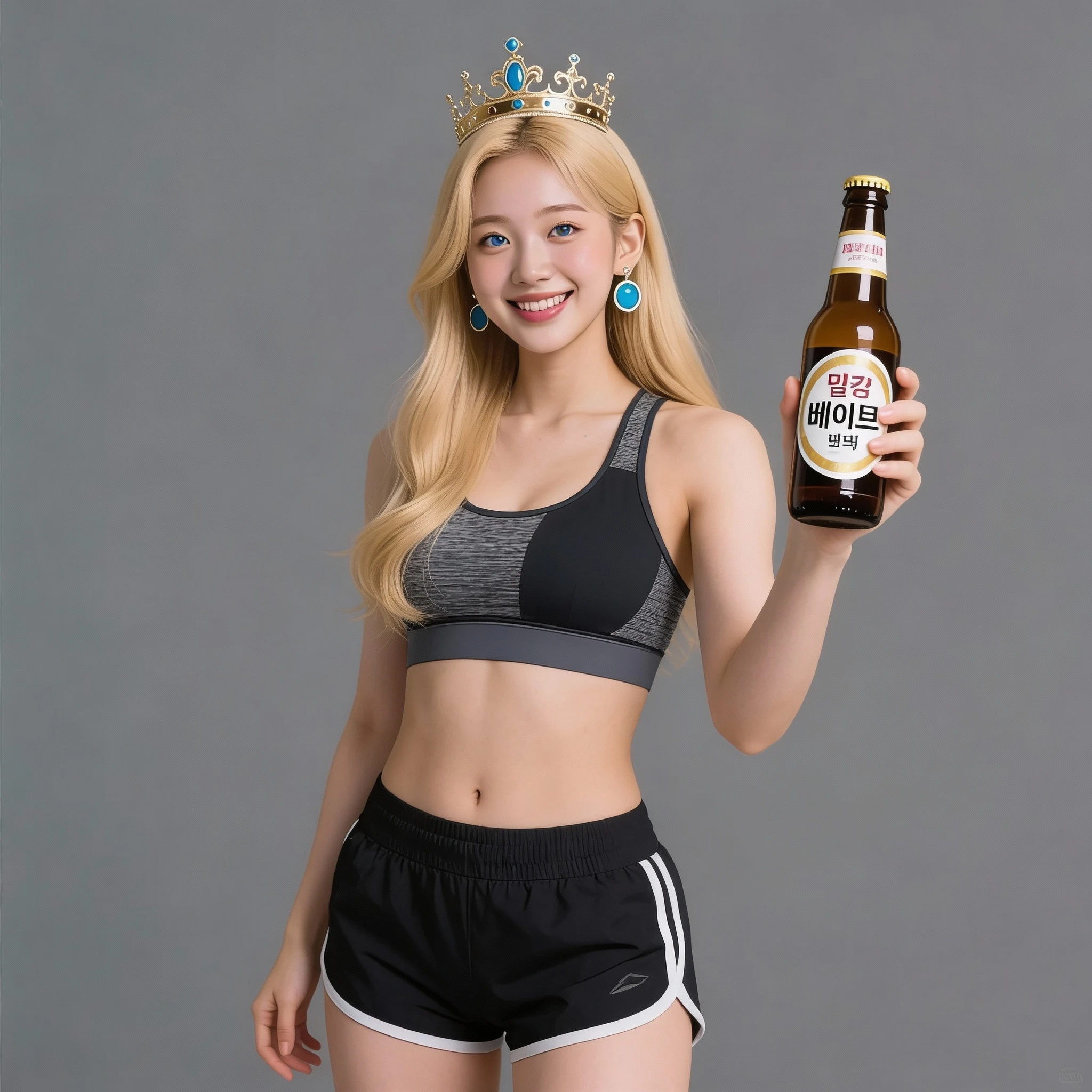



Professional Photo Editing with Qwen Image Edit
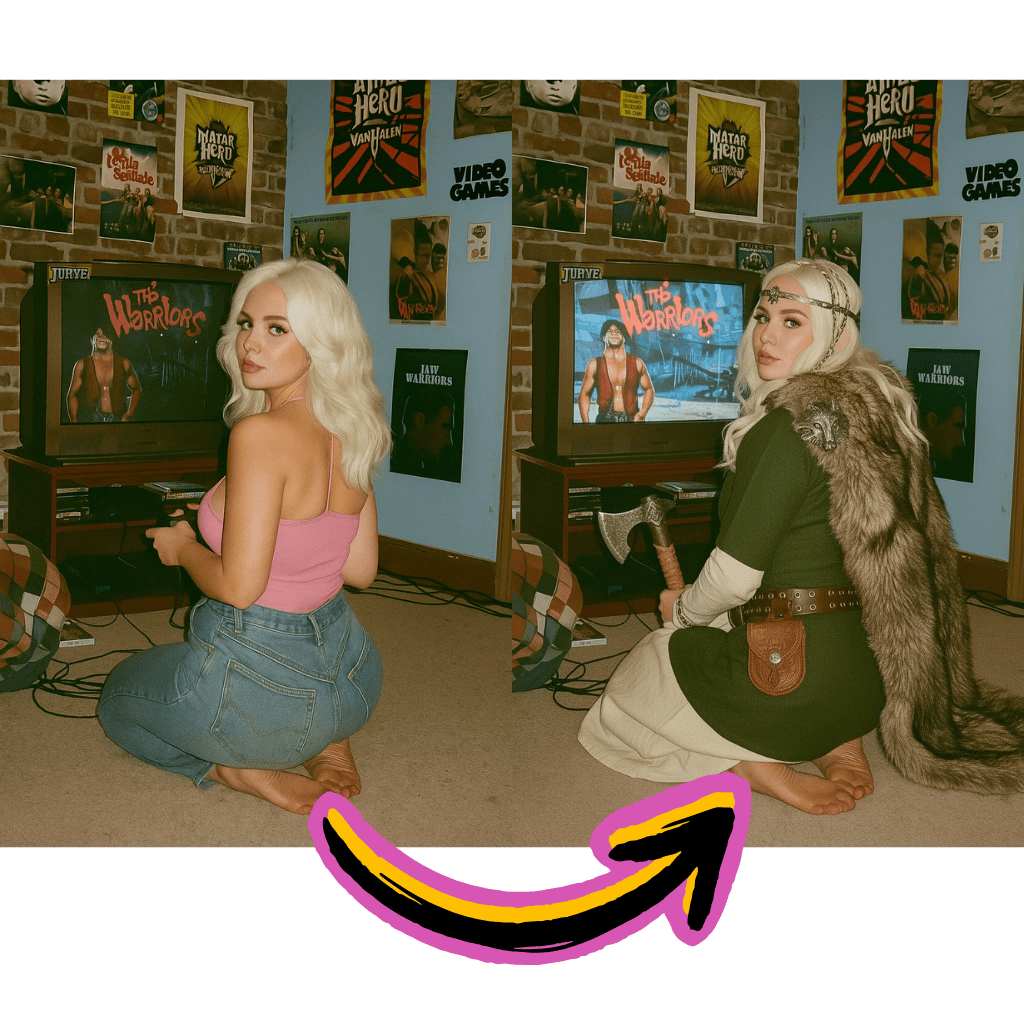
Smart Prompt Recognition
Describe changes in natural language. The AI understands context and executes modifications accurately.
Structure Preservation
Maintain original composition while applying targeted changes. Faces and key elements stay intact.
ComfyUI Integration
Build custom workflows with full node-based pipeline support. Download GGUF models for local deployment.
Benefits of Using Qwen Image Edit
Access professional-grade Qwen Image Edit capabilities without complex software installations.

Free to Start
Begin editing without payment. No signup walls or hidden fees to explore the full toolkit.
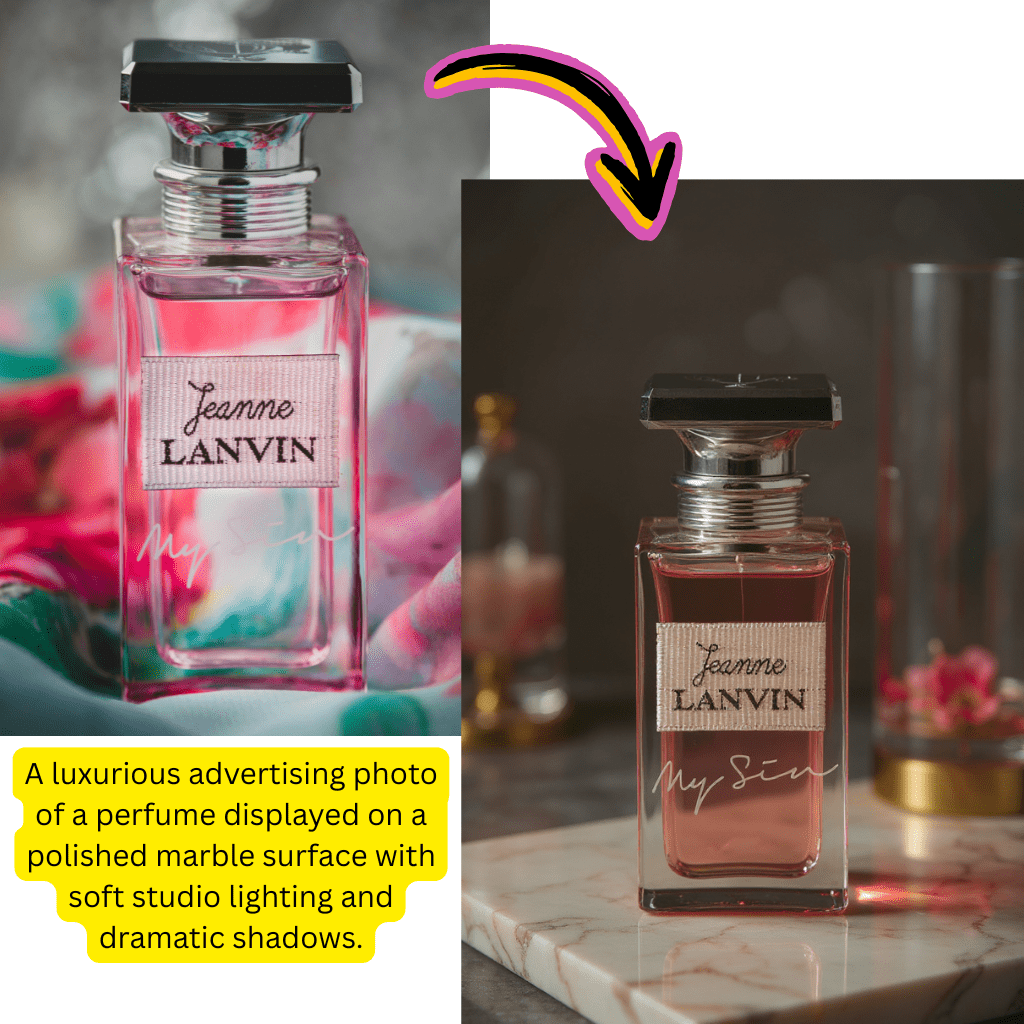
Alibaba AI Technology
Built on cutting-edge Qwen architecture. Benefit from enterprise-grade infrastructure and model optimization.
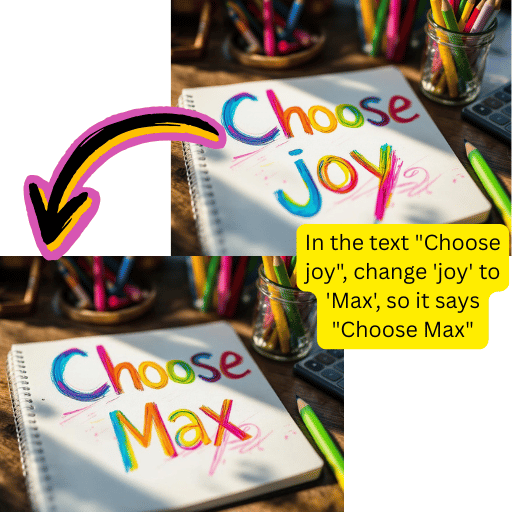
LoRA & GGUF Support
Fine-tune outputs with custom LoRA weights. Deploy locally using GGUF format for unlimited processing.
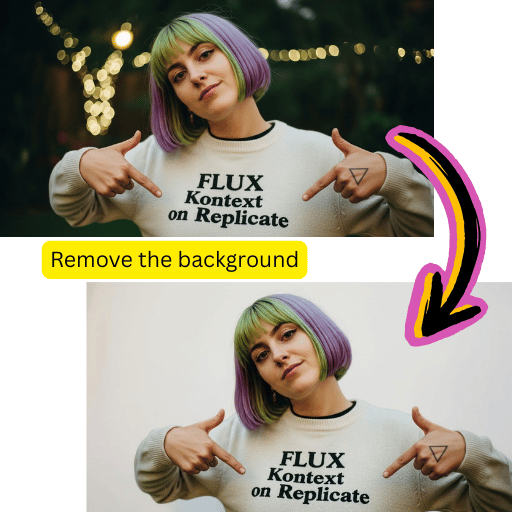
3D Camera Control
Adjust perspective and viewpoint with precision. Create dynamic angles without reshooting.
Simple Steps for Qwen Image Edit
Transform any photo in minutes with our intuitive editing workflow.
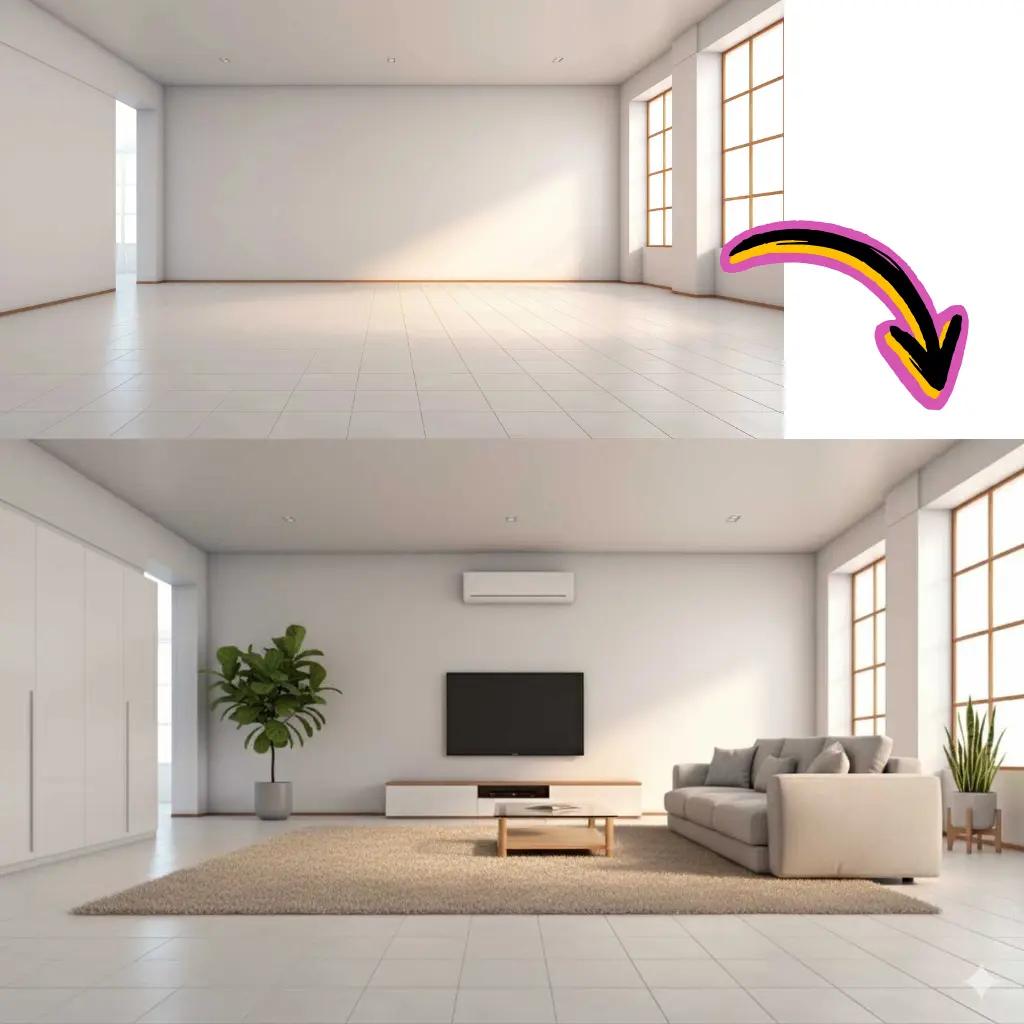
Upload Your Photo
Drag and drop your file into the workspace.

Describe Your Changes
Write what modifications you want to apply.
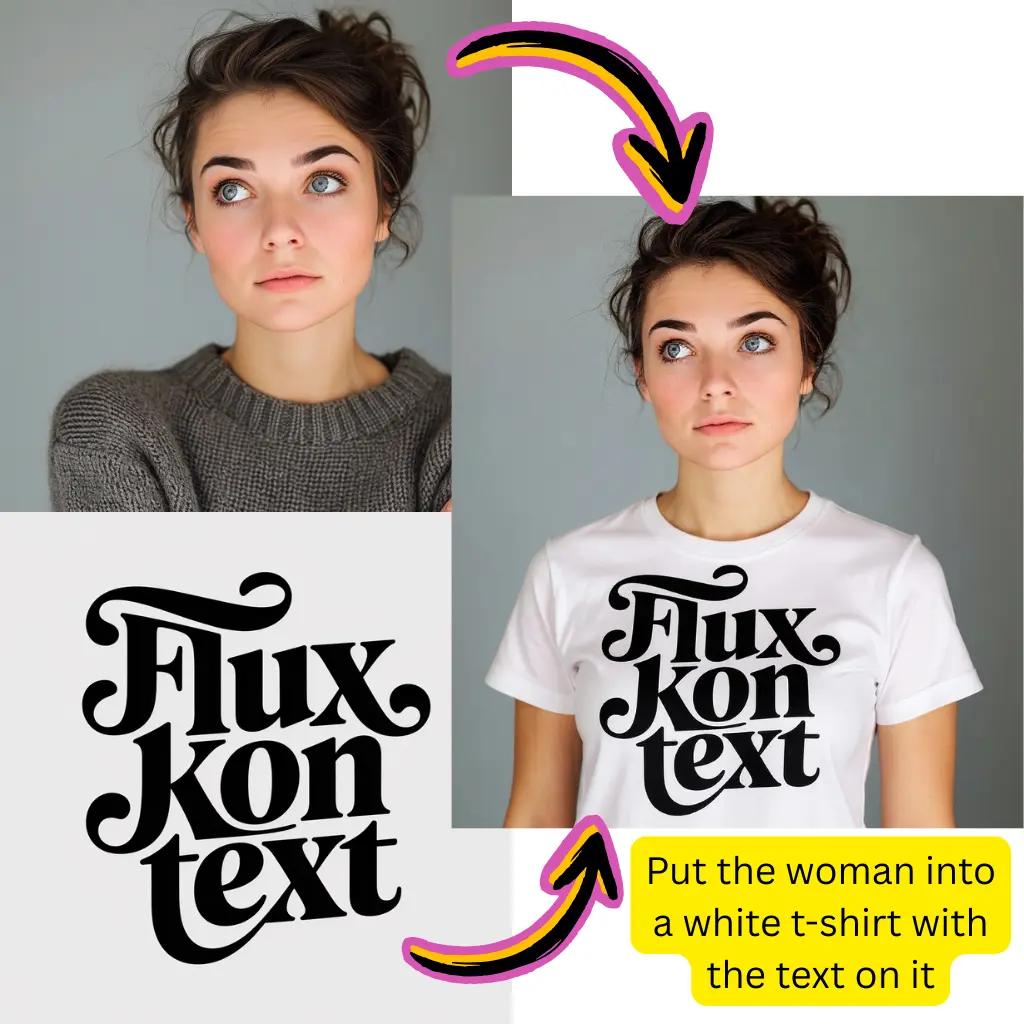
Generate Result
Click generate and watch the AI transform your visual.
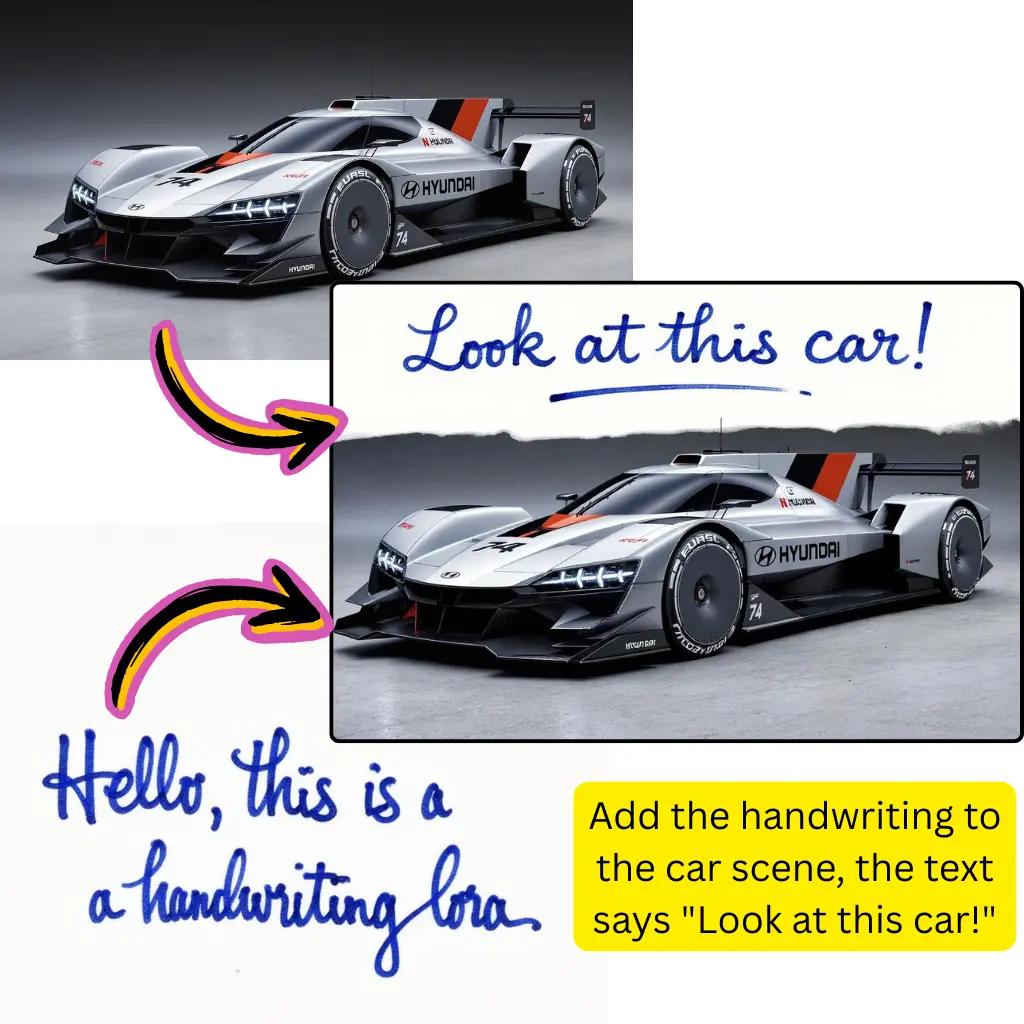
Download Output
Save your edited creation in preferred format.
Complete Qwen Image Edit Capabilities
Explore the full suite of transformation tools available with this powerful AI editor.
Background Replacement
Swap backgrounds seamlessly while preserving subjects. Perfect for product shots and portraits.
Object Modification
Add, remove, or transform specific elements within your photos using text prompts.
Style Transfer
Apply artistic aesthetics from watercolor to digital art while maintaining structure.
Face Preservation
Keep facial features unchanged during edits. Essential for portrait retouching work.
Workflow Automation
Chain operations in ComfyUI for batch processing and complex multi-step pipelines.
Format Flexibility
Export in multiple resolutions and formats. Support for various aspect ratios and sizes.
Qwen Image Edit Trusted by Creators
Join a growing community of visual content creators worldwide.
Active Users
500K+
Creators using our tools daily
Photos Edited
15M+
Transformations processed successfully
Average Speed
<8s
Processing time per edit
Tiramisu AI Pricing
Choose the perfect plan for your AI creation needs.
Lite
20% OffOnly $0.25/day
36,000 credits upfront =
- •Up to 7,200+ AI images
- •Up to 850+ AI videos
- •Average 20 AI images or 3 AI videos per day
All-in-one multi-model support
What's Included
- Text to Image
- Image to Image
- Text to Video
- Image to Video
- 10+ Basic AI Models
- Up to 1080p Resolution
- Basic Filters & Styles
- Standard Speed
- 12 Months Validity
- ✓Save $24/year
- ✓≈ Free 2.4 months
- ✓All credits upfront
$95.76 billed yearly
Pro
Only $0.38/day
90,000 credits upfront =
- •Up to 18,000+ AI images
- •Up to 2,142+ AI videos
- •50 AI images or 6 AI videos per day
All-in-one advanced AI suite
What's Included
- Text to Image
- Image to Image
- Text to Video
- Image to Video
- 20+ Advanced AI Models
- Up to 4K Resolution
- Priority Queue (2x faster)
- Advanced Filters Library
- Commercial License
- No Watermark
- Priority Support
- 12 Months Validity
- ✓Save $95.91/year
- ✓≈ Free 4.8 months
- ✓All credits upfront
$143.76 billed yearly
Max
50% OffOnly $1.1/day
360,000 credits upfront =
- •Up to 72,000+ AI images
- •Up to 8,571+ AI videos
- •200 AI images or 24 AI videos per day
Enterprise-grade AI creation platform
What's Included
- All Generation Types
- All AI Models + Beta Access
- Up to 8K Resolution
- Ultra Priority (5x faster)
- Batch Generation (50 images)
- Advanced Video Models
- Custom AI Training
- Dedicated Manager
- Full Commercial Rights
- 24/7 Premium Support
- 12 Months Validity
- ✓Save $419.76/year
- ✓≈ Free 6 months
- ✓All credits upfront
$419.76 billed yearly
Frequently Asked Questions About Qwen Image Edit
Everything you need to know about using our AI photo editing platform.
What is Qwen Image Edit and how does it work?
Qwen Image Edit is an AI-powered photo editing tool developed by Alibaba. It uses advanced deep learning to understand your text prompts and apply precise modifications to uploaded photos. Unlike basic filters, this technology analyzes context, preserves important elements like faces, and executes complex transformations while maintaining visual coherence. The model excels at background replacement, object manipulation, and style transfer tasks.
Is Qwen Image Edit free to use online?
Yes, you can start using Qwen Image Edit for free with complimentary credits. This allows full access to explore all features including background replacement, style transfer, and object modification. Premium tiers offer additional credits, priority processing, and higher resolution outputs for users with professional or high-volume needs.
How does Qwen Image Edit compare to other AI editors?
Qwen Image Edit stands out through its exceptional prompt understanding and structure preservation. While tools like Stable Diffusion and Flux focus on generation, Qwen specializes in precise editing of existing photos. The model maintains facial features, composition, and key elements better than many alternatives, making it ideal for portrait retouching and product photography.
What is Qwen Image Edit 2511 and 2512?
These version numbers refer to specific model releases. Qwen 2511 introduced enhanced editing capabilities with improved prompt adherence. Qwen 2512 adds advanced features including better GGUF support and refined 3D camera control. Our platform runs the latest stable version to ensure optimal results for all editing tasks.
Can I use Qwen Image Edit with ComfyUI?
Absolutely. ComfyUI Qwen Image integration is fully supported. You can download model weights in compatible formats and build custom node-based workflows. This enables batch processing, chained operations, and integration with other ComfyUI nodes like ControlNet, upscalers, and post-processing filters for advanced pipelines.
What is GGUF format for Qwen Image Edit?
GGUF is a quantized model format optimized for local deployment. Qwen Image GGUF files are smaller than full-precision weights, enabling users to run the editor on consumer hardware. This format supports CPU inference and reduces VRAM requirements while maintaining quality, making professional editing accessible without expensive GPU setups.
Does Qwen Image Edit support LoRA models?
Yes, LoRA integration allows fine-tuning for specific styles or subjects. You can load custom Qwen Image Edit LoRA weights to achieve consistent aesthetics, character appearances, or brand-specific looks across multiple edits. This is particularly valuable for content creators needing uniform visual identity.
How does 3D camera control work in Qwen Image Edit?
The 3D camera control feature lets you adjust perspective and viewpoint after capture. Qwen Image Edit 3D camera control analyzes depth information and reconstructs scenes from different angles. This enables subtle perspective shifts, dramatic viewpoint changes, and parallax effects without reshooting the original photo.
What file formats does Qwen Image Edit support?
The editor accepts JPG, PNG, WebP, and most common formats for input. Output options include JPG for compressed files, PNG for transparency support, and WebP for web optimization. Various aspect ratios from 1:1 to 16:9 are supported with resolution options up to 2048px depending on your plan.
Can Qwen Image Edit preserve faces during editing?
Face preservation is a core strength. When you specify to keep faces unchanged in your prompt, the AI identifies facial regions and protects them from modification. This ensures portrait subjects remain recognizable even when applying dramatic background changes or style transfers to surrounding areas.
How fast is Qwen Image Edit processing?
Most edits complete within 5-10 seconds depending on complexity and output resolution. Our cloud infrastructure optimizes queue management for minimal wait times. Premium users receive priority processing, and the ComfyUI workflow option allows local generation speeds based on your hardware capabilities.
What makes Qwen AI technology different?
Qwen AI represents Alibaba's multimodal research combining language understanding with visual processing. Unlike single-purpose tools, Qwen models comprehend nuanced prompts, understand spatial relationships, and maintain semantic consistency. This results in edits that feel intentional rather than random filter applications.
Can I use Qwen Image Edit for commercial projects?
Yes, outputs created on our platform can be used commercially for marketing materials, product listings, social media content, and client work. You retain rights to your edited creations. Review our terms of service for specific details about licensing across different subscription tiers.
How do I write effective prompts for Qwen Image Edit?
Be specific about what to change and what to preserve. Example: 'Replace the outdoor background with a modern office interior. Keep the person and their clothing exactly the same.' Mentioning what should remain unchanged helps the AI focus modifications appropriately. Avoid vague requests for better results.
Does Qwen Image Edit work on mobile devices?
Our web interface is fully responsive and works on smartphones and tablets. All processing happens in the cloud, so you don't need powerful hardware. Upload photos directly from your camera roll, describe changes, and download edited results to your device gallery instantly.
What is the Qwen Image Edit workflow for product photography?
Upload your product photo, then prompt for background removal or replacement. The AI extracts the product with precise edges and composites onto clean backgrounds or lifestyle scenes. This workflow eliminates expensive studio reshoots and enables rapid iteration on visual merchandising.
Can I batch process multiple photos with Qwen Image Edit?
Yes, batch processing is available through our interface and ComfyUI workflows. Apply consistent edits across product catalogs, event photos, or content collections. This dramatically accelerates production for e-commerce, marketing campaigns, and social media content creation at scale.
How does Qwen Image Edit handle complex scenes?
The model analyzes depth, objects, and relationships within complex scenes. It can selectively modify specific elements while leaving others untouched. Multi-subject compositions, layered backgrounds, and intricate details are processed with understanding of spatial context and visual hierarchy.
Is there a Qwen Image Edit API available?
Developers can access Qwen capabilities through our API for integration into custom applications. This enables automated editing pipelines, app development, and enterprise workflows. Documentation covers authentication, endpoints, parameters, and best practices for production deployment.
What alternatives exist to Qwen Image Edit?
Popular alternatives include Nano Banana Pro for realistic transformations, Flux Kontext for creative styling, and Stable Diffusion for open-source flexibility. Each has unique strengths—Qwen excels at precise editing with prompt adherence, while others may suit different creative directions. Our platform offers multiple models so you can compare results.
Ready to Transform Photos with Qwen Image Edit?
Start editing stunning visuals today. No credit card required.