


Nano Banana AI Prompts Inspiration Gallery
Explore creative transformations made with our editor. Click any result to view prompts and recreate similar effects.
Comparison of Tiramisu AI Image to Image Models
Original Image

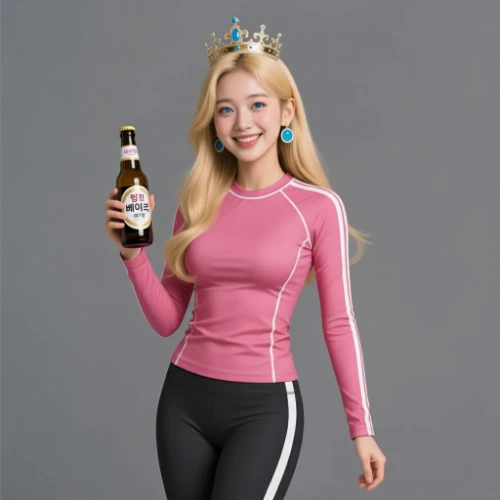
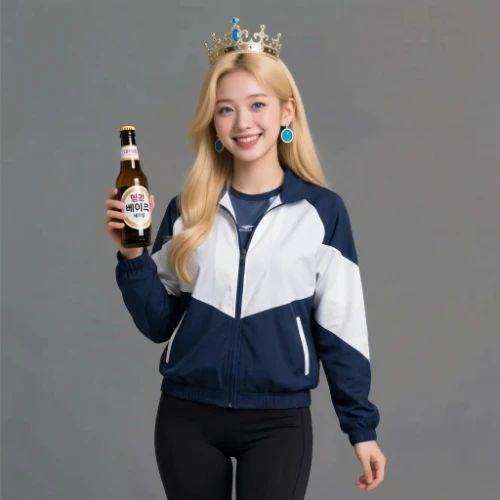
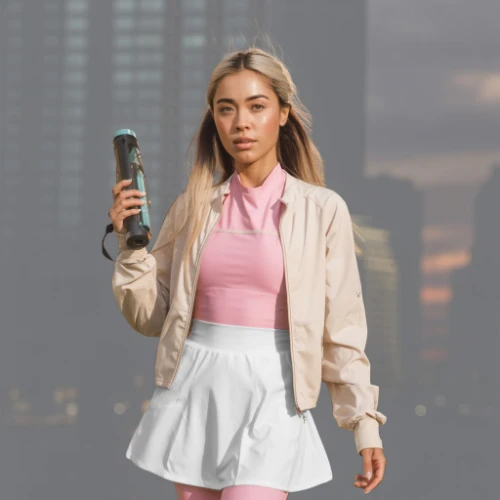
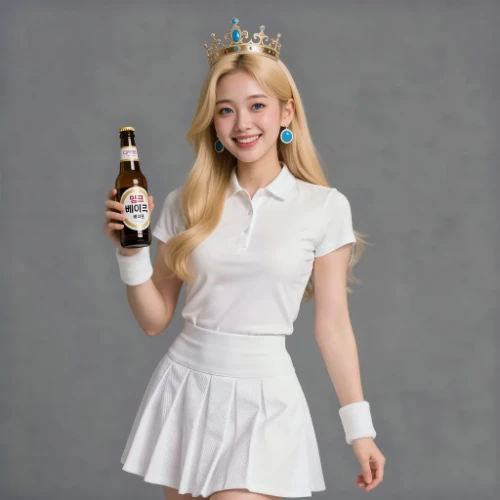
Change the clothes to sports
Generated Results






Edit Any Photo with Nano Banana AI
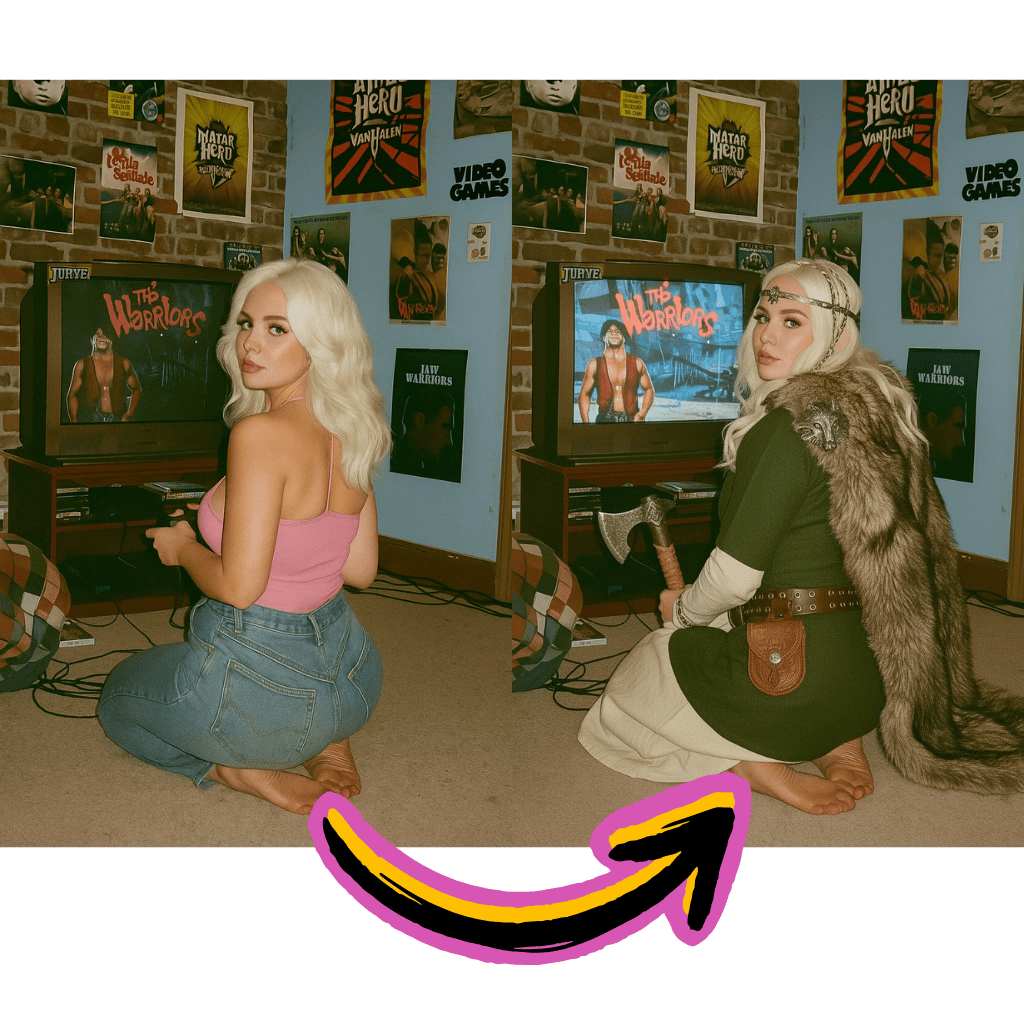
Text-Based Editing
Describe changes in plain language. Swap objects, adjust lighting, or restyle scenes instantly.
Gemini-Powered Processing
Google Gemini Pro technology understands context and delivers precise, intelligent modifications.
Creative Freedom
From realistic touch-ups to artistic transformations, explore unlimited creative directions.
Benefits of Nano Banana AI Editor
Professional photo editing without complex software. Access cutting-edge tools directly in your browser.
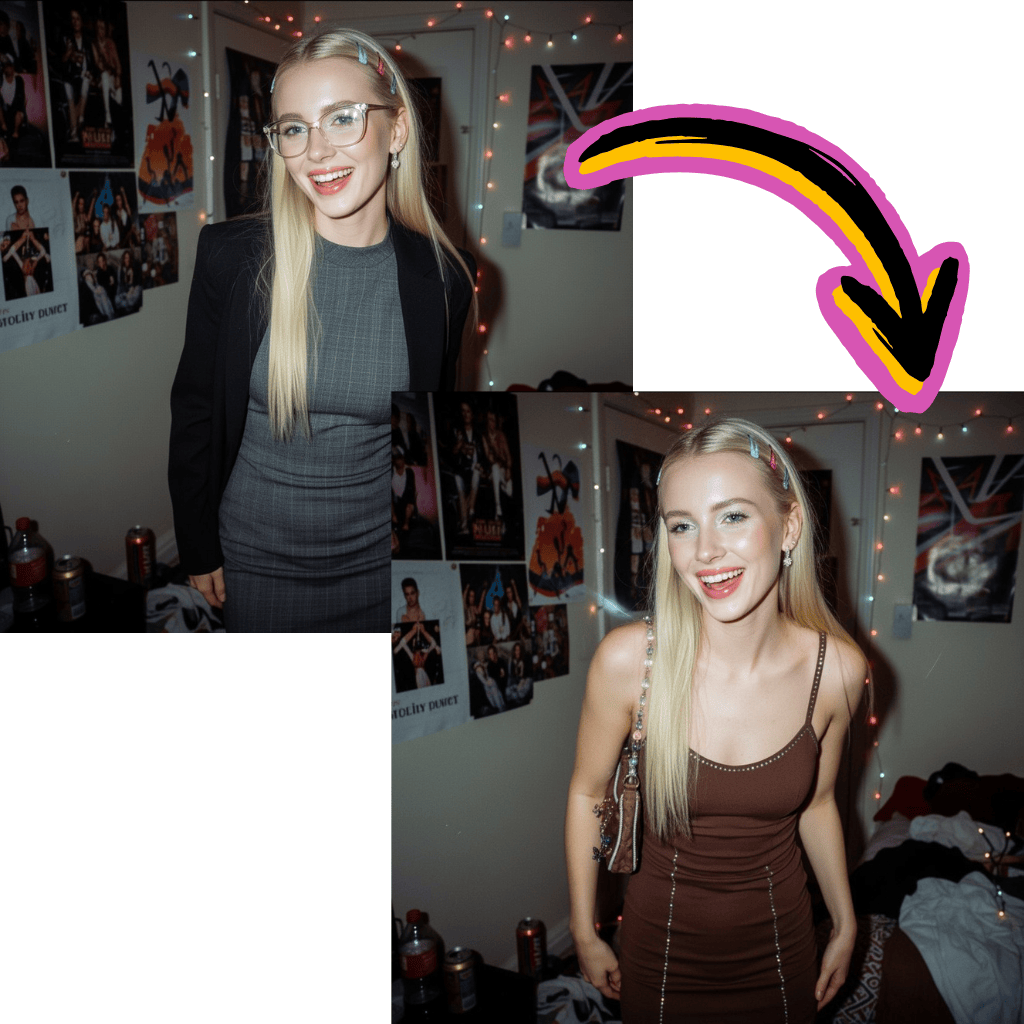
Free to Start
Begin editing immediately. No payment or signup required to access core features.
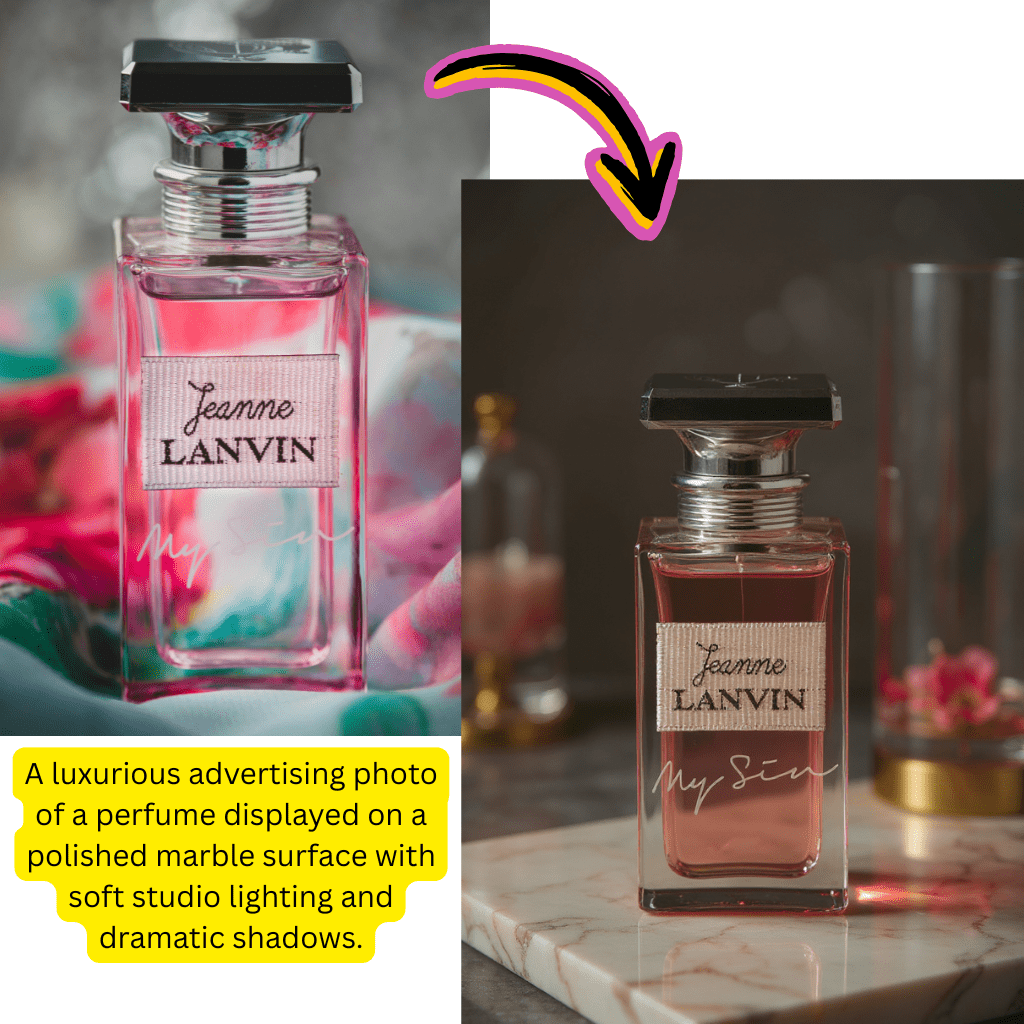
Google Gemini Technology
Powered by Gemini Pro for intelligent understanding and high-quality output.
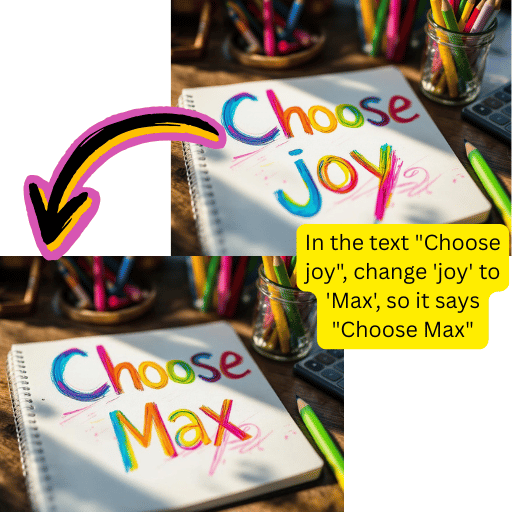
Complete Toolkit
Background removal, upscaling, inpainting, format conversion—all in one platform.
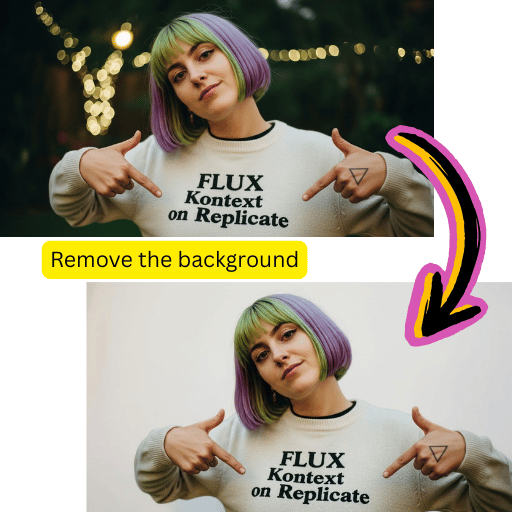
Instant Results
Get polished outputs within seconds. Optimized for fast content creation workflows.
Simple Nano Banana AI Image Editor Workflow
Transform photos in four easy steps with our intuitive interface.
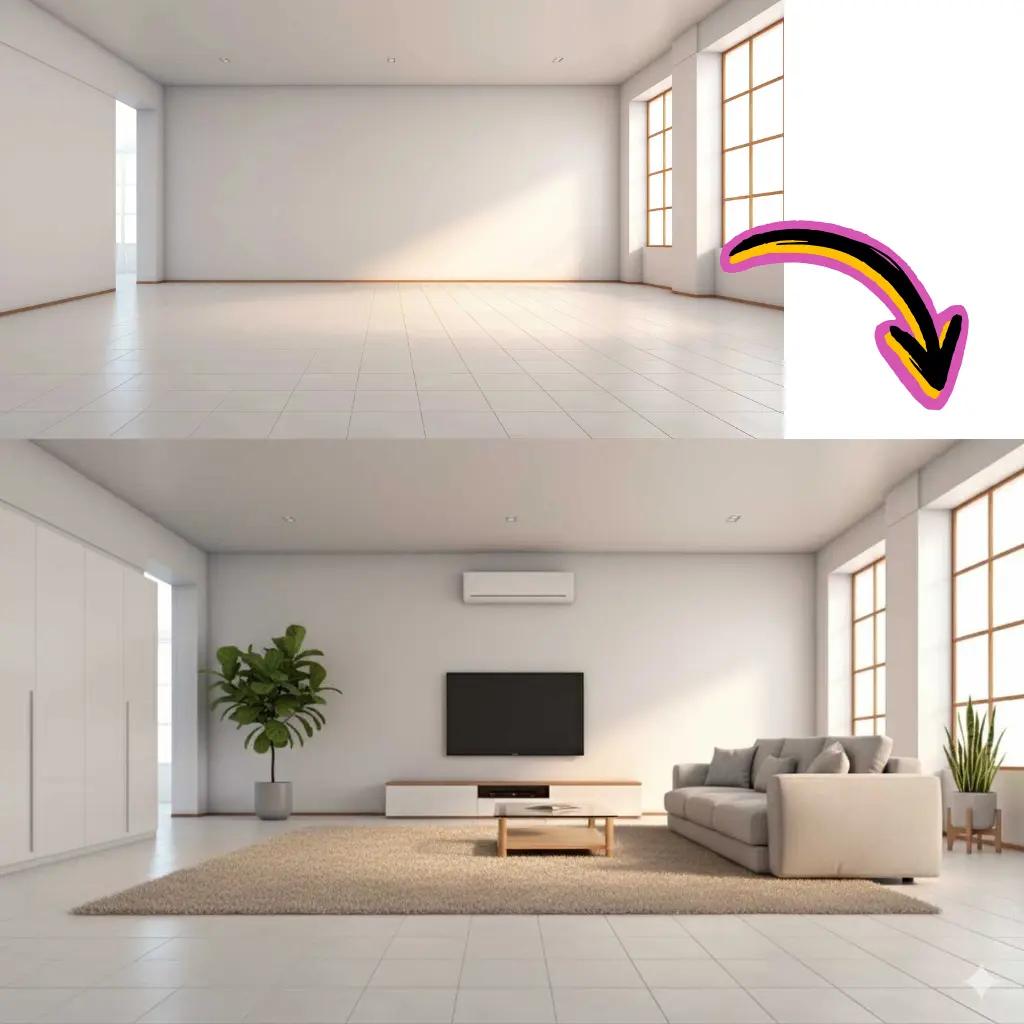
Upload Photo
Drag and drop your image into the editor workspace.

Enter Prompt
Describe the changes you want in plain language.
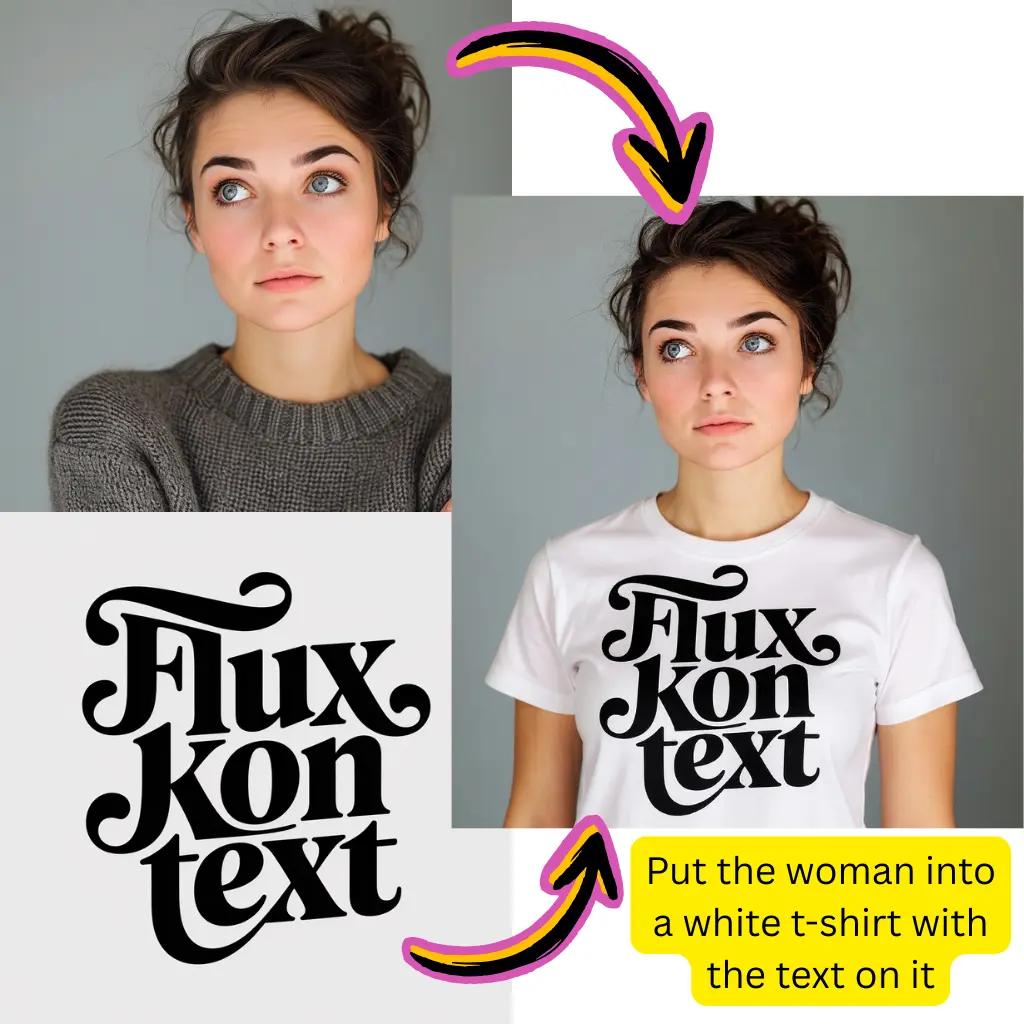
Generate
Click generate and let Gemini process your request.
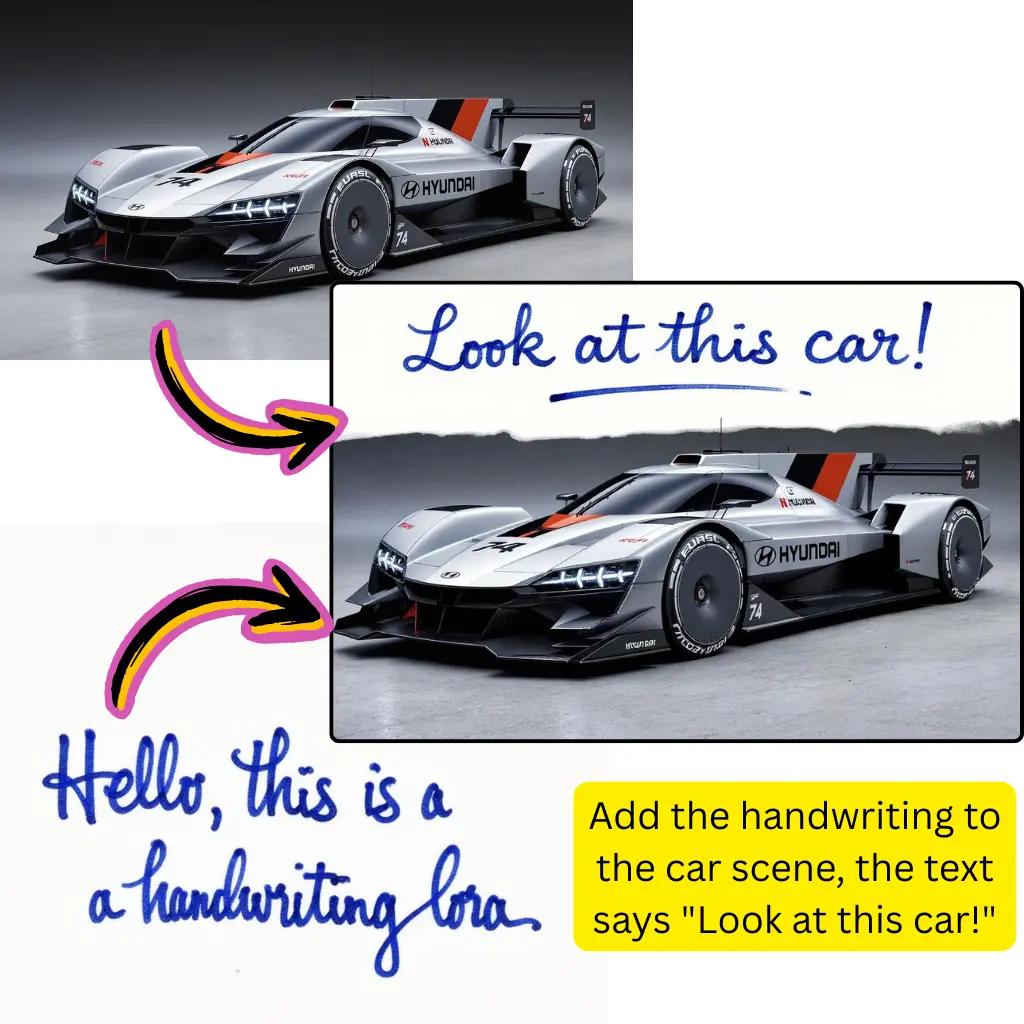
Download
Save your transformed creation in preferred format.
Core Nano Banana AI Editing Capabilities
Explore the full suite of photo transformation tools available on our platform.
Image to Image
Upload any photo and transform it with text prompts. Maintain structure while changing style.
Text to Image
Generate visuals from descriptions. Create product shots, illustrations, or concept art.
Background Removal
Extract subjects precisely. Export transparent PNG files or composite onto new scenes.
Style Transfer
Apply anime, watercolor, oil painting, or cyberpunk aesthetics to any photograph.
Smart Inpainting
Erase unwanted objects or fill missing areas while preserving visual consistency.
HD Upscaling
Enhance resolution and clarity. Ideal for print-ready or high-definition output.
Nano Banana AI Image Editor Trusted by Creators
Join a growing community of photographers and designers worldwide.
Active Users
500K+
Creators using our editor daily
Images Processed
20M+
Photos transformed successfully
Editing Tools
15+
Features available for free
Tiramisu AI Pricing
Choose the perfect plan for your AI creation needs.
Lite
20% OffOnly $0.25/day
36,000 credits upfront =
- •Up to 7,200+ AI images
- •Up to 850+ AI videos
- •Average 20 AI images or 3 AI videos per day
All-in-one multi-model support
What's Included
- Text to Image
- Image to Image
- Text to Video
- Image to Video
- 10+ Basic AI Models
- Up to 1080p Resolution
- Basic Filters & Styles
- Standard Speed
- 12 Months Validity
- ✓Save $24/year
- ✓≈ Free 2.4 months
- ✓All credits upfront
$95.76 billed yearly
Pro
Only $0.38/day
90,000 credits upfront =
- •Up to 18,000+ AI images
- •Up to 2,142+ AI videos
- •50 AI images or 6 AI videos per day
All-in-one advanced AI suite
What's Included
- Text to Image
- Image to Image
- Text to Video
- Image to Video
- 20+ Advanced AI Models
- Up to 4K Resolution
- Priority Queue (2x faster)
- Advanced Filters Library
- Commercial License
- No Watermark
- Priority Support
- 12 Months Validity
- ✓Save $95.91/year
- ✓≈ Free 4.8 months
- ✓All credits upfront
$143.76 billed yearly
Max
50% OffOnly $1.1/day
360,000 credits upfront =
- •Up to 72,000+ AI images
- •Up to 8,571+ AI videos
- •200 AI images or 24 AI videos per day
Enterprise-grade AI creation platform
What's Included
- All Generation Types
- All AI Models + Beta Access
- Up to 8K Resolution
- Ultra Priority (5x faster)
- Batch Generation (50 images)
- Advanced Video Models
- Custom AI Training
- Dedicated Manager
- Full Commercial Rights
- 24/7 Premium Support
- 12 Months Validity
- ✓Save $419.76/year
- ✓≈ Free 6 months
- ✓All credits upfront
$419.76 billed yearly
Nano Banana AI Image Editor Frequently Asked Questions
Everything you need to know about our photo editor and its capabilities.
What is Nano Banana AI?
Nano Banana AI is an advanced image editor powered by Google Gemini technology. It allows you to transform photos using text prompts, generate new visuals from descriptions, remove backgrounds, and apply creative effects. The platform combines multiple editing capabilities in one browser-based tool, accessible without software installation.
Is Nano Banana AI free to use?
Yes, core features are completely free with no signup required. You receive complimentary credits to explore all tools including image to image transformation, background removal, and basic generation. Premium tiers unlock additional processing power, priority queues, and higher resolution outputs for professional workflows.
How does Nano Banana AI differ from other editors?
Unlike traditional photo editors requiring manual adjustments, this tool understands natural language. Simply describe what you want—'remove the person in background' or 'make it look like sunset'—and the Gemini-powered engine handles technical execution. This approach makes professional editing accessible to everyone regardless of technical skill.
What is Nano Banana Google Gemini Pro integration?
Gemini Pro is Google's advanced AI technology that powers intelligent image understanding. When you upload a photo and write a prompt, Gemini analyzes context, understands your intent, and applies modifications with nuanced accuracy. This enables sophisticated edits that respect original composition while implementing requested changes.
Can I use Nano Banana AI for background removal?
Absolutely. Upload any photo and either use the dedicated background removal tool or prompt 'remove background' for instant extraction. The system uses advanced segmentation to precisely separate subjects from surroundings. Export as transparent PNG or composite subjects onto new backgrounds seamlessly.
What file formats does Nano Banana AI support?
The editor accepts JPG, PNG, WebP, AVIF, and most common image formats. For output, download as JPG for smaller files, PNG for transparency support, or convert between formats using built-in tools. AVIF to JPG conversion and other format transformations are handled automatically.
How does Nano Banana AI image to image editing work?
Upload your source photo, then describe desired changes in the prompt field. The AI preserves your image's structure and composition while applying modifications—changing styles, swapping elements, adjusting colors, or adding new details. Unlike generation from scratch, image to image maintains the original's foundation.
Can I generate images from text only with Nano Banana AI?
Yes, text to image generation is fully supported. Without uploading any photo, simply describe what you want to create—product mockups, illustrations, concept art, or realistic scenes. The same Gemini technology powers both editing and generation workflows.
What prompts work best with Nano Banana AI?
Clear, specific descriptions yield the best results. Instead of 'make it better', try 'increase brightness, add warm sunset lighting, sharpen details'. Include style references when applicable: 'anime style', 'oil painting texture', or 'professional product photography'. Experiment with different phrasings to discover optimal approaches.
Is there a Nano Banana API available?
Developers can integrate our capabilities into their applications through API access. This enables programmatic image processing, batch transformations, and custom workflow integration. Contact support for API documentation and pricing details for commercial implementation.
How fast is Nano Banana AI processing?
Most edits complete in about 30 seconds. Our infrastructure optimizes queue management for minimal wait times. Premium users receive priority processing for faster turnaround.
Can I use edited Nano Banana AI images commercially?
Outputs created on our platform are yours to use for marketing materials, product listings, social media content, or client projects. You retain rights to your transformed creations. Review our terms for specific licensing details regarding commercial applications.
Does Nano Banana AI support video creation?
While this editor focuses on still images, our platform includes separate video generation tools. Upload a static photo to our video generator and animate it with natural motion—perfect for social media content, presentations, or bringing still visuals to life.
How does Nano Banana compare to Stable Diffusion?
Stable Diffusion requires local installation and technical setup. Our browser-based approach provides instant access without downloads or configuration. You get comparable creative capabilities with the convenience of cloud processing and the intelligence of Gemini technology built in.
What is Nano Banana AI Studio integration?
Our platform connects with Google AI Studio technology for enhanced processing capabilities. This integration ensures you're always using the latest Gemini advancements without manual updates. New features and improvements roll out automatically through this connection.
Can Nano Banana AI upscale low-resolution photos?
HD upscaling enhances resolution while preserving and often improving fine details. Whether working with old photographs, compressed web graphics, or small thumbnails, the upscaler reconstructs clarity and sharpness. Export print-ready files or high-definition outputs suitable for large displays.
Is there content moderation on the Nano Banana AI platform?
We support broad creative expression while maintaining community guidelines. The platform accommodates artistic, commercial, and experimental projects. Certain restricted categories exist to ensure responsible use, but most creative and professional use cases are fully supported.
How does Nano Banana AI handle batch processing?
Process multiple photos with consistent settings using batch mode. Upload several files and apply the same prompt to all simultaneously—useful for product photography, content creation at scale, or applying uniform styling across collections. Premium accounts unlock higher batch limits.
What makes Nano Banana AI Gemini technology special for editing?
Gemini excels at understanding context and intent. When you prompt 'make the lighting more dramatic', it comprehends photographic concepts and applies appropriate adjustments. This semantic understanding produces more natural, professional results compared to simpler filter-based approaches.
Do I need design skills to use Nano Banana AI?
No technical or design experience required. The interface guides you through simple steps: upload, describe, generate, download. Advanced options exist for professionals wanting fine control, but anyone can achieve quality results by describing their vision in everyday language.
Ready to Transform Your Photos?
Start editing with Nano Banana AI today. No credit card required.