


Prompt to AI Image Guide: Better Results, Faster Styles
Find proven prompt patterns, adapt them quickly, and create polished visuals with less guesswork.
Curated community references for visual idea discovery and iteration.


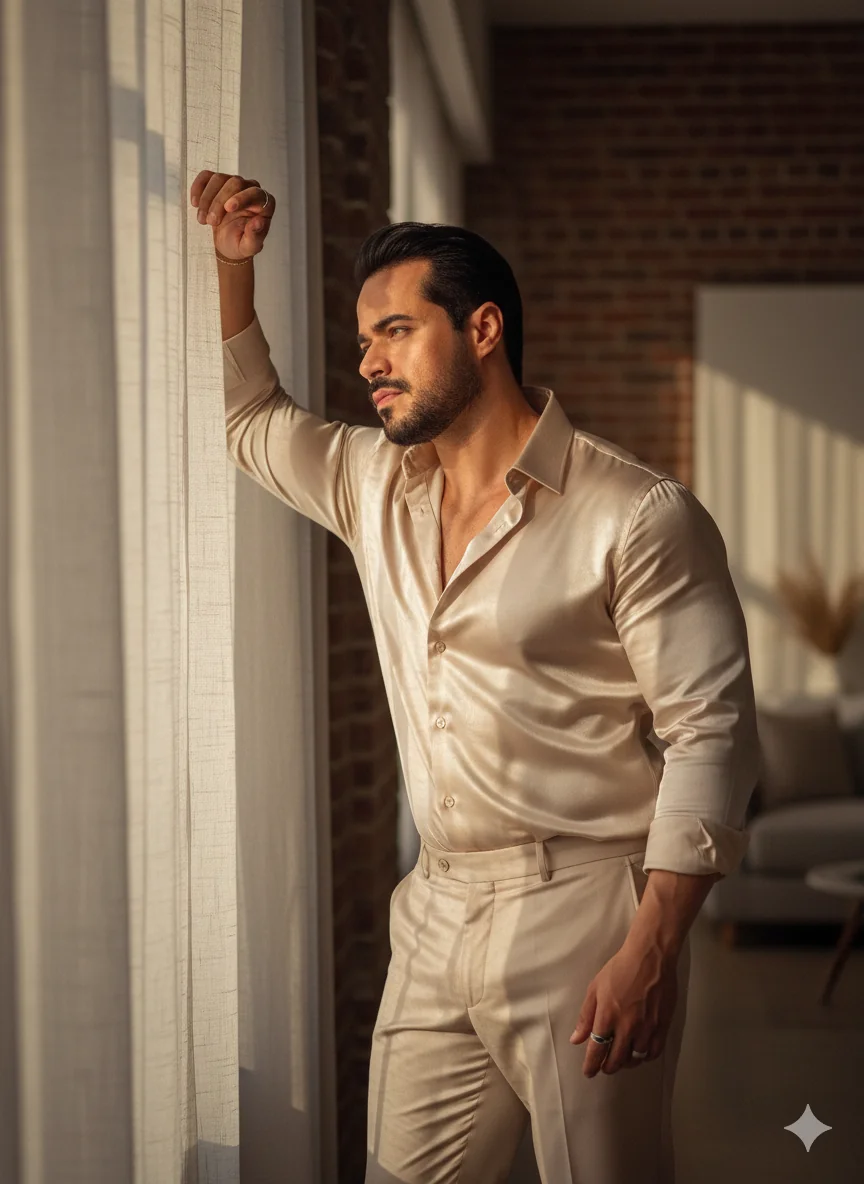
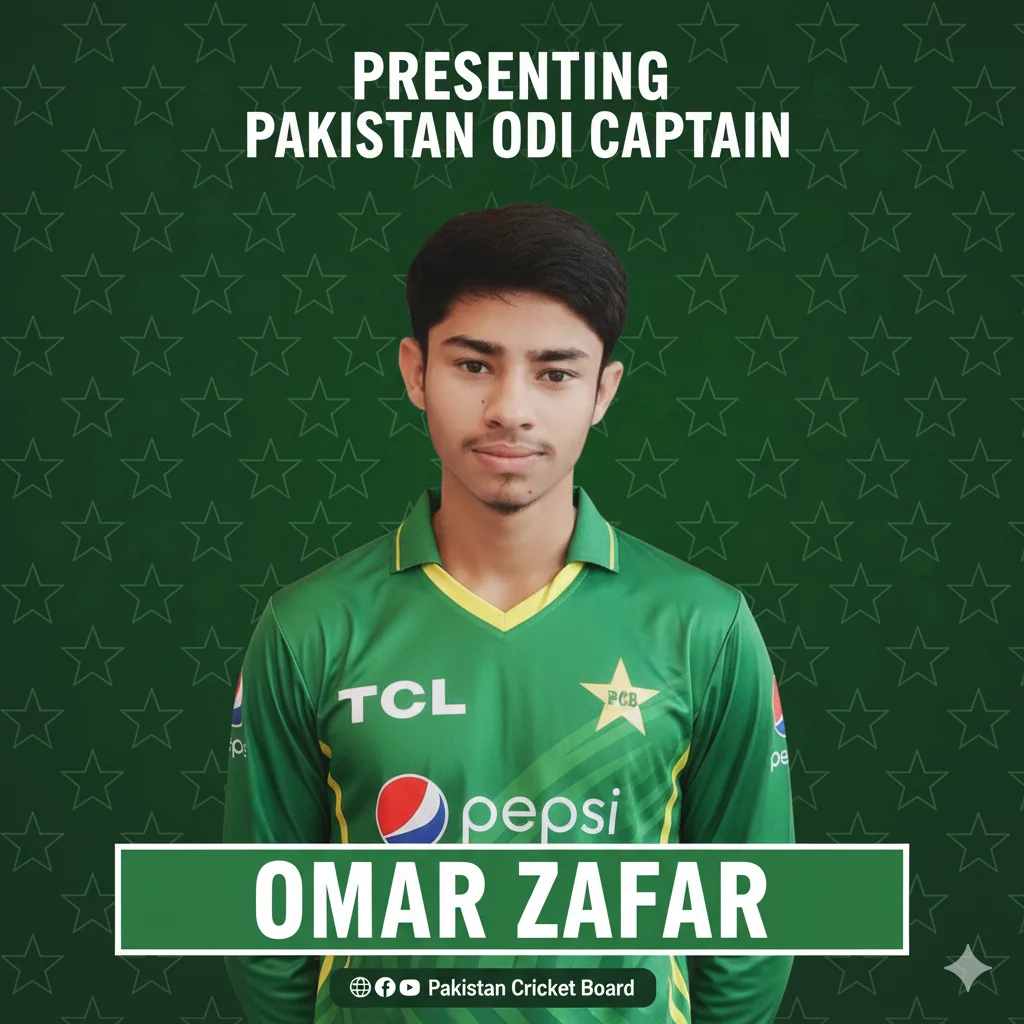

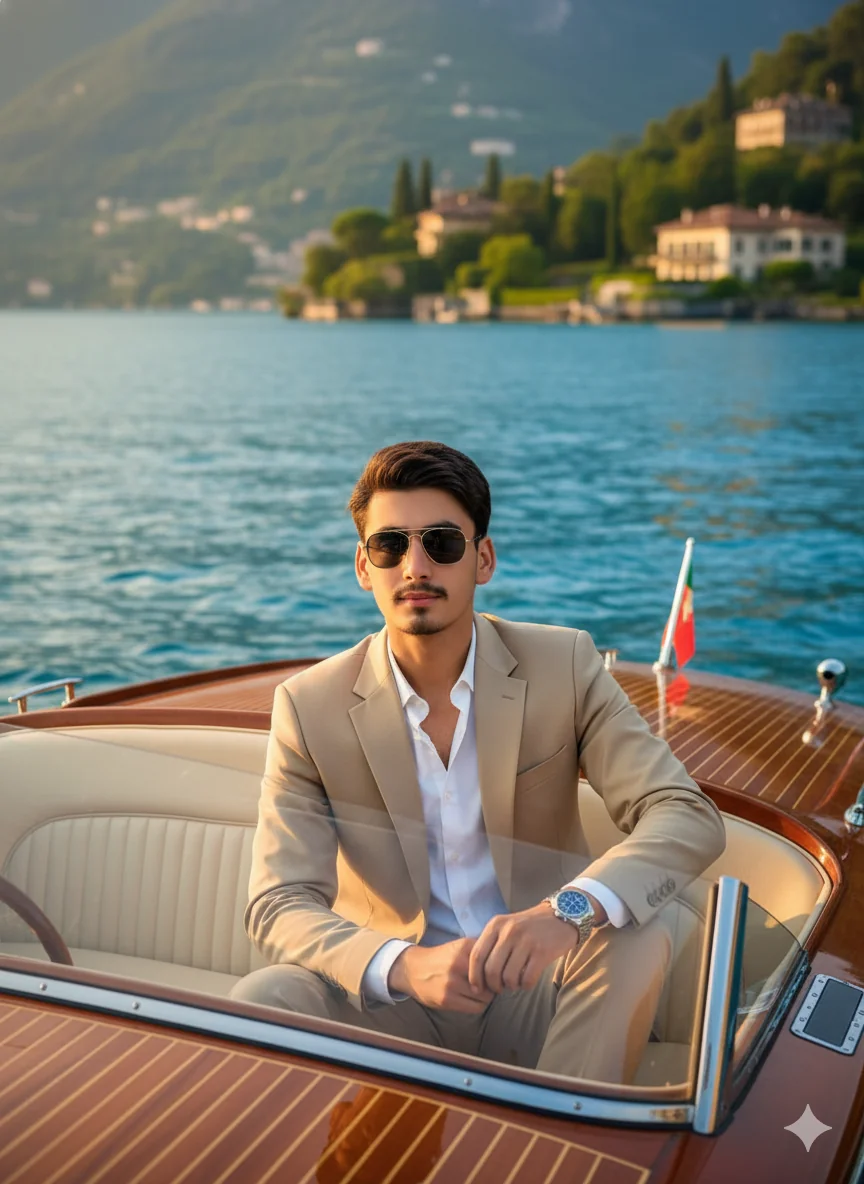

What Is Prompt to AI Image and Why It Matters
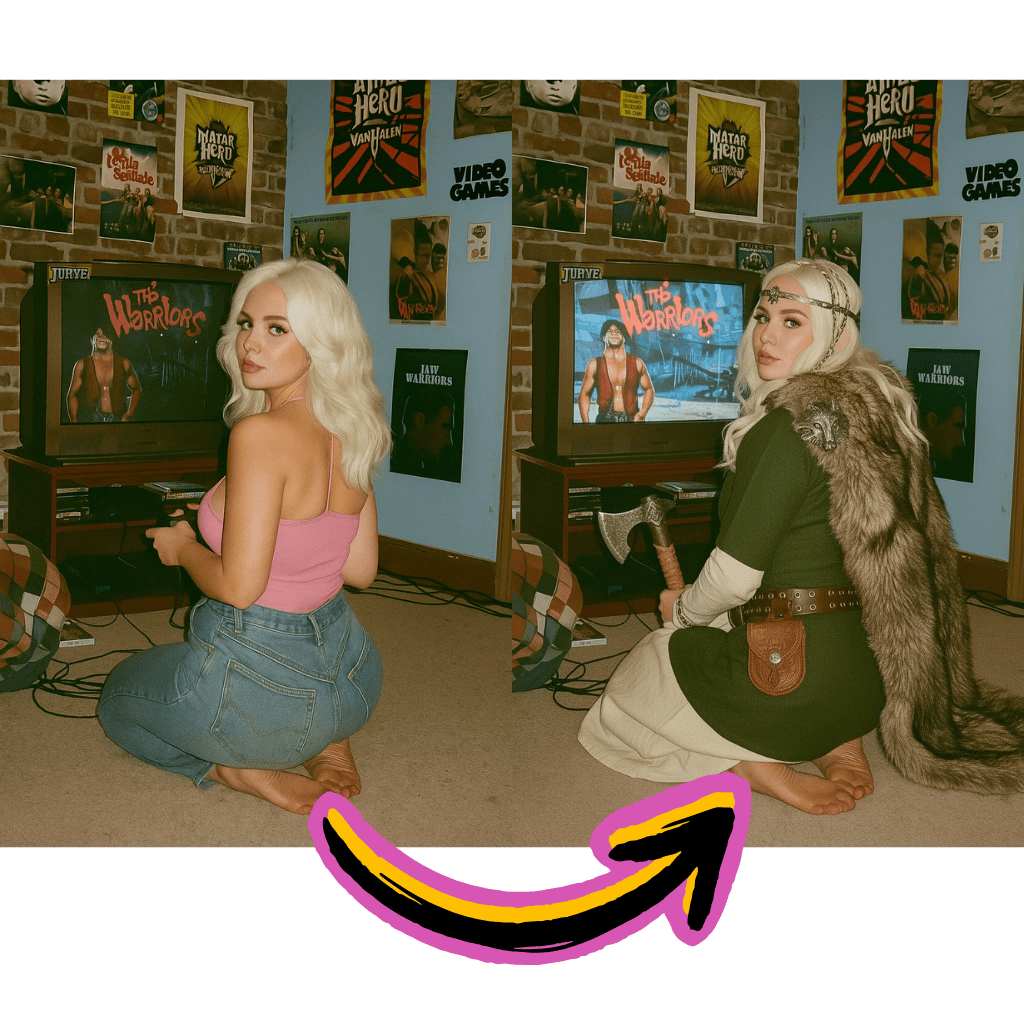
From Concept to Visual Draft
Translate one focused idea into structured instructions without starting from a blank canvas.
Generator Assisted Writing
Use a prompt generator for speed, then refine style and context for your exact scenario.
Reusable Across Major Models
Keep one strong structure and adapt lightly for Gemini, Stable Diffusion, or similar engines.
Why Prompt to AI Image Improves Creative Output
Well structured instructions reduce random outputs and speed up team approvals.
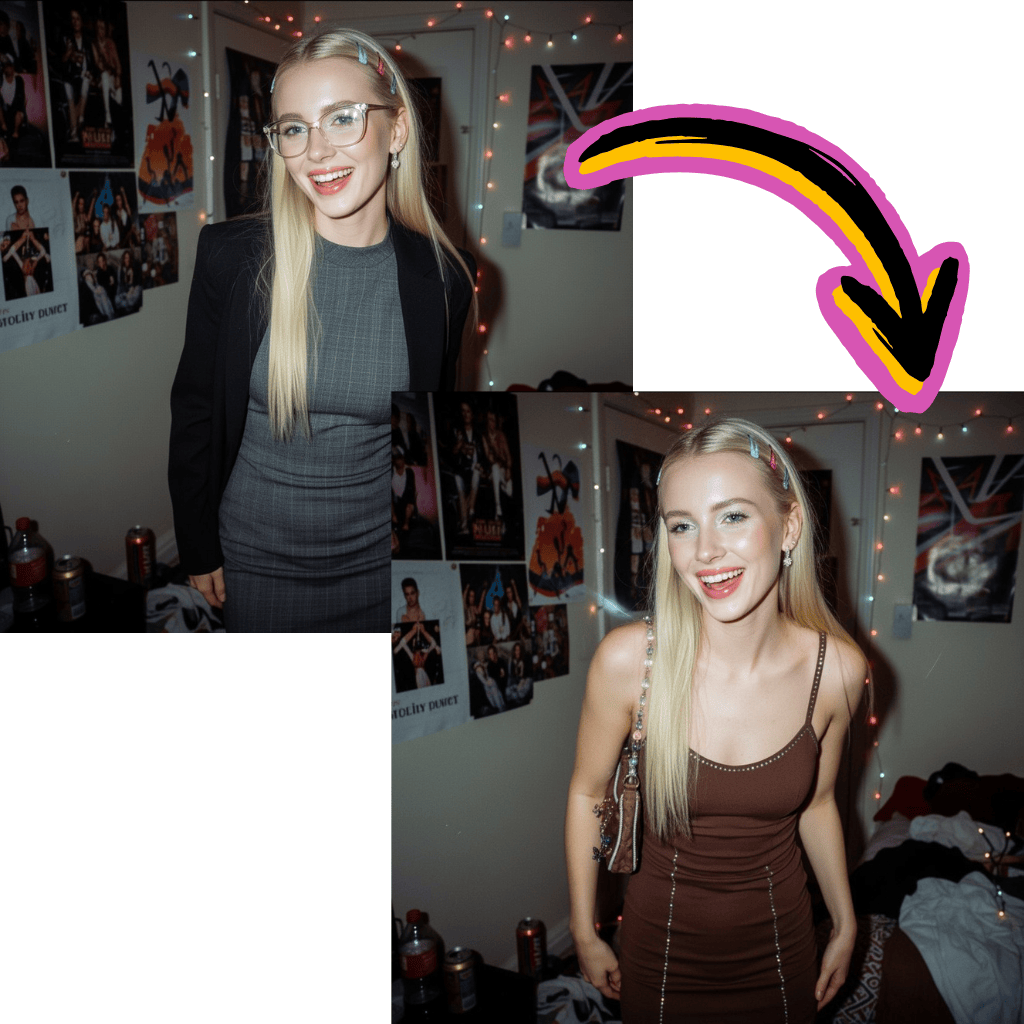
Launch Drafts Faster
Start from a tested generator pattern instead of rewriting from scratch.
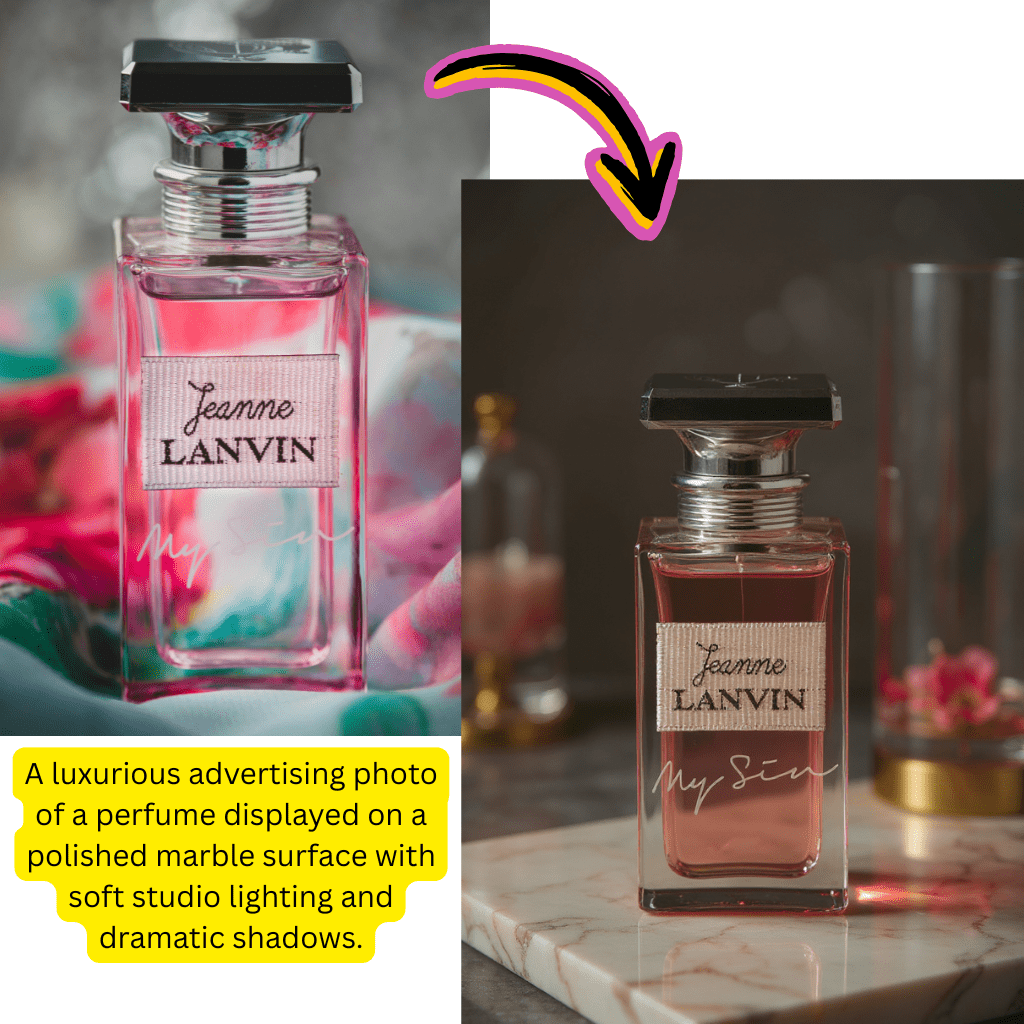
Increase Instruction Precision
Combine subject, lens, lighting, and composition into a stronger visual generation template.
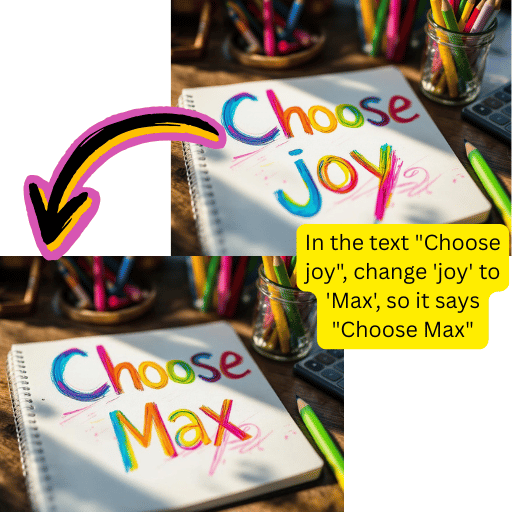
Transfer Across Tools
Reuse one template for gemini tasks, prompt chatgpt drafts, and other generator workflows.
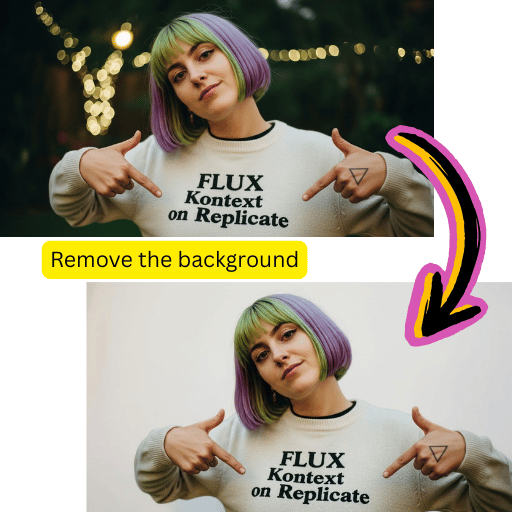
Lower Revision Cost
Small controlled edits outperform full rewrites when output quality must stay consistent.
How to Use Prompt to AI Image in 4 Practical Steps
Use this short flow to move from concept to publish ready visuals.
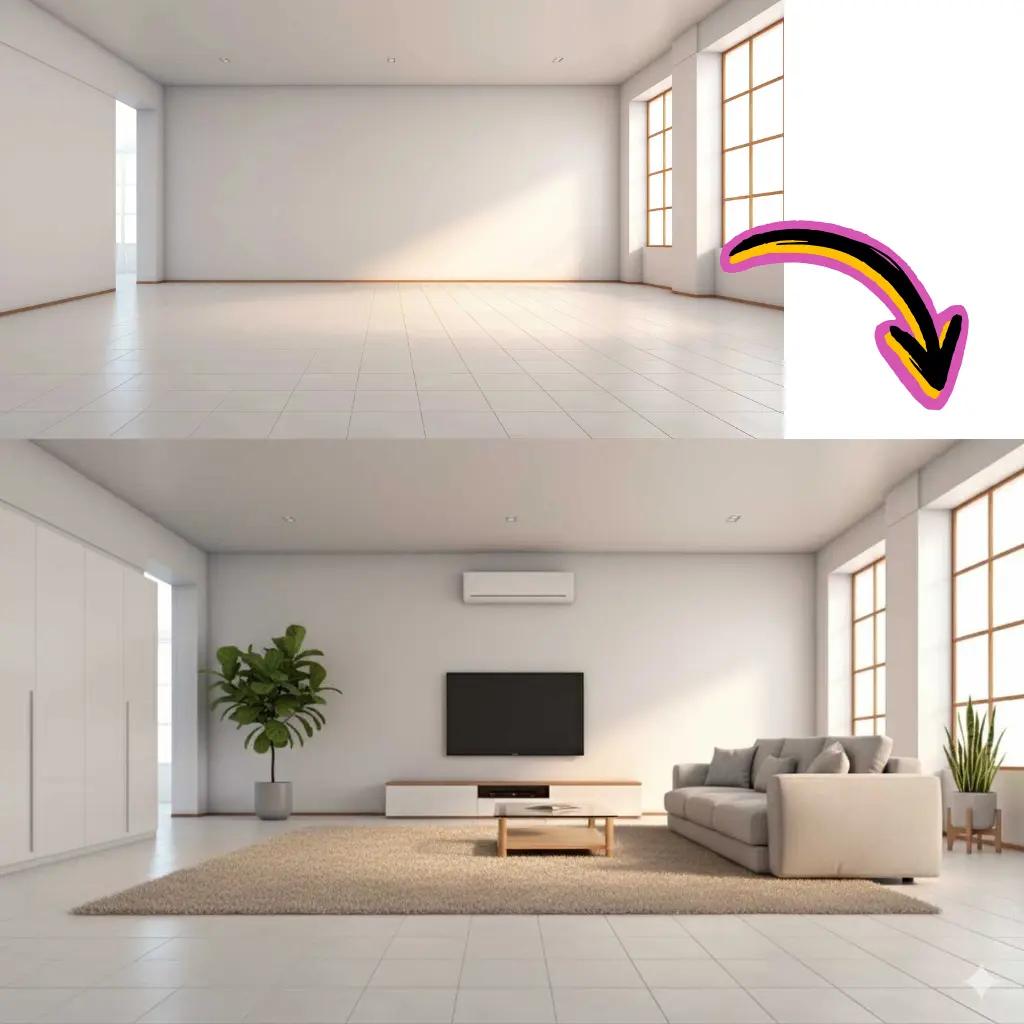
Step 1: Gather a Prompt to AI Image Reference
Start with one winning sample from image to prompt or photo to prompt tools, then define your goal and audience.
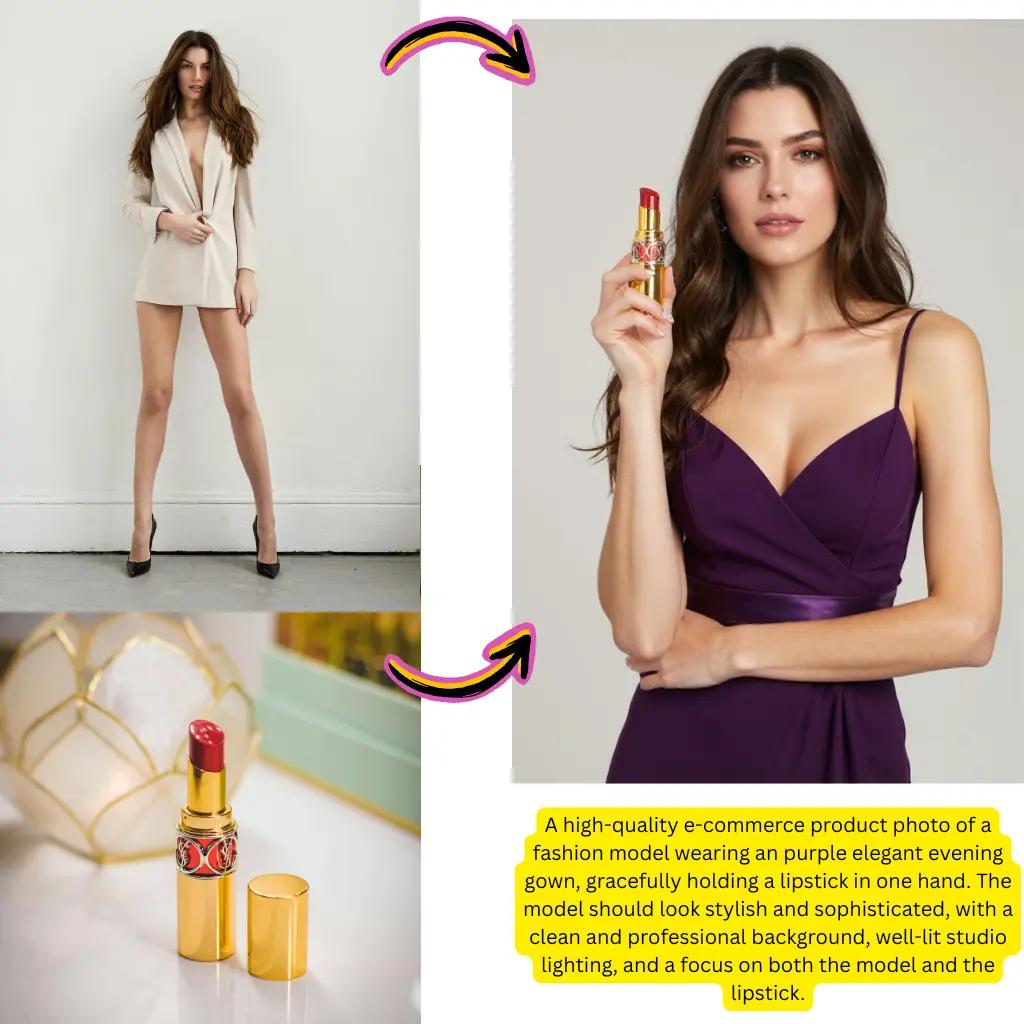
Step 2: Build a Clear Creative Brief
Write concise instructions for subject, setting, camera view, and mood. Use a prompt generator if you need a fast first draft.
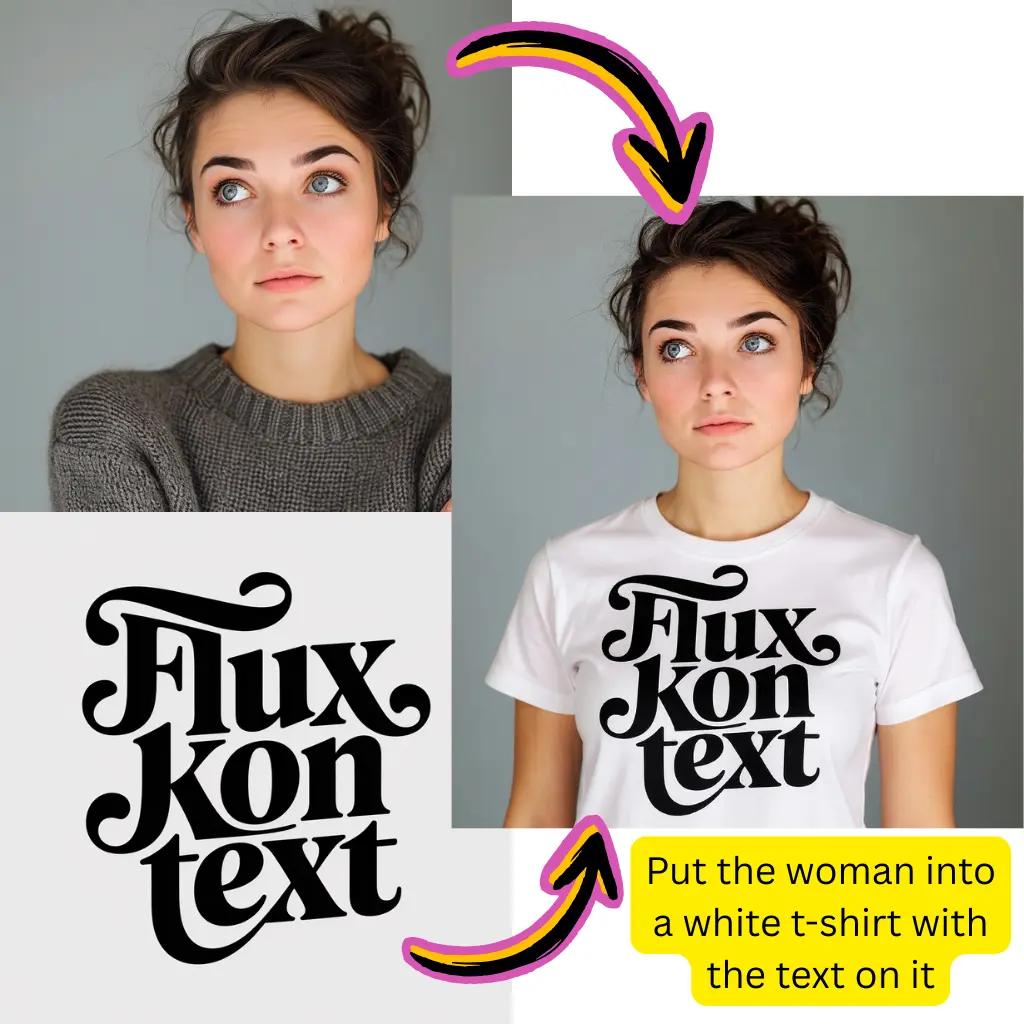
Step 3: Run Variation Passes and Review
Test passes in an image to image ai generator with one variable changed each round, so quality differences stay clear.
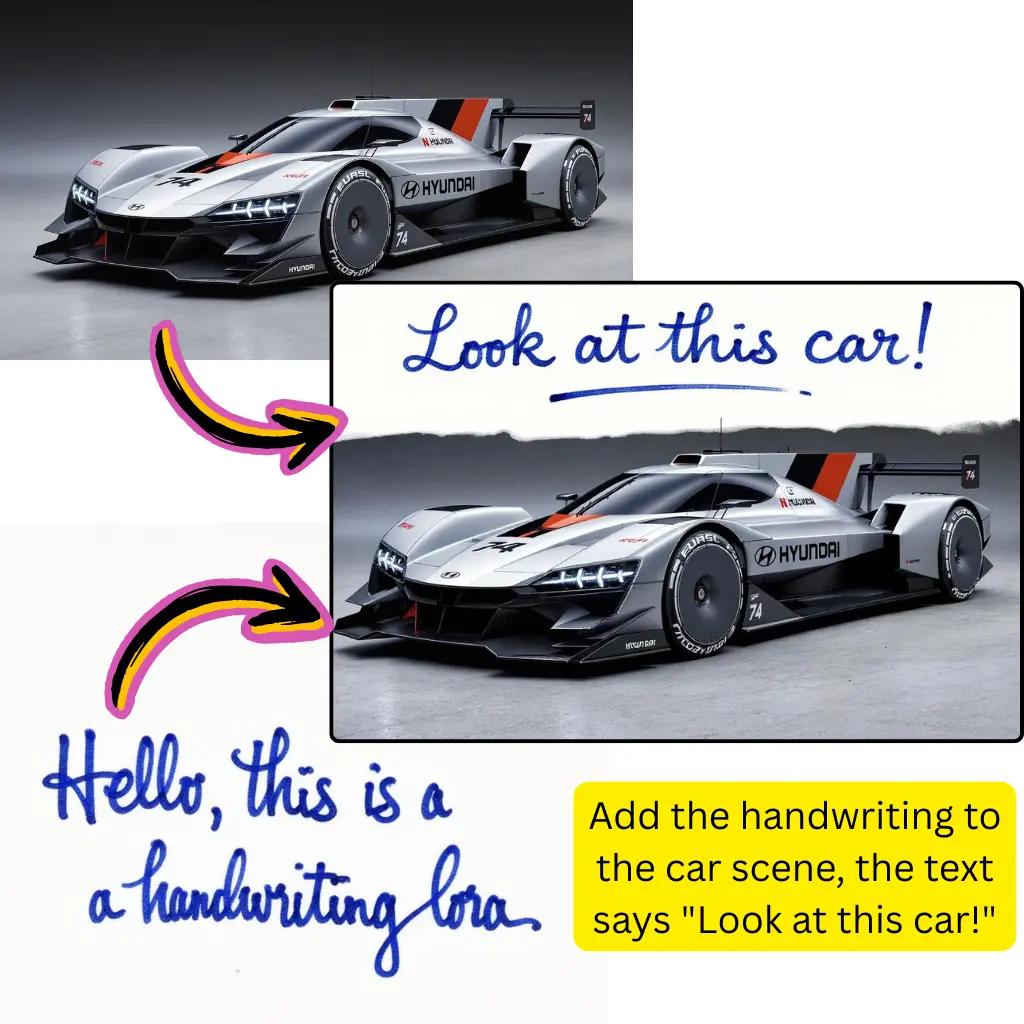
Step 4: Finalize and Save the Winning Template
Polish the winner, upscale if needed, and archive reusable patterns for future product launches and ad cycles.
Core Prompt to AI Image Features for Fast Iteration
Each feature is designed to shorten the path from idea to final asset.
Intent Based Search
Find references by goal, such as product pages, ad creatives, or social campaigns.
One Click Copy
Copy complete text blocks and paste directly into your preferred image generator ai tool.
Translation Support
Adapt wording for multilingual teams while preserving visual intent and brand tone.
Direct Jump to Generation
Move from browsing to rendering with fewer manual steps and less context switching.
Prompt to AI Image FAQ for Real Search Questions
Expanded answers based on common creator and marketing workflows.
How does Prompt to AI Image work with image to prompt tools?
Use a source visual, extract text with image to prompt, then refine the result with camera, style, and audience context. This approach also works for prompt from image and image prompt generator flows when you need faster first drafts. Keep version notes, audience cues, and brand guardrails in one workspace for faster weekly iteration. Shared naming rules, archive hygiene, clear ownership, and fast approval loops improve consistency across large content calendars, partner handoffs, multilingual releases, legal review cycles, weekly growth experiments, plus cross team reporting.
Can Prompt to AI Image improve image to image AI quality?
Yes. Begin with a stable base render and run image to image ai passes with one controlled change at a time. This method is reliable for image to image ai generator testing when teams compare variants before approval. Use a simple scorecard covering clarity, emotion, contrast, and relevance during every comparison round.
Which Prompt to AI Image format works best in an AI image generator?
A practical sequence is subject, environment, visual style, lighting, framing, and intended use. This structure performs well in ai image generator, image generator ai, and prompt image generator tools with minimal rewriting. A small checklist for framing, color logic, and narrative intent keeps creative reviews objective across teams.
How should Prompt to AI Image be written for Gemini?
For a strong gemini prompt, keep instructions explicit, add brand tone, and set output constraints early. If you are testing prompt for gemini image tasks, compare two short versions first, then scale to batch generation. Run side by side trials, log differences, and keep the highest performing wording as your baseline.
Can Prompt to AI Image start from prompt ChatGPT drafts?
Yes. A prompt chatgpt draft is useful for brainstorming, then you can tighten wording into a production prompt for ai image outputs. Remove vague adjectives, add specific scene details, and keep measurable style targets. Limit each revision cycle with strict acceptance criteria, then archive winning drafts for future launches.
Is there a free Prompt to AI Image workflow for beginners?
Start with a free prompt to image ai tool for exploration, then move to paid plans only when you need higher resolution, private outputs, or API usage. A basic ai prompt generator checklist helps keep early tests consistent. Begin with low risk experiments, document failures, and keep only repeatable patterns inside your shared playbook.
How can Prompt to AI Image connect to image to video workflows?
After finalizing a still visual, pass it into image to video or ai image to video tools as a style anchor. You can also derive a prompt to video ai brief from the same creative direction to keep campaigns aligned. Match motion style, pacing, and scene continuity across channels so campaign assets feel unified everywhere.
Can Prompt to AI Image help with photo editing requests?
It can. Start with a chatgpt prompt for photo editing, then adapt it for retouching, relighting, or background remover tasks. When detail recovery matters, finish with an ai image upscaler before publishing. Define editing goals first, then validate realism, skin tone balance, and brand safety before release.
How does Prompt to AI Image stay reusable across Stable Diffusion and Whisk AI?
Keep the core scene description model neutral, then append small engine specific cues only where needed. This pattern supports stable diffusion, whisk ai, and similar platforms while reducing maintenance overhead for shared libraries. Store engine specific notes in a compact table so handoffs remain clear during quarterly planning.
Can Prompt to AI Image support seasonal campaigns and social assets?
Yes. Build variants such as mahashivratri ai image prompt or valentine day ai image generator prompt from one master template. Teams can localize for Pinterest style posts, display banners, and product landing visuals without rebuilding everything. Build calendar based variants early, then align copy, offers, and visual mood across regions.
How does Prompt to AI Image relate to image to text analysis?
Use image to text, image to text converter, or text from image tools to audit what your output communicates. These checks reveal missing context and help you refine the next round with clearer intent and stronger conversion focus. Audit readability, product focus, and message hierarchy with a fixed rubric during each sprint.
Where should teams place references in a Prompt to AI Image workflow?
Internally, link to your Text to Image AI playbook, style library, and approval checklist. Externally, reference Google Labs, Google AI Studio docs, and Runway model guidance to validate policy limits and capability changes. Assign ownership for research, legal checks, and release signoff so governance stays consistent as volume grows.
Start Your Prompt to AI Image Workflow Today
Choose a proven template, personalize the details, and generate your next visual in minutes.