


AI Professional Photo Generator Prompt Inspiration Gallery
Browse prompt ideas for professional portrait results, from LinkedIn profile styles to business team looks and studio-like branding directions.
What Is an AI Professional Photo Generator?
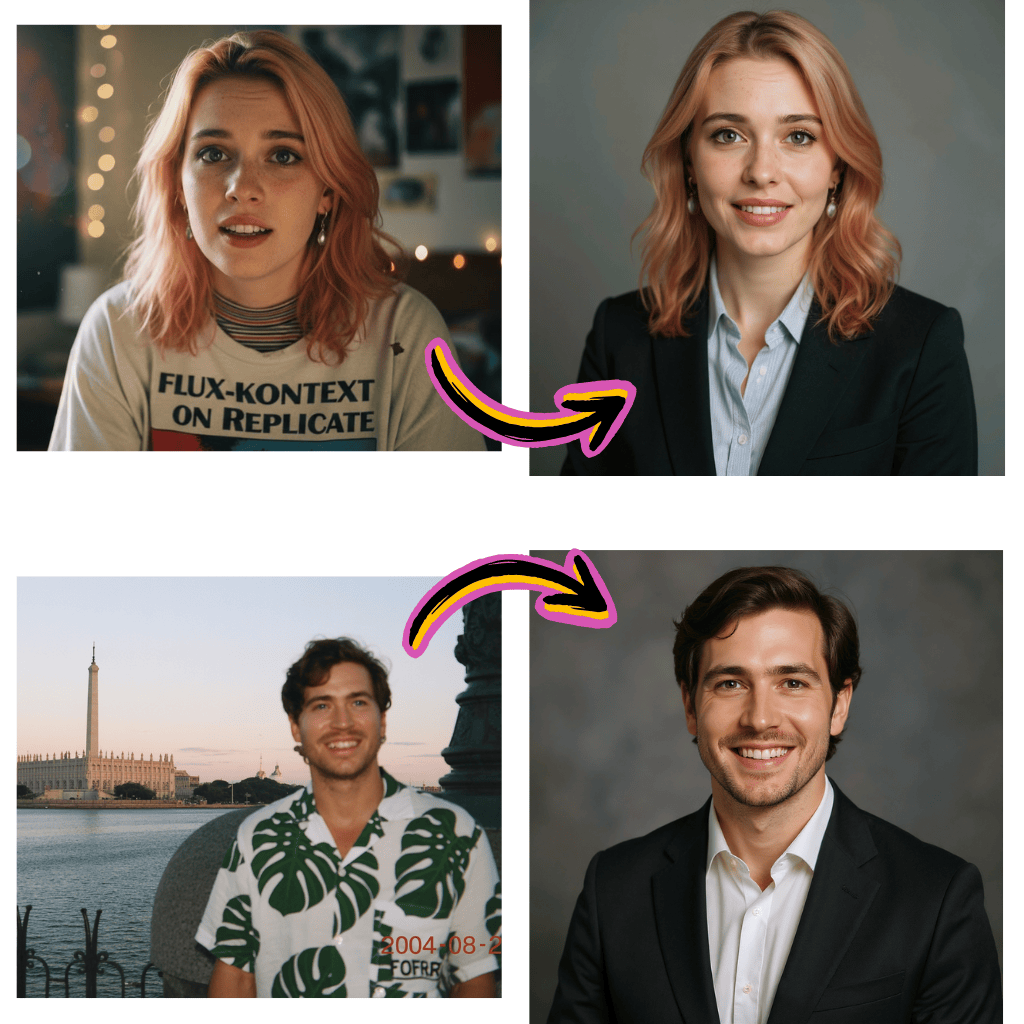
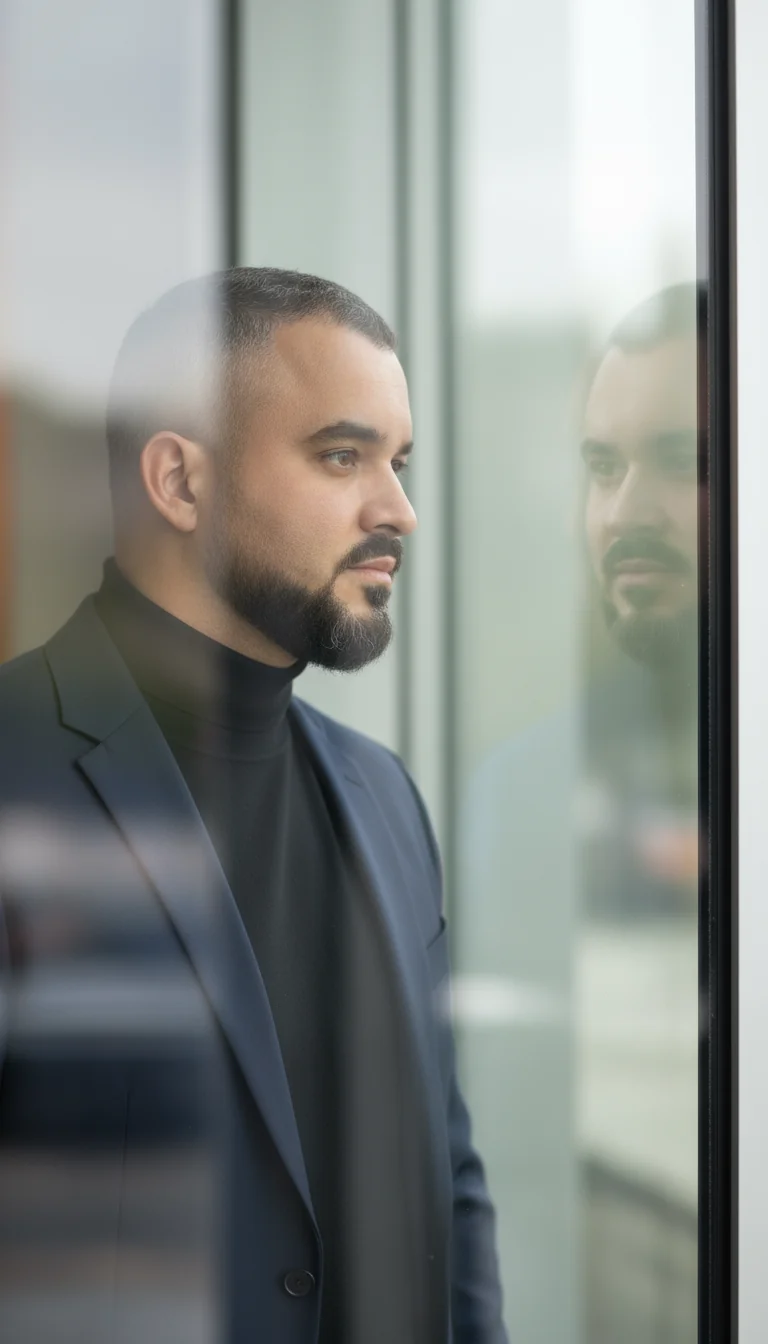
Prompt-Driven Professional Styling
Use a clear prompt template to guide wardrobe, pose, lighting, and background without complicated photo editing software.
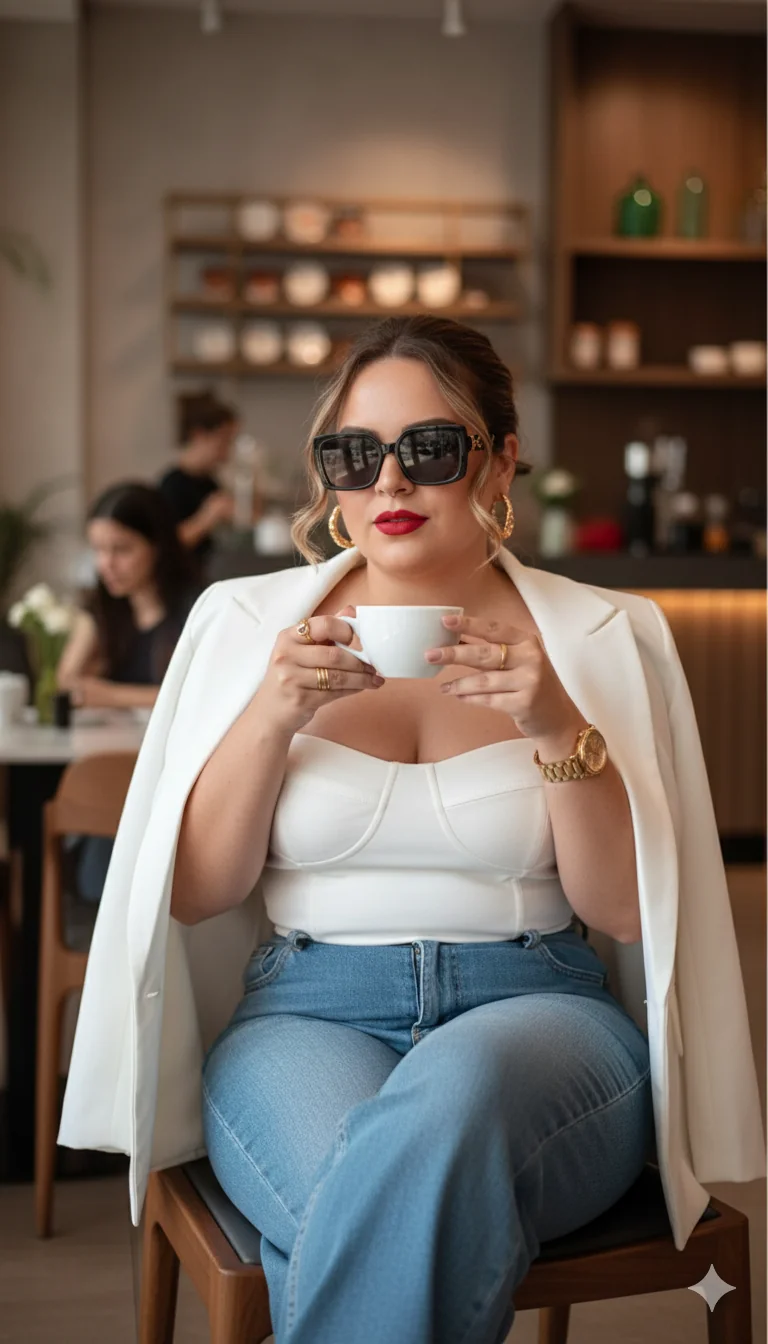
Gemini-Friendly Workflow
Test a gemini prompt for professional portrait edits, compare gemini outputs, and refine each result with a light editor pass.
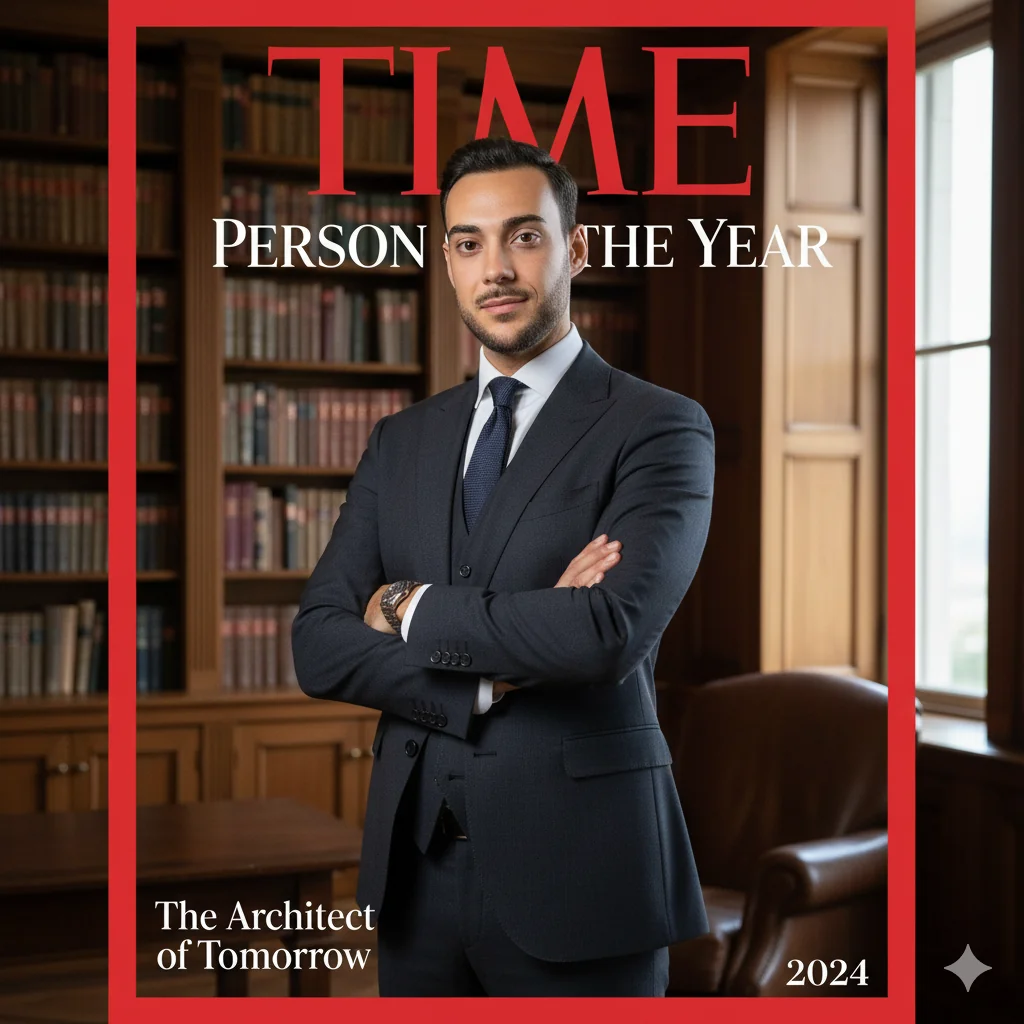
Built for Career Branding
Create free draft portraits quickly, then publish your best version as a linkedin profile picture or company bio headshot.
Why AI Professional Photo Generator Improves Trust
Build a consistent personal and company image while saving time and production cost.
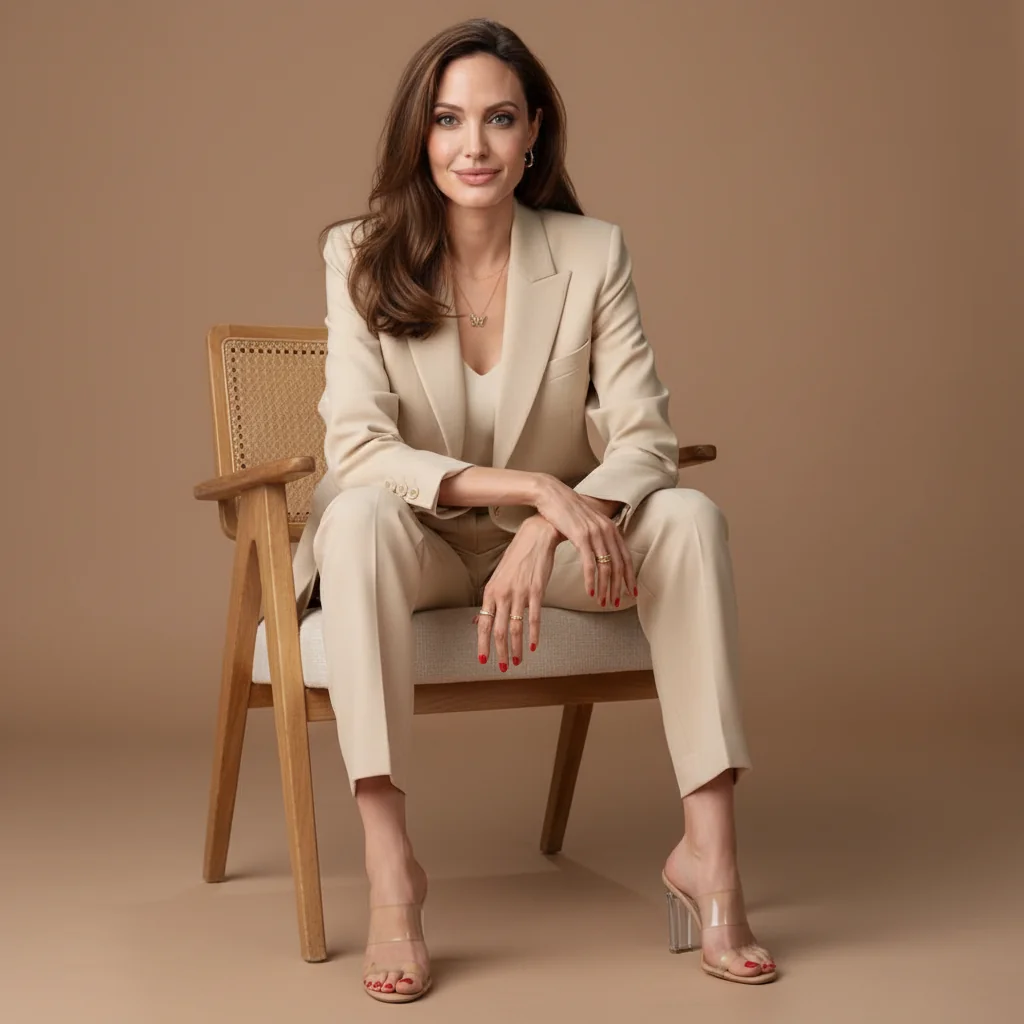
Lower Cost Per Portrait
Start with free trial credits before paying for premium exports, ideal for founders, job seekers, and small teams.
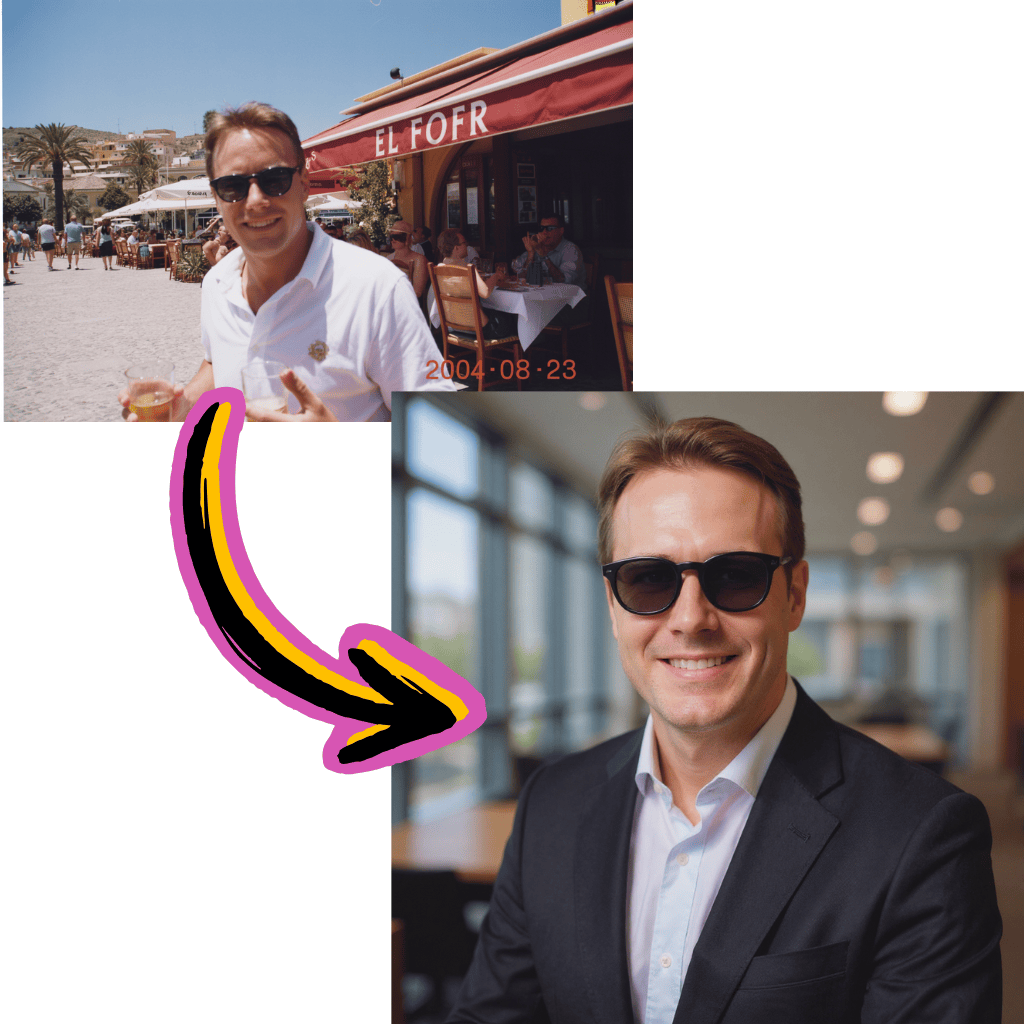
Faster LinkedIn Refresh Cycles
Use a lightweight linkedin generator flow to test several looks and publish an updated profile image the same day.
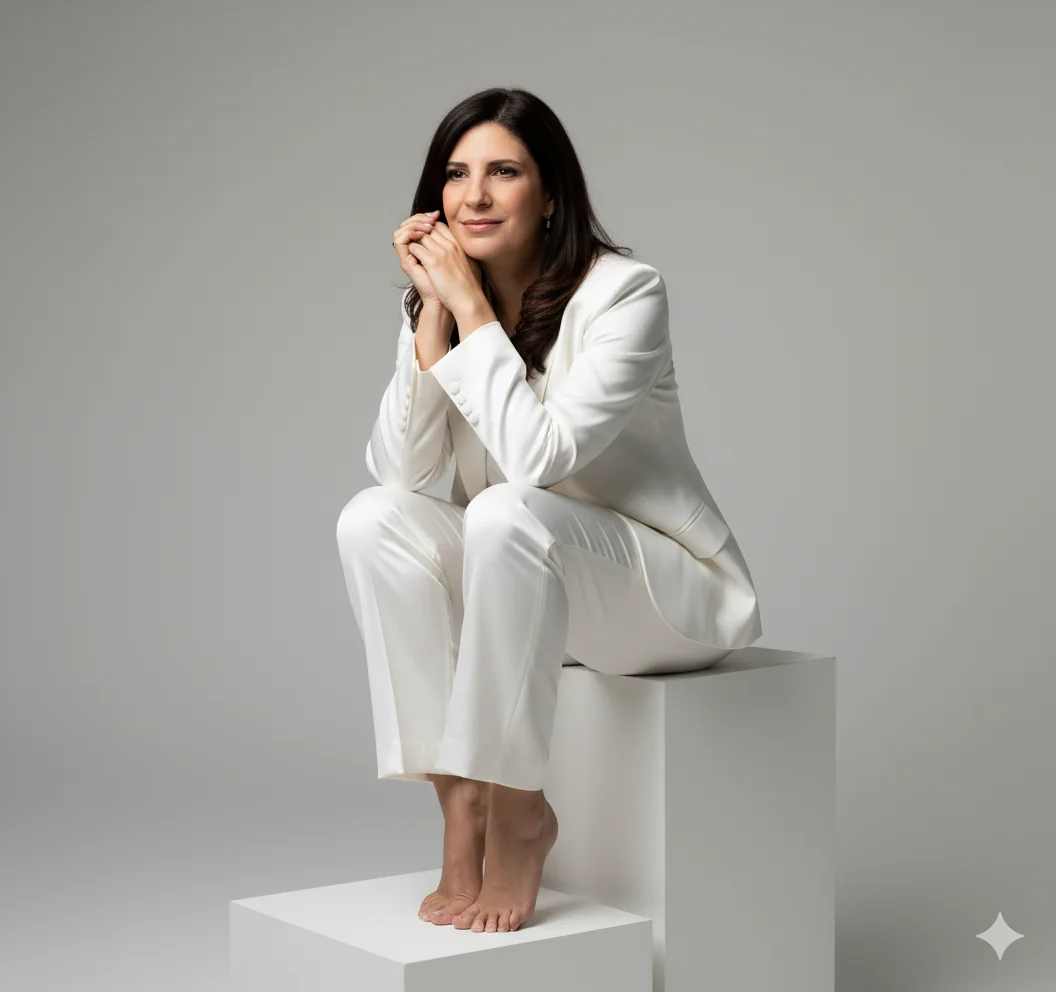
Consistent Team Identity
Create matching visuals for leadership and staff so your site, sales deck, and google business profile feel unified.
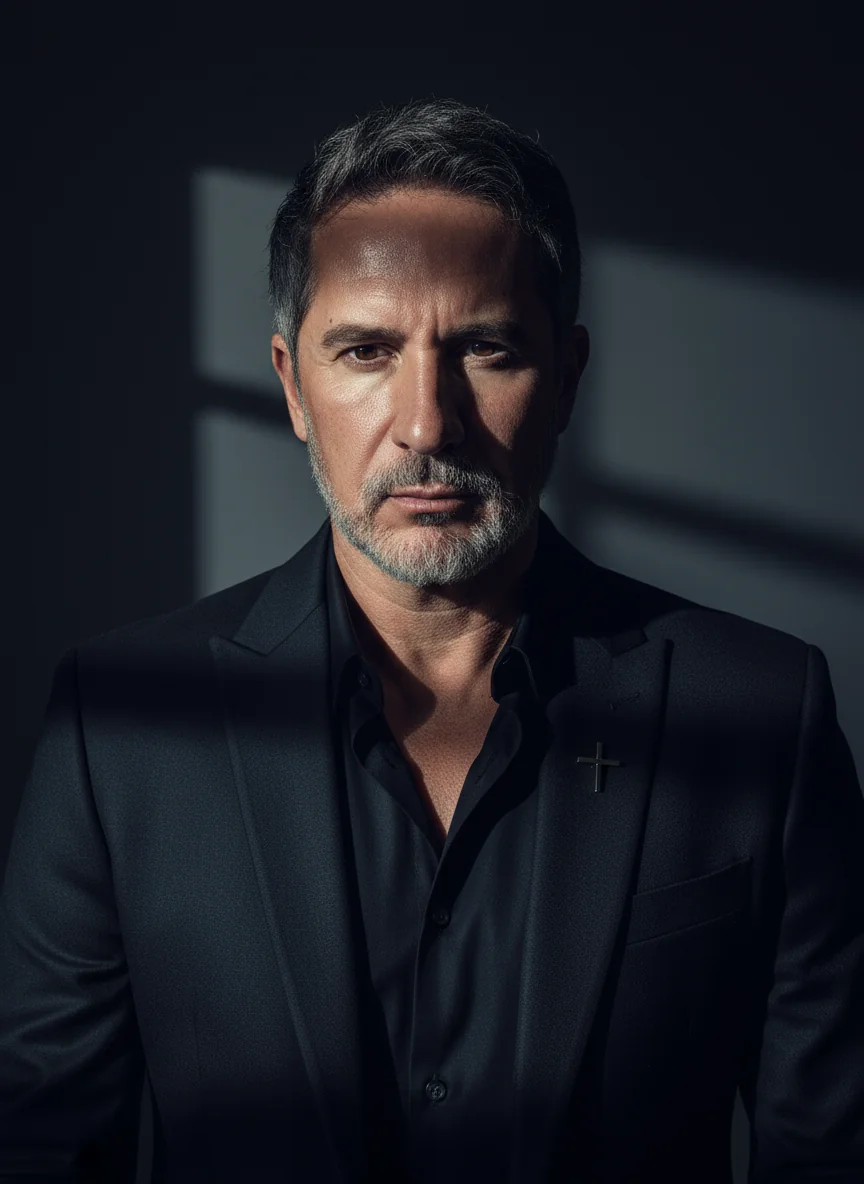
Simple Optimization Loop
Generate with free options, improve detail with enhancer tools, then finalize in an online editor.
How to Use AI Professional Photo Generator
Follow four short steps to move from a casual selfie to a polished business-ready portrait.
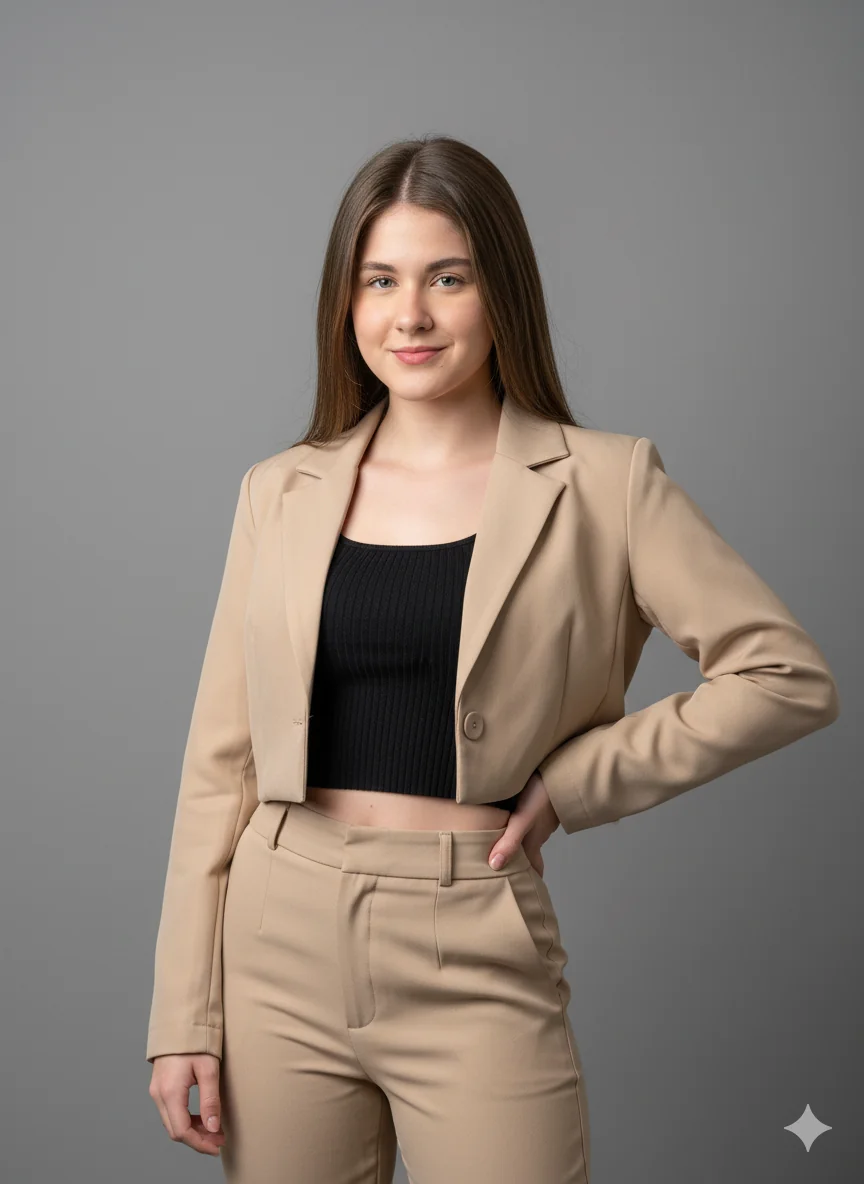
Upload a Clear Base Image
Start with a front-facing image in even light. This improves accuracy for professional headshot generator and portrait-maker use cases.
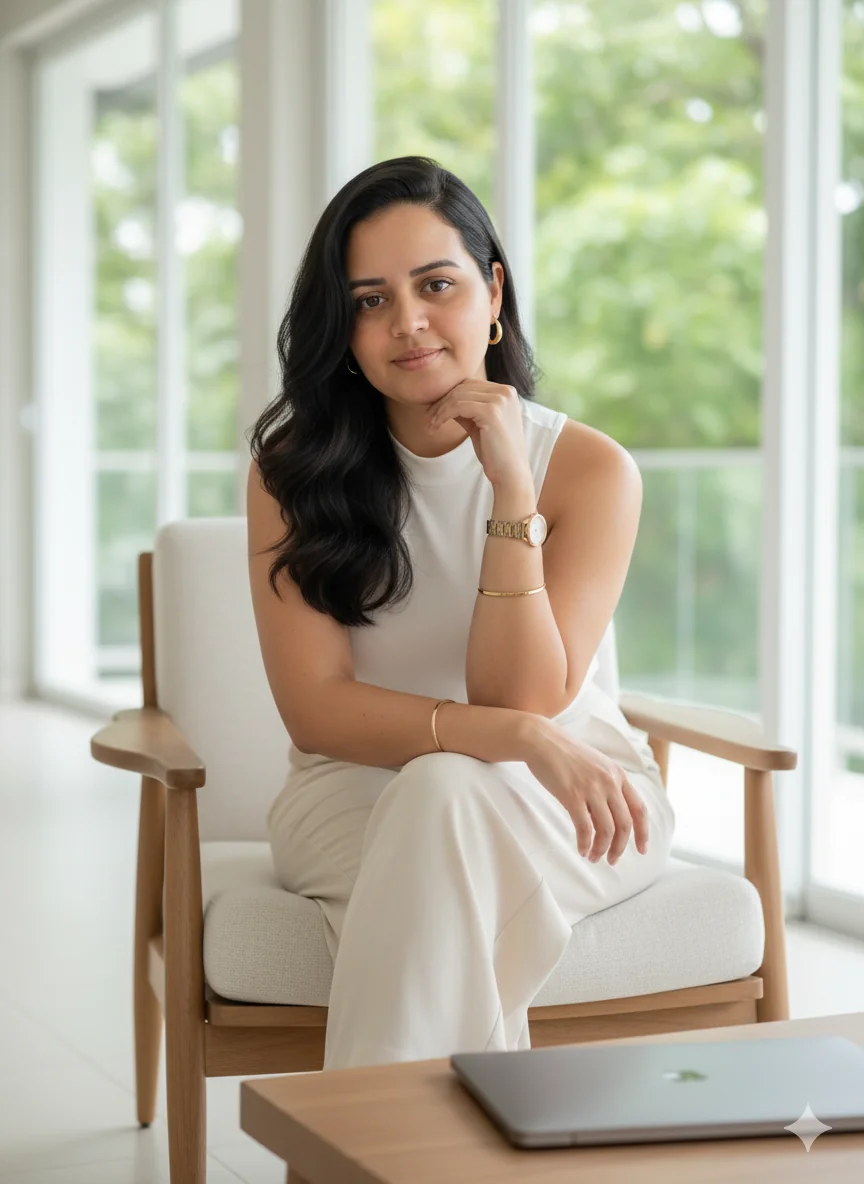
Write a Precise Prompt
Describe outfit, camera angle, mood, and backdrop. Strong prompts improve results for executive portrait creation and brand-ready profile images.
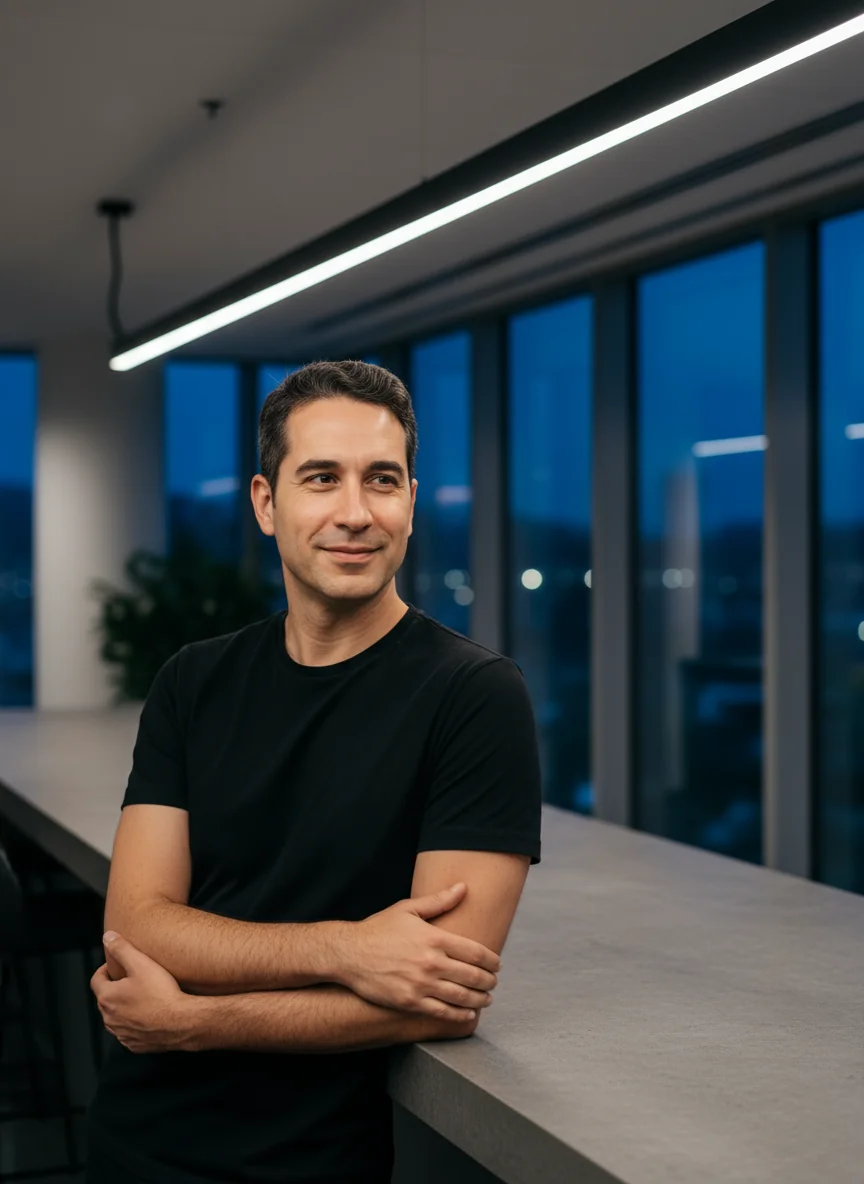
Generate and Compare Variations
Create multiple versions with different styles, lighting setups, and backgrounds. Compare side by side to find the most natural and trustworthy look for your audience.
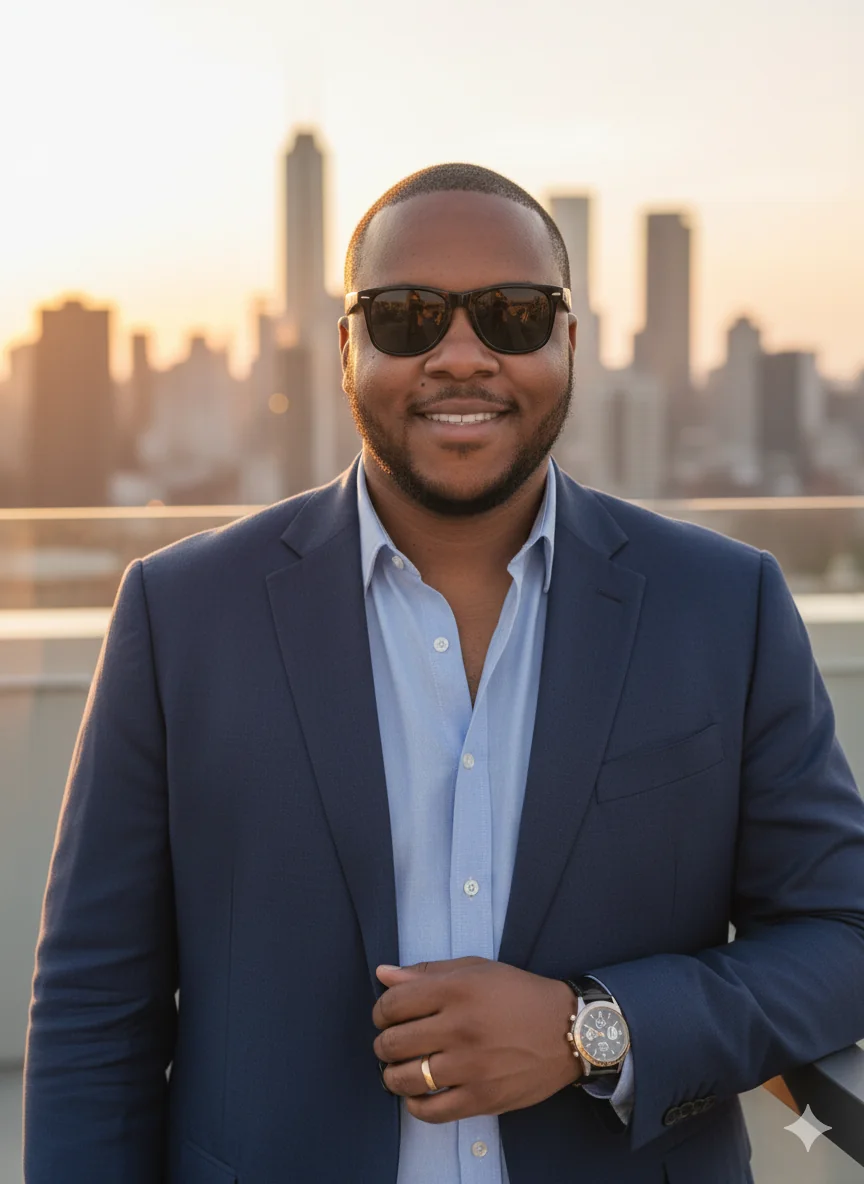
Refine, Edit, and Export
Pick the best version, apply light retouching, then export at the right size for profile, resume, and team-page placement.
Core AI Professional Photo Generator Features
Everything needed to produce natural, high-trust portraits for modern business channels.
Headshot and Portrait Presets
Switch between executive, startup, creator, and formal looks, including free headshot starter presets.
Business Profile Optimization
Export sizes tuned for linkedin profile picture, linkedin cover photo, and company directory layouts.
Model and Prompt Compatibility
Compare gemini outputs, google ai studio experiments, and alternative prompt strategies quickly.
Retouch and Export Controls
Use image editor options, light skin cleanup, and watermark remover workflows before final export.
AI Professional Photo Generator FAQ and Strategy Guide
Expanded answers on prompts, free tools, LinkedIn formats, Gemini workflows, and business usage.
AI Professional Photo Generator: Is there a free option?
Yes. Start with free credits to test fit, lighting, and style direction before upgrading. If you compare keywords like ai professional photo generator free or free ai headshot generator, focus on realism, export rights, and queue speed.
AI Professional Photo Generator: Can I use it for LinkedIn?
Absolutely. This workflow is strong for LinkedIn profile updates and company pages. You can test an ai linkedin photo free draft, then finalize a clean linkedin profile picture that matches your role, tone, and audience expectations.
AI Professional Photo Generator: What prompt works best?
Start with a direct ai prompt for professional photo output: lighting type, backdrop color, outfit style, and facial expression. If you use Gemini, try a gemini prompt for professional photo first, then adjust detail depth after each test cycle.
AI Professional Photo Generator: Does Gemini work well here?
Yes, especially for concept exploration and direction setting. You can test gemini ai photo concepts and google gemini prompt variants, then compare with google ai studio experiments to find the most natural face rendering and wardrobe texture.
AI Professional Photo Generator: Can I create business team photos?
Yes. Teams often run an ai business photo generator process to keep portraits consistent across departments. Start with a free ai business photo generator pass, then publish approved images to your website, my business listing, and google business profile.
AI Professional Photo Generator: How is it different from photo editor tools?
A classic photo editor focuses on manual edits, while this system handles generation plus editing in one flow. You can still finish in photo editor ai tools, free photo editor ai apps, or an online editor for quick crop and tone adjustments.
AI Professional Photo Generator: Can I meet passport photo requirements?
Use this tool for draft preparation, then verify dimensions and background rules against your country standards before submission. Always confirm passport photo requirements from official documentation.
AI Professional Photo Generator: What LinkedIn sizes should I use?
Keep your face centered for the profile image and reserve safe margins for banners. For headers, confirm the latest linkedin cover photo size in LinkedIn Help because platform specs can change.
AI Professional Photo Generator: Can this support professional development goals?
Yes. A modern, credible profile portrait improves first impressions for interviews, speaking invites, and partnerships. Many users pair this with resume updates, headline rewrites, and personal-brand planning as part of broader professional development.
AI Professional Photo Generator: How does it compare with other tools?
Users often compare grok ai, claude ai, canva headshot generator, canva ai headshot, and headshotmaster options. The practical method is to benchmark realism, prompt control, export quality, and turnaround speed for your specific hiring or sales workflow.
AI Professional Photo Generator: Can I create multiple styles from one image?
Yes. It works well for photo to photo ai generator and image to image ai generator workflows. You can produce formal, creative, and minimal looks from one base shot, then select the strongest version for each channel and audience segment.
AI Professional Photo Generator: Can I turn photos into short videos?
For motion content, export your portrait and use an ai photo to video generator pipeline. Some creators test free photo to video ai generator tools for social intros, while keeping this page focused on still-image quality and profile consistency.
AI Professional Photo Generator: How do I avoid over-edited results?
Use subtle settings first. Keep skin texture, avoid extreme smoothing, and apply light ai photo enhancer changes only after composition is correct. A natural finish usually performs better with hiring managers, partners, and client-facing stakeholders.
AI Professional Photo Generator: Is commercial use possible for agencies?
In most workflows, yes, especially for portfolio drafts, outreach pages, and sales assets. Confirm your platform license terms before large campaigns, then organize outputs inside ai studio or your preferred asset manager for team reuse.
AI Professional Photo Generator: Why do people search terms like Nano Banana?
Queries such as nano banana, gemini photo generator, or grok ai image generator usually reflect model discovery behavior. Treat these as research keywords, test the strongest options, and standardize on whichever setup delivers reliable identity fidelity.