

from 52472+ happy users
Tiramisu AI
Tiramisu AI online generator combines AI image and video creation: text to image, image to image, text to video, AI image to video, and video to video transformations.
AI Image & Video Studio
Create and edit images or videos from text prompts or reference images using premium AI models
Tiramisu AI Inspiration Showcase
Browse standout Tiramisu AI image and video creations, then click to reveal the prompts, settings, and extra details.

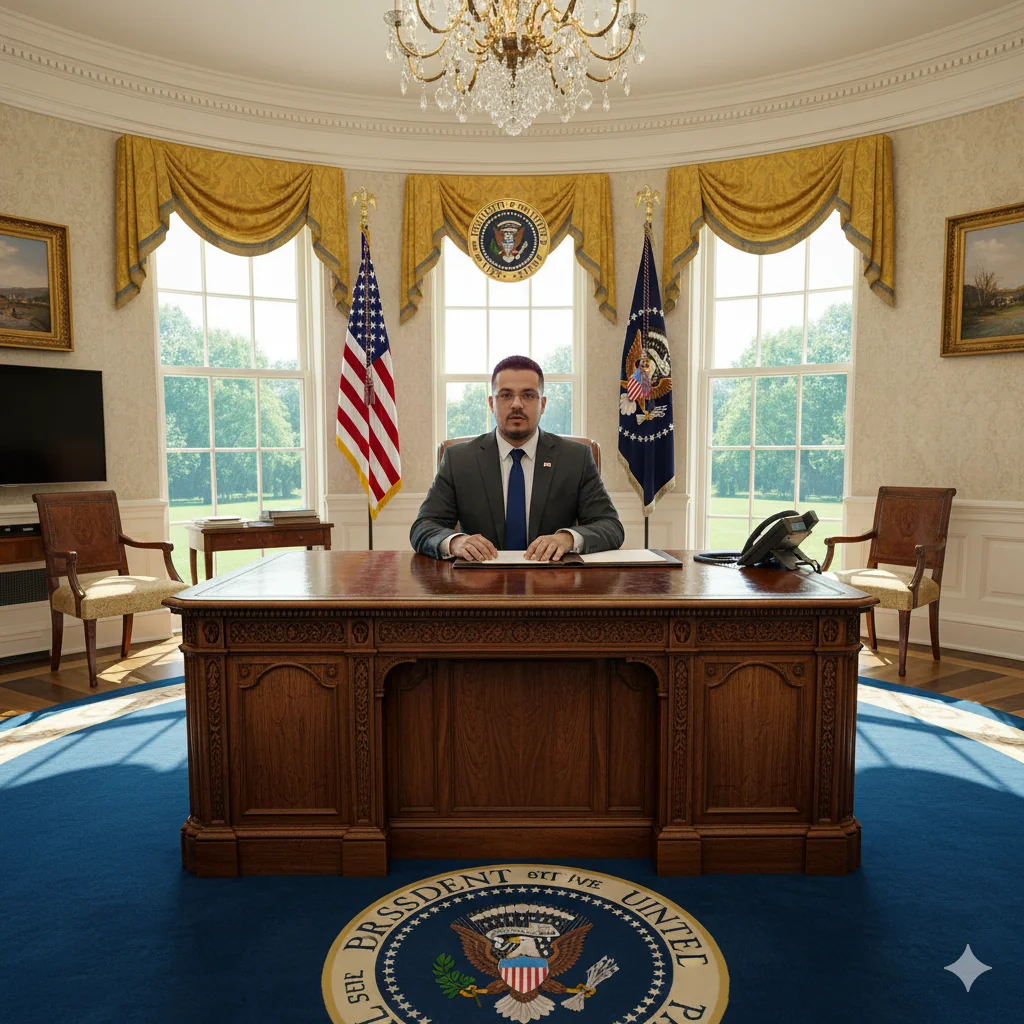


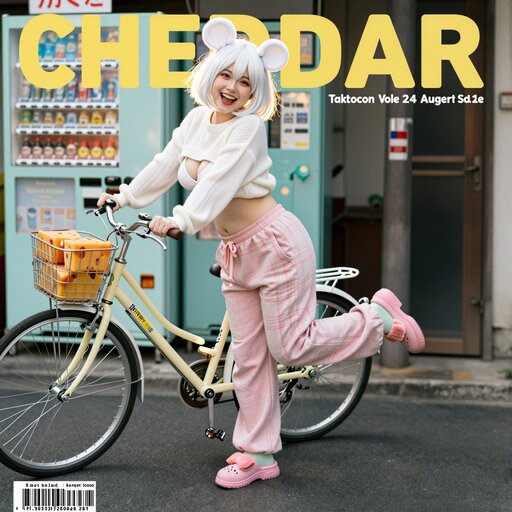


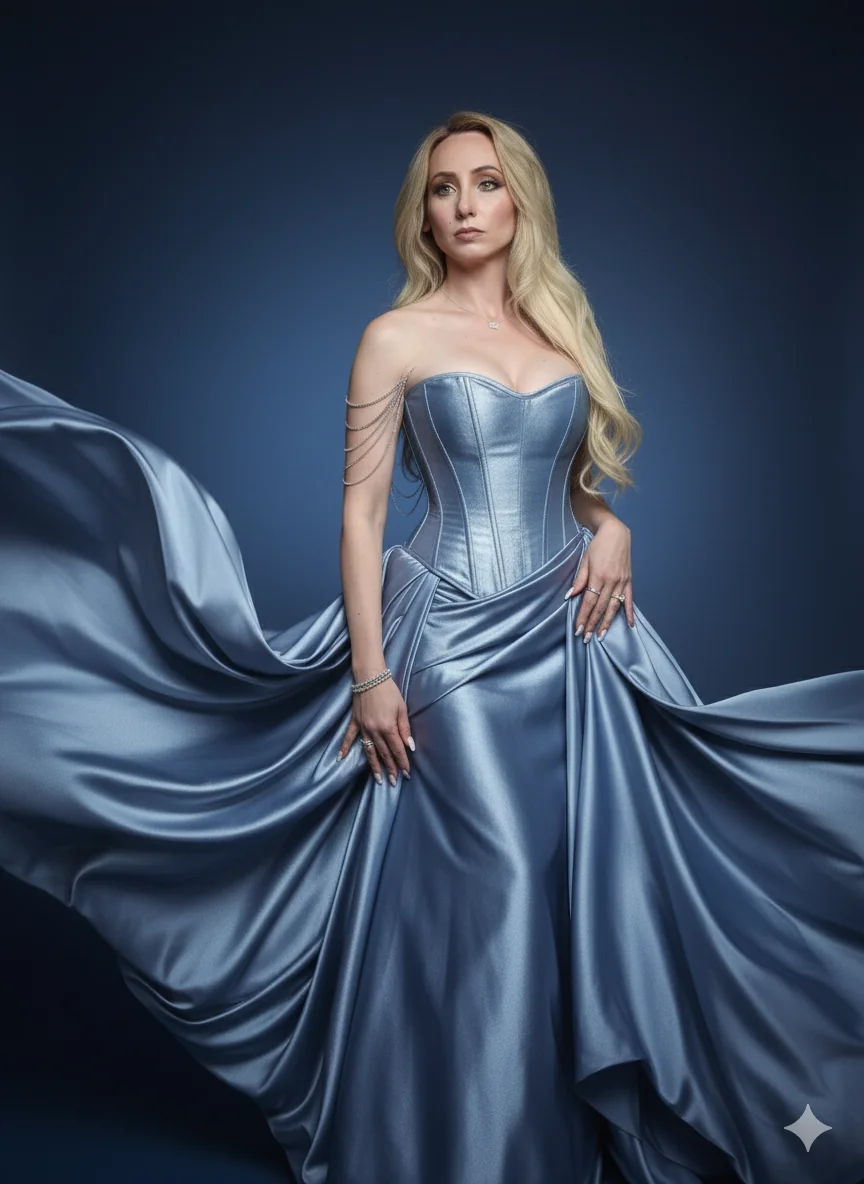




Visual Comparison of Tiramisu AI Models
Preview how each Tiramisu AI model transforms the same prompt so you can choose the one that best matches your creative direction.
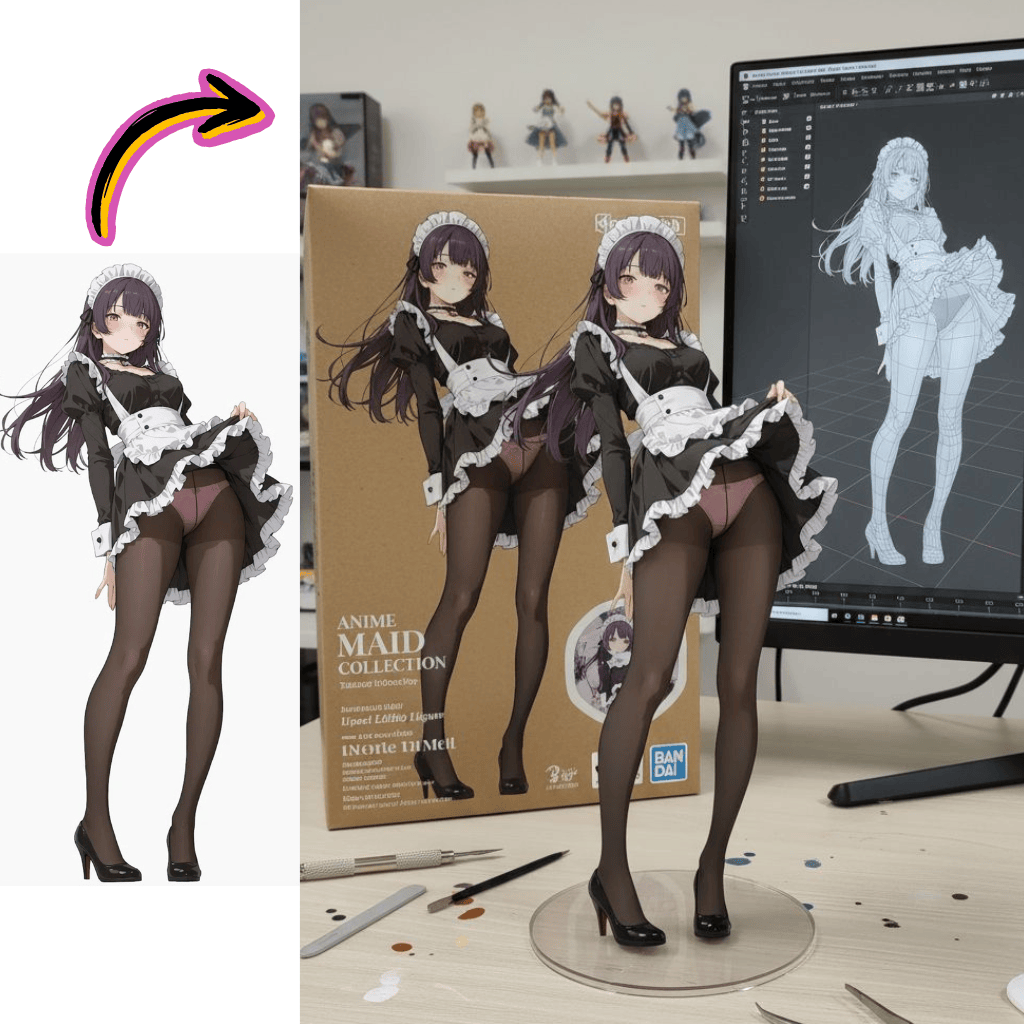
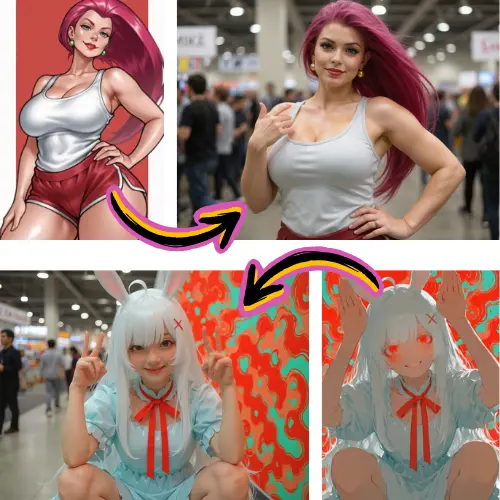
Original Image
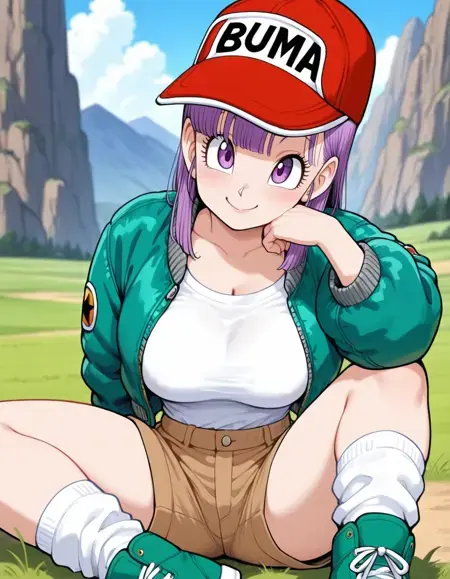
Generate a highly detailed photo of a girl cosplaying this illustration, at Comiket. Exactly replicate the same pose, body posture, hand gestures, facial expression, and camera framing as in the original illustration. Keep the same angle, perspective, and composition, without any deviation.
Generated Results
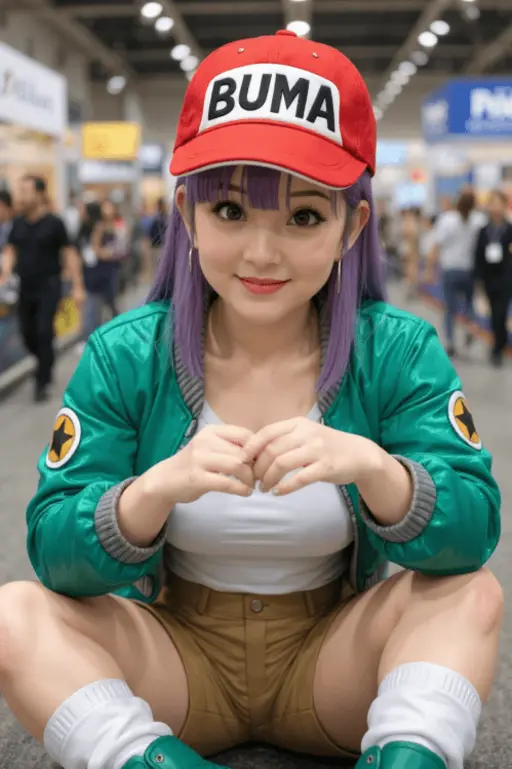
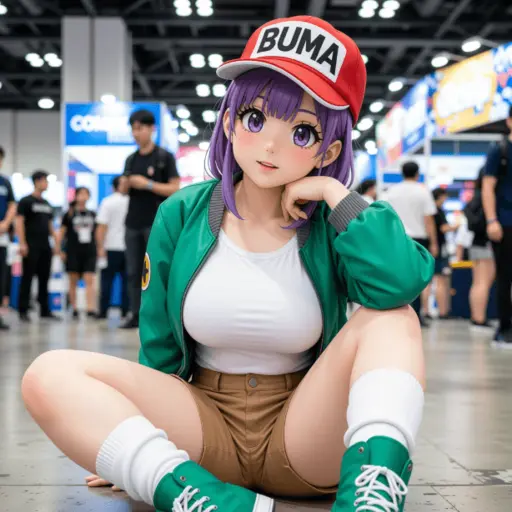
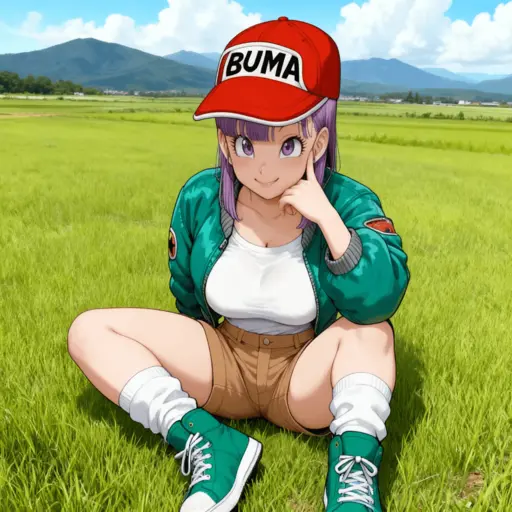
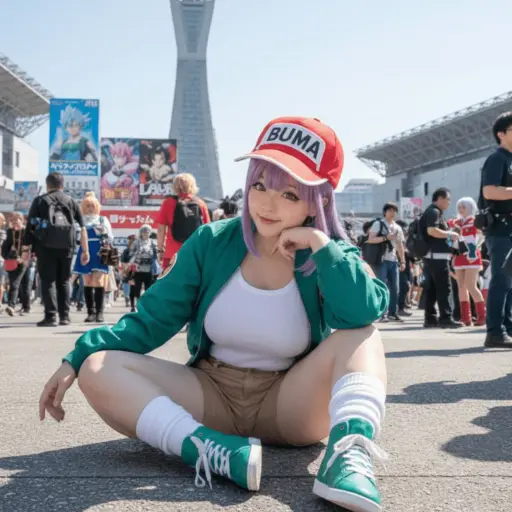
Comparison of Tiramisu AI Text to Image Models
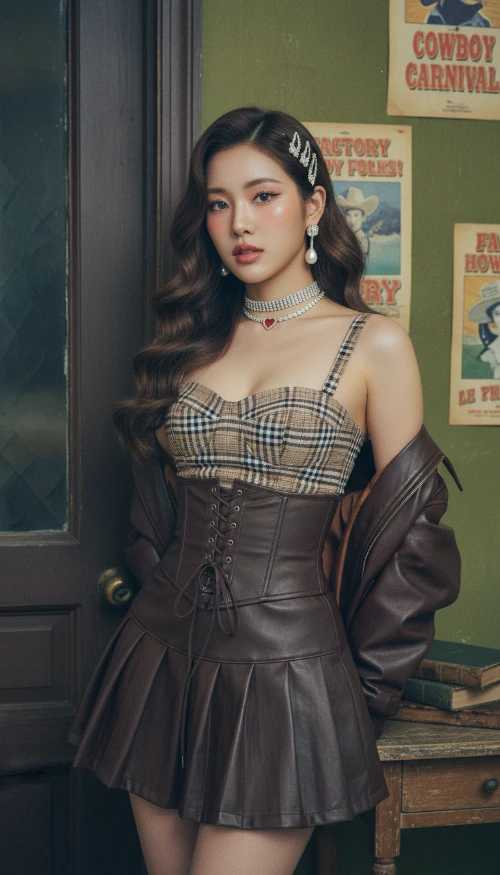
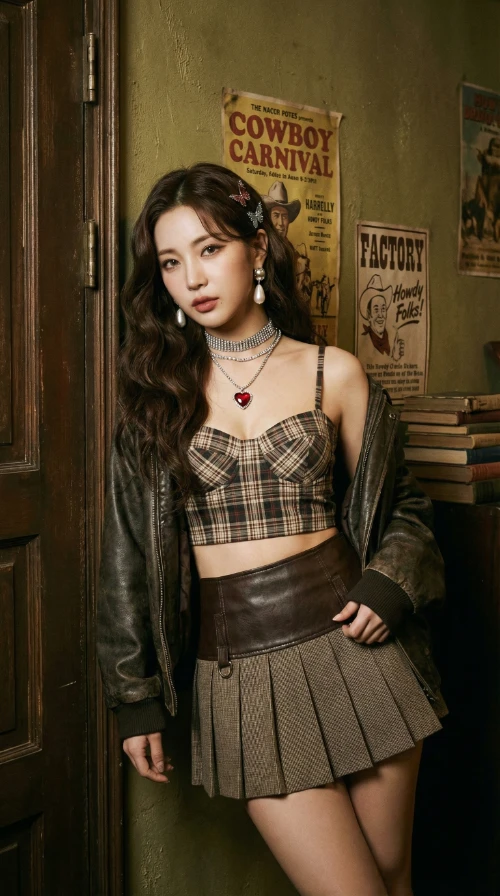
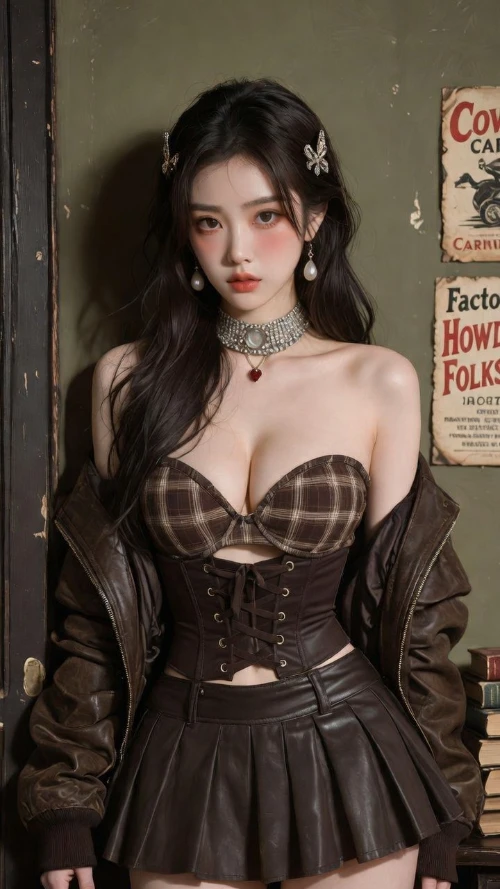
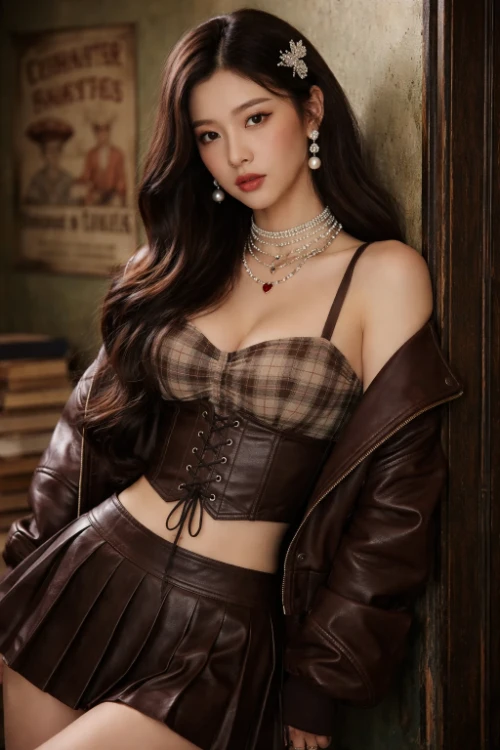
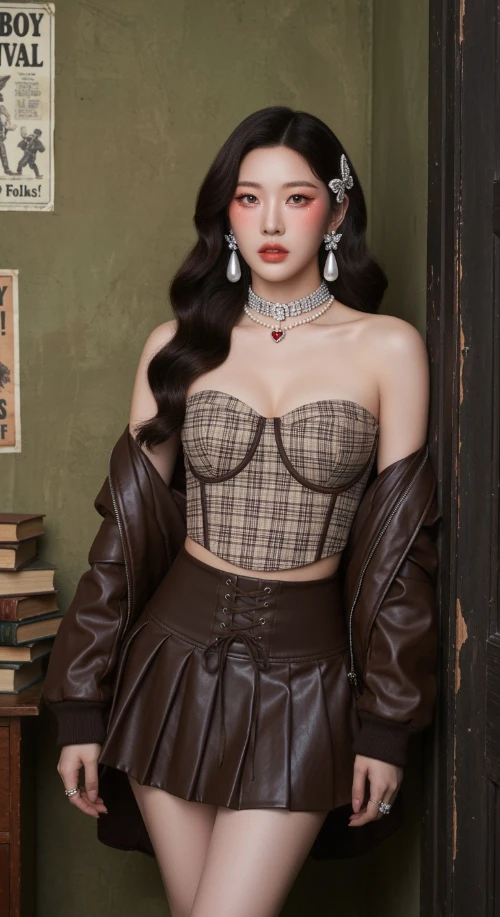
Prompt
Vintage Western Pin-up with K-pop Model Aesthetic. Hyper-realistic editorial portrait photography. Subject: A striking, slender young Korean woman in her mid-20s. Long, dark brown Hollywood waves. Soft 'clean girl' makeup with peachy blush, subtle cat-eye, and nude-pink lips. Sultry, confident gaze directly at the viewer. Attire: Brown/beige plaid bustier crop top with a dark brown lace-up waist cincher. Matching dark brown pleated faux-leather mini skirt. Rich chocolate brown leather bomber jacket draped off the shoulders. Heavy rhinestone choker necklaces with a small red heart pendant. Large pearl drop earrings. Jeweled butterfly hair clips. Setting & Pose: Indoors, in a vintage American backroom. Leaning against a worn dark wooden door frame. Background: textured olive-green wall with faded vintage posters ('Cowboy Carnival', 'Factory Howdy Folks!'). A stack of aged books to the side. Medium full shot, cropped at upper thighs. Hands not visible, focus on face and torso. Photography Style: Ultra-detailed photo-realism, cinematic soft lighting, subtle analog film grain. Soft, cool, high-key lighting with minimal shadows. Shallow depth of field (bokeh). Shot on a professional camera (Sony A1/Canon R5) with an 85mm f/1.4 portrait lens at f/2.2. 8K resolution, hyper-detailed skin and fabric textures.
Generated Results
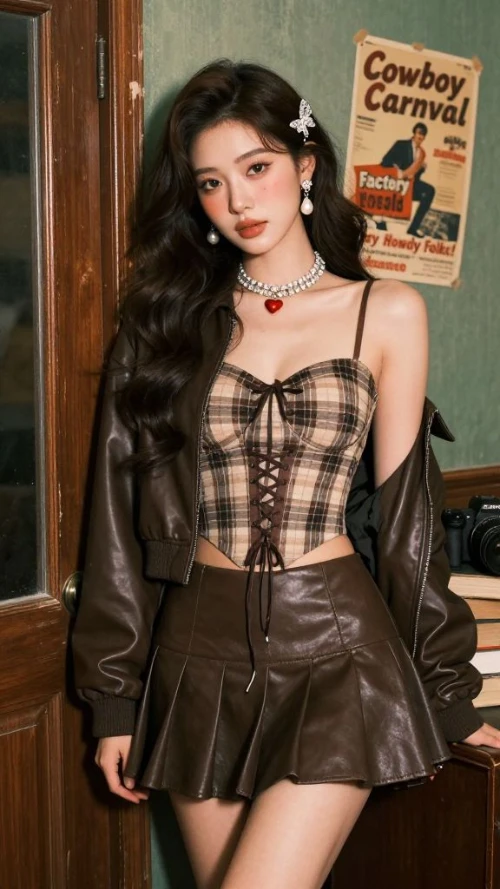
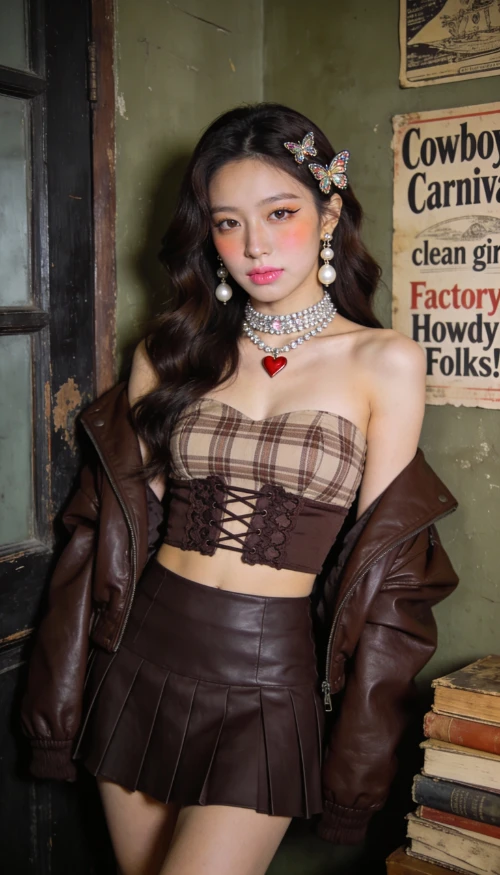
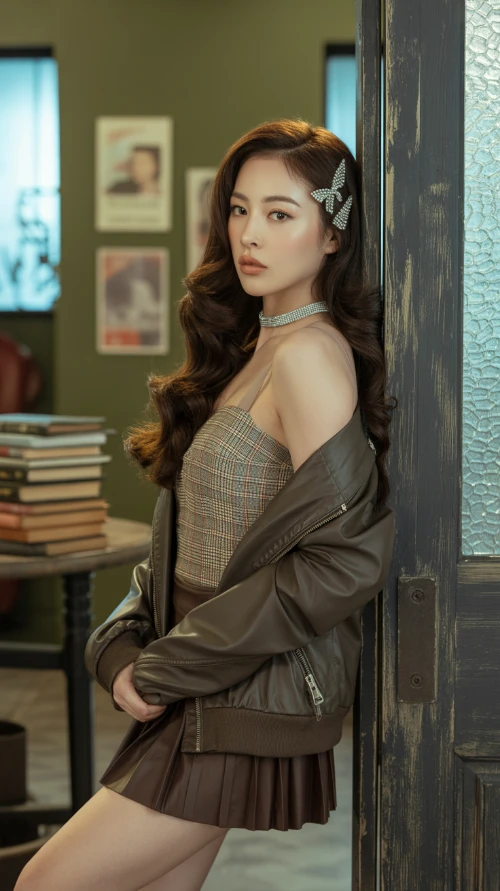
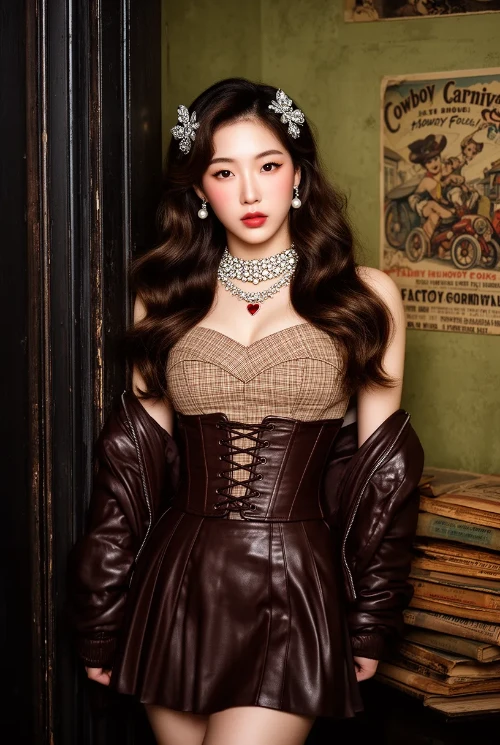
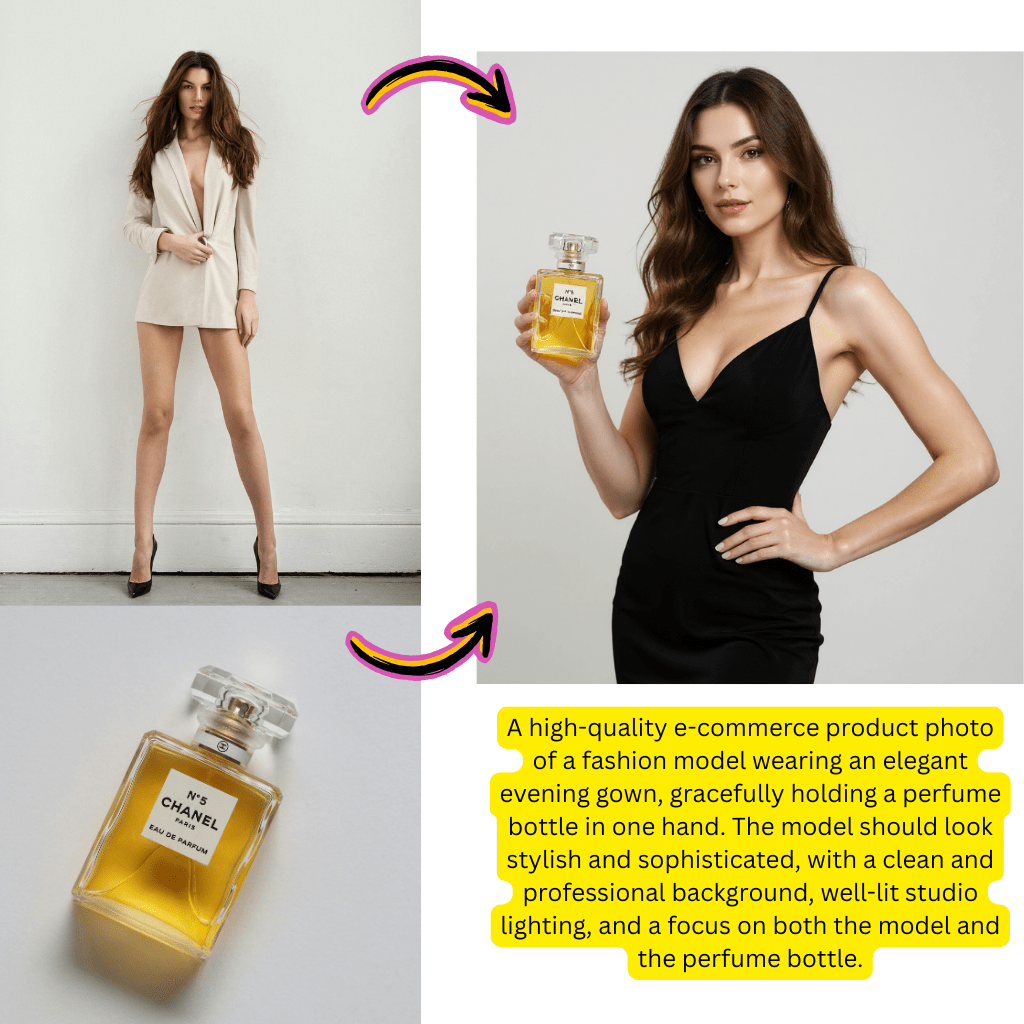
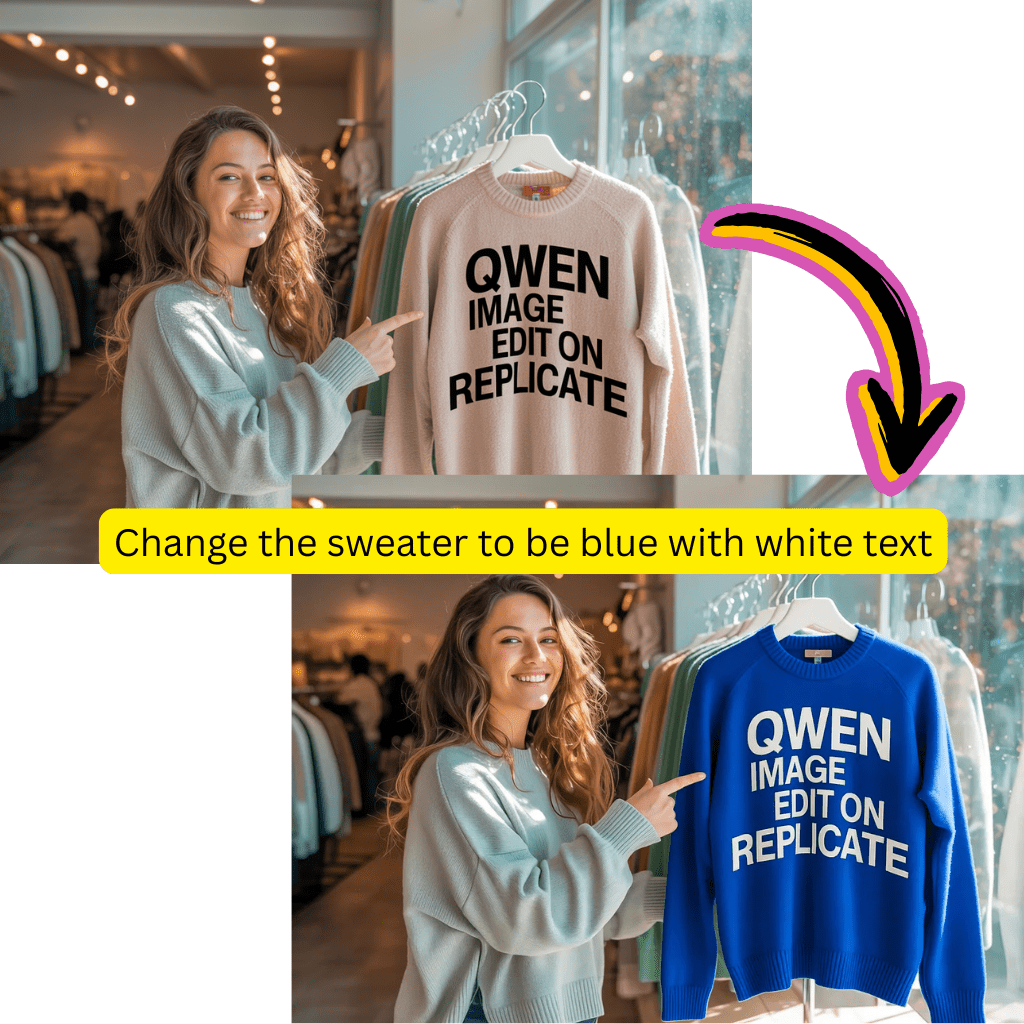
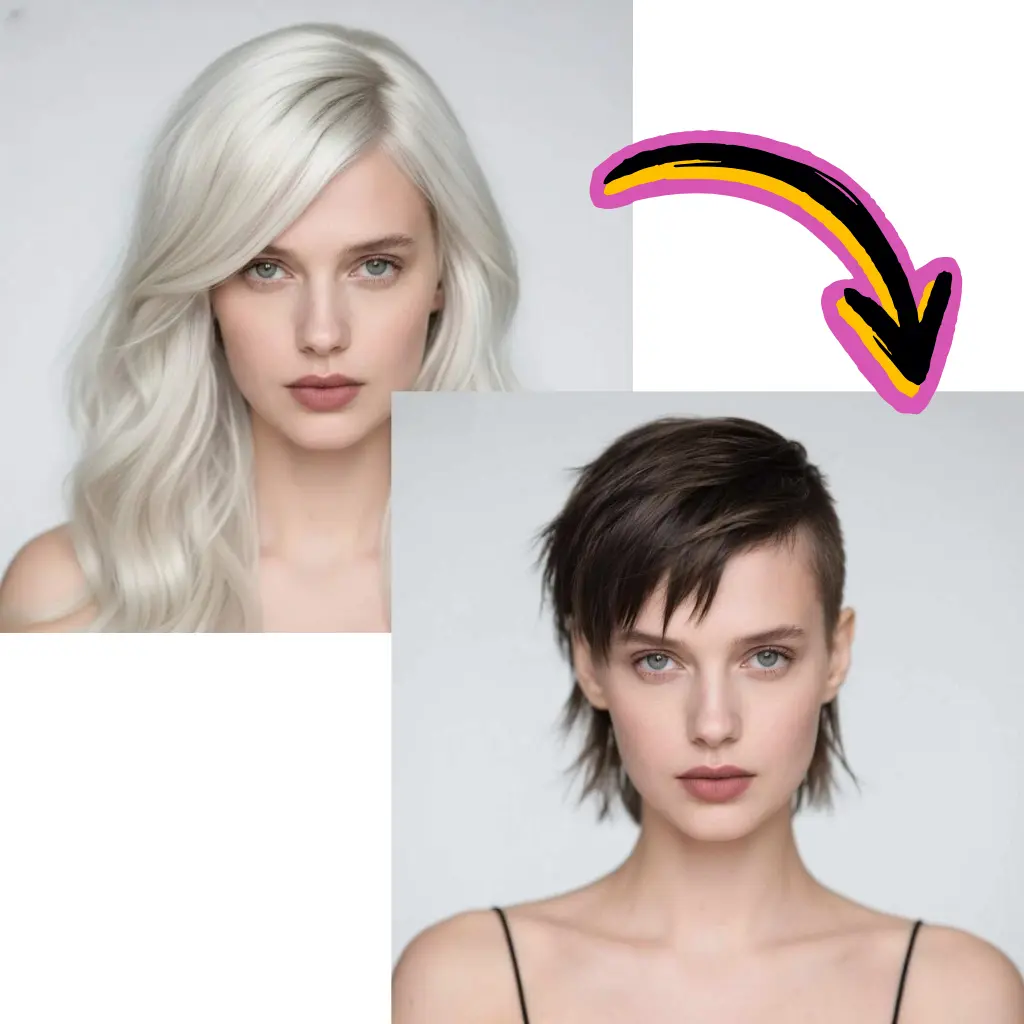
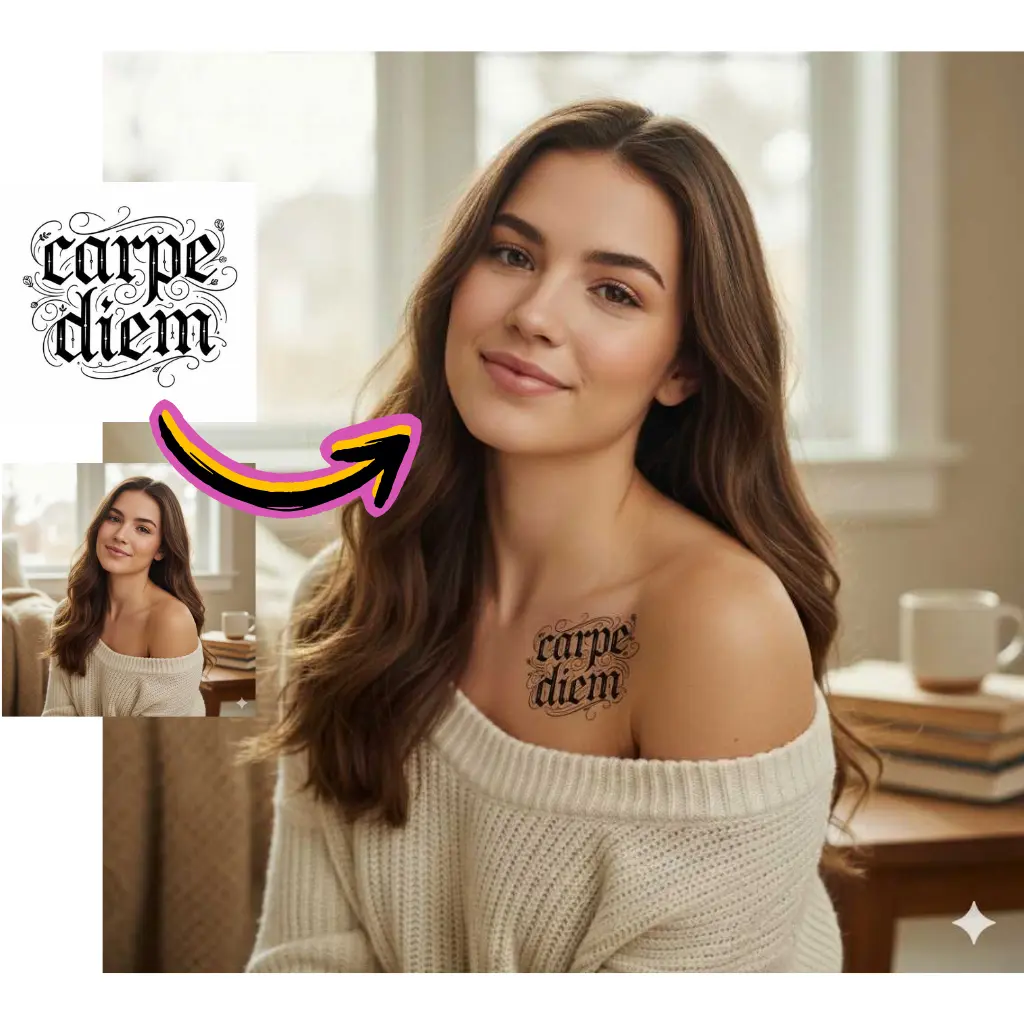
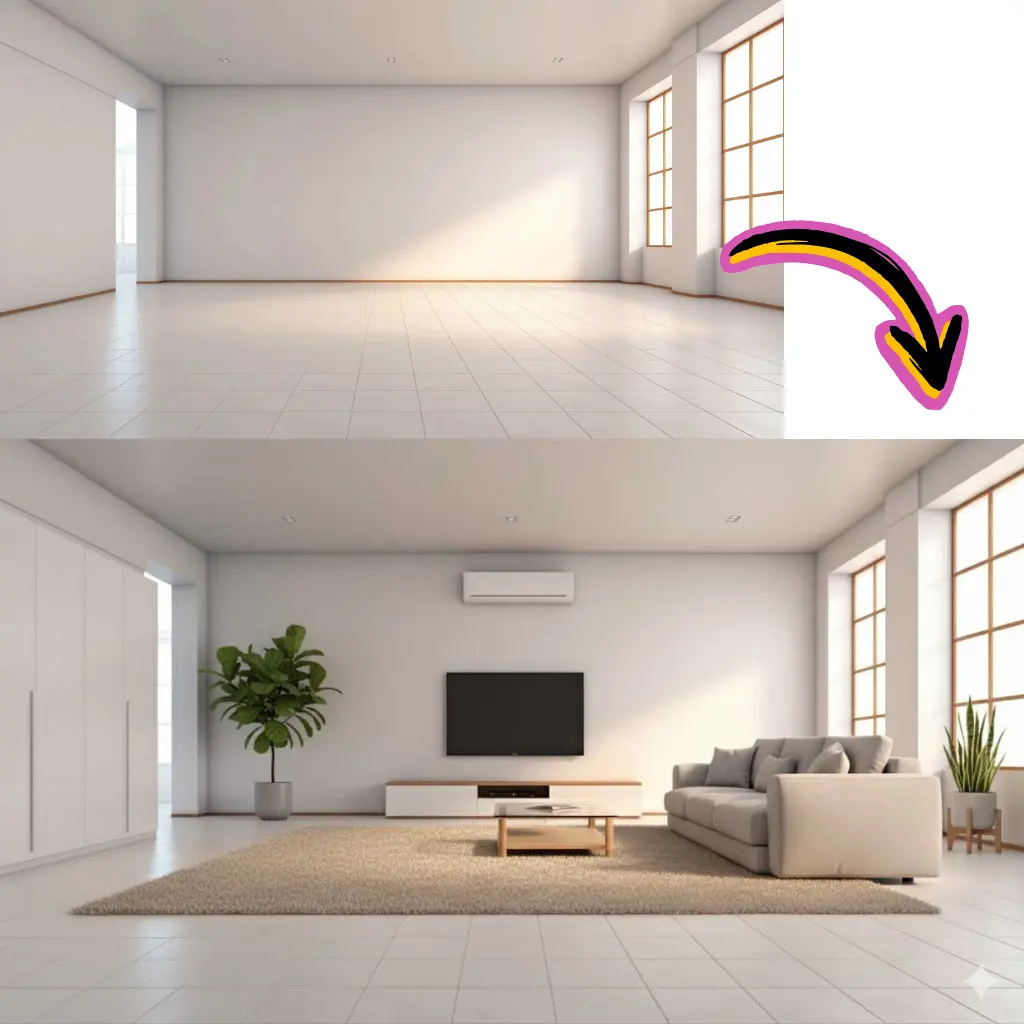
Comparison of Tiramisu AI Image to Image Models
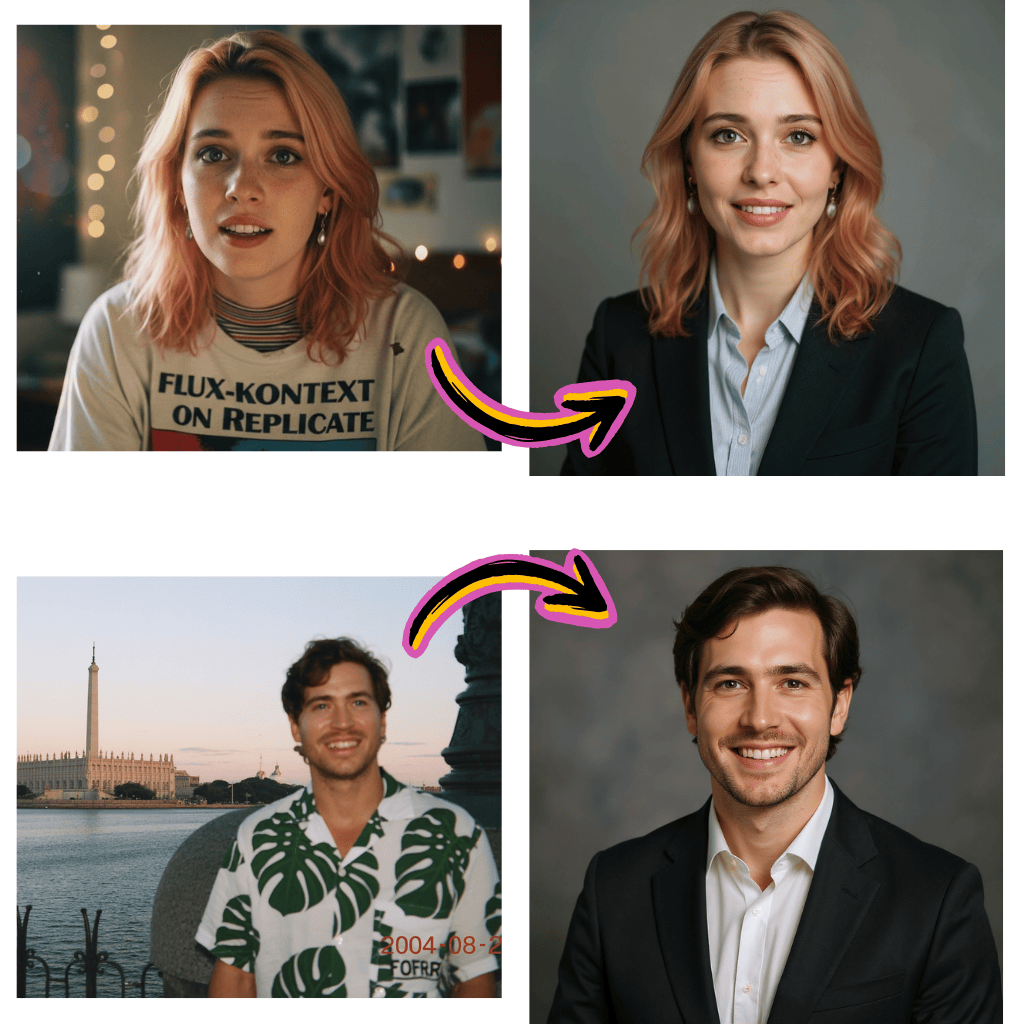
Original Image

Change the clothes to sports
Generated Results








Nano Banana vs Nano Banana Pro
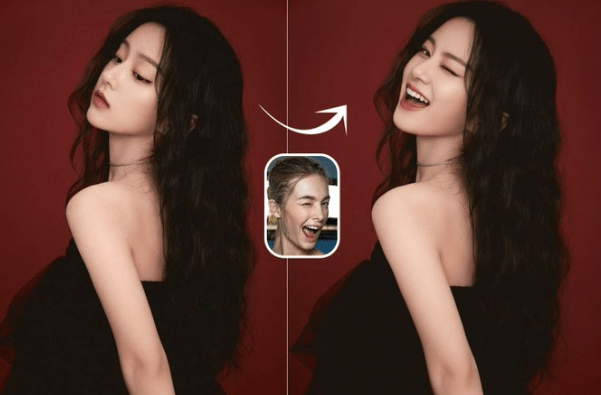
Original Image
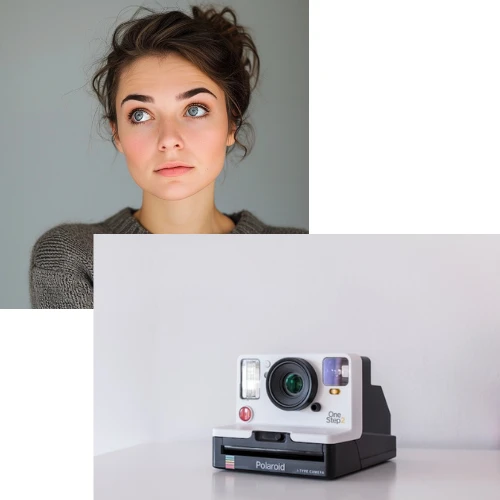
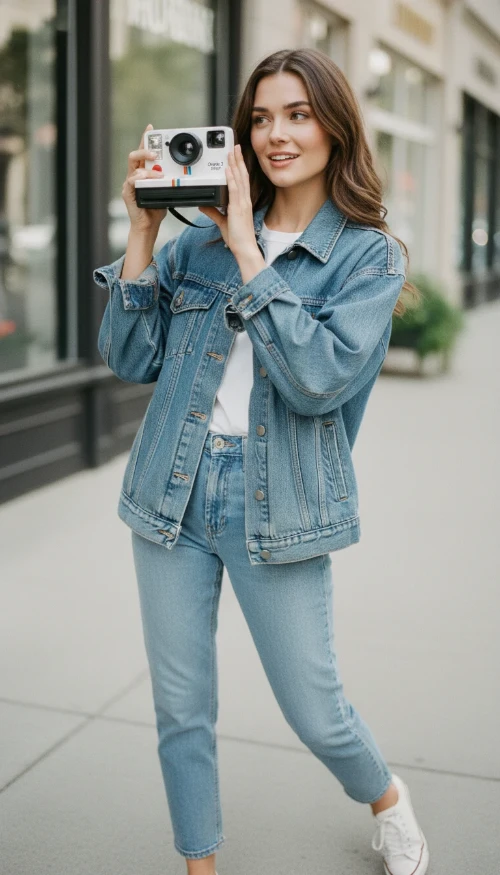
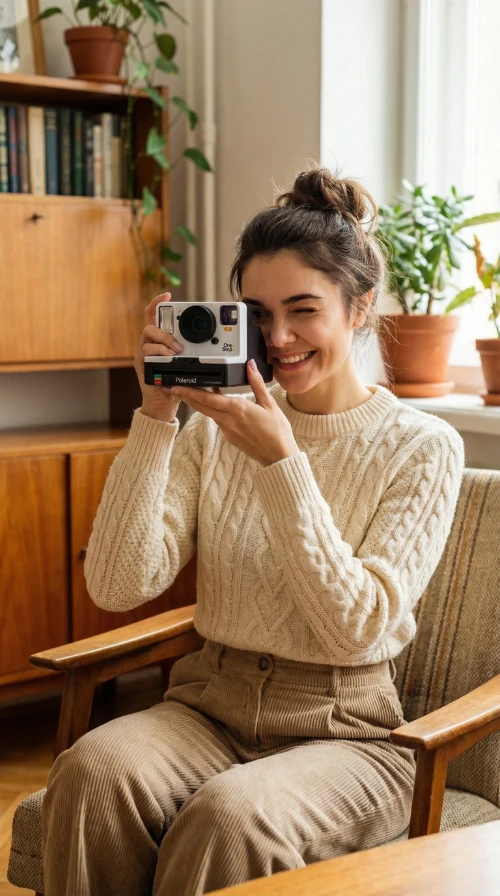
Make her hold the camera and adjust her pose and outfit to match the camera’s vibe
Generated Results
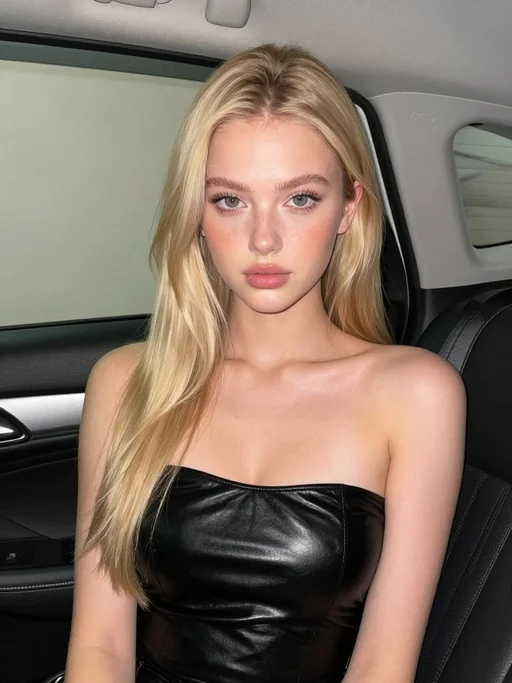
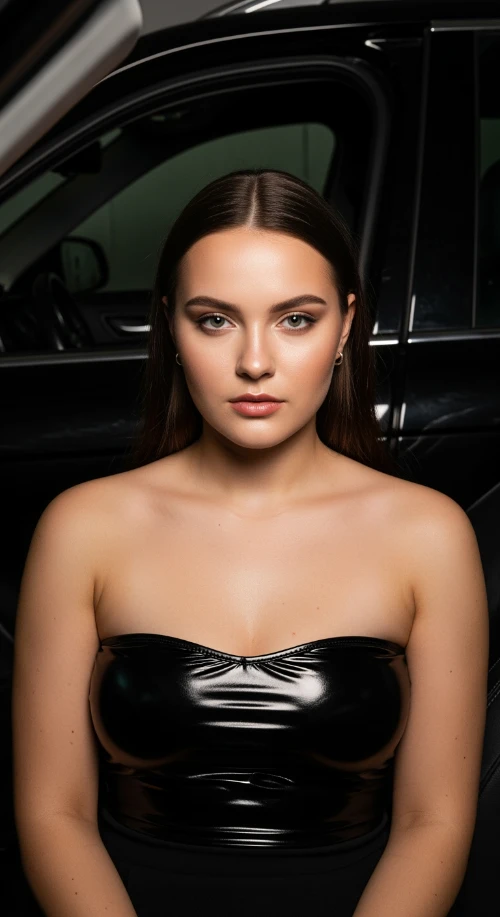
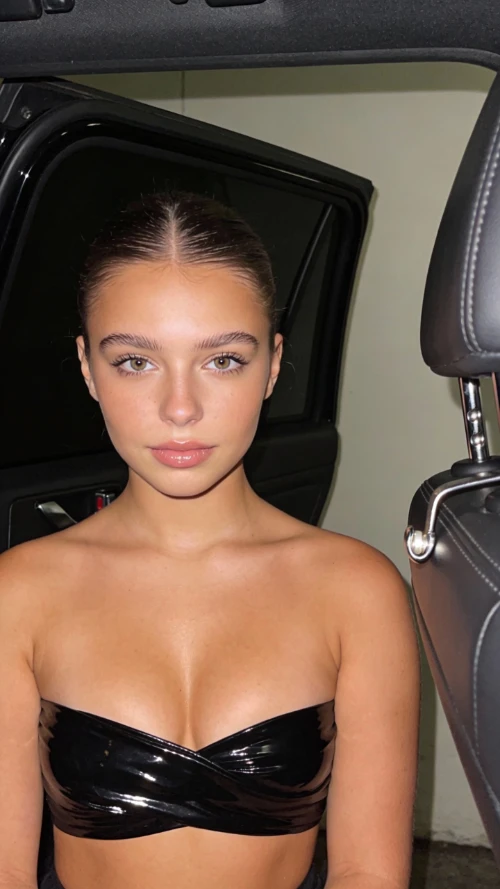
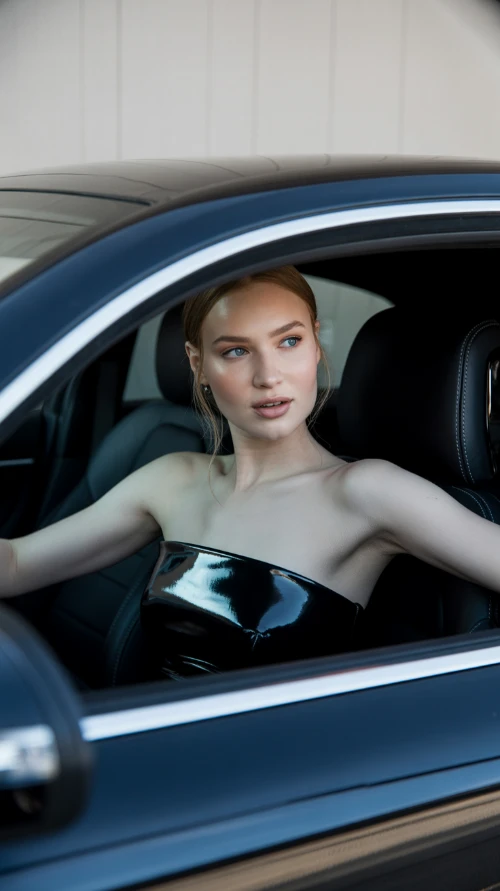
Z-Image vs Imagen4 vs Seedream vs Ideogram
Prompt
Stunning beautiful European 22 years old girl, fuller chest, seated inside a car interior at night. A black open car door is visible behind her. Soft flash lighting creates sharp highlights and shadows. She wears a glossy black strapless top wrapping tightly across the chest. Smooth matte skin glows from the flash. Clean background with light wall tones. The right side of the frame shows dark leather seat and chrome door latch. Camera angle is straight on at chest and face height. Tight close-up framing, centered composition. 4K resolution.
Generated Results
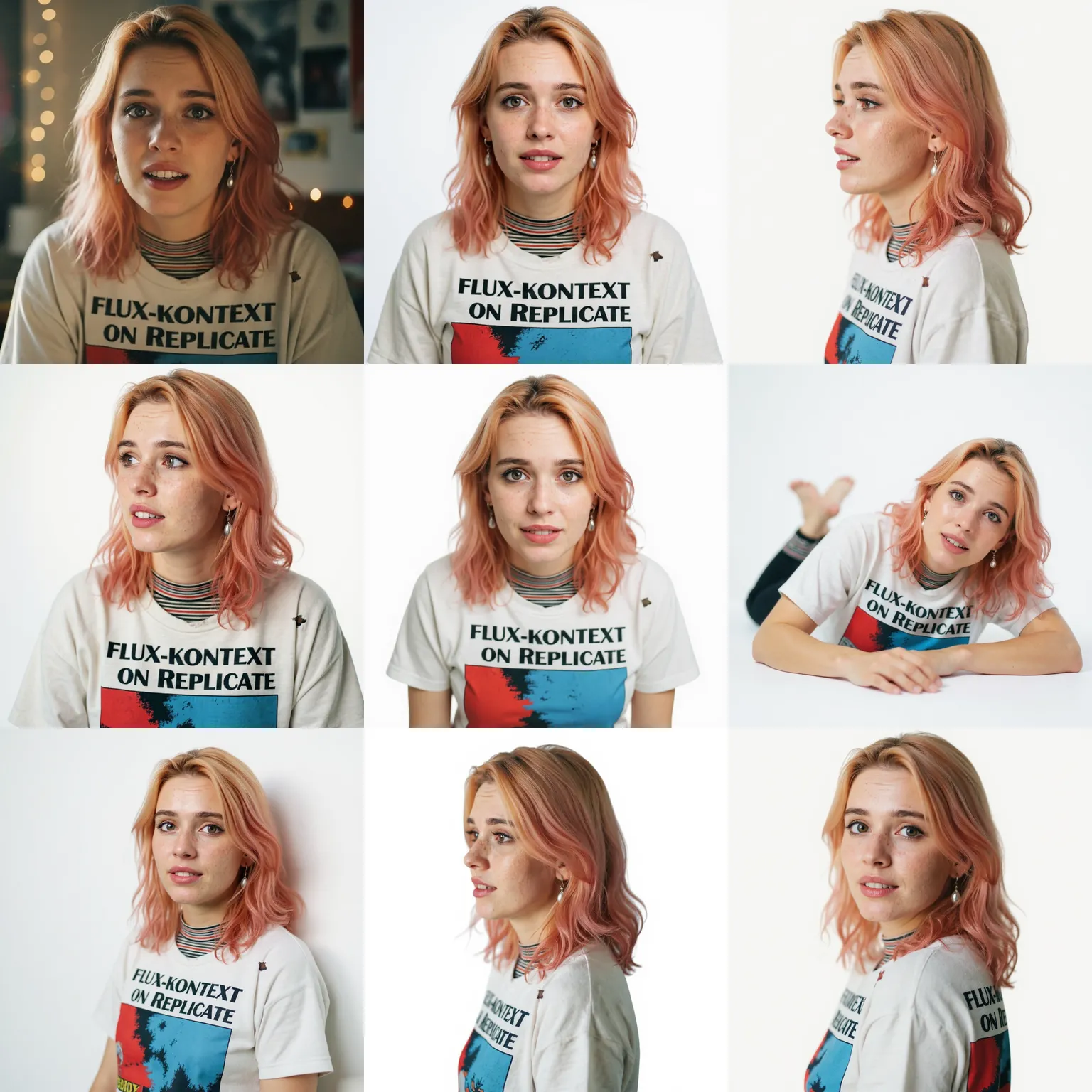
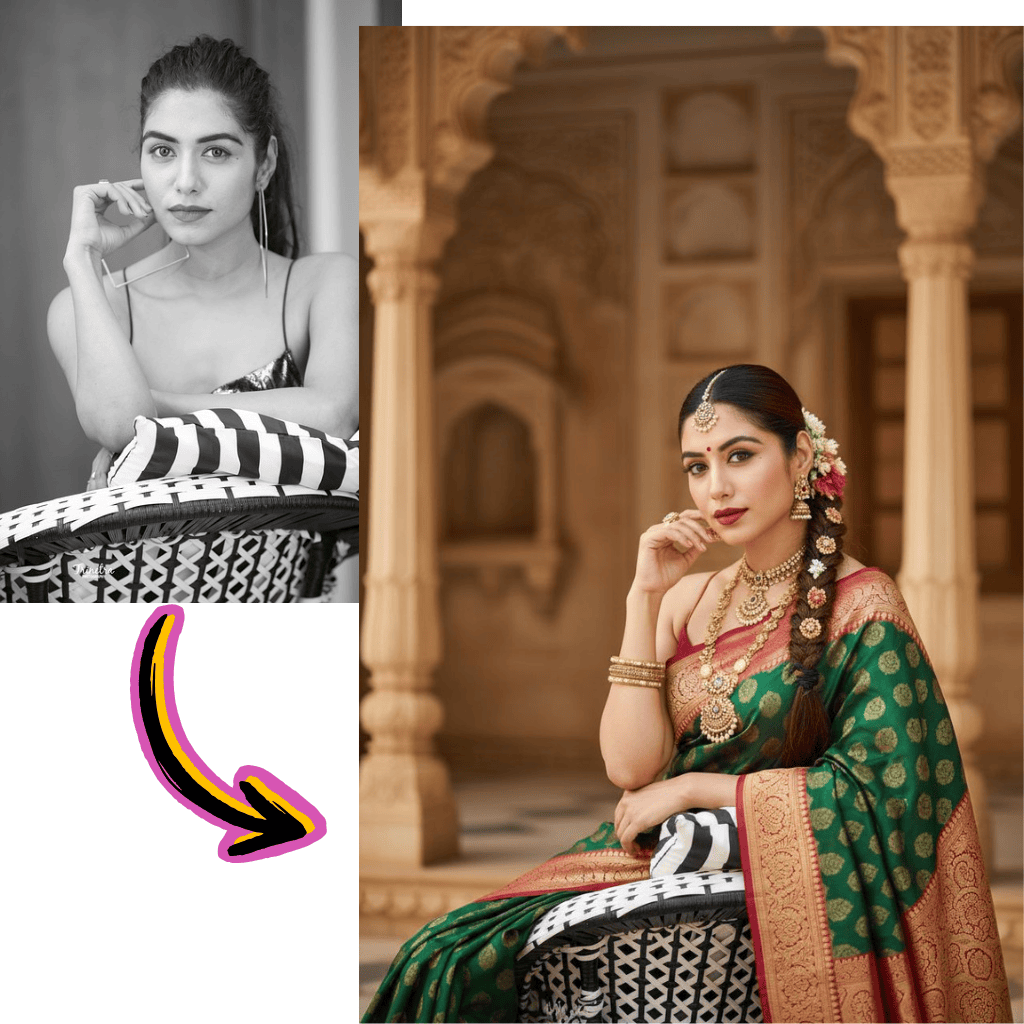
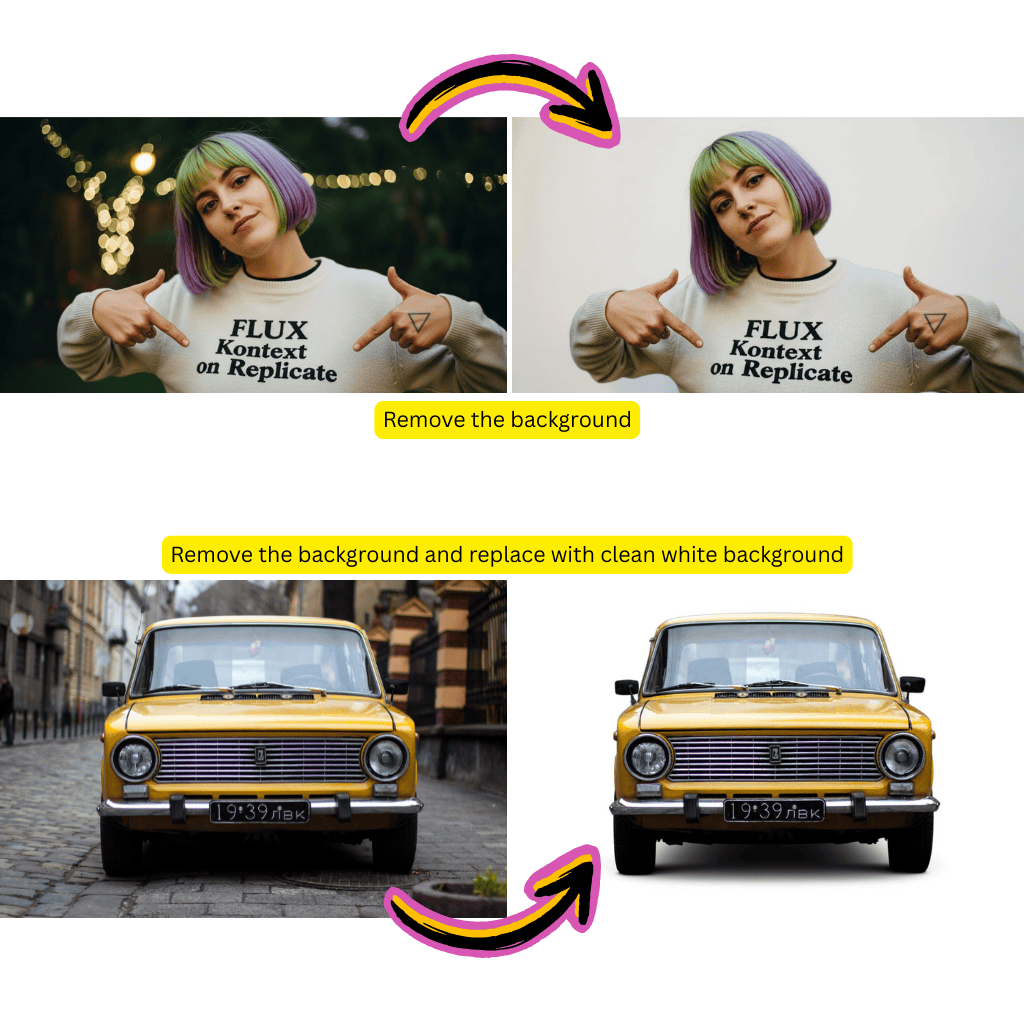
AI Image Models

Nano Banana 2
NewNext-gen image generation with enhanced quality
Nano Banana Pro
Pro-quality image generation with Flash speed
Nano Banana
FeaturedUltra-high character consistency

Seedream
Support images with cohesive styles
Seedream 5.0
NewSeedream 5.0 Lite text and image generation

Qwen
Good at complex text rendering

GPT Image 1.5
OpenAI's latest visual creation model

Flux Schnell Lora
Fast, creative image generation
Flux Kontext
For photorealism and creative control
Flux.2
NewAdvanced text to image and image to image generation
Z-Image Turbo
Ultra-fast image generation with excellent quality

Ideogram
Excellent text rendering in images

Grok Imagine
NewxAI's powerful image generator
Imagen 4
Google's latest text to image model
What is Tiramisu AI
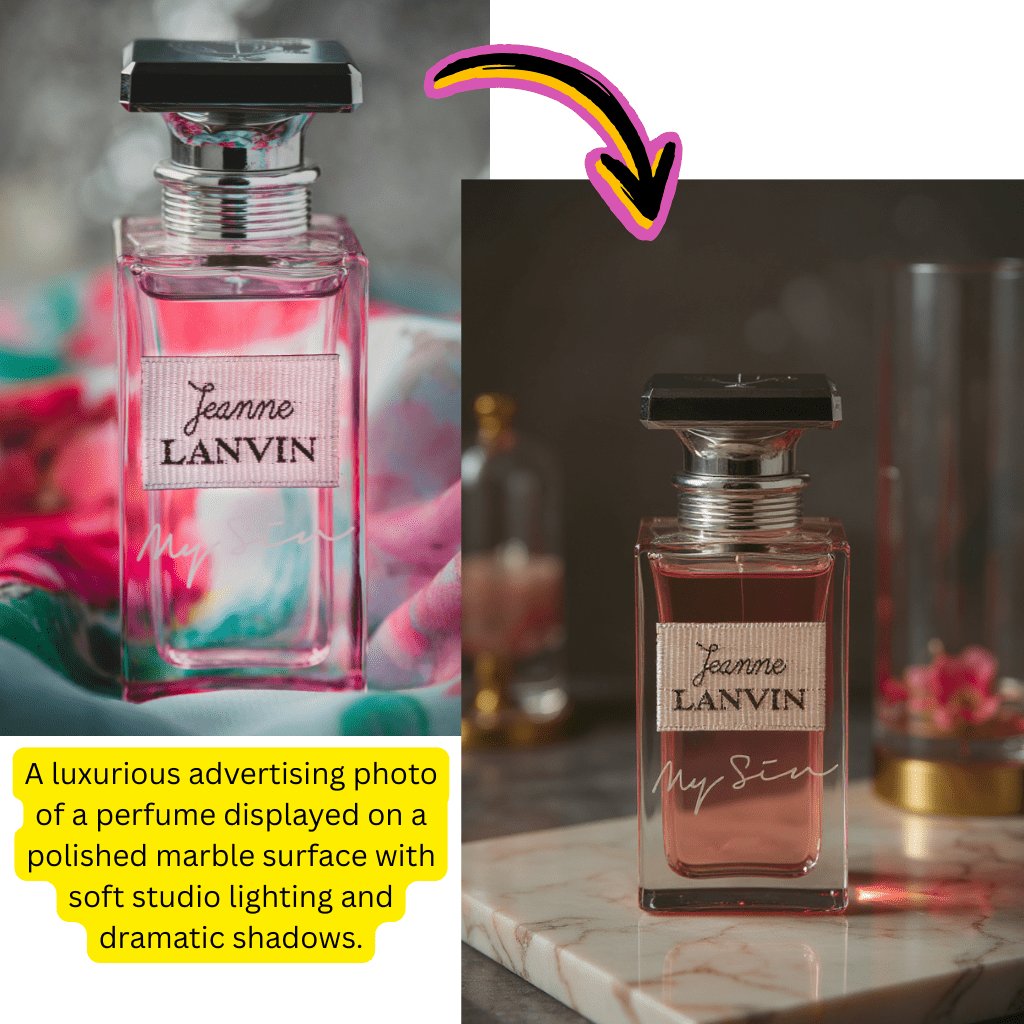
Text to Video Free
Convert written prompts into dynamic clips using our free text to video generator.
Image to Video Conversion
Animate your photos with our image to video AI. Turn static pictures into motion.
Multi-Model Access
Choose from Sora, Kling, Veo, Wan 2.5, Hailuo, and Nano Banana models.
Why Choose Tiramisu AI
Our platform combines the best video generators and image tools in one interface. No switching between Luma, Runway, or Pika Labs required.
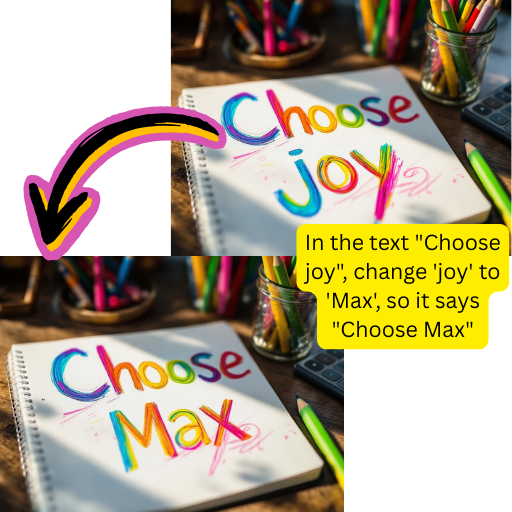
Best Free Video Generator
Generate clips without watermarks using our free tier. Comparable to premium tools like Sora and Veo at zero cost.
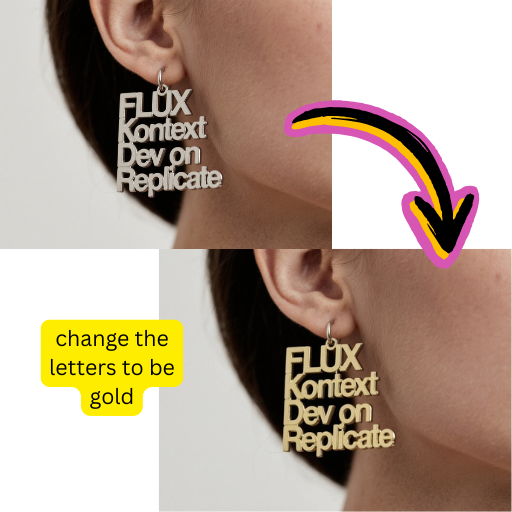
Photo to Video Made Simple
Upload any picture and watch it come alive. Our photo to video AI handles portraits, landscapes, and product shots.
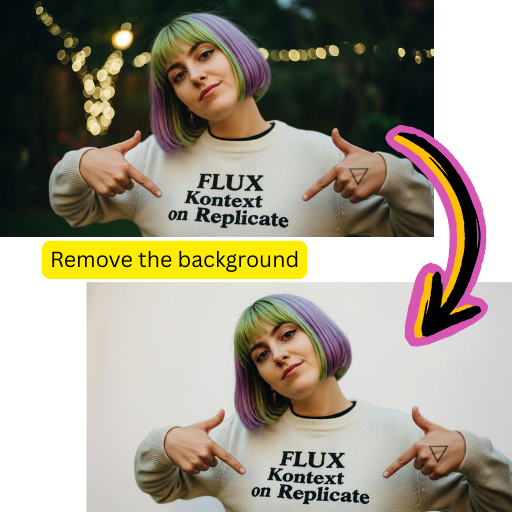
Complete Creative Suite
From text to image generation to background removal, access all creative tools in one dashboard.
How to Create Videos Free Online
Generate professional content in minutes with Tiramisu AI:
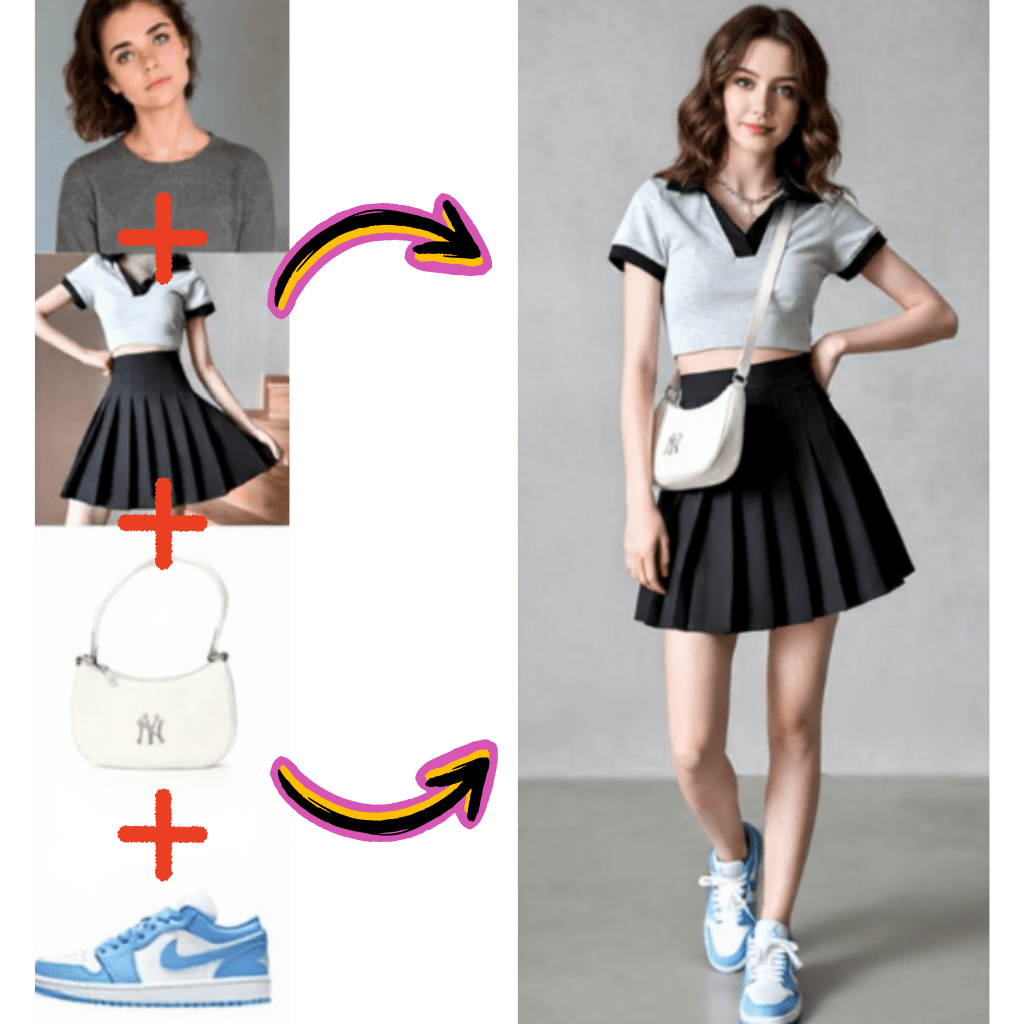
Enter Your Prompt
Describe the scene you want to create. Works for both text to video and text to image requests.
Select Your Model
Pick from Sora 2, Kling, Veo 3, Minimax Hailuo, Pixverse, or Nano Banana based on your needs.
Generate Content
Click generate and our video generator creates your clip in seconds.
Download or Share
Save clips to your device or share directly to YouTube and social platforms.
Tiramisu AI Core Features
Everything creators need for powerful content production:
Text to Video Generator
Transform written descriptions into cinematic clips with natural motion and lighting.
Image to Video AI
Animate photographs with realistic movement. Ideal for social media and marketing.
Picture to Video Converter
Turn any picture into engaging motion content using advanced neural networks.
Image Generator
Create original visuals from text. Supports photorealistic and artistic styles.
Free Face Swap
Swap faces in photos and clips with one click. Safe and privacy-focused.
API Integration
Connect Tiramisu AI to your apps with our developer-friendly API.
Trusted by Creators Worldwide
Join millions using Tiramisu AI for their creative projects.
Active Creators
2M+
Monthly Users
Videos Generated
10M+
Total Clips Created
Satisfaction Rate
97%
Positive Reviews
What Creators Say About Tiramisu AI
Real feedback from content producers using our platform daily.
David
YouTube Creator
The text to video feature cut my production time in half. Quality rivals what I got from Runway and Pika at a fraction of the cost.
Rachel
Marketing Director
We use the image to video converter for product launches. Converting catalog photos to motion ads used to take days. Now it takes minutes.
Marcus
App Developer
Integrated the API into our social app. Users love creating quick clips from text prompts. The free tier helped us launch without heavy costs.
Sofia
Social Media Manager
Photo to video AI is perfect for Instagram Reels. I animate client portraits and watch engagement triple. Best free alternative to Luma Dream Machine.
James
E-commerce Owner
Turned static product images into video ads using picture to video. Sales conversion went up 40% since switching from plain photos.
Anna
Freelance Designer
Having Sora 2, Kling, and Veo models in one place saves so much time. No more jumping between platforms to compare outputs.
Frequently Asked Questions
Find answers about our video and image tools. Contact support for additional help.
What is Tiramisu AI?
Tiramisu AI is an all-in-one creative platform offering text to video generation, image to video conversion, photo editing, and image creation. It provides access to multiple models including Sora 2, Kling, Veo 3, Minimax Hailuo, Pixverse, and Nano Banana through a single interface.
Is the text to video generator really free?
Yes, our free tier includes daily credits for text to video generation with no watermarks on output. Premium plans offer higher resolution, longer clips, and priority processing. You can start creating immediately without payment.
How does image to video conversion work?
Upload any static image and our system analyzes the content to generate realistic motion. The image to video converter identifies objects, subjects, and backgrounds then creates natural movement patterns. Processing typically takes 10-30 seconds depending on complexity.
Can I convert photos to video for free?
Absolutely. The photo to video feature is available on our free plan. Upload portraits, landscapes, or product shots and receive animated clips. Free users get multiple conversions daily with standard resolution output.
What models are available on Tiramisu AI?
We offer access to Sora 2 from OpenAI, Google Veo 3, Kling from Kuaishou, Minimax Hailuo, Seedance, Pixverse, Wan 2.5, and Nano Banana. Each model has different strengths for various creative needs.
How does this compare to Sora AI?
Tiramisu AI includes Sora 2 as one of many available models. Beyond Sora, you also get Kling, Veo, Hailuo and others. This multi-model approach lets you compare results and choose what works best for each project without separate subscriptions.
Is Sora 2 available in my country?
Sora 2 availability through Tiramisu AI depends on OpenAI regional restrictions. However, alternative models like Kling, Veo 3, and Hailuo are available globally. Check our model selector to see which options work in your region.
What's the difference between text to video and image to video?
Text to video creates clips entirely from written descriptions with no visual input needed. Image to video takes an existing photograph and animates it. Both features are included in Tiramisu AI. Choose text to video for completely new content or image to video to bring existing visuals to life.
How long can generated videos be?
Free tier clips run 3-5 seconds depending on the model. Premium plans unlock up to 20 seconds for Sora and Kling, with some models supporting even longer durations. Most social media content performs best at 5-15 seconds anyway.
Can I use picture to video for commercial projects?
Premium subscribers receive commercial usage rights for all generated content. Free tier outputs are licensed for personal use only. Upgrade to any paid plan for full commercial licensing on video and image creations.
Does Tiramisu AI offer an image generator?
Yes, beyond video tools we include a complete image generator. Create original graphics from text prompts with styles ranging from photorealistic to anime. The text to image feature uses similar technology to DALL-E and Midjourney.
What is Nano Banana?
Nano Banana is a model optimized for fast video generation with distinctive visual style. It excels at creative and artistic clips. The Nano Banana video generator produces unique results different from photorealistic models like Veo.
How do I get better results from text to video?
Write detailed prompts describing scene, lighting, camera angle, and motion. Specify style preferences like cinematic or documentary. Short, vague prompts produce generic results. The more detail you provide, the closer output matches your vision.
Can I generate videos from YouTube content?
Tiramisu AI creates original content from your prompts and images. We don't process third-party YouTube videos. For transcription needs, tools like Otter AI or Turboscribe handle video to text conversion.
Is there a free face swap tool?
Yes, our face swap feature lets you swap faces in photos with high accuracy. The free version handles standard swaps while premium adds video face swap and batch processing. All processing is privacy-focused.
How does Veo 3 compare to other models?
Google Veo 3 produces highly realistic motion with excellent physics simulation. It handles complex scenes better than many alternatives. Within Tiramisu AI, try Veo for realism, Kling for character animation, and Pixverse for stylized content.
What makes Kling special?
Kling excels at human motion and facial expressions. The Kling video generator produces natural-looking people in motion, making it ideal for marketing and social content featuring humans. It's particularly strong with portrait videos.
Does the platform support speech to text?
Our focus is content creation rather than transcription. For speech to text or audio to text conversion, dedicated tools like ElevenLabs or NotebookLM work better. Tiramisu AI specializes in generating visual content from your inputs.
Can I remove backgrounds from images?
Yes, the background remover tool cuts subjects from photos instantly. Combine it with our background changer to place subjects in new scenes. Both features work alongside video and image generation tools.
What video formats are supported?
Generated clips download in MP4 format compatible with all major platforms. Resolution ranges from 720p on free tier to 4K on premium plans. Convert to GIF directly within the platform if needed.
How does Hailuo perform?
Minimax Hailuo produces smooth, cinematic motion with artistic flair. The Hailuo video generator works well for creative projects requiring unique visual style. It's a strong choice when photorealism isn't the priority.
Is there an API for developers?
Professional and enterprise plans include API access for integrating text to video, image to video, and image generation into your applications. Documentation covers all endpoints with code samples in Python, JavaScript, and more.
Can I create music videos?
Combine our text to video generator with music from Suno or ElevenLabs. Generate visual clips matching your track then sync them in any video editor. We focus on visuals while dedicated music generators handle audio.
What resolution do free videos have?
Free tier generates 720p clips suitable for social sharing. Premium unlocks 1080p and 4K options depending on the model. Most social platforms compress uploads anyway, so 720p works well for Instagram, TikTok, and similar apps.
How does Pixverse compare to other generators?
Pixverse specializes in stylized, animated content rather than photorealism. The Pixverse video generator excels at creative and artistic clips with bold visual style. Use it when you want content that stands out from realistic footage.
Is Luma Dream Machine available here?
Tiramisu AI focuses on models like Sora 2, Kling, Veo, and Hailuo. While Luma Dream Machine isn't included, our available models offer comparable or superior results for most image to video and text to video needs.
Can I edit generated videos?
Download your clips and edit in any video software. The platform also includes basic trimming tools. For advanced editing, tools like CapCut or professional editors work with our MP4 exports seamlessly.
What happens if generation fails?
Failed generations don't consume credits. If processing times out or produces errors, retry with the same prompt at no cost. Our system automatically refunds credits for unsuccessful attempts.
Does Tiramisu AI work on mobile?
The web platform is fully responsive and works on phones and tablets. No app download required. Create text to video and image to video content directly from your mobile browser.
How do I choose between models?
For realism, try Veo 3 or Kling. For artistic style, use Pixverse or Nano Banana. Sora 2 handles diverse scenarios well. Hailuo offers smooth cinematic motion. Experiment with different models to find your preference.
Are generated images copyright-free?
Content created with premium plans includes commercial usage rights. You own the outputs and can use them in projects, products, and marketing. Free tier outputs are for personal use with attribution appreciated.
What makes Tiramisu AI different from competitors?
Multi-model access in one platform eliminates the need for separate subscriptions to Sora, Kling, Veo, and others. Compare results across models instantly. Plus, our free tier offers more generous limits than most alternatives.
Can I batch process multiple videos?
Premium plans support batch generation for creating multiple clips from different prompts simultaneously. Queue up to 10 jobs at once and download when complete. Free users process one generation at a time.
Is there a watermark on free videos?
Our free tier produces clips without intrusive watermarks. Small attribution may appear depending on the model selected. Premium plans remove all branding for completely clean exports.
How secure is my uploaded content?
Images uploaded for processing are encrypted and deleted after generation. We don't use your content for training. Privacy policy details our data handling practices. Enterprise plans offer additional security options.
Can I create product videos?
Product photography to video conversion is a popular use case. Upload product images and generate dynamic showcase clips. E-commerce sellers use this for listings, ads, and social promotion.
Does the platform support 4K video?
Premium and enterprise plans unlock 4K generation on supported models including Veo 3 and Kling. Processing time increases for higher resolution but quality scales significantly. Free tier maxes at 720p.
What is Seedance?
Seedance is a video model known for smooth transitions and consistent motion. The Seedance generator handles complex scenes with multiple subjects well. It's included in our model lineup alongside Sora and Kling.
Can I use Tiramisu AI for YouTube content?
Yes, many YouTube creators use our text to video and image to video tools for intros, B-roll, and explainer clips. Premium licensing covers commercial YouTube use. Generate content that matches your channel style using various models.
How often are new models added?
We regularly integrate new models as they become available. Recent additions include Veo 3, Wan 2.5, and updated Sora capabilities. Subscribe to updates for announcements when new generators launch on the platform.
Start Creating Videos Today
Transform your ideas into stunning visual content. Free to start, no credit card required.